 EN
 IT Italiano
 ES Español
 FR Français
 DE Deutsch
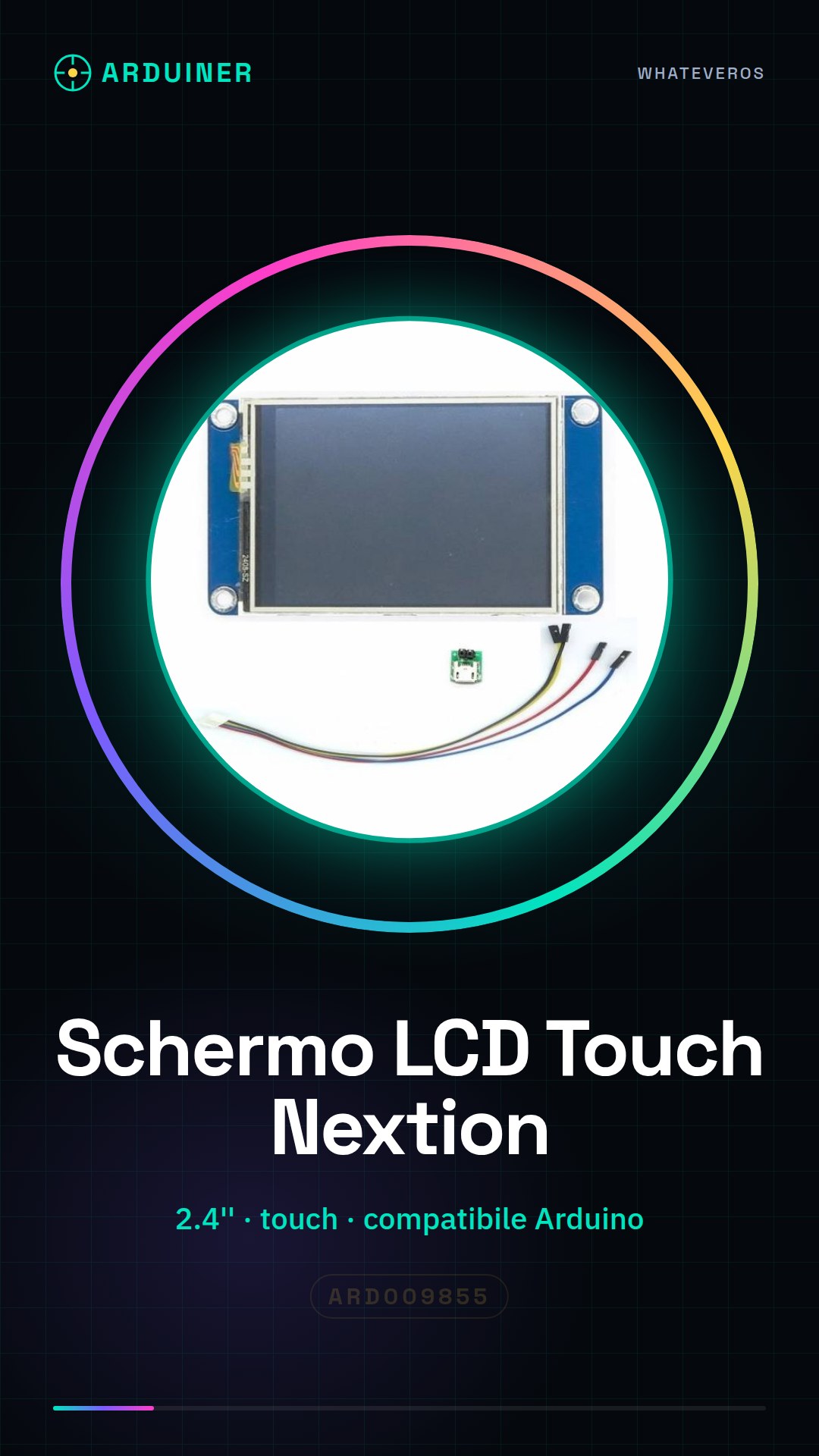
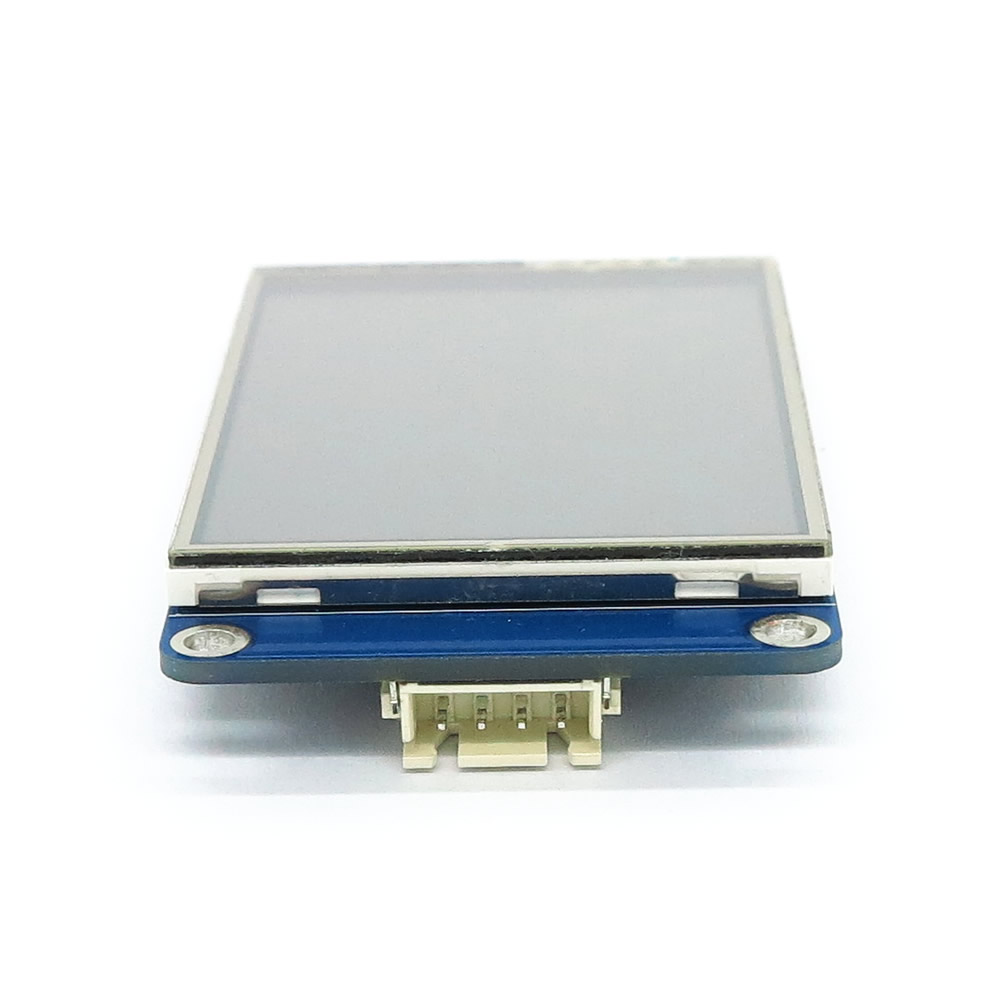
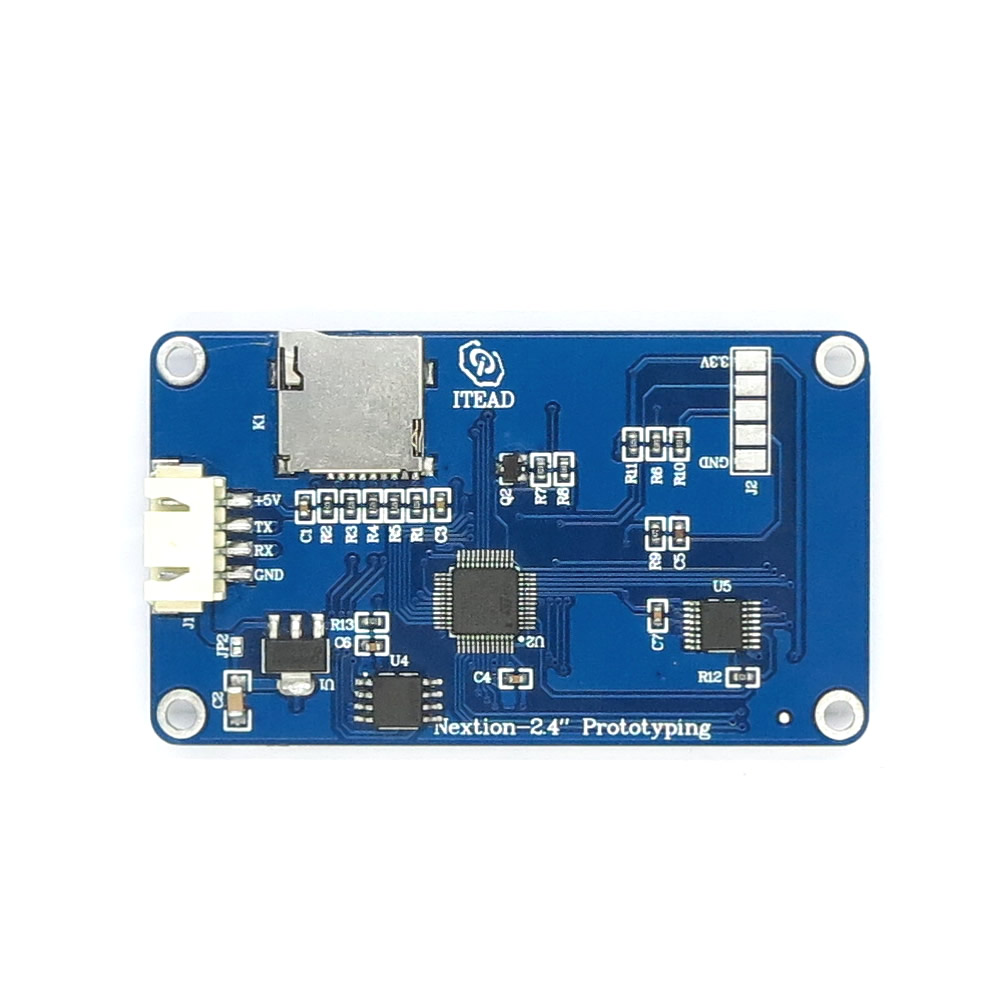
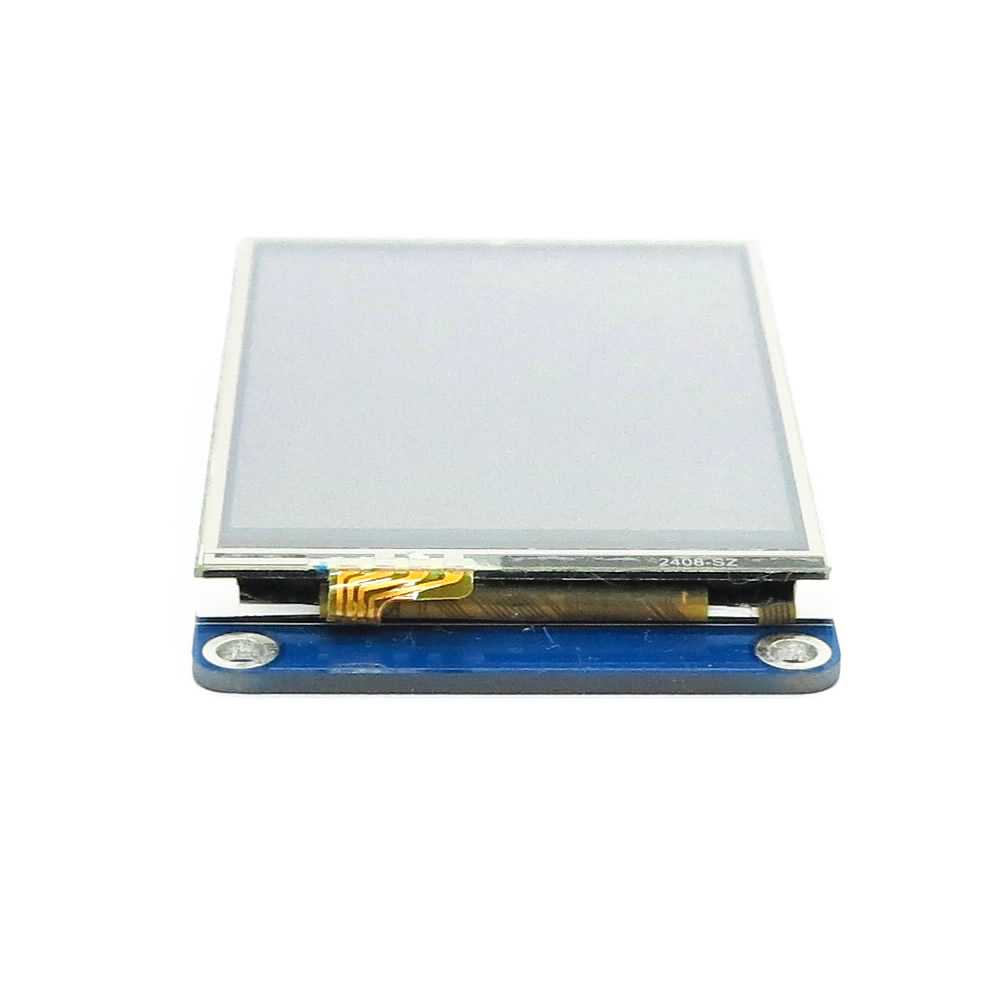
Description
What it is
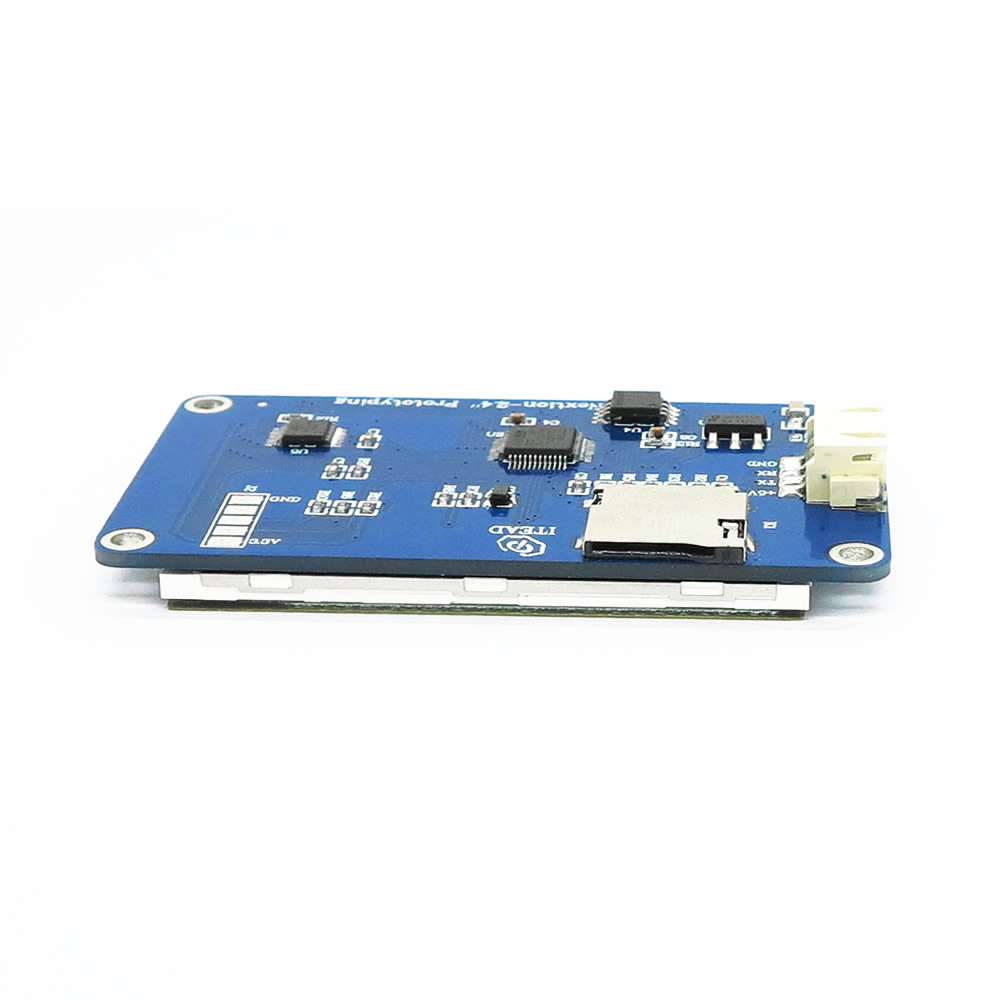
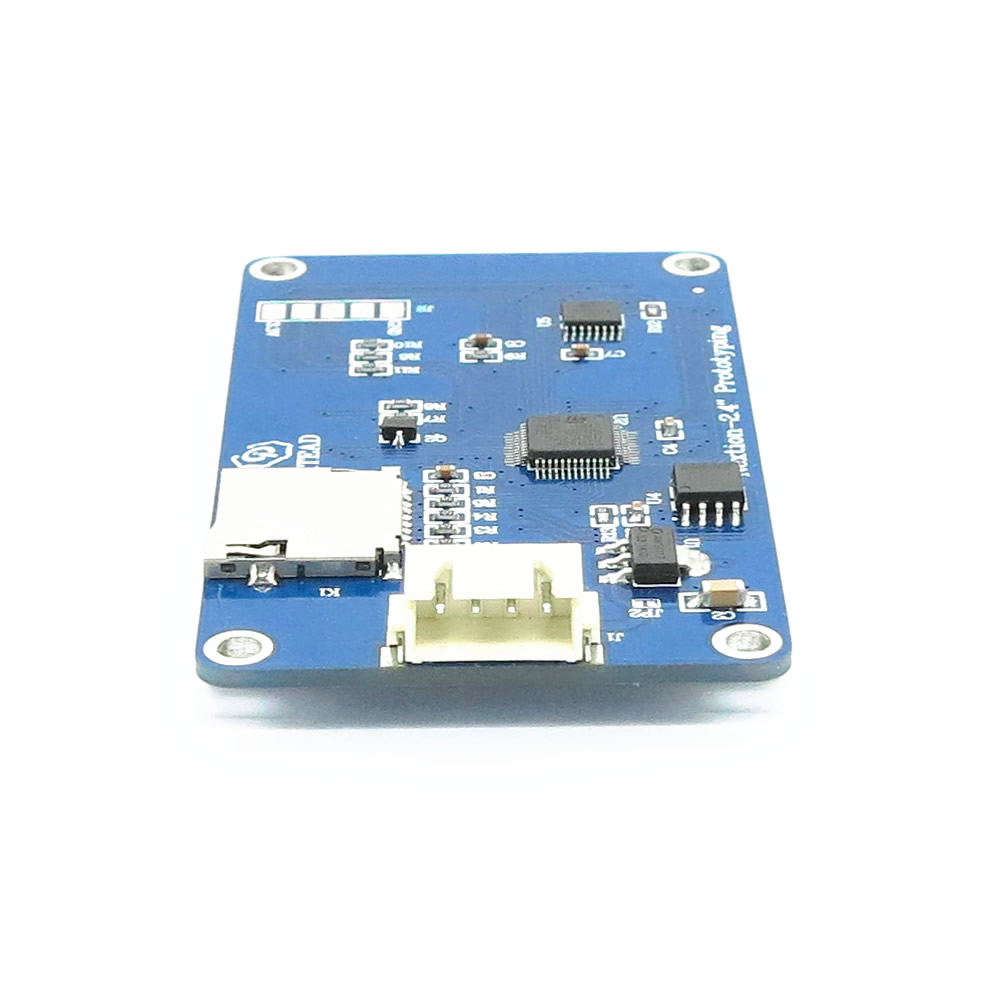
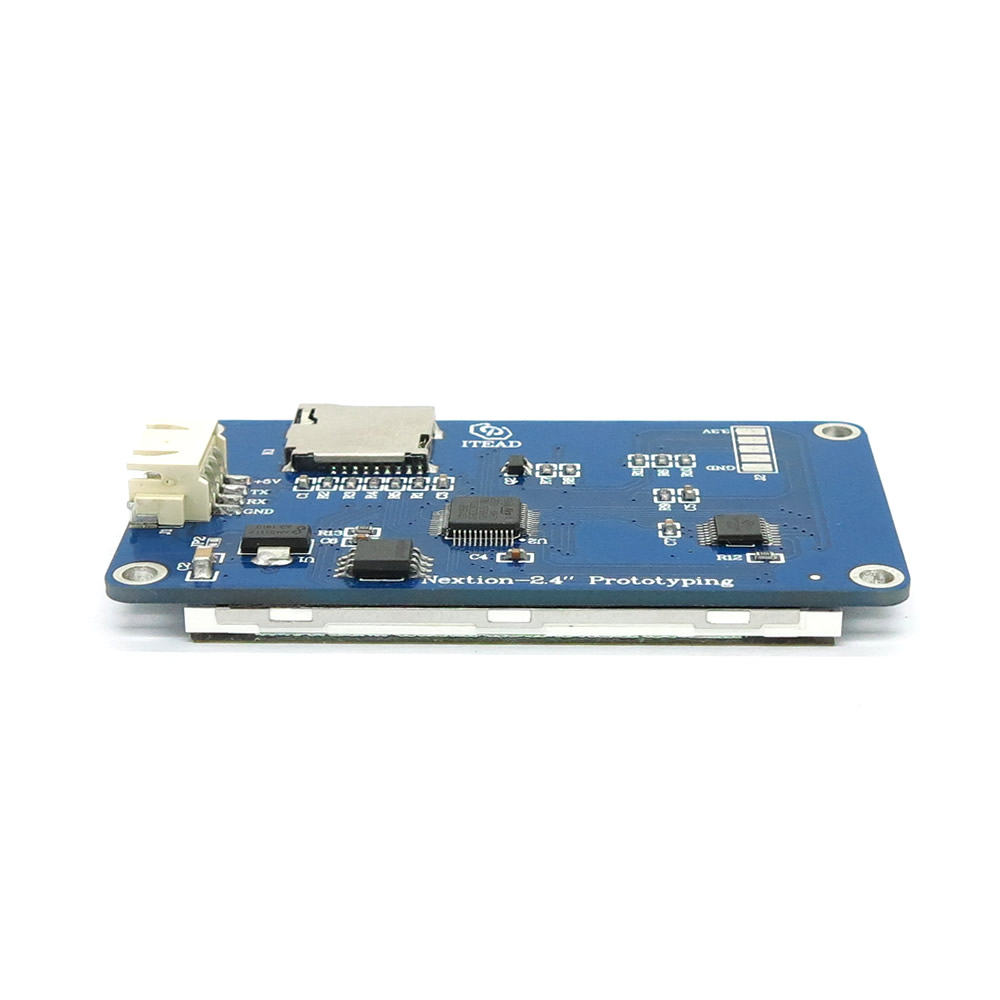
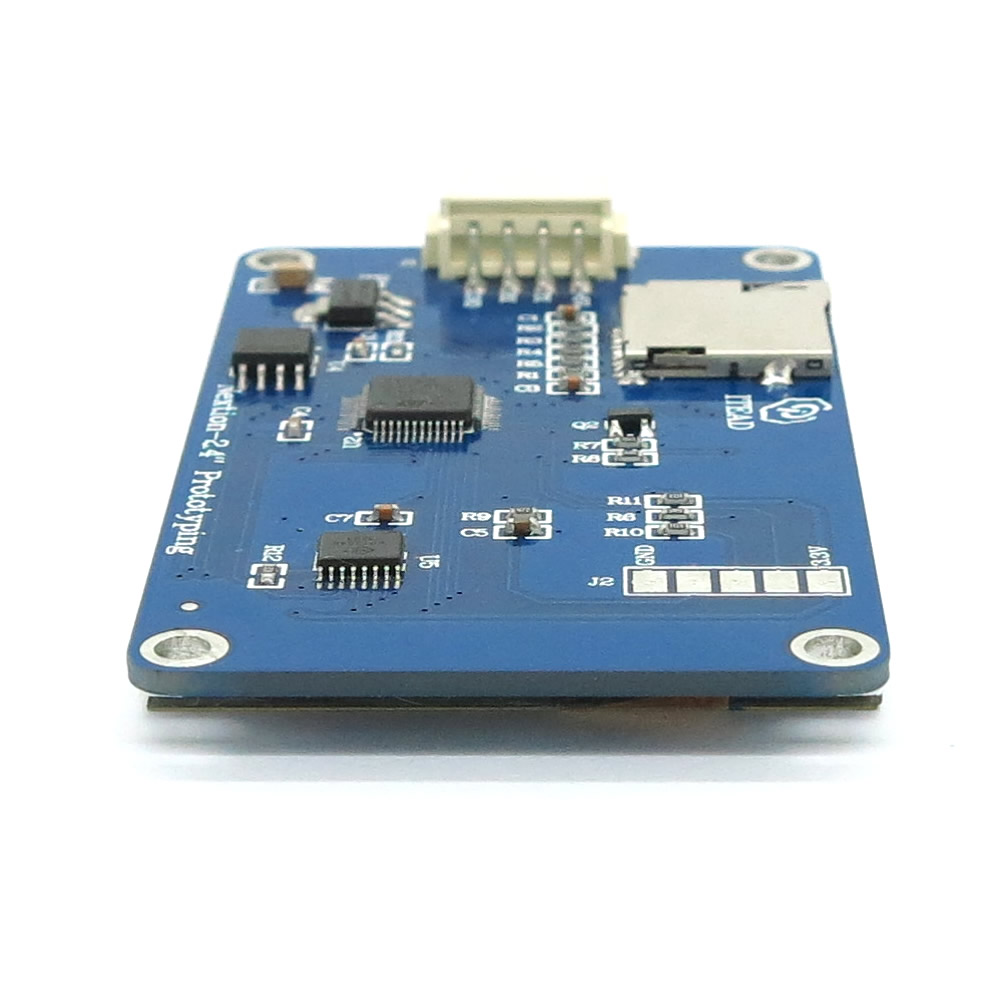
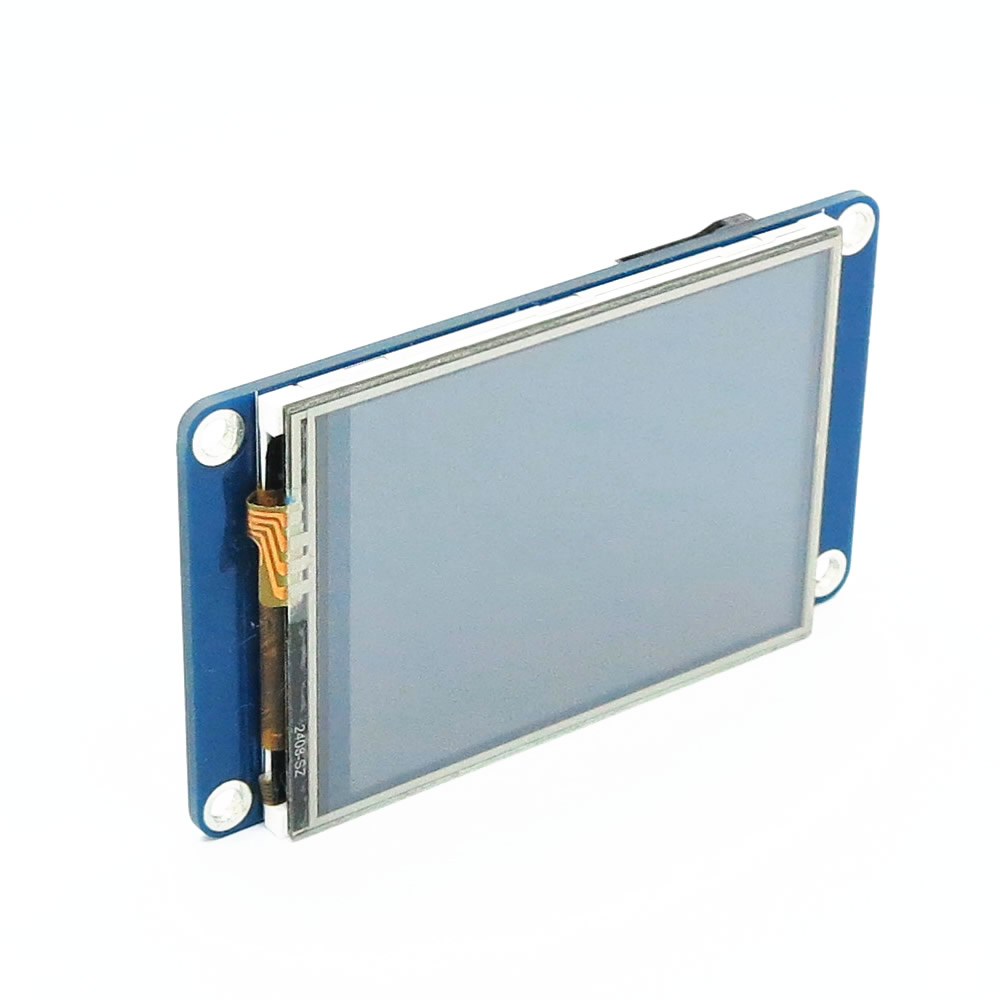
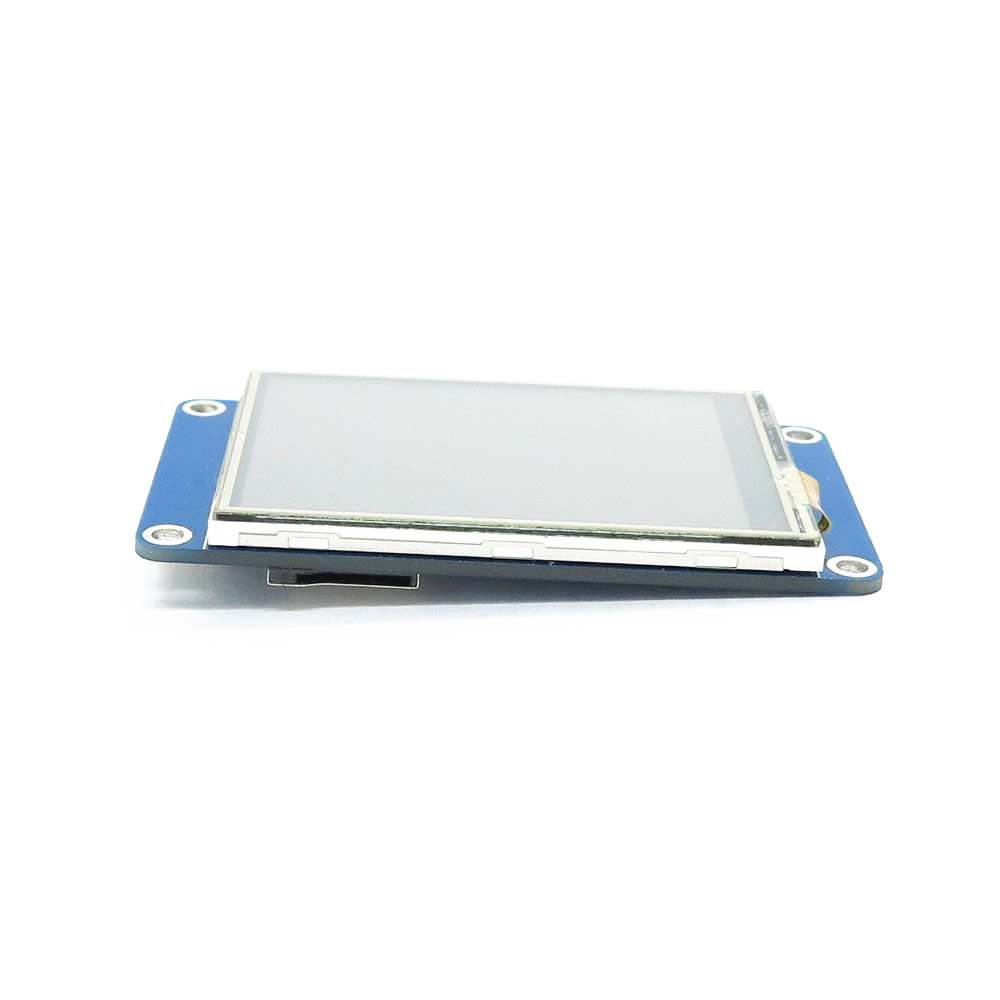
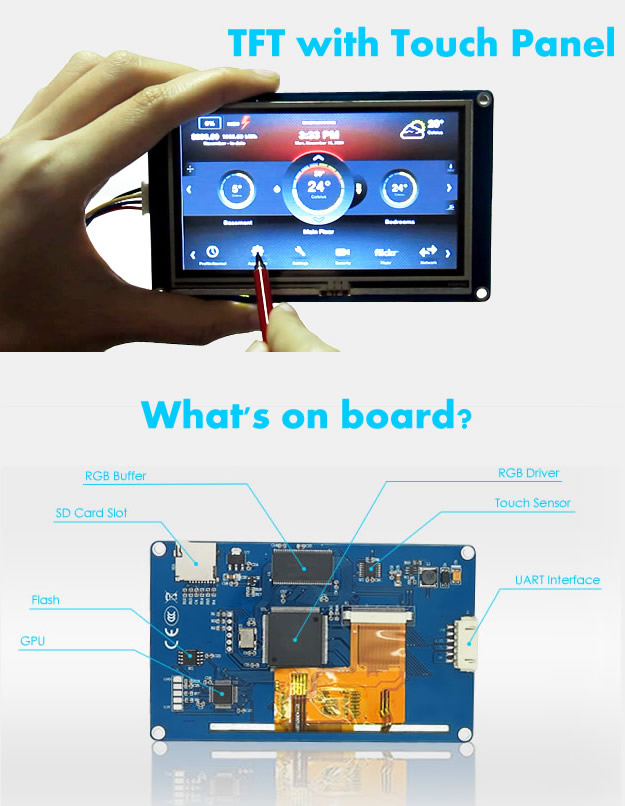
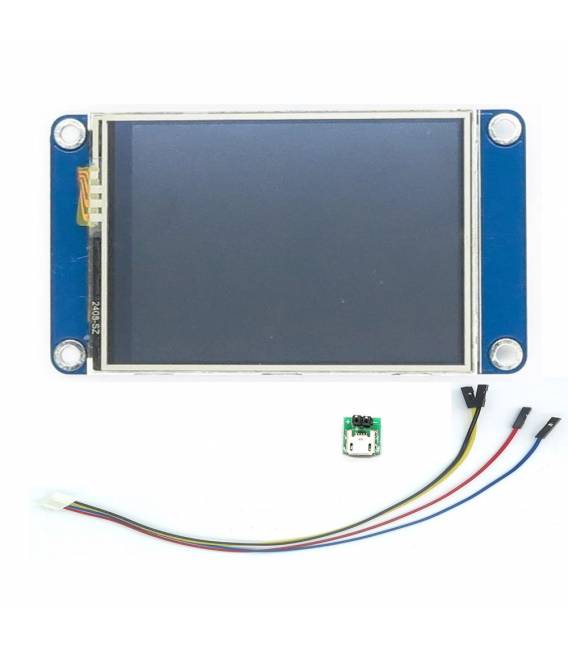
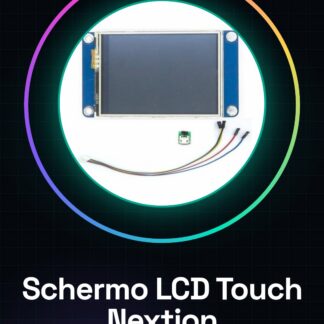
The 2.4 inch touch screen LCD Nextion NX3224T024 is a useful component for projects requiring an interactive graphical interface, both for Arduino and Raspberry Pi.
Features
- 2.4 inch touch screen LCD Nextion NX3224T024
- Check the datasheet to specify the resolutions and additional technical details
What it is for
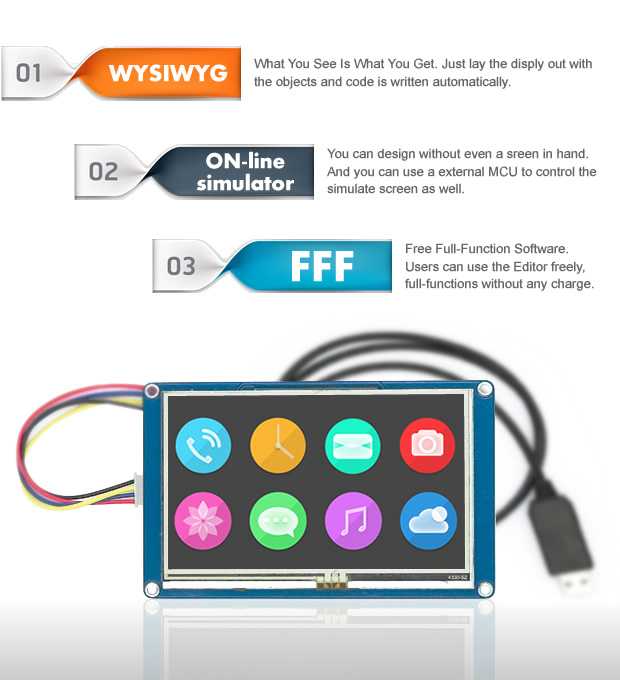
Ideal for projects that require an advanced user interface, such as Raspberry Pi brightness control or creating virtual switches. Compatible with Arduino and Raspberry Pi.
Tutorial: How to use the touch screen LCD Nextion NX3224T024
This touch screen LCD allows you to create advanced user interfaces for your Raspberry Pi projects. Ideal for beginner and intermediate makers.
What you need
- Nextion NX3224T024 LCD screen
- Raspberry Pi
- Power cable
- Connection cables
Steps
- 1. Check the datasheet for your Raspberry Pi specifications.
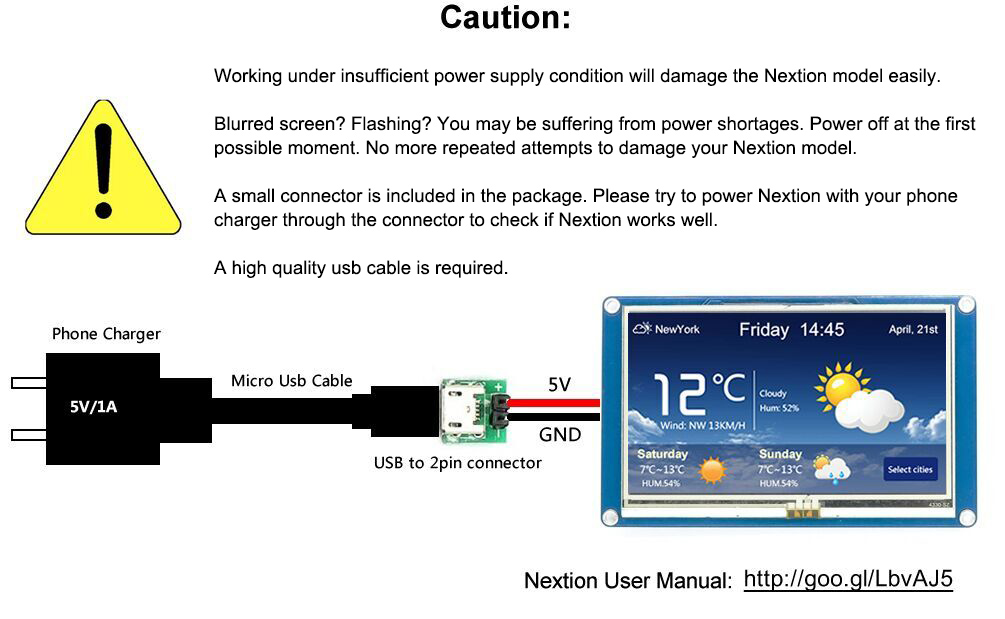
- 2. Connect the power cable to the LCD screen.
- 3. Connect the connection cables to the Raspberry Pi (check the datasheet).
- 4. Start the Raspberry Pi.
- 5. Install the Nextion driver on Raspberry Pi (check the official website).
- 6. Load an example Arduino sketch onto the Raspberry Pi.
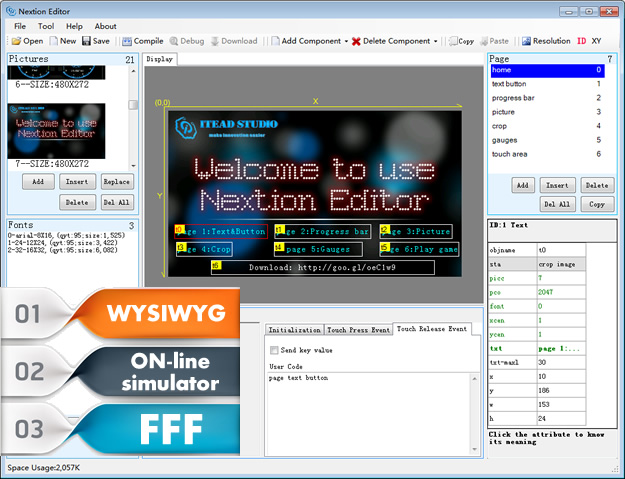
- 7. Configure the user interface on the LCD screen.
- 8. Test the user interface with touch functions.
Mini project
Create a simple virtual switch on the LCD screen and adjust the Raspberry Pi brightness through the user interface.
Common mistakes
- Connect the power cable before the digital connection cables.
- Omit the Nextion driver.
- Do not verify the Raspberry Pi specifications.
- Do not test the user interface before using the product.
Recommended accessories
- USB cable for Raspberry Pi
- LED bulb
- Resistor
- 5V power cable
Frequently asked questions
How can I install the Nextion driver?
Check the official Nextion website for detailed instructions.
What Raspberry Pi specifications are required?
Check the datasheet for compatibility specifications.
Can I use this LCD screen with other Raspberry Pi platforms?
Check the datasheet for compatibility.
Is additional software required to use this screen?
Yes, install the Nextion driver on Raspberry Pi.
Reviews
There are no reviews yet.