 EN
 IT Italiano
 ES Español
 FR Français
 DE Deutsch
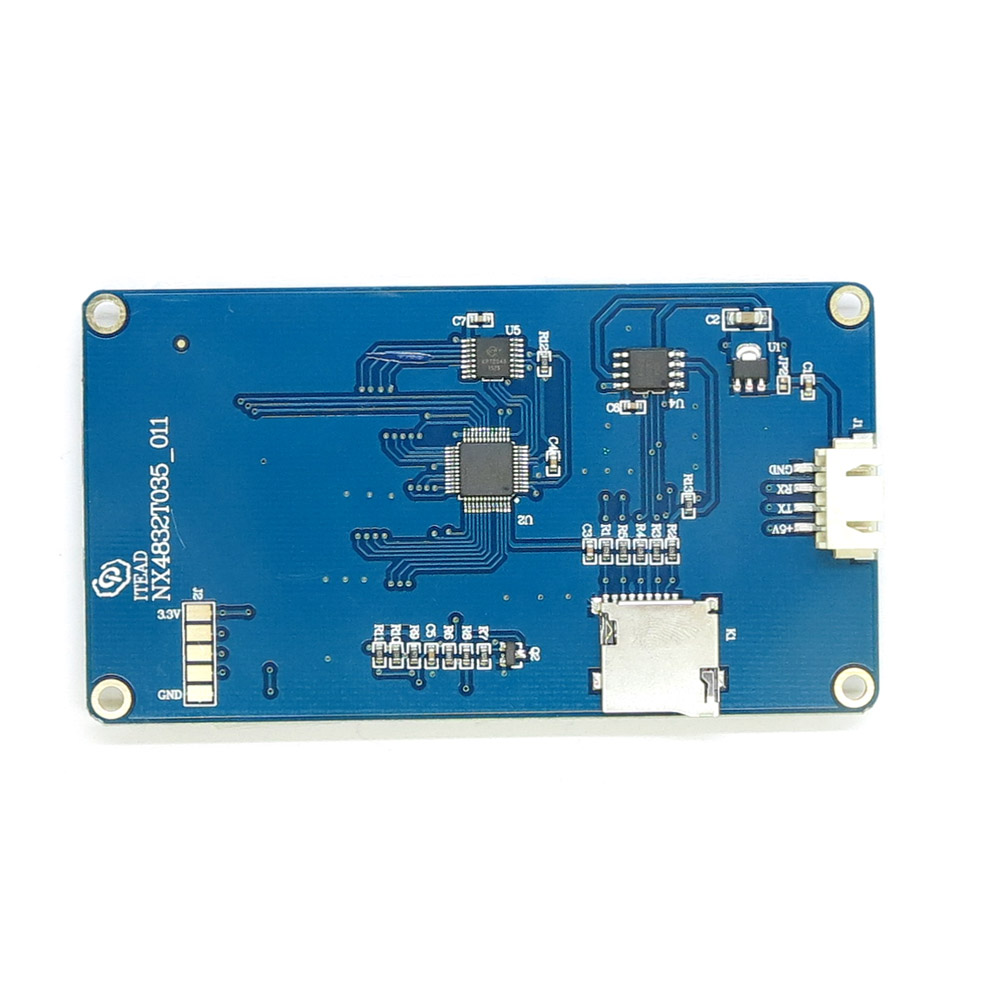
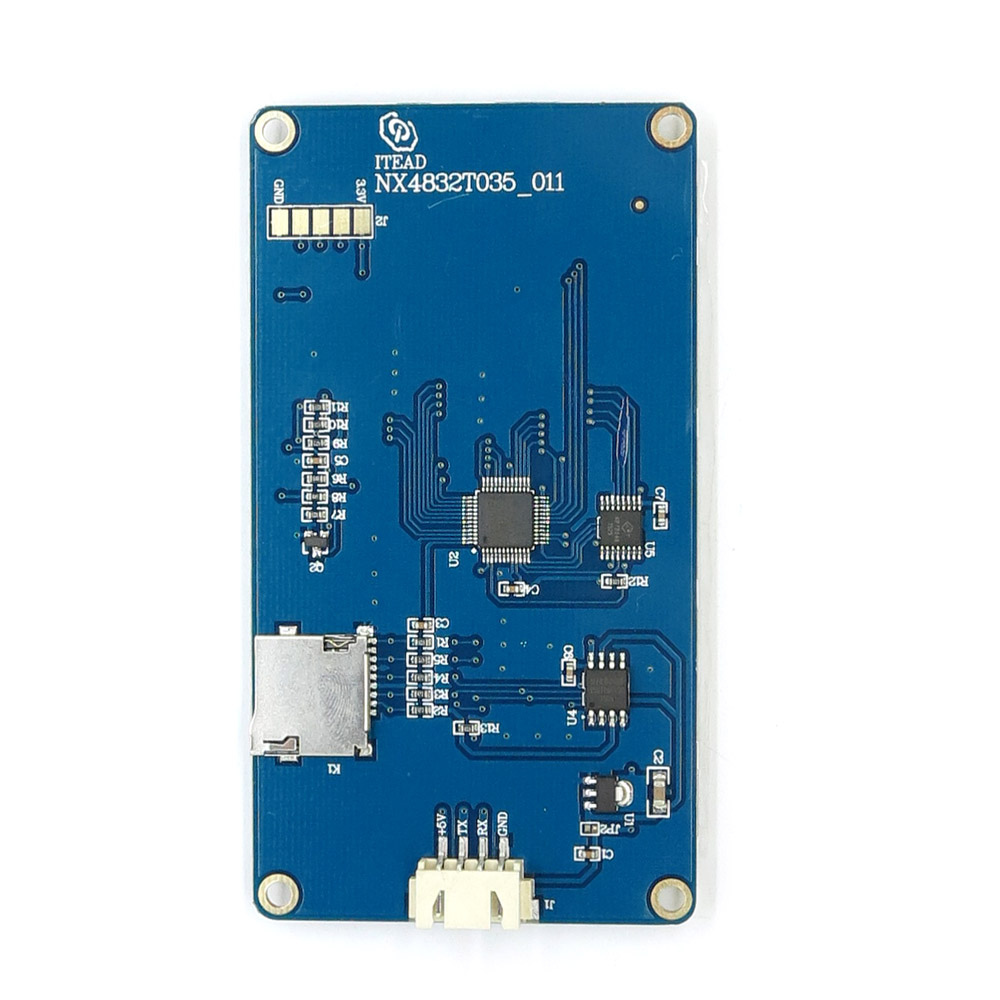
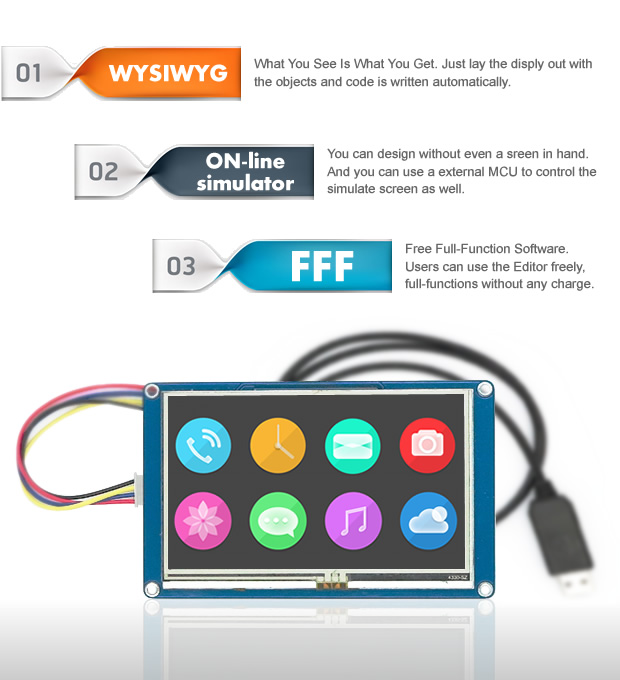
Description
What it is
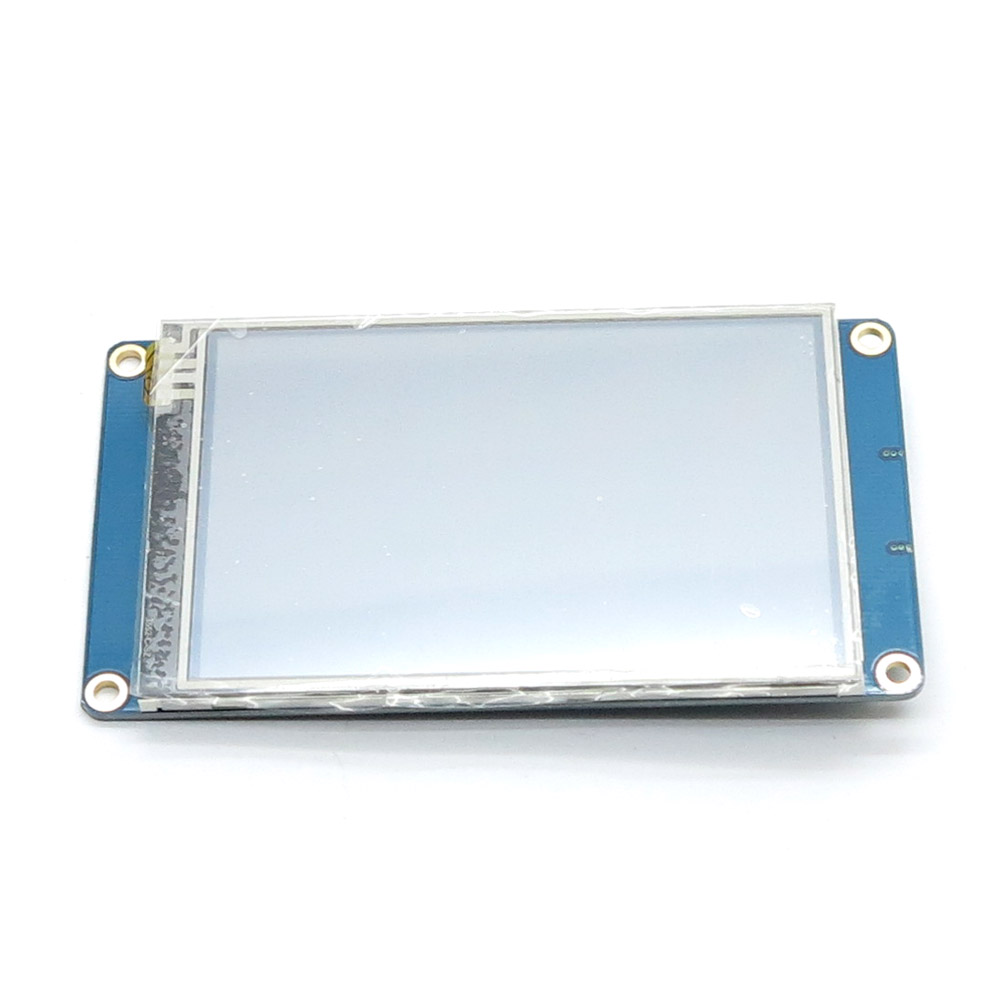
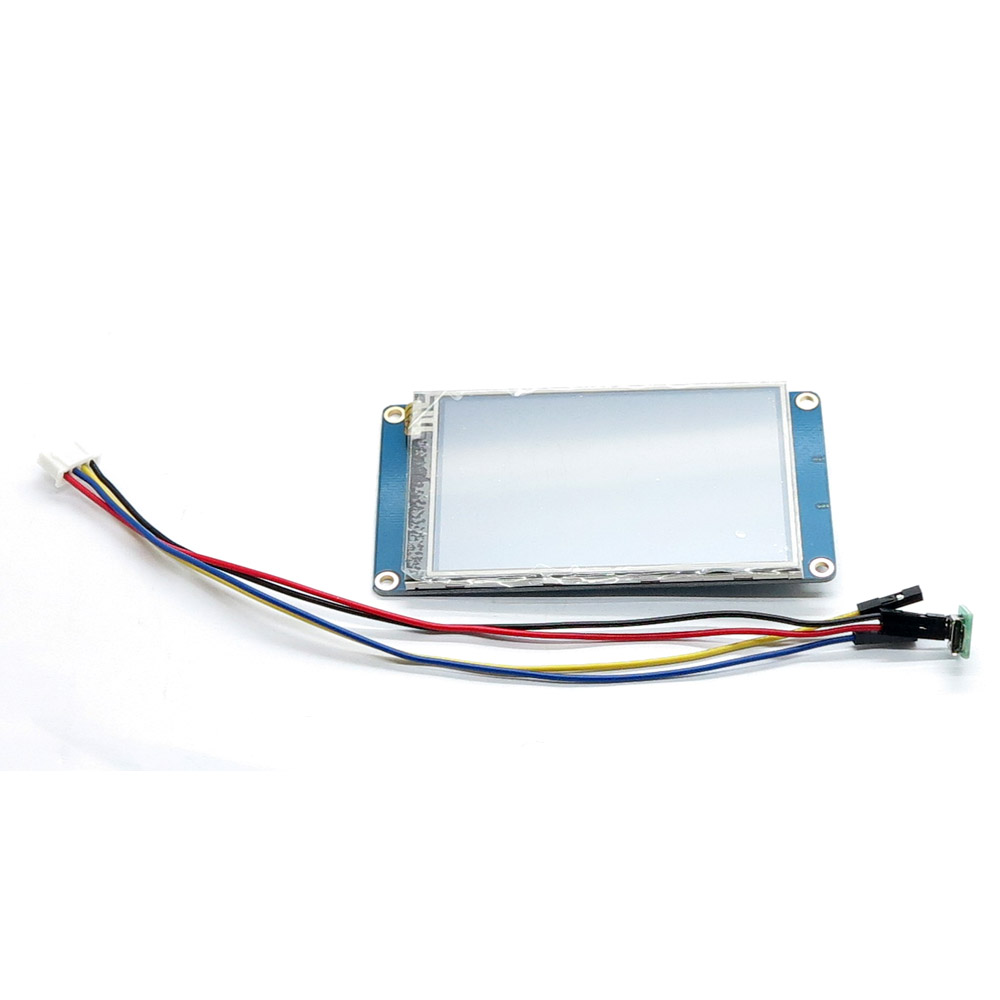
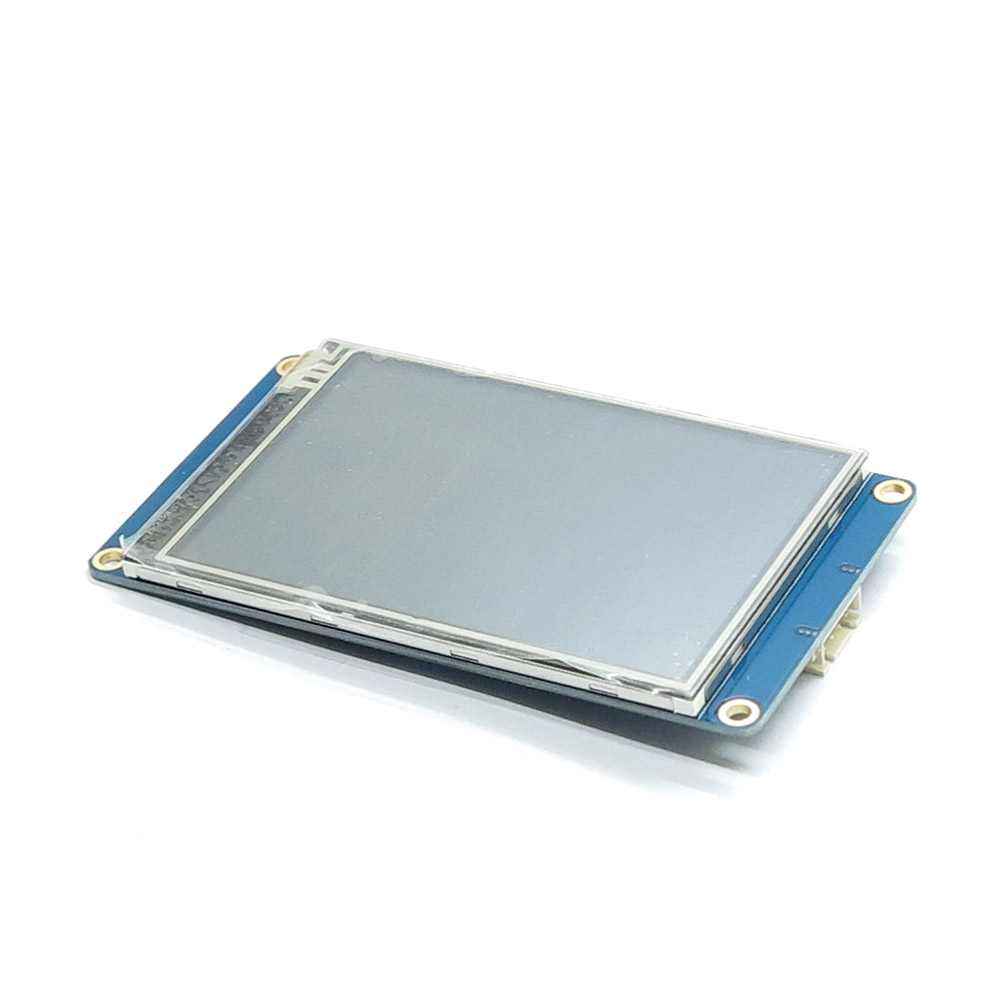
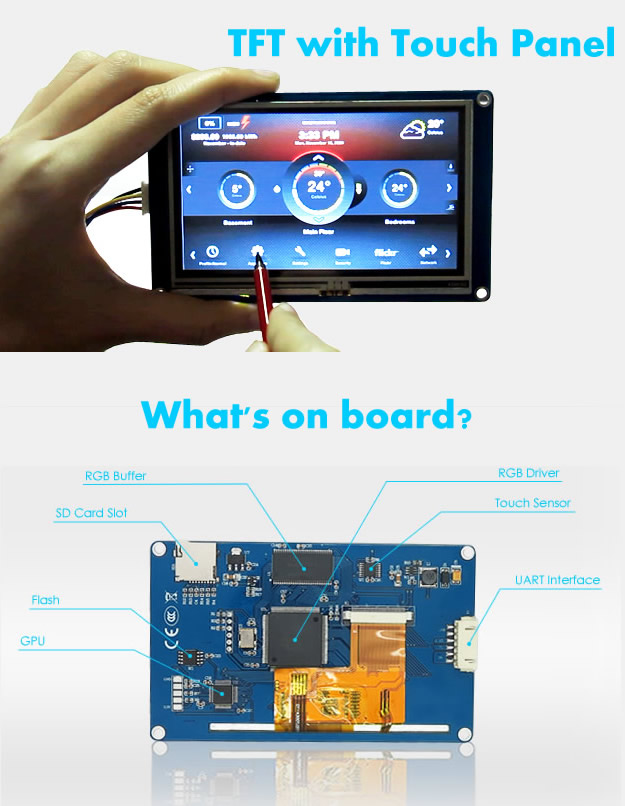
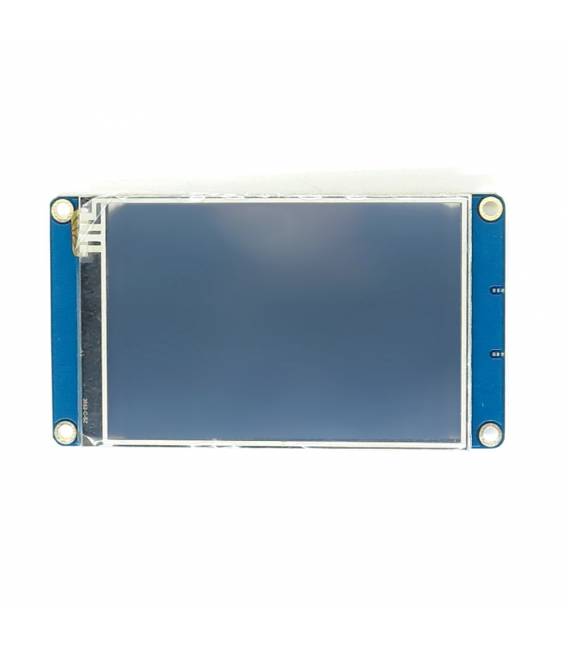
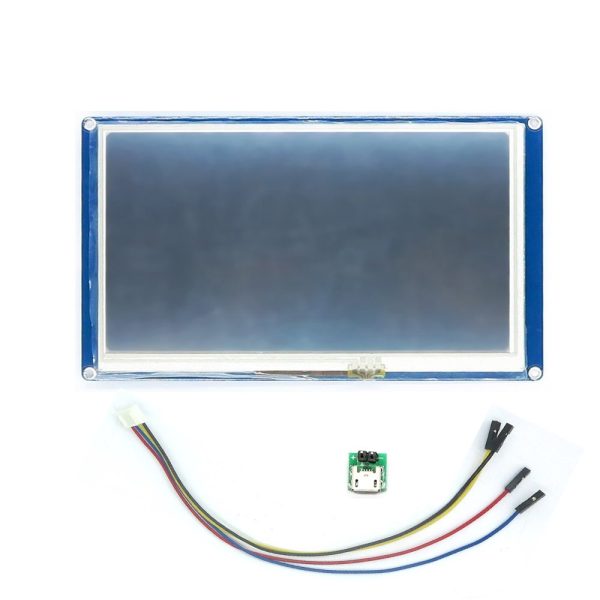
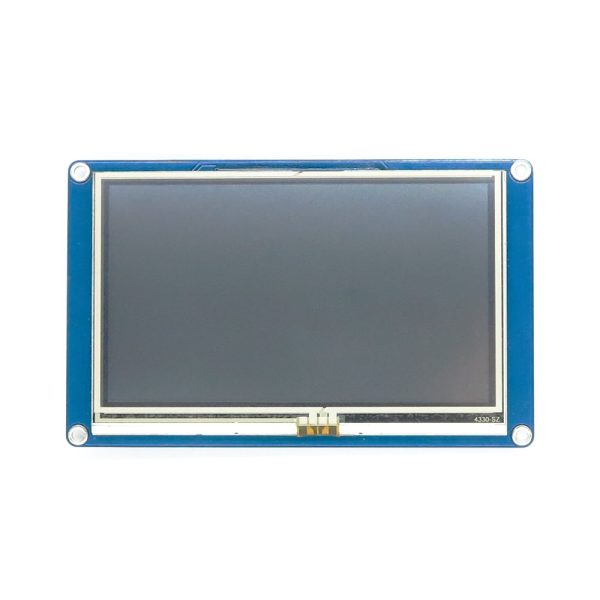
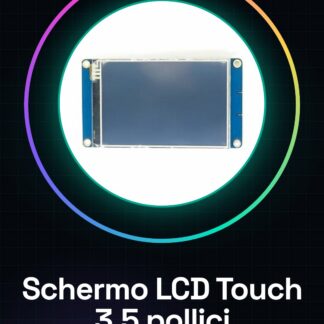
The Nextion NX4832T035 touch LCD screen is a high-resolution 3.5-inch color display, ideal for intuitive user interfaces and projects requiring interactive graphical display.
Features
- Type: Nextion NX4832T035 touch LCD screen
- Resolution: check the datasheet
- Screen size: 3.5 inches
What it is for
This display is perfect for Raspberry Pi and Arduino projects that require an interactive user interface. It can be used to create monitoring dashboards, graphical applications, and other types of user interfaces.
Tutorial: How to use the Nextion NX4832T035 3.5-inch touch LCD screen
This touch LCD screen is ideal for Raspberry Pi projects that require interactive graphical interfaces. Useful for beginner and intermediate makers.
What you need
- MicroSD card
- Micro USB cable
- HDMI cable
- GPIO connector
Steps
- 1. Check the datasheet for display specifications.
- 2. Connect the display to the Raspberry Pi using the GPIO connector.
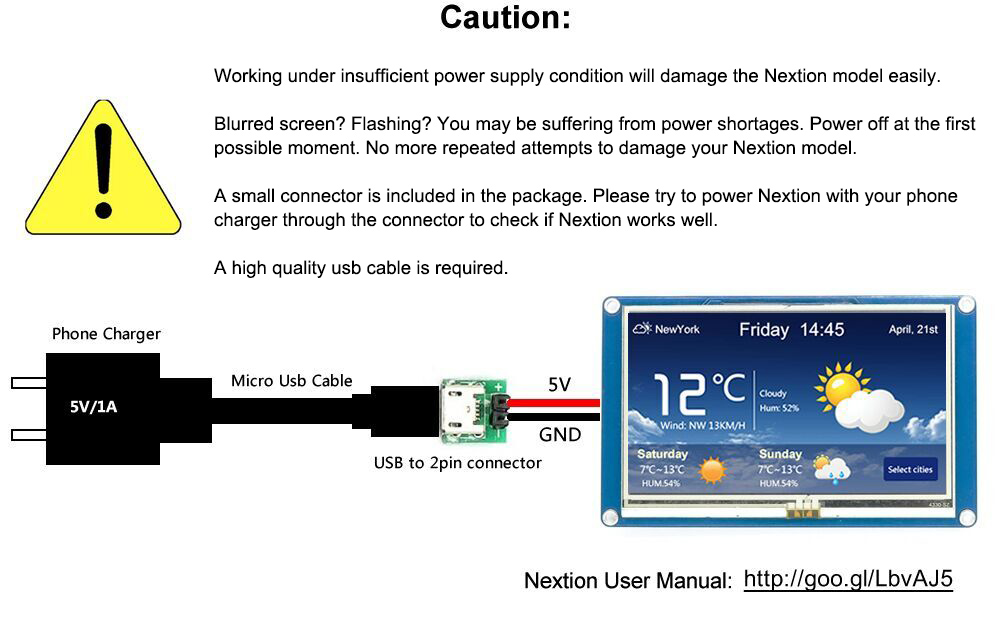
- 3. Plug the display into the micro USB for power.
- 4. Mount the microSD card on the display.
- 5. Start the Raspberry Pi.
- 6. Install the Nextion driver on Raspberry Pi.
- 7. Load the .bin file onto the display.
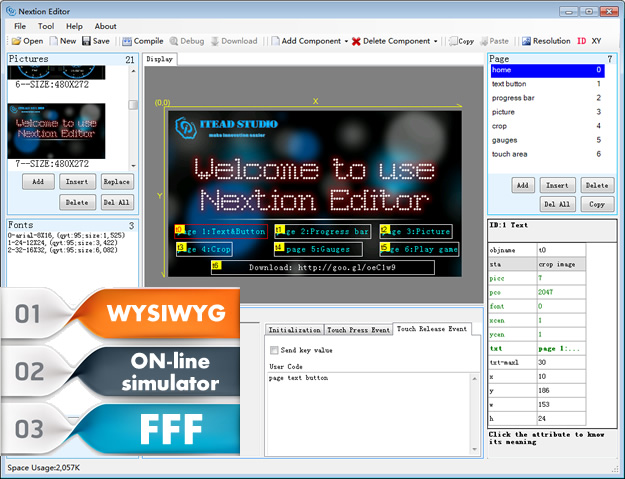
- 8. Configure the user interface through the Nextion Editor software.
Mini project
Create a simple temperature monitoring dashboard using the Nextion display.
Common mistakes
- Do not use an unsupported microSD card.
- Connect the display to the wrong GPIO.
- Omit the installation of the Nextion driver.
- Fail to properly configure the user interface.
Recommended accessories
- Nextion microSD card
- HDMI cable
- Micro USB cable
- Nextion Editor software
Frequently asked questions
How can I verify the specifications of the display?
Check the datasheet available on the manufacturer’s website.
Which drivers do I need to install on the Raspberry Pi?
Install the specific Nextion drivers for Raspberry Pi.
What are the minimum requirements to use this display?
A Raspberry Pi and a microSD card Nextion.
Reviews
There are no reviews yet.