 EN
 IT Italiano
 ES Español
 FR Français
 DE Deutsch
Description
What it is
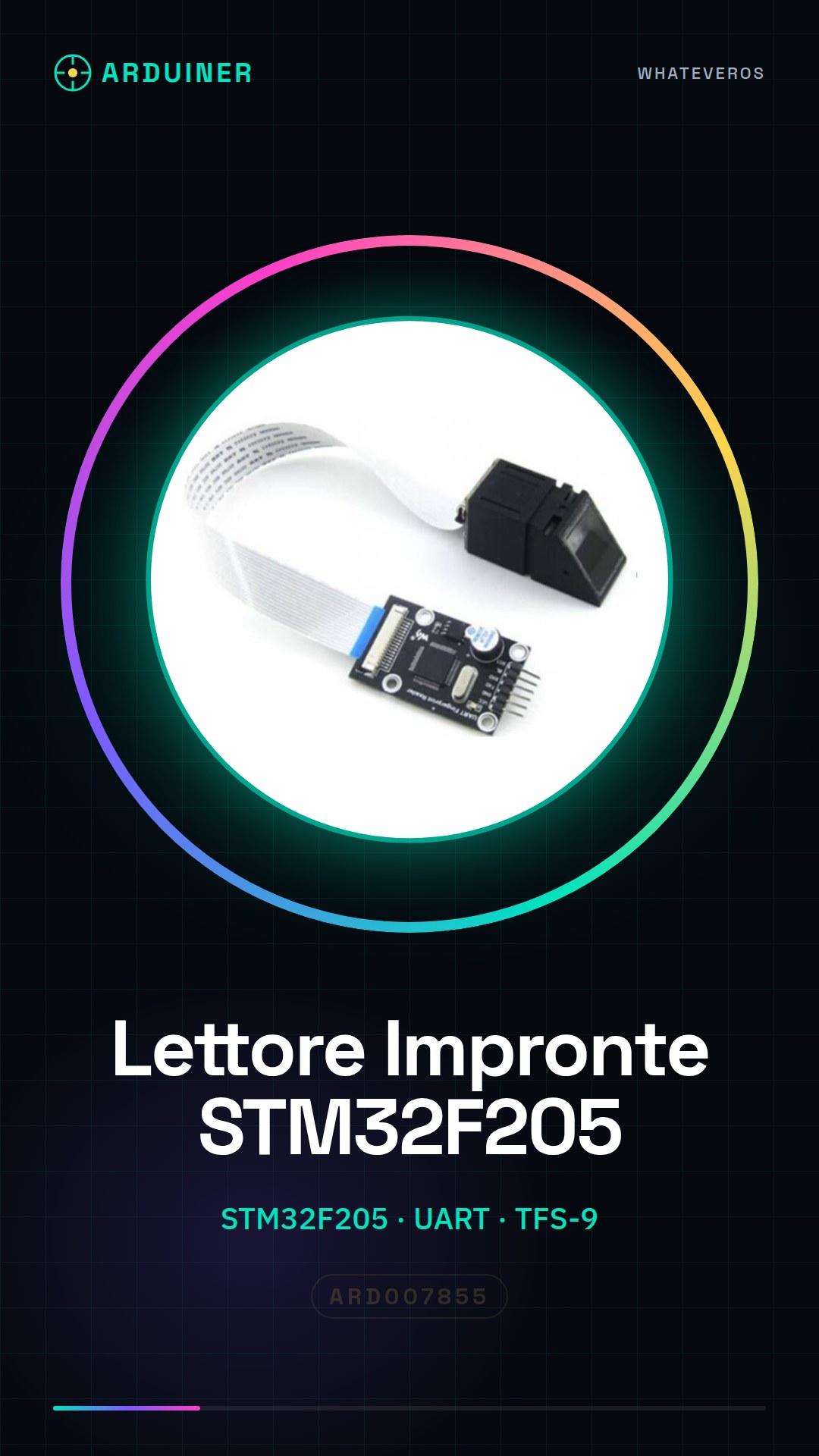
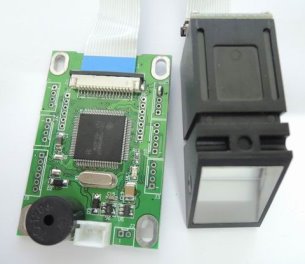
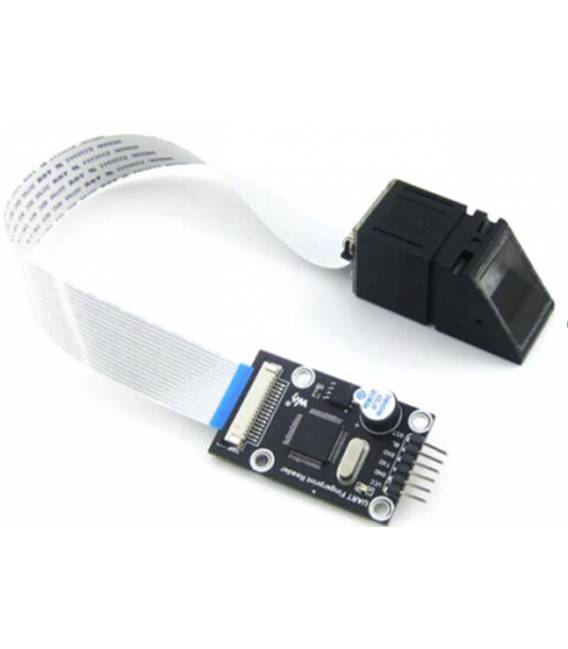
The STM32F205 UART Algorithm TFS-9 Optical TFS-D400 Sensor Fingerprint Reader Module is an electronic module that allows the integration of fingerprint detection in Arduino projects. It is based on an STM32F205 microcontroller and uses the TFS-9 algorithm for fingerprint processing.
Features
- Microcontroller: STM32F205
- Algorithm: TFS-9
- Sensor: Optical TFS-D400
- Interface: UART
- Compatibility: Arduino
What it is for
This module can be used to create fingerprint-based access systems for projects such as drawers or doors. It can be integrated into security and access control projects.
Tutorial: How to Use STM32F205 Fingerprint Reader
This module allows you to integrate fingerprint detection in your Arduino projects. Useful for anyone who wants to add additional security to their devices.
What you need
- STM32F205 Fingerprint Reader
- Arduino
- USB Cable
- Desk
- Pen
Steps
- 1. Download the UART driver for your Arduino.
- 2. Connect the STM32F205 module to your Arduino via UART.
- 3. Download and install the minimum Sketch code.
- 4. Check the datasheet for the TFS-D400 sensor specifications.
- 5. Connect the module to your computer to upload the code.
- 6. Upload the Sketch code to Arduino.
- 7. Test the module with various fingers to verify its functionality.
- 8. Configure the module for your application.
Example code
```
#include <SoftwareSerial.h>

SoftwareSerial mySerial(10, 11); // RX, TX

void setup() {
  Serial.begin(9600);
  mySerial.begin(9600);
}

void loop() {
  if (mySerial.available()) {
    Serial.write(mySerial.read());
  }
}
```
Mini project
Create a fingerprint-based access system for a drawer.
Common mistakes
- Always ensure that the module is properly connected.
- Make sure you have the UART driver installed.
- Check the compatibility of the Sketch code with your Arduino version.
- Check the proper power supply of the module.
Recommended accessories
- Arduino Uno
- USB Cable
- Desk
- Pen
Frequently asked questions
Which specifications should I check on the datasheet?
Check the communication speed, power supply voltage, and module dimensions.
Can I use this module with other microcontrollers?
Yes, but verify the Uart communication compatibility.
How can I access the data detected by the module?
You can read the data through the serial port or using a data visualization software.
Does the module require specific code?
Yes, use the provided Sketch code or another that supports Uart communication.

Reviews
There are no reviews yet.