 EN
 IT Italiano
 ES Español
 FR Français
 DE Deutsch
Description
What it is
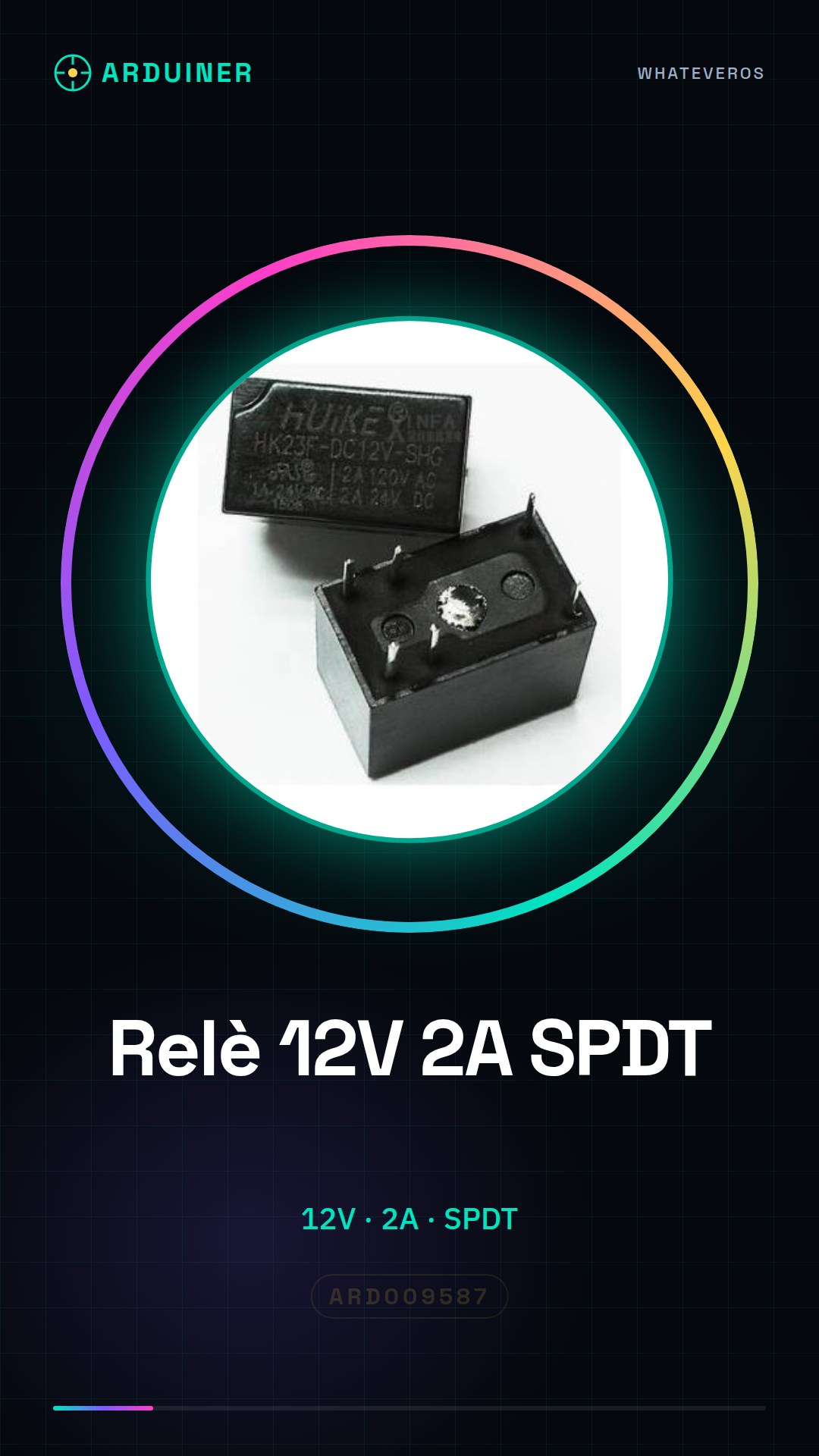
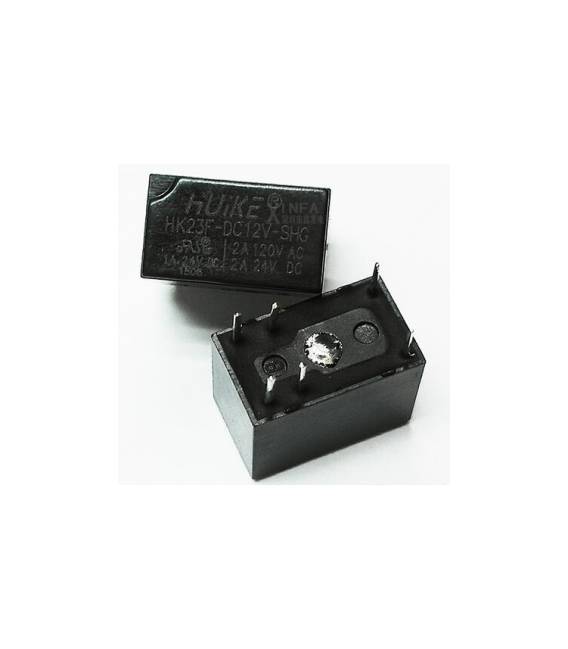
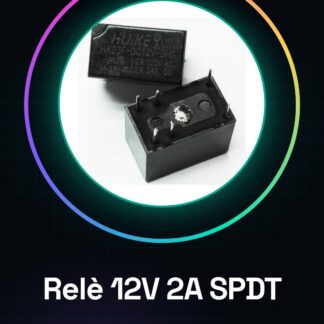
The HK23F-DC12V-SHG relay is an electronic device used to control electrical circuits and devices. When connected to a control system like Arduino, it allows managing the current flow to turn external devices on or off.
Features
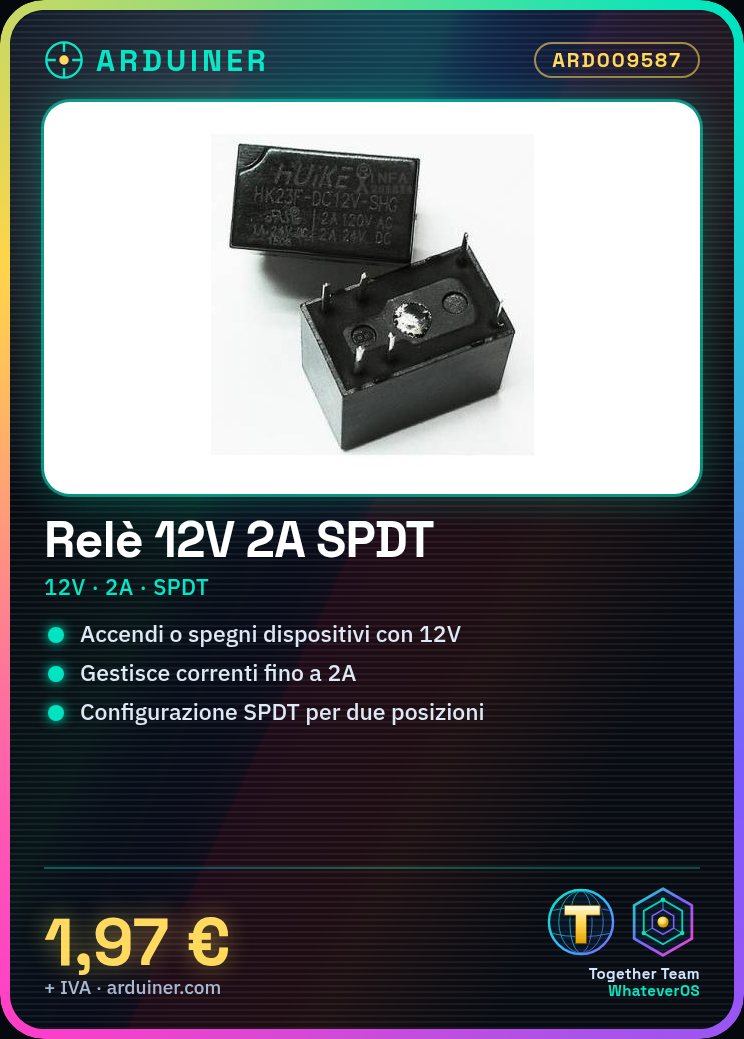
- Operating voltage: 12V
- Maximum current: 2A
- Contact configuration: SPDT (Single Pole Double Throw)
What it is for
Relays are essential for projects that require interaction with electrical devices. Ideal for beginners and makers, this relay can be used to automate small applications such as computer fans based on ambient temperature.
Tutorial: How to use 12V 2A SPDT HK23F-DC12V-SHG Relay
The HK23F-DC12V-SHG relay is a fundamental electronic component for anyone who wants to control electrical devices from Arduino. Ideal for beginners and makers who want to automate small applications.
What you need
- Arduino Uno
- 12V power connection
- Jumper wire
Steps
- Check the relay operating voltage (check the datasheet).
- Connect the Arduino digital output to the relay control pin.
- Connect the relay common pole to an electrical device to be controlled.
- Power the circuit with the correct voltage (12V).
- Write the Arduino sketch to activate/deactivate the relay.
- Verify that the relay turns on/off in response to Arduino commands.
- Test the application with an electrical device connected to the relay.
Example code
const int relayPin = 7; // definisci il pin di controllo del relè
void setup() {
  pinMode(relayPin, OUTPUT); // imposta il pin come uscita
}
void loop() {
  digitalWrite(relayPin, HIGH); // attiva il relè
  delay(1000);
  digitalWrite(relayPin, LOW); // disattiva il relè
  delay(1000);
}
Mini project
Automate a small computer fan with Arduino and the relay. Connect the fan to the relay and control it through a simple application that turns it on/off based on ambient temperature.
Common mistakes
- Power the relay with the wrong voltage (not 12V).
- Connect the DC device to the relay common pole without mass interruption.
- Forget to set the control pin as output in the Arduino code.
Recommended accessories
- Arduino Uno R3
- Temperature sensors LM35
- 3D printing for project protection
- Various jumper wires
Frequently asked questions
Can the relay handle currents above 2A?
Check the datasheet to confirm the relay’s current handling capacity.
How can I control the relay from a greater distance?
Use an RF or WiFi module to send commands from the Arduino to another circuit that controls the relay.
Reviews
There are no reviews yet.