 EN
 IT Italiano
 ES Español
 FR Français
 DE Deutsch
Description
What it is
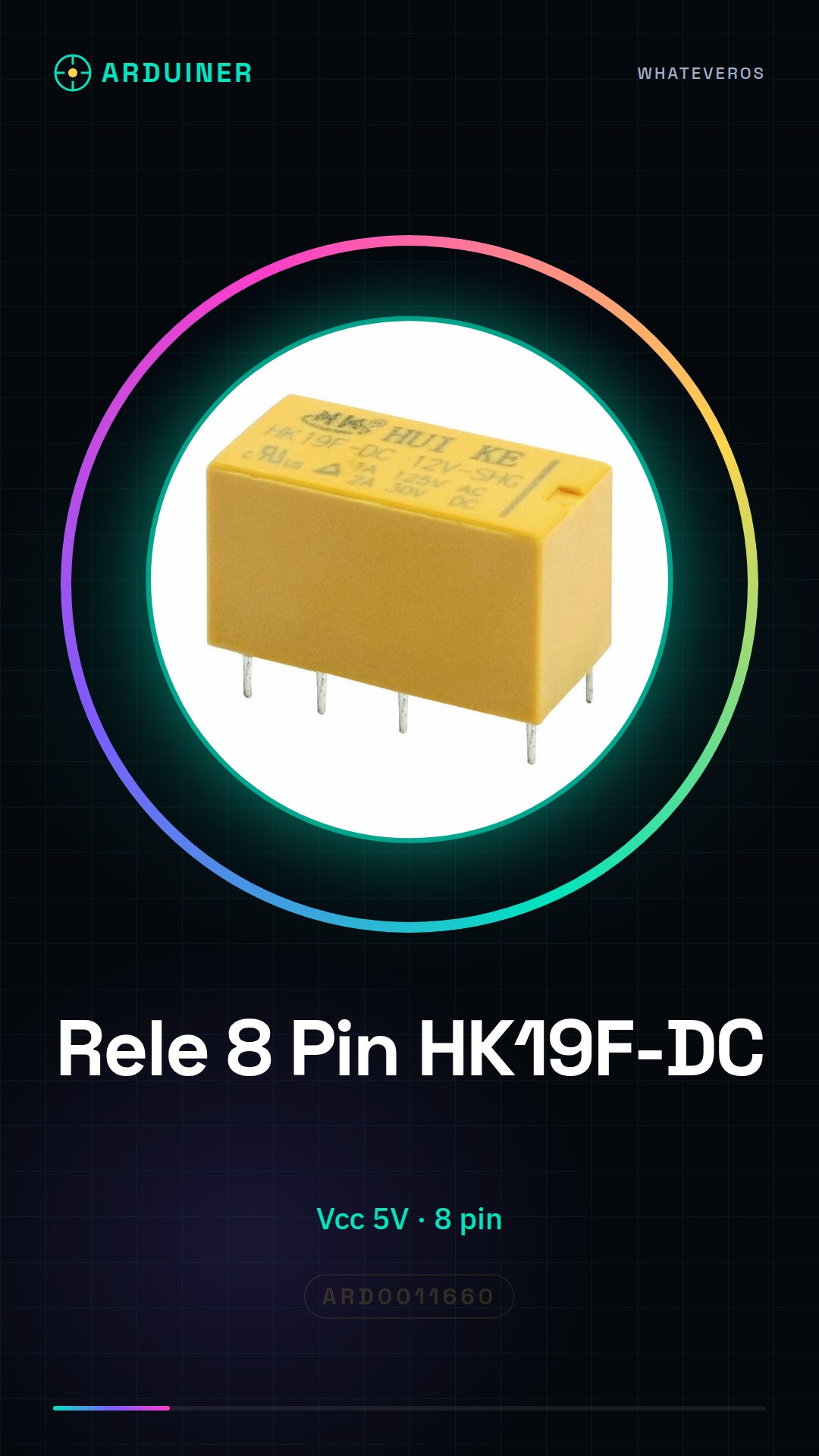
The HK19F-DC 5V-SHG 8 Pin Relay is an electronic device designed for use with Arduino or other microcontrollers. This relay allows you to control devices that require a current higher than what a standard digital pin can provide, thus protecting the microcontroller circuit.
Features
- Vcc: 5V
- Number of contacts: 8
What it is for
The main uses of the HK19F-DC 5V-SHG relay include protecting Arduino circuits from higher electrical currents, activating low-power consumption devices, and implementing projects such as simple alarm systems. It is compatible with various microcontrollers including Arduino and ESP.
Tutorial: How to use HK19F-DC 5V-SHG 8 Pin Relay
The HK19F-DC 5V-SHG relay is ideal for protecting your Arduino circuits from higher electrical currents. It is useful for beginner and intermediate makers.
What you need
- Arduino or compatible microcontroller
- Test lead
- 1kΩ resistor
- 5V power supply
- Led (optional)
Steps
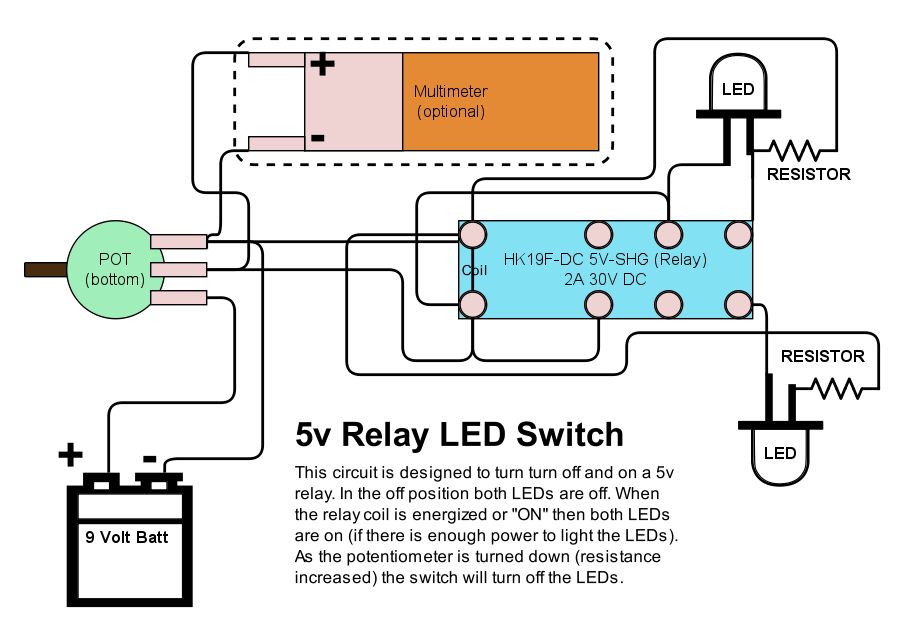
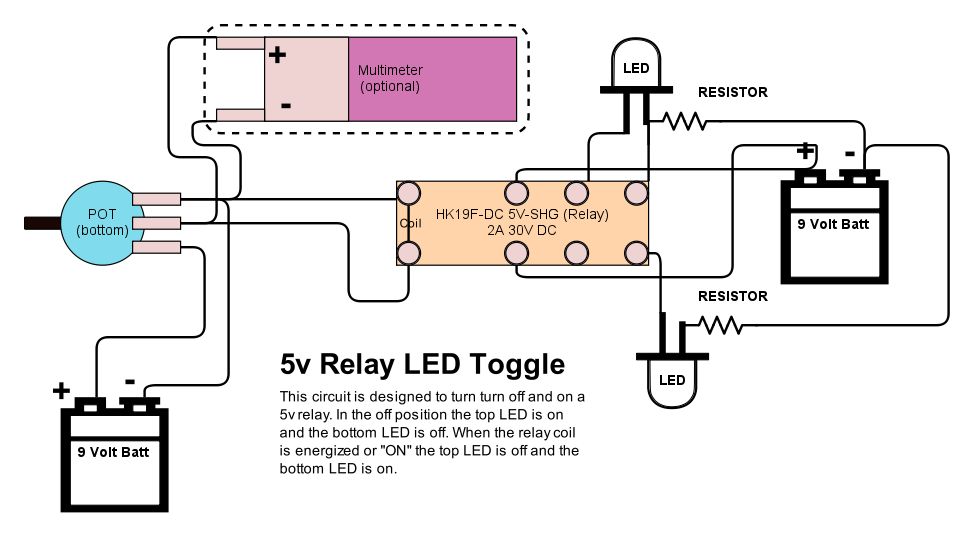
- 1. Connect the relay to your Arduino: VCC to 5V, GND to GND, COM to VCC of the device to control.
- 2. Connect pin 5 of the relay to pin 11 of your Arduino (or equivalent pin).
- 3. Connect the 1kΩ resistor between pin 7 of the relay and GND.
- 4. Connect the LED (anode) between pin 8 of the relay and VCC.
- 5. Download the provided source code.
- 6. Upload the code to your Arduino.
- 7. Turn on the LED if the relay activates correctly.
- 8. Check the operation with a multimeter on the COM terminal.
Example code
```
int relayPin = 11;
void setup() {
  pinMode(relayPin, OUTPUT);
}
void loop() {
  digitalWrite(relayPin, HIGH);
  delay(2000);
  digitalWrite(relayPin, LOW);
  delay(2000);
}
```
Mini project
Build a simple alarm system with a button and an LED. Connect the button between pin 2 of the relay and GND. When the button is pressed, the LED turns on and off.
Common mistakes
- Connect the relay directly to VCC without a resistor.
- Use a power supply lower than 5V.
- Do not check the operation with a multimeter.
- Connect the relay to an electrical current above 5V.
Recommended accessories
- Arduino Uno
- Led
- Button
- Multimeter
Frequently asked questions
How can I check if the relay is working correctly?
Connect a multimeter on the COM terminal and check that the current passes when the relay is activated.
Can I use this relay with an Arduino Mega?
Yes, the relay is compatible with any 5V microcontroller.
What are the current limits of the relay?
Check the datasheet for the maximum current limits.

Reviews
There are no reviews yet.