 EN
 IT Italiano
 ES Español
 FR Français
 DE Deutsch
Description
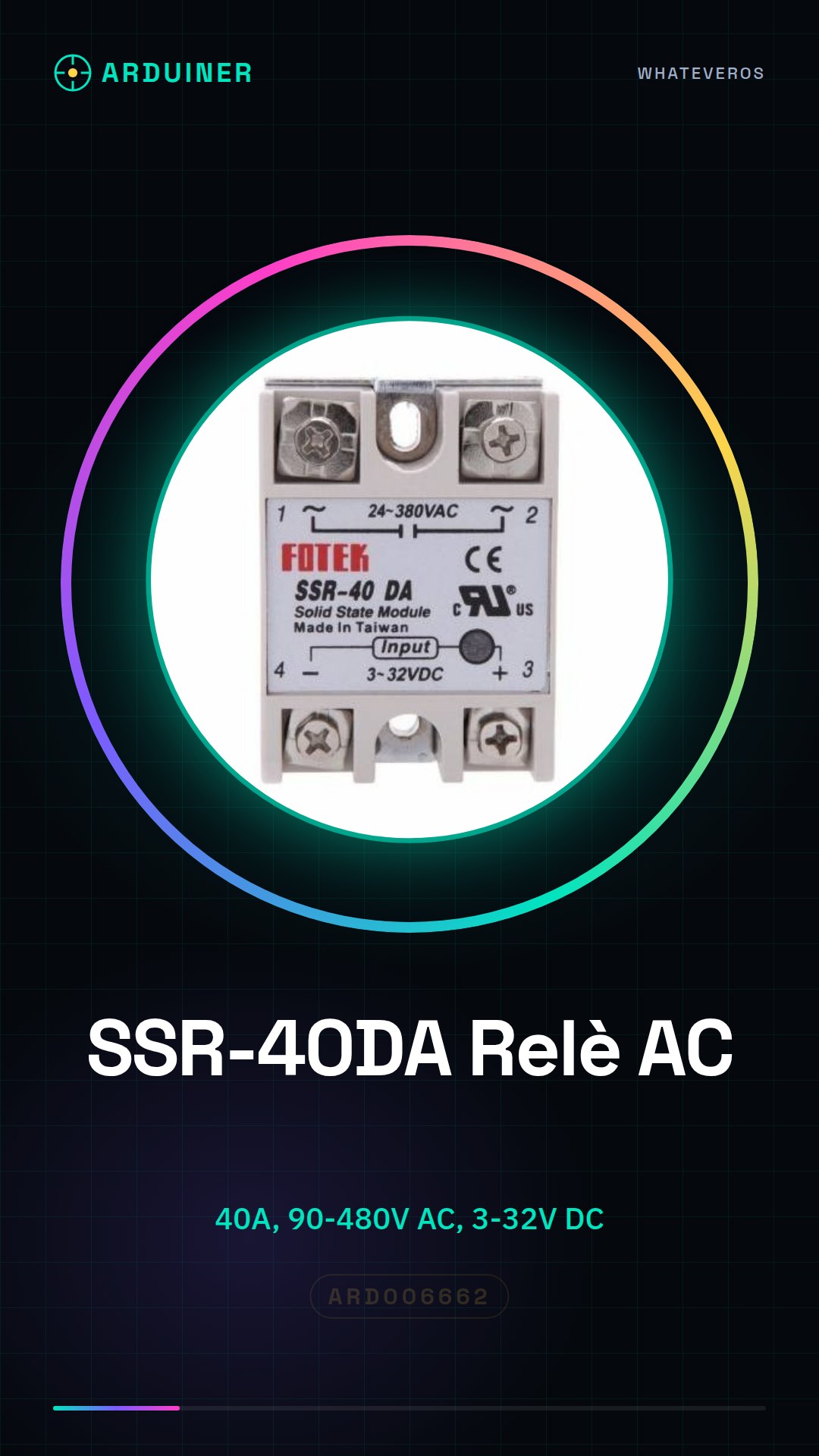
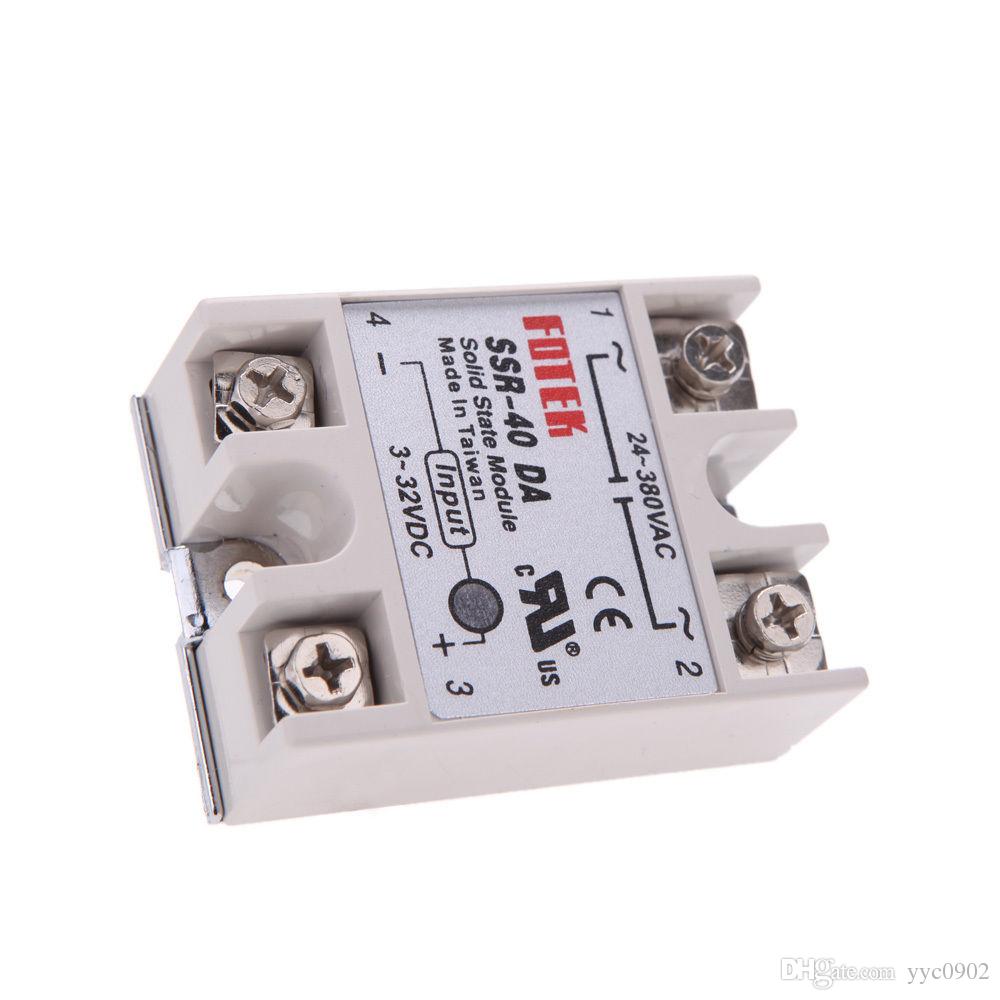
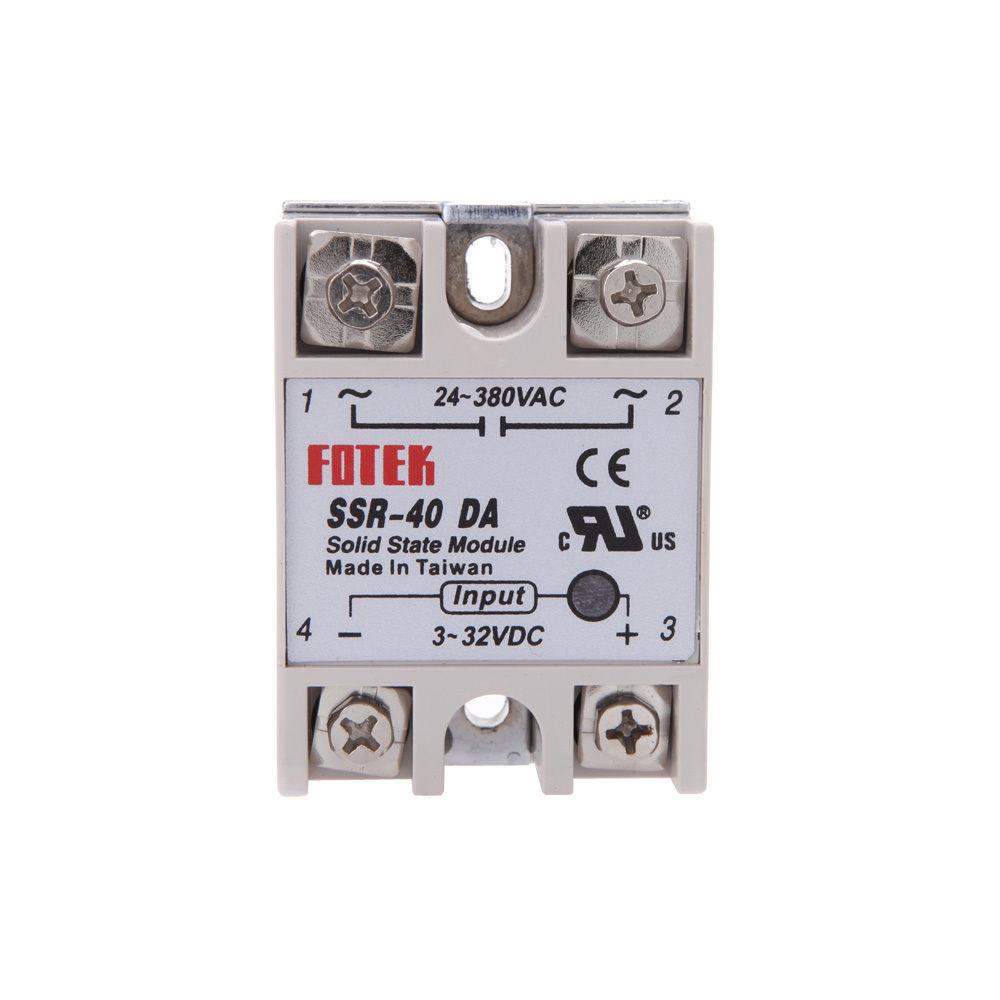
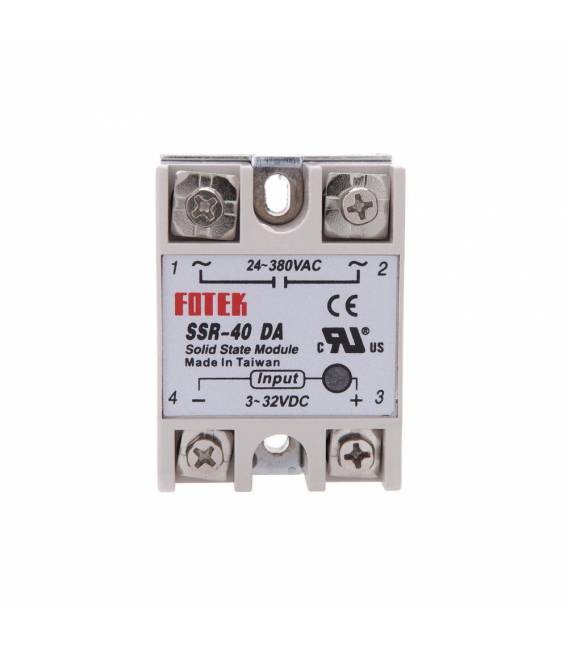
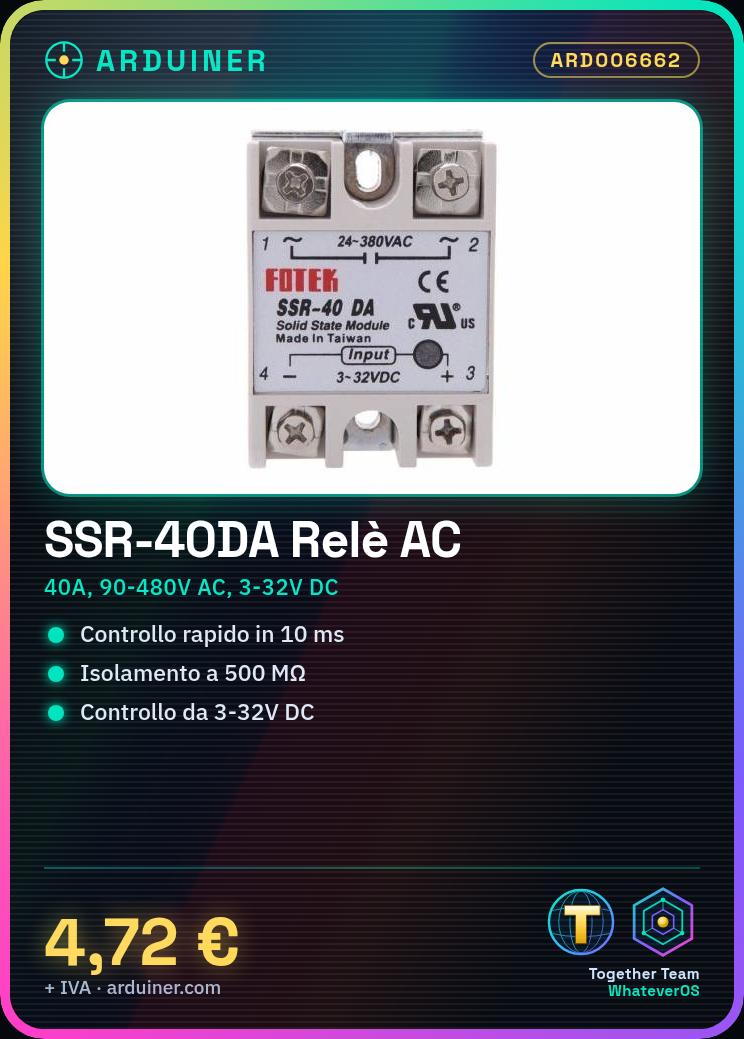
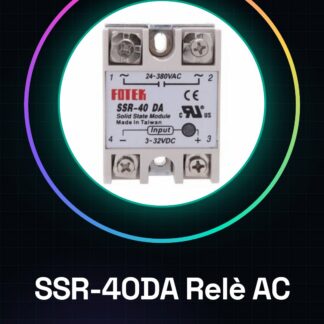
SSR-40DA SSR Solid State Relay Module AC Output 90-480 V AC for 3-32 V DC 40 A AC
Features :
40A Solid State Relay for PID Temperature Controller.
Long life and high reliability.
Extremely reliable and compact dimensions designed to offer users maximum simplicity.
Fast switching.
Reduced electromagnetic interference.
Specifications :
Control Mode: DC-AC
Load Current: 40A
Load Voltage: 24 – 380 V AC
Control Voltage: 3 – 32 V DC
Control Current: 3-25mA DC
On Voltage: 1,5 V AC
On-Off Time: 10ms
Leakage Current: 2mA
Dielectric Voltage Resistance: 2500VAC
Insulation Resistance: 500 M / 5 00VDC
Installation Method: Bolt Mounting
Ambient Temperature: -30’C- + 75’C
Operation Indicator: LED
Color: white
Item Dimensions: 60 * 45 * 23mm / 2.4 * 1.8 * 0.9in
Tutorial: How to Use SSR-40DA
The SSR-40DA is a solid state relay ideal for controlling AC electrical devices from 90 to 480V with a DC input of 3 to 32V and a maximum current of 40A. Useful for electronic and automation projects.
What you need
- SSR-40DA
- Arduino or Compatible Microcontroller
- Power Cable
- Control Cable
Steps
- 1. Ensure the AC power supply is between 90 and 480V.
- 2. Connect the AC power supply to the relay at pins AC1 and AC2.
- 3. Connect the AC output to the device to be controlled.
- 4. Connect the DC input to the microcontroller at VCC and GND.
- 5. Connect the control signal to the IN pin of the relay.
- 6. Load the source code onto the microcontroller.
- 7. Run the program to control the relay.
- 8. Check the proper operation of the relay.
Example code
void loop() {
 digitalWrite(2, HIGH);
 delay(1000);
 digitalWrite(2, LOW);
 delay(1000);
}
Mini project
Create an automatic lighting system: connect a switch to digital pin 2 of Arduino and the AC output of the relay to the light bulb.
Common mistakes
- Connect the AC power supply outside the limits.
- Set an incorrect control signal.
- Forget to check the maximum current of the device to be controlled.
Recommended accessories
- Arduino Uno
- 60W light bulb
- Switch
- Test lead
Frequently asked questions
Can the SSR-40DA handle AC devices of higher power?
Check the maximum current allowed in the datasheet.
Can the relay handle AC devices with different frequency?
Check the compatibility with AC frequency in the datasheet.
Can I use the relay with a different microcontroller?
Check the compatibility of the control signal with the microcontroller used.
Can the relay handle AC devices with different frequency?
Check the compatibility with AC frequency in the datasheet.
Reviews
There are no reviews yet.