 EN
 IT Italiano
 ES Español
 FR Français
 DE Deutsch
Description
What it is
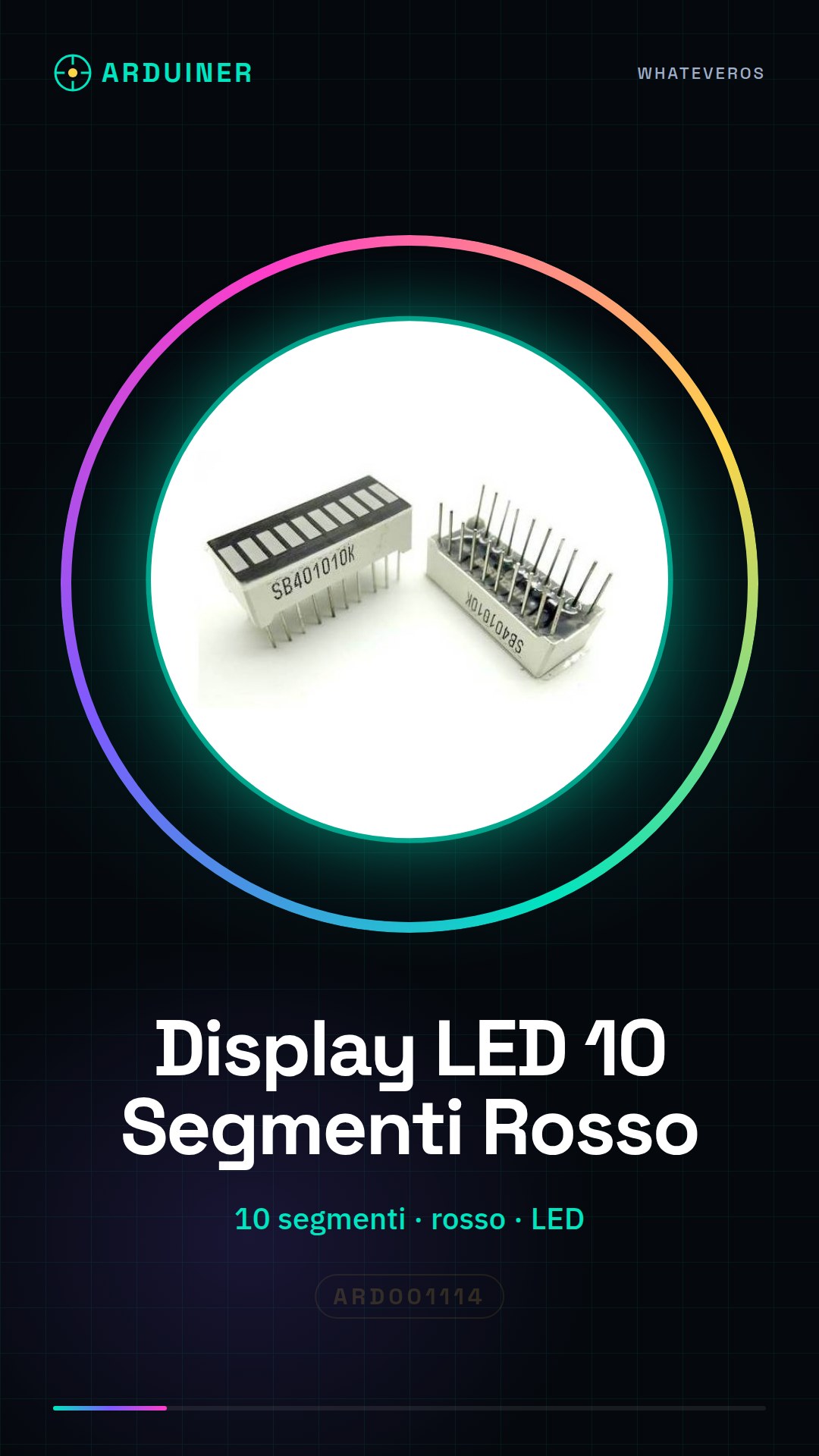
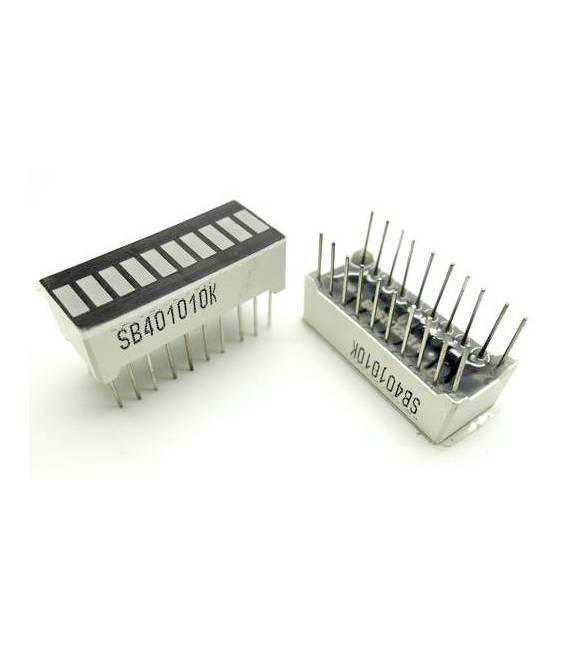
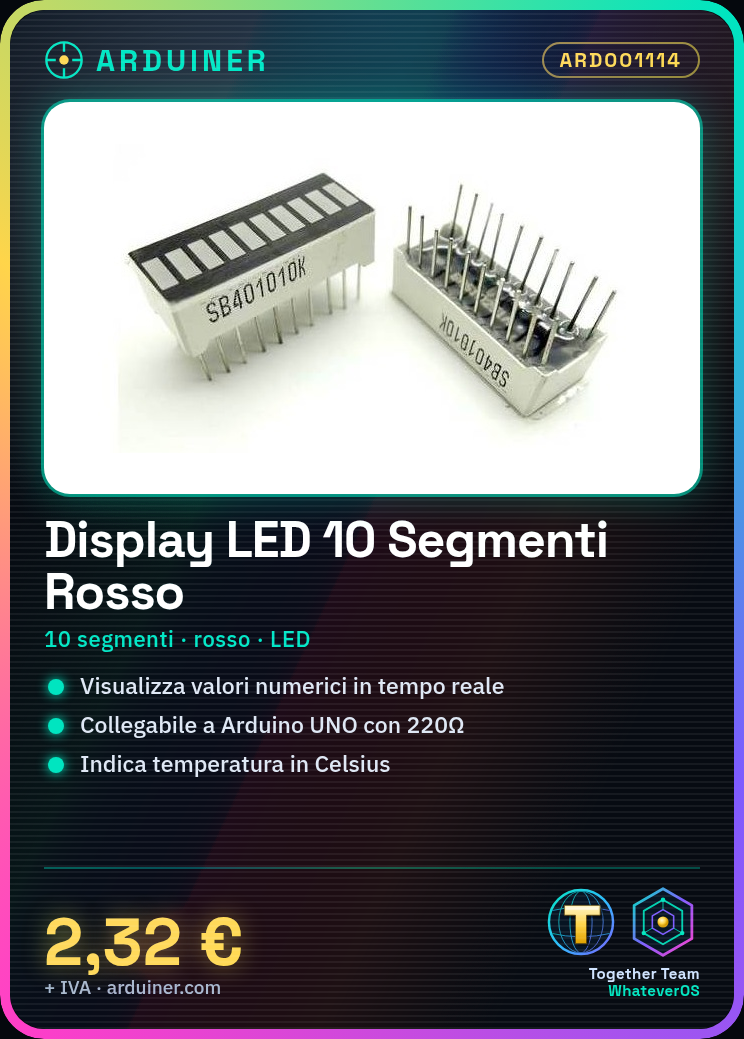
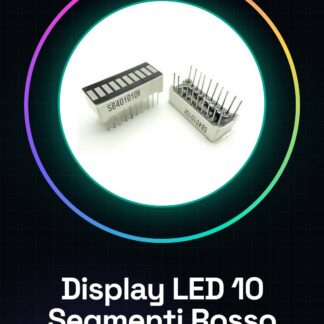
The 10-segment red graphic bar LED display is an electronic component designed to display numerical values or intensity levels in various types of projects. This display is particularly useful for Arduino beginners and experts who want to add a visual function to their devices.
Features
- 10-segment red graphic bar LED display
- Perfect for Arduino projects and data visualization
What it is for
This display can be used as an LED status indicator for temperature, connecting it to a temperature sensor to display degrees Celsius. It is compatible with various microcontrollers including Arduino and ESP.
Tutorial: How to use 10-Segment LED Digital Bar Graph Red Display
This 10-segment LED display is ideal for displaying numerical values or intensity levels in electronics projects. Perfect for beginners and intermediate makers.
What you need
- 10 Segment Digital LED Bar Graph Display Red
- Arduino UNO or compatible
- 220Ω Resistor
- Power Supply Cable
Steps
- 1. Connect the display to the Arduino via pins D4 and GND.
- 2. Connect the resistor to GND and the VCC pin of the display.
- 3. Load the source code onto your Arduino.
- 4. Check that the display correctly shows the numbers.
- 5. Replace the code with your value to display.
- 6. Test the display with various numeric values.
- 7. Connect the display to a more complex circuit to display real-time data.
- 8. Check the datasheet for further details on operation.
Example code
```
int segmento = 4;
void setup() {}
void loop() {
  for (int i = 0; i < 10; i++) {
    digitalWrite(segmento, HIGH);
    delay(500);
    digitalWrite(segmento, LOW);
    delay(500);
  }
}
```
Mini project
Create an LED temperature status indicator. Connect the display to a temperature sensor and display the temperature in degrees Celsius.
Common mistakes
- Do not check the datasheet before starting.
- Connect the display to the power pin without a resistor.
- Forget to add the code for the display.
- Do not test the display with different values.
Recommended accessories
- Temperature sensors
- Protection cases
- 5V power supply cable
- 1kΩ resistor
Frequently asked questions
How can I connect the display to another pin?
Check the datasheet for available signal pins.
Does the display work with Arduino compatible boards?
Yes, it works with any Arduino compatible board.
What values can the display show?
The display can show numbers from 0 to 9.
Reviews
There are no reviews yet.