 EN
 IT Italiano
 ES Español
 FR Français
 DE Deutsch
Description
What it is
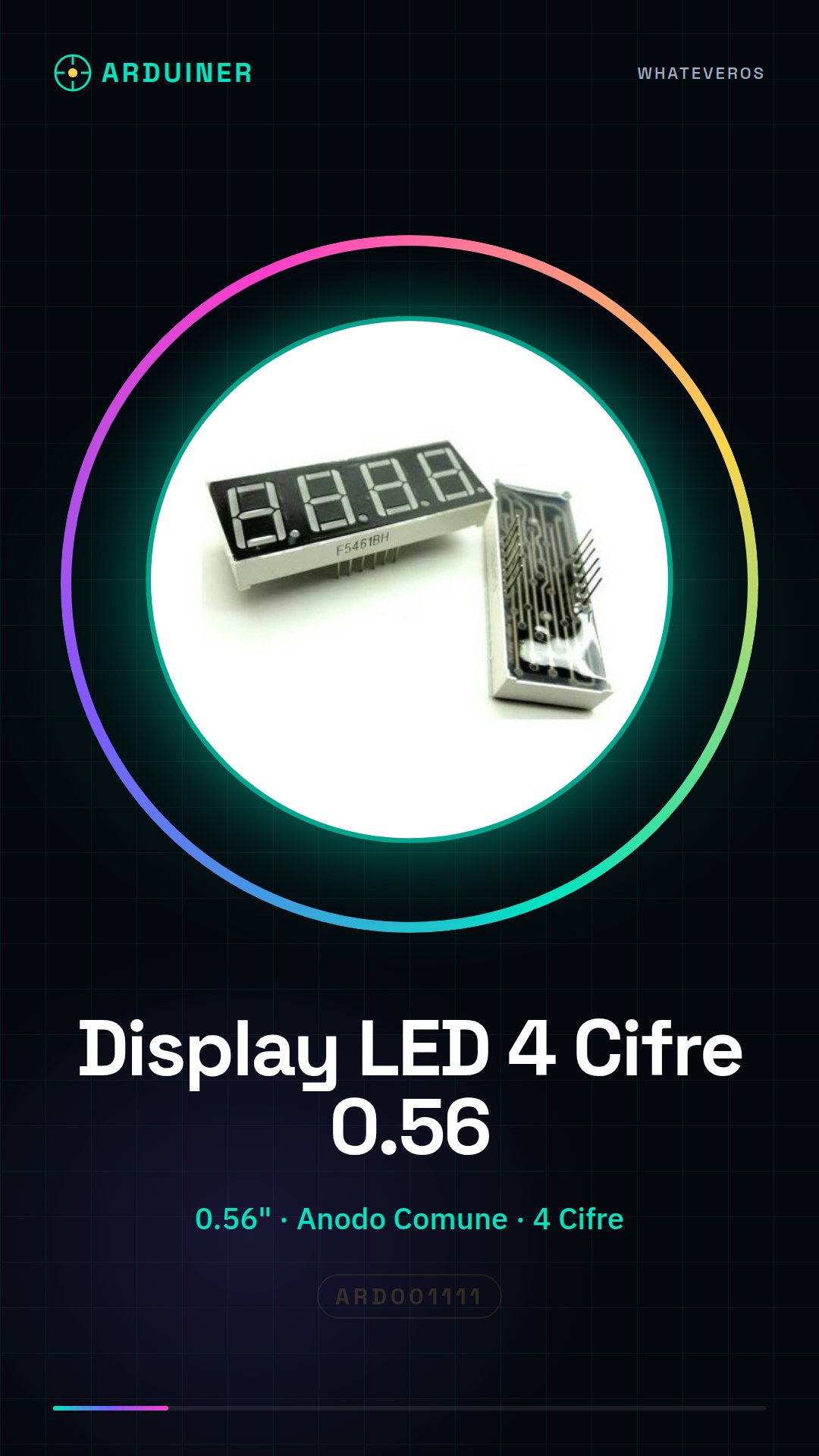
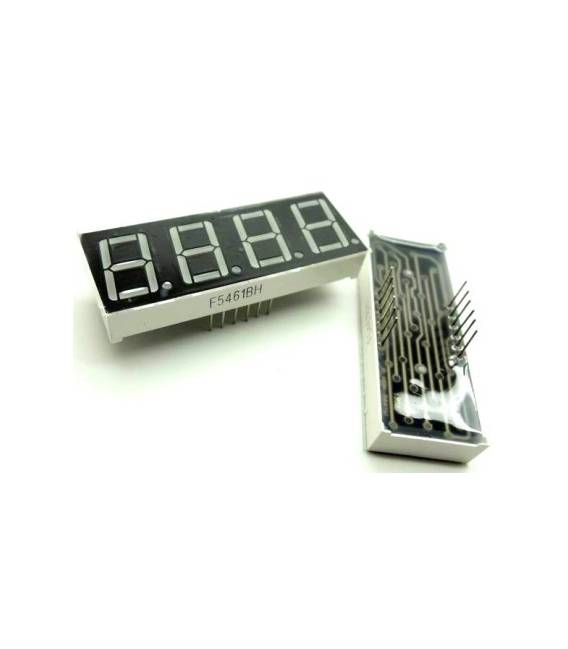
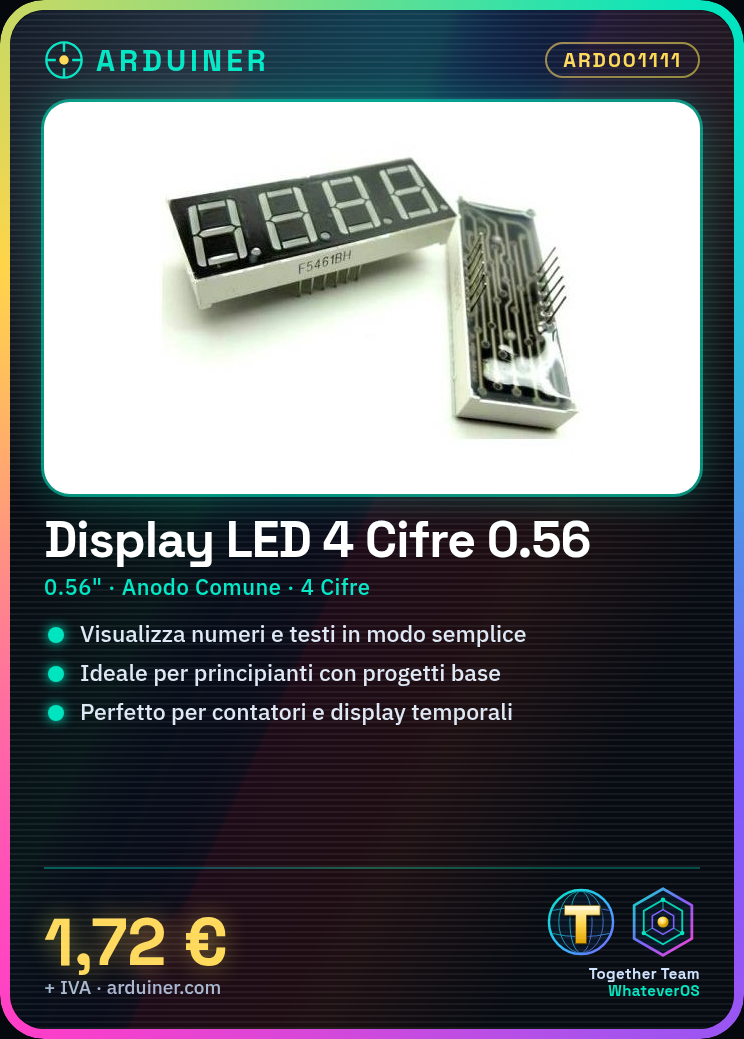
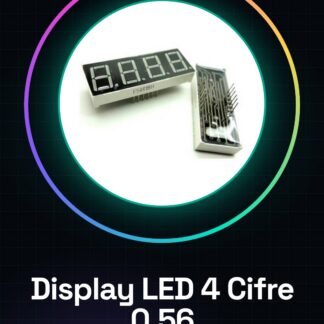
The 4-Digit 0.56 Inch Common Anode LED Digital Display is an electronic component designed to display numbers and text in a simple and cost-effective manner. This digit matrix display is ideal for beginners who want to create small projects such as counters or monitors.
Features
- Type: 4-Digit LED Digital Display
- Digit Size: 0.56 inches
- Common Anode
What it is for
This LED display is perfect for creating counters or numeric displays in Arduino projects. You can use it to show time in minutes and seconds, or to display variables and clock update cycles.
Tutorial: How to Use 4-Digit LED Digital Display
This digit matrix LED display is ideal for displaying numbers and text in a simple and cost-effective manner. It is suitable for beginners who want to create small projects such as counters or monitors.
What you need
- Arduino Uno
- USB Type B Cable
- 5V Power Supply
Steps
- Connect the display pins to the Arduino pins following the pin mapping.
- Upload the example sketch to the Arduino to test the functionality of the digits.
- Modify the sketch to display the numbers you want to show on the display.
Example code
void setup() {
  pinMode(2, OUTPUT);
pinMode(3, OUTPUT);
pinMode(4, OUTPUT);
pinMode(5, OUTPUT);
displayNumber(1234); }

void loop() {}

void displayNumber(int number) { // Funzione per visualizzare un numero }
Mini project
Create a counter that displays time in minutes and seconds. Use variables and loops to update the digital clock.
Common mistakes
- Invert the power supply polarity
- Connect the control pins to the display without current-limiting resistors.
- Do not upload the correct sketch to the Arduino.
Recommended accessories
- Current-limiting resistors 330 Ohm
- Colored jumpers
- Protective case for Arduino Uno
Frequently asked questions
How can I change the number that is displayed?
Modify the displayNumber() function in the code and update the number to be displayed.
The display does not turn on, what should I do?
Check the pin connections and correct power supply.
Reviews
There are no reviews yet.