 EN
 IT Italiano
 ES Español
 FR Français
 DE Deutsch
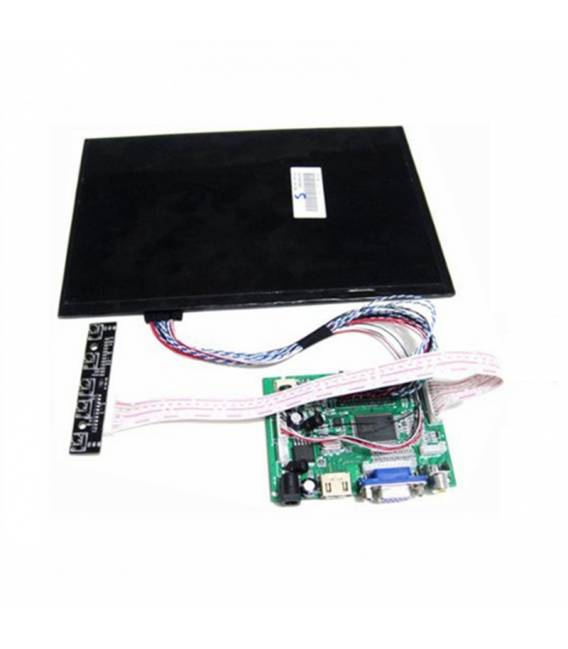
Description
What it is
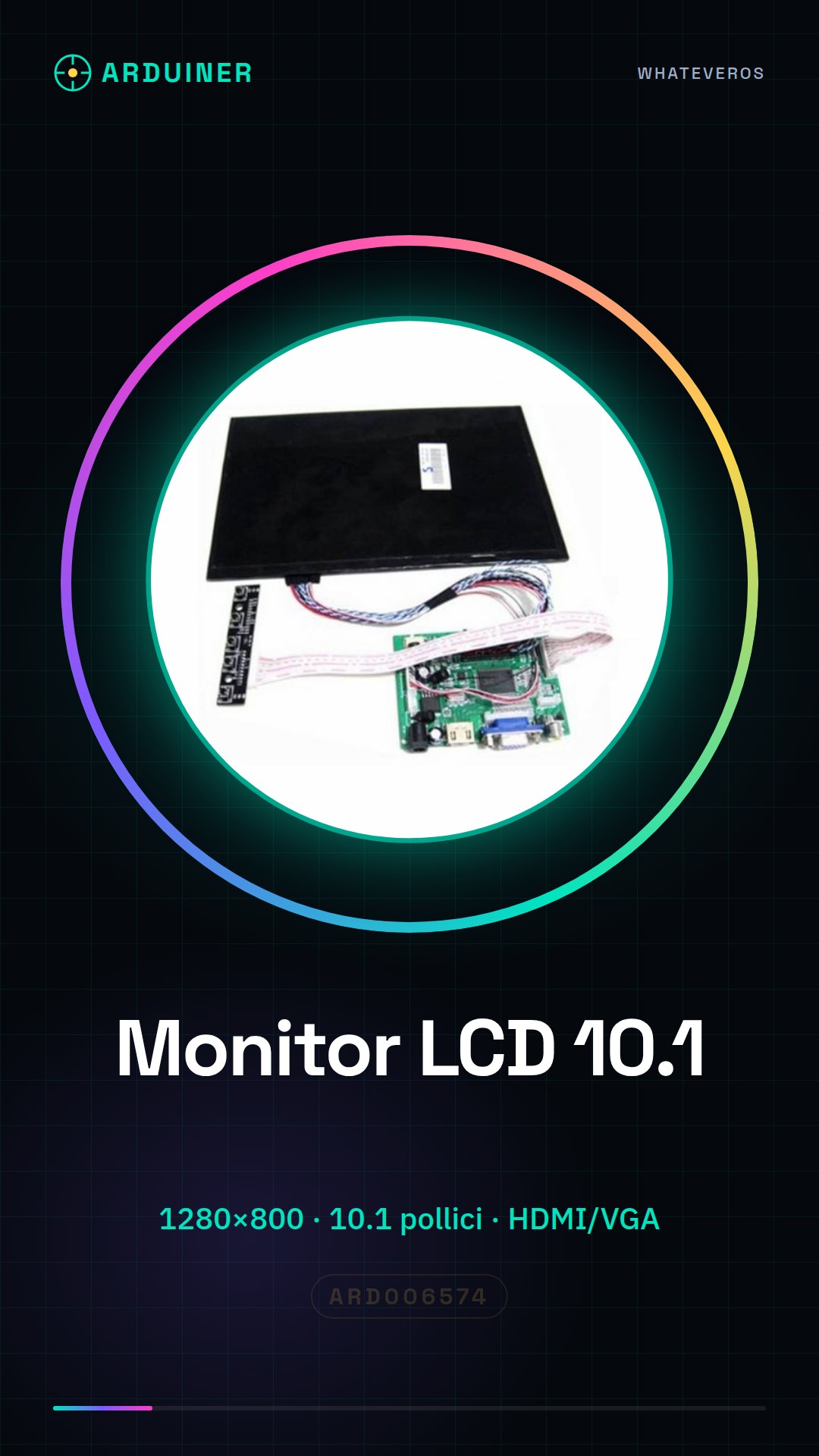
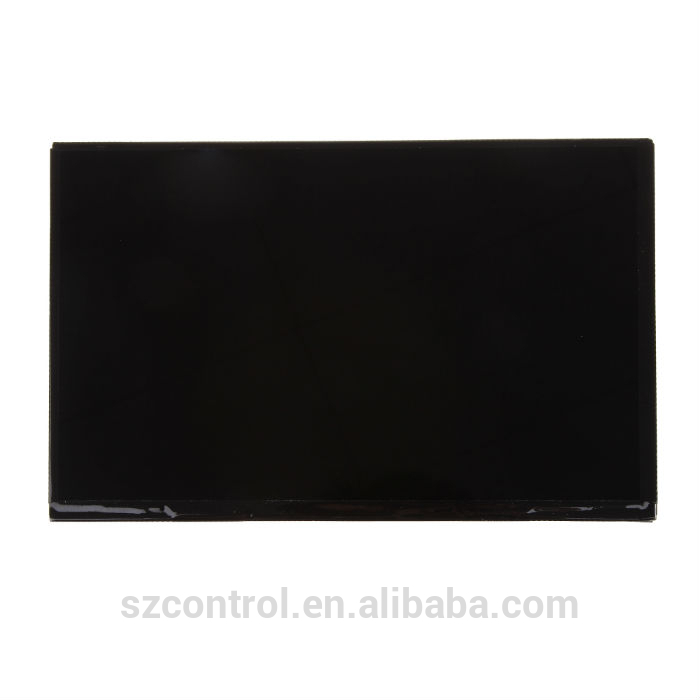
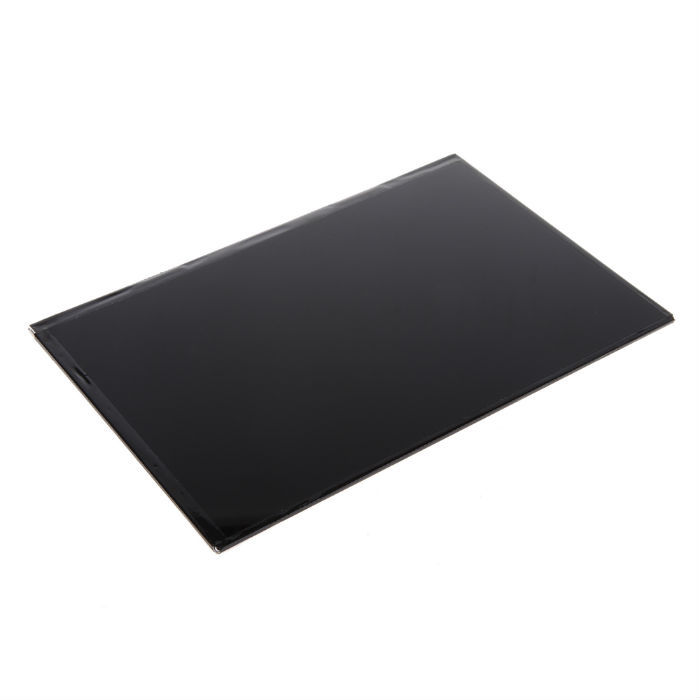
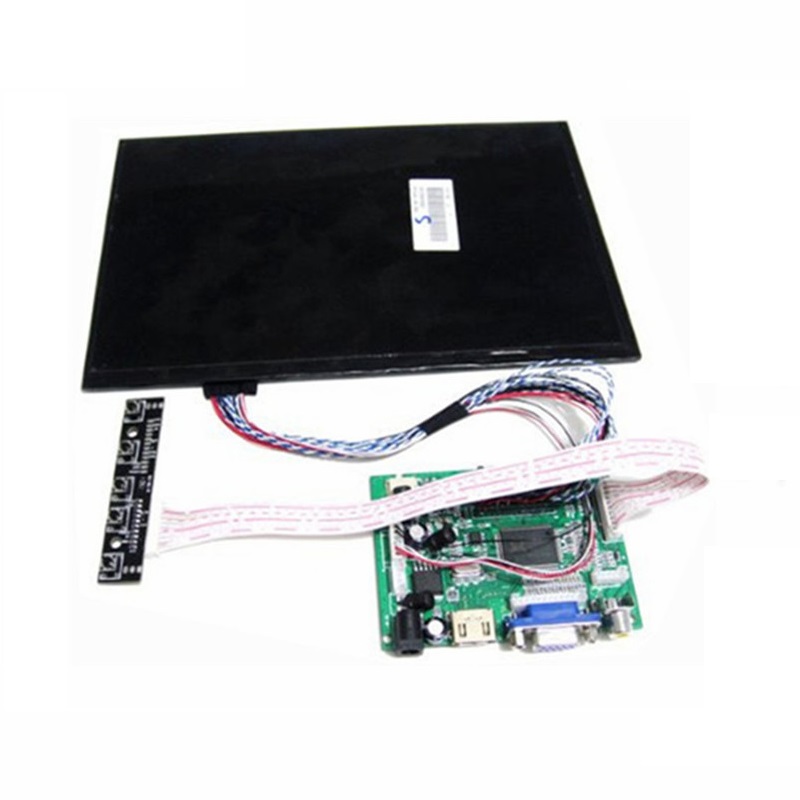
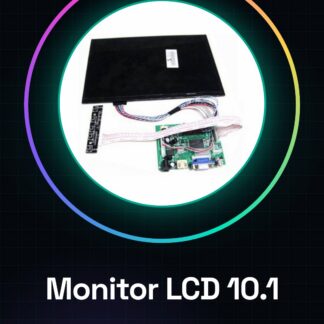
The EJ101IA-01G 10.1 Inch LCD Monitor (RGB) is a display device with a resolution of 1280×800 pixels, ideal for projects requiring a high-contrast and detailed screen.
Features
- 10.1 inch screen
- Resolution: 1280×800 pixels
- Supports HDMI and VGA connectivity
- Includes an AV control for video power supply
What it is for
Ideally suited for projects with Arduino or Raspberry Pi, this monitor allows for the display of multimedia content, custom graphical applications, and advanced user interface screens. It can be used to develop home multimedia systems, customized dashboards, and interactive applications.
Tutorial: How to use 10.1 Inch LCD Monitor with HDMI VGA
This 10.1 inch LCD monitor is ideal for anyone who wants a high-quality and high-resolution display for advanced Raspberry Pi or Arduino projects.
What you need
- Raspberry Pi or compatible computer
- HDMI cable
- VGA adapter (if necessary)
- USB power supply
Steps
- Connect the monitor to the Raspberry Pi via HDMI cable
- Ensure that the Raspberry Pi power supply is powerful enough to handle the additional consumption of the monitor
- Access the Raspberry Pi configuration and set the correct resolution (check the datasheet)
- Install any necessary drivers to ensure a stable connection
- Connect the VGA adapter to the Raspberry Pi if you prefer this connection method
- Verify that the monitor is recognized by the operating system (check the datasheet)
- Configure any display customization options through the monitor’s configuration menu
- Proceed with creating your projects using this large screen
Mini project
Create a home multimedia system based on Raspberry Pi and this LCD monitor to display news, calendars, or other personal content.
Common mistakes
- Incorrect resolution settings
- Insufficient power supply
- Drivers not installed correctly
Recommended accessories
- Raspberry Pi 4 Model B
- High-quality HDMI cable
- USB power supply with multiple outputs
- Raspberry Pi protection kit
Frequently asked questions
How can I change the monitor resolution?
Access the system configuration and modify the resolution settings (check the datasheet).
The monitor does not turn on, what should I do?
Check that all cables are properly connected and that the Raspberry Pi is adequately powered.
Can this monitor be used with Arduino?
Yes, but a HDMI-USB converter or equivalent solution will be necessary to interface with the display.
Reviews
There are no reviews yet.