 EN
 IT Italiano
 ES Español
 FR Français
 DE Deutsch
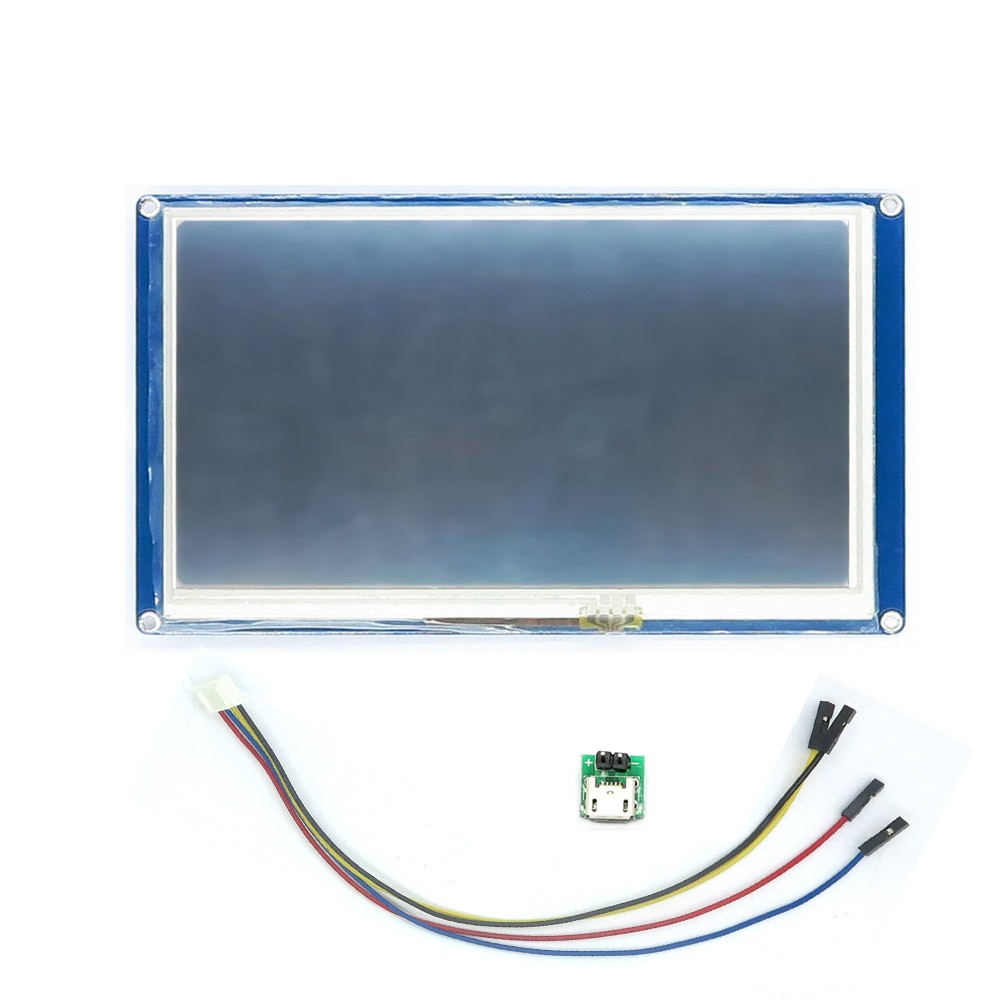
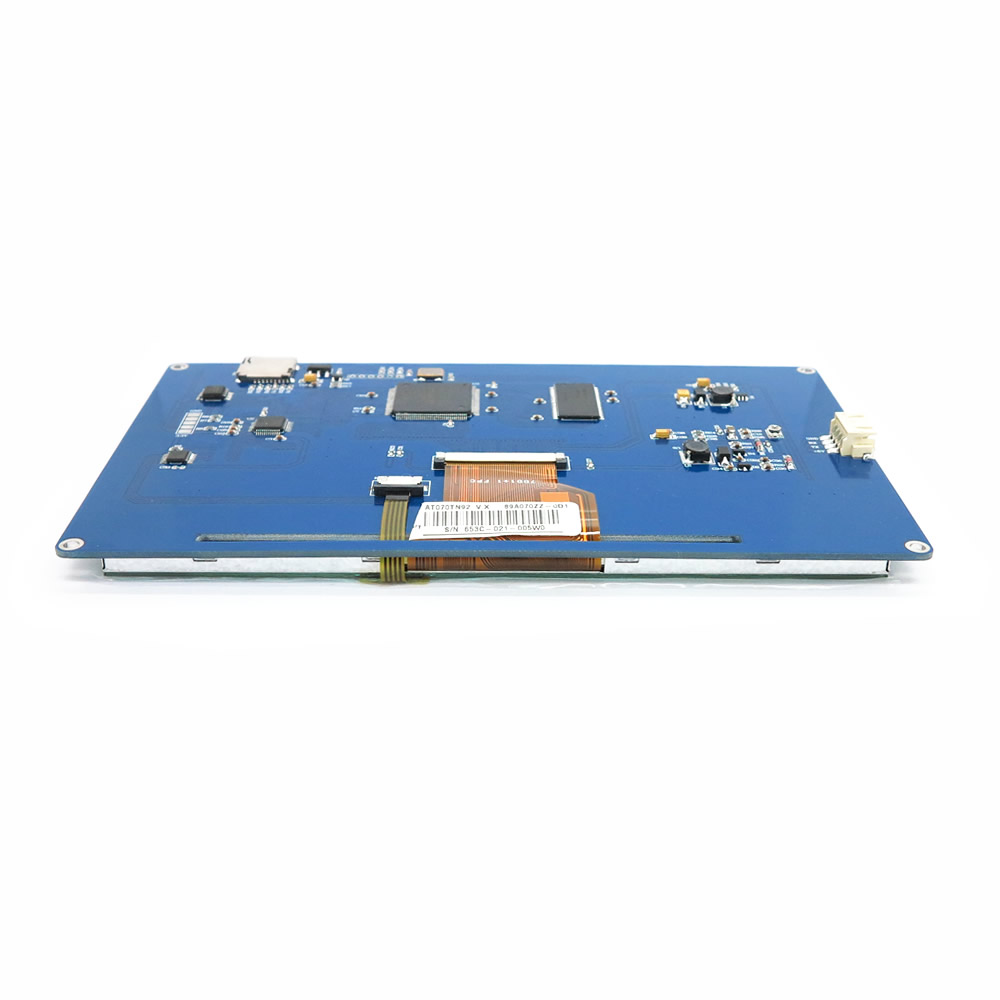
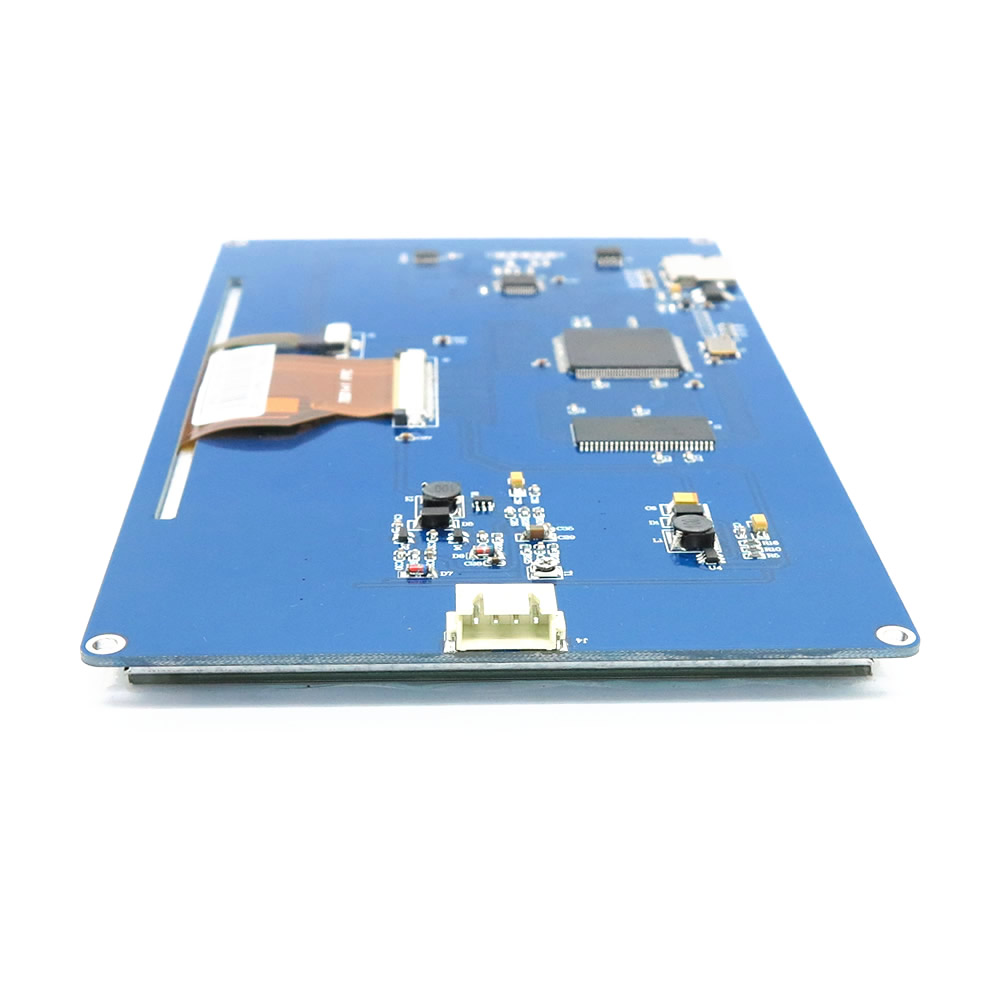
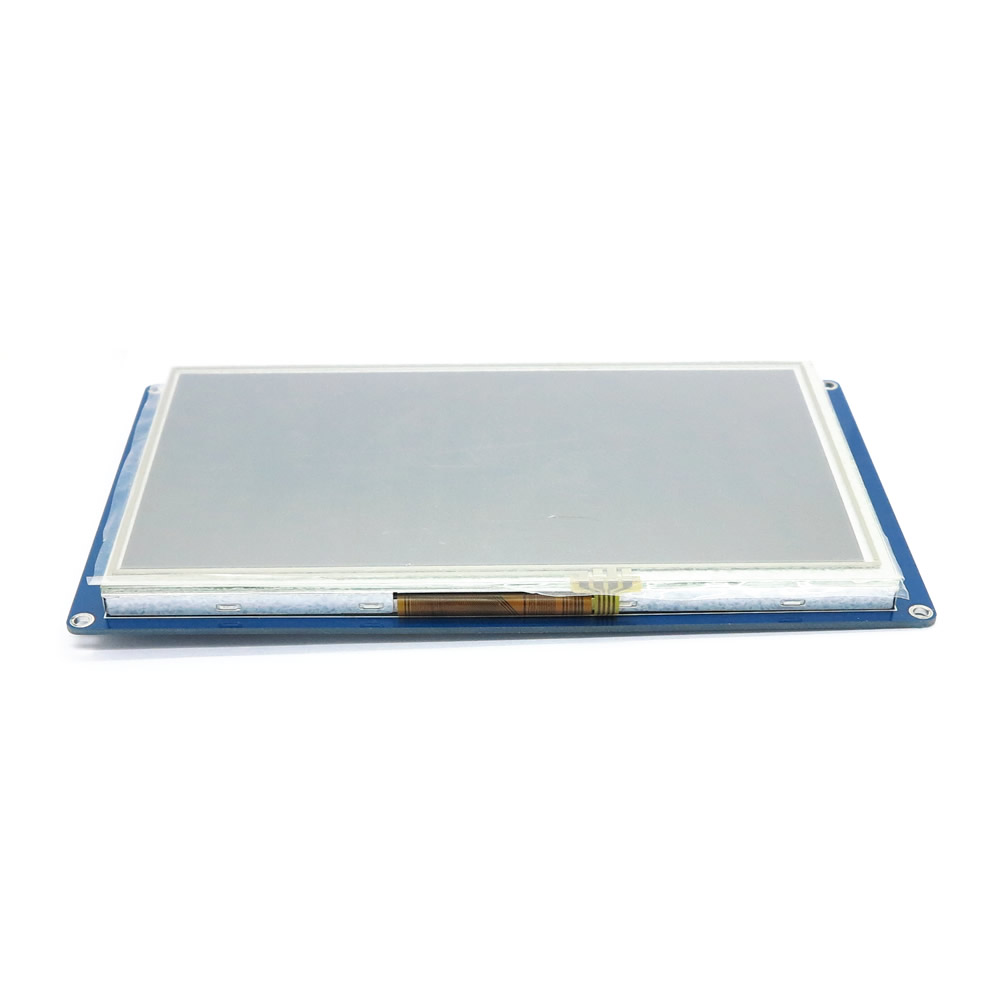
Description
What it is
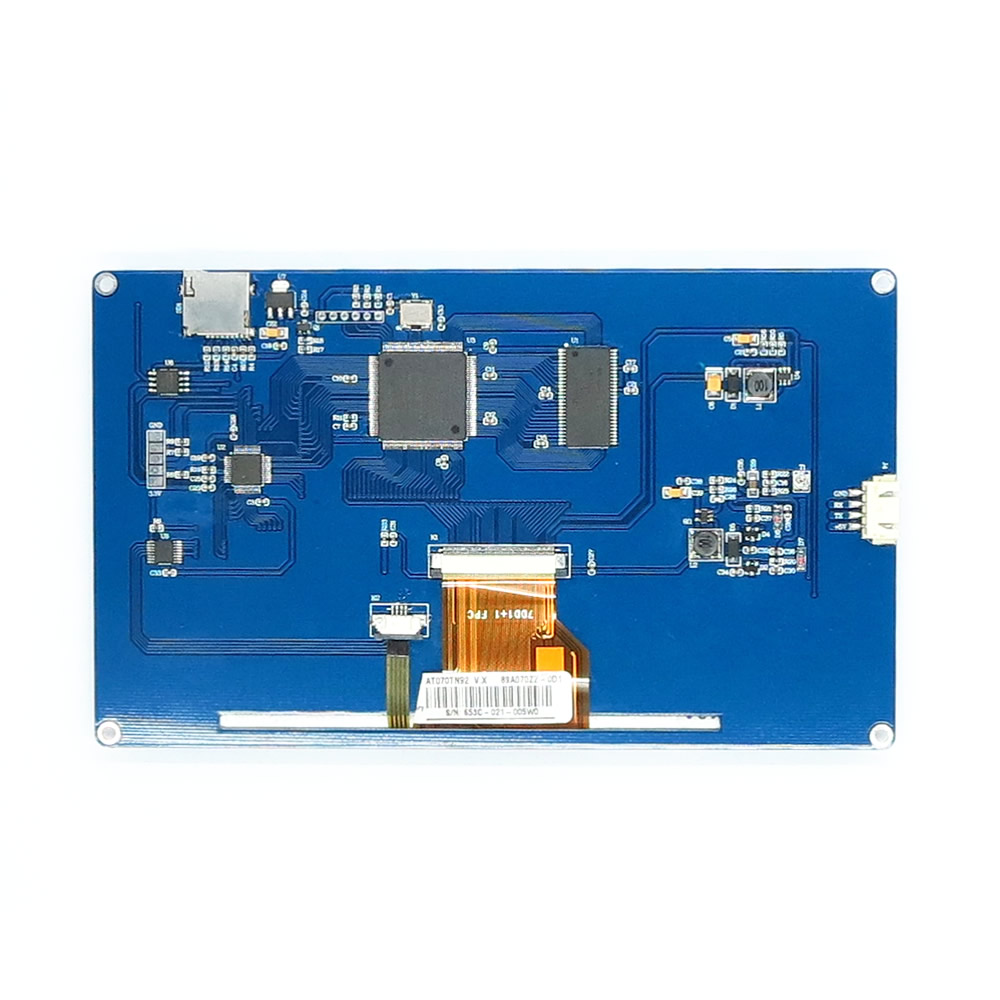
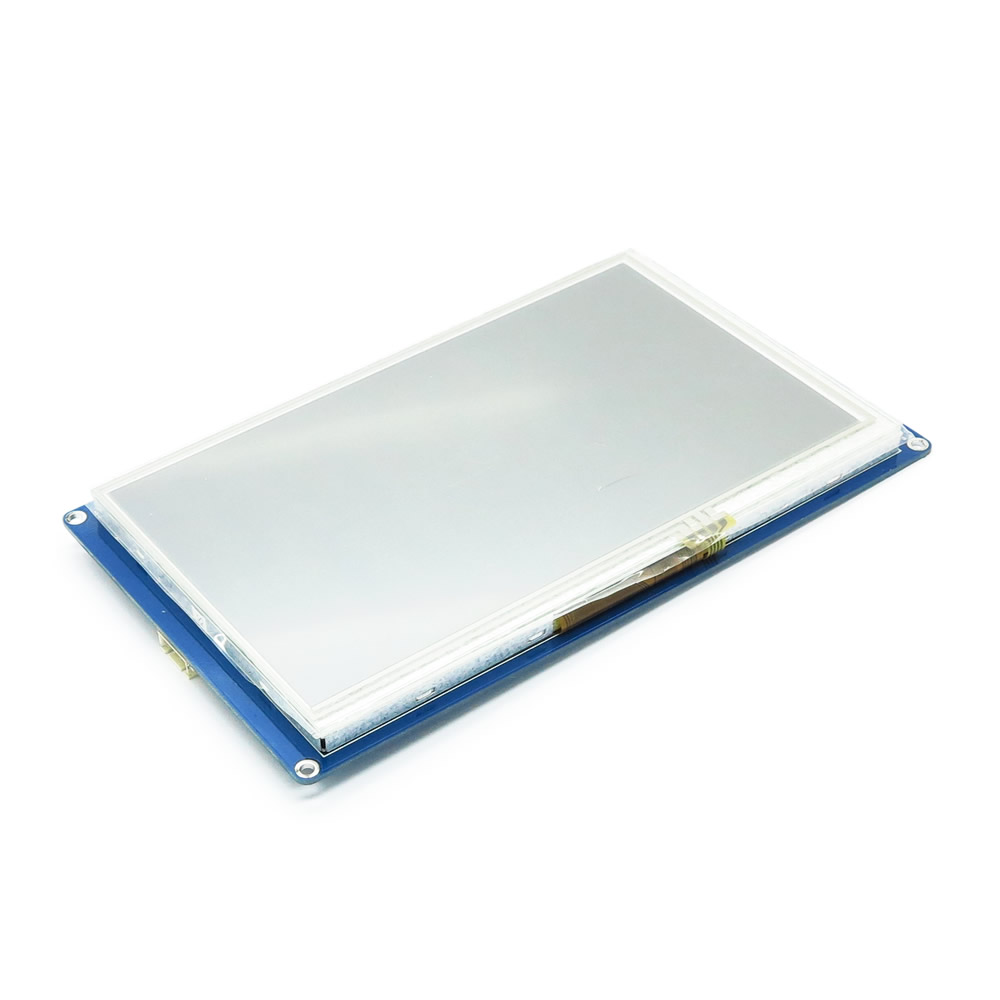
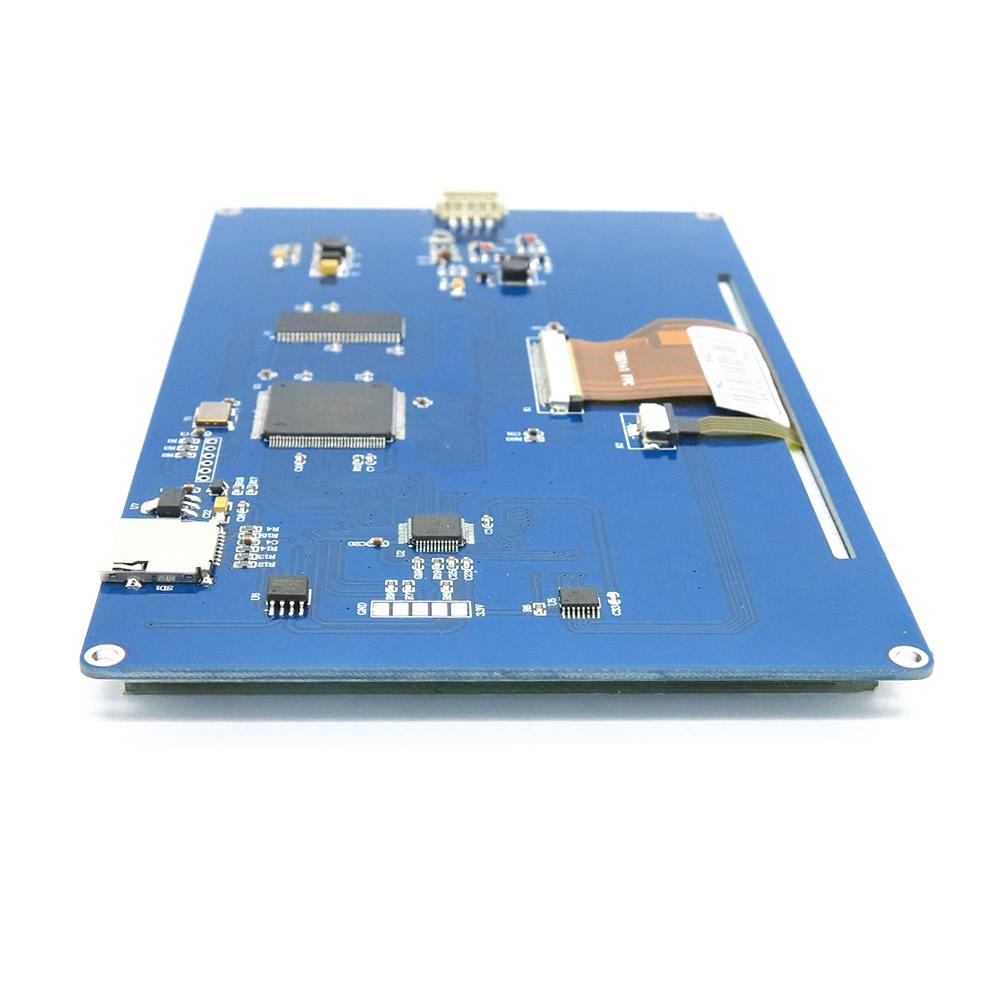
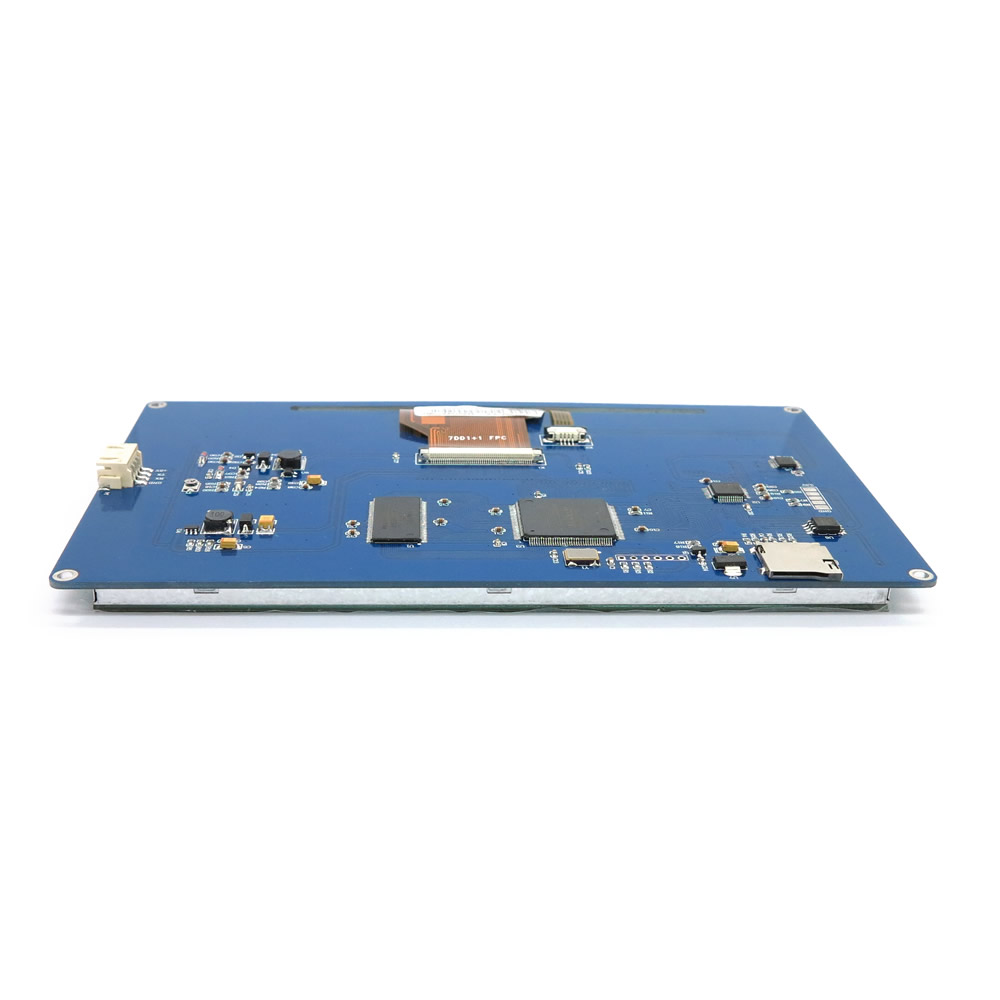
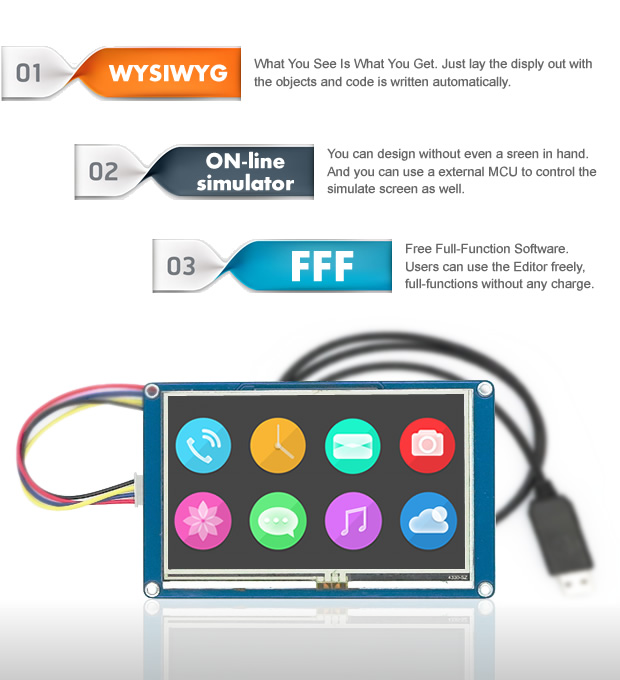
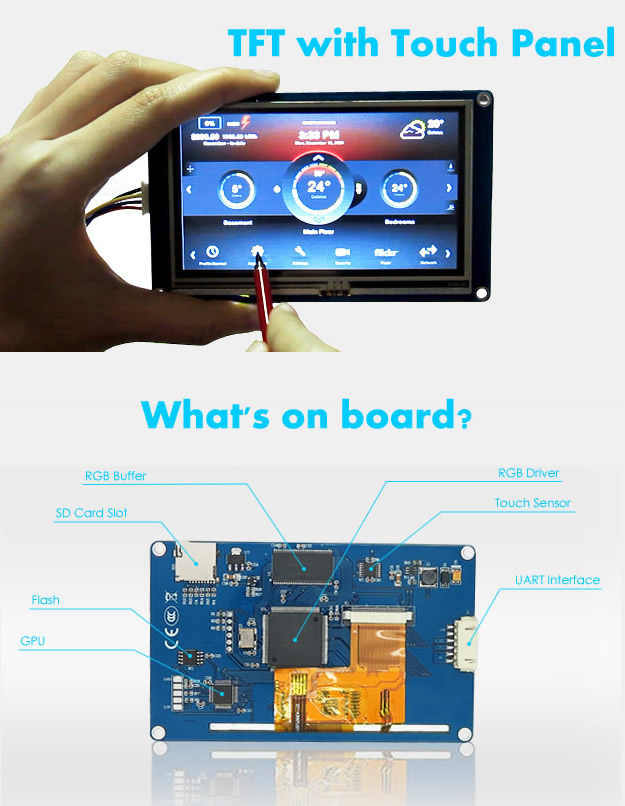
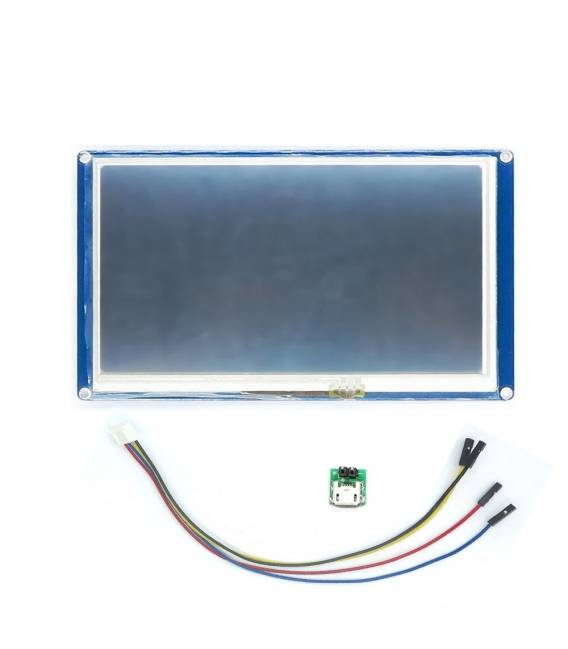
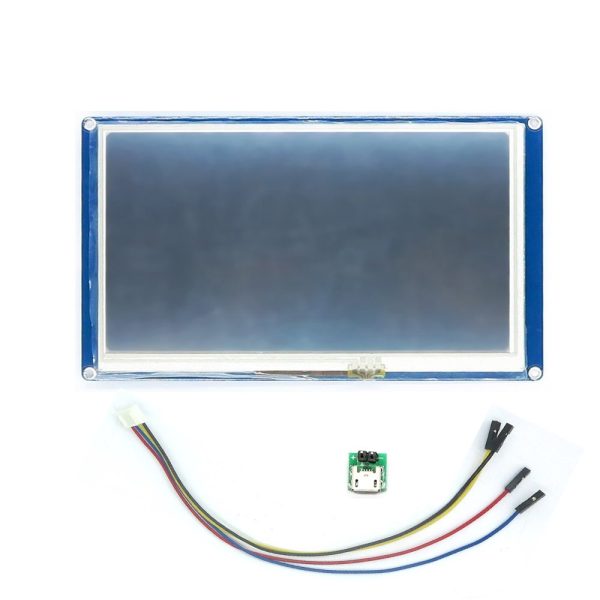
The Nextion NX8048T070 is a 7-inch color LCD display with touch interface. It is designed to be used in electronic projects with Arduino, Raspberry Pi, and other microcontrollers.
Features
- Screen size: 7 inches
- Resolution: check the datasheet
- Touchscreen: Yes
- Color: check the datasheet
What it is for
The Nextion NX8048T070 is ideal for creating intuitive and customizable user interfaces for electronic projects. It can be used to display information, manage settings, and interact with the user through touch buttons and menus. It is compatible with Arduino and Raspberry Pi, making it a versatile solution for makers and electronics enthusiasts.
Tutorial: How to use Nextion NX8048T070
The Nextion NX8048T070 is a 7-inch LCD display ideal for Arduino and Raspberry Pi projects. Useful for beginner and intermediate makers.
What you need
- Nextion NX8048T070
- Arduino or Raspberry Pi
- Power cable
- SPI or I2C cable
Steps
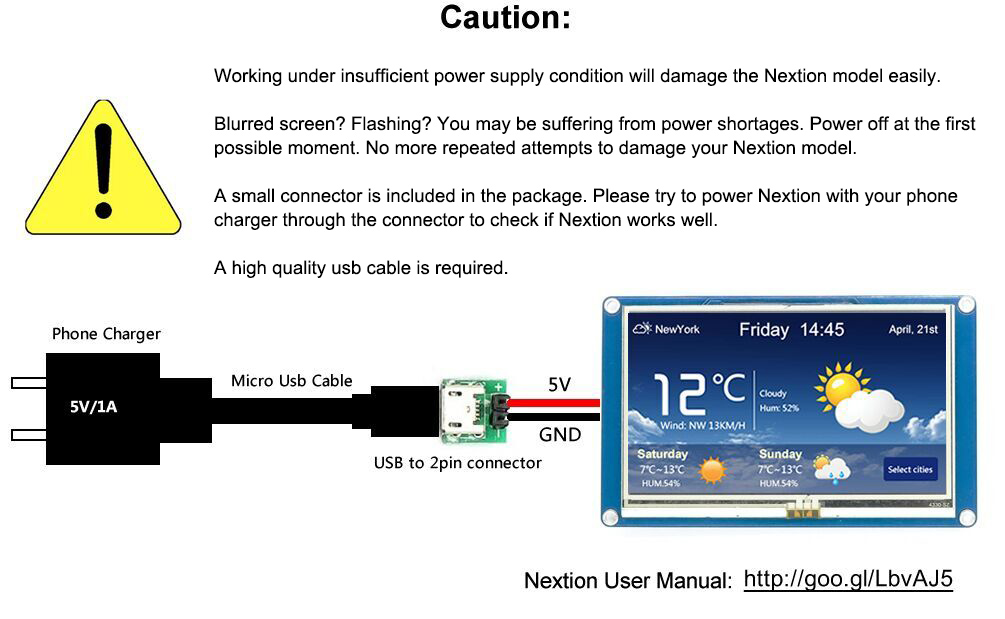
- Check the datasheet for power specifications.
- Connect the power cable to the Nextion.
- Connect the SPI or I2C cable to your microcontroller.
- Download and install the Nextion driver for Arduino or Raspberry Pi.
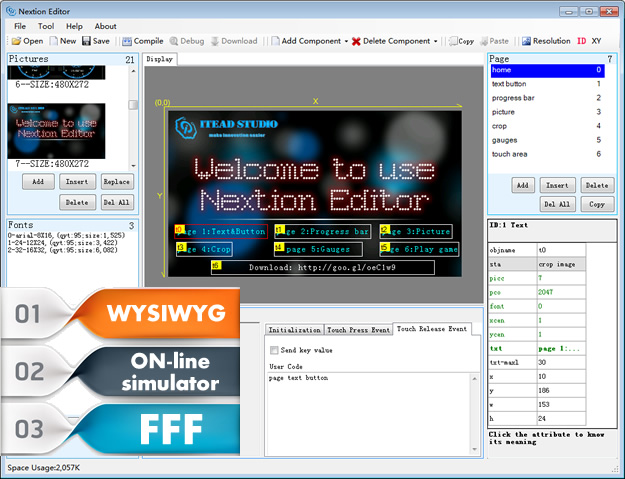
- Create a .nxu file with your screen layout.
- Load the .nxu file onto the Nextion.
- Write the Arduino code to manage the display.
- Test your project.
Mini project
Create a simple stopwatch with Nextion. Configure a layout with forward/backward buttons and a display for seconds.
Common mistakes
- Incorrect power: check the datasheet.
- Incorrect connections: ensure SPI/I2C are correctly connected.
- Driver not installed: install the Nextion driver.
- .nxu file not loaded: load the file onto Nextion before running the code.
Recommended accessories
- Arduino UNO
- Raspberry Pi 4
- Micro USB cable
- FPC Cable
Frequently asked questions
How can I connect the Nextion to a Raspberry Pi?
Connect the I2C cable to the Raspberry Pi and install the Nextion driver.
What are the power supply specifications for the Nextion?
Check the datasheet.
Do I need a specific driver for Arduino?
Download and install the Nextion driver for Arduino.
Can I use the Nextion with a Raspberry Pi Zero?
The Nextion supports I2C, check compatibility with the Raspberry Pi Zero.
Reviews
There are no reviews yet.