 EN
 IT Italiano
 ES Español
 FR Français
 DE Deutsch
Description
What it is
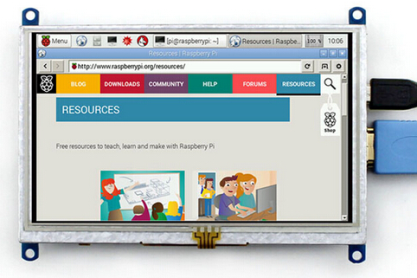
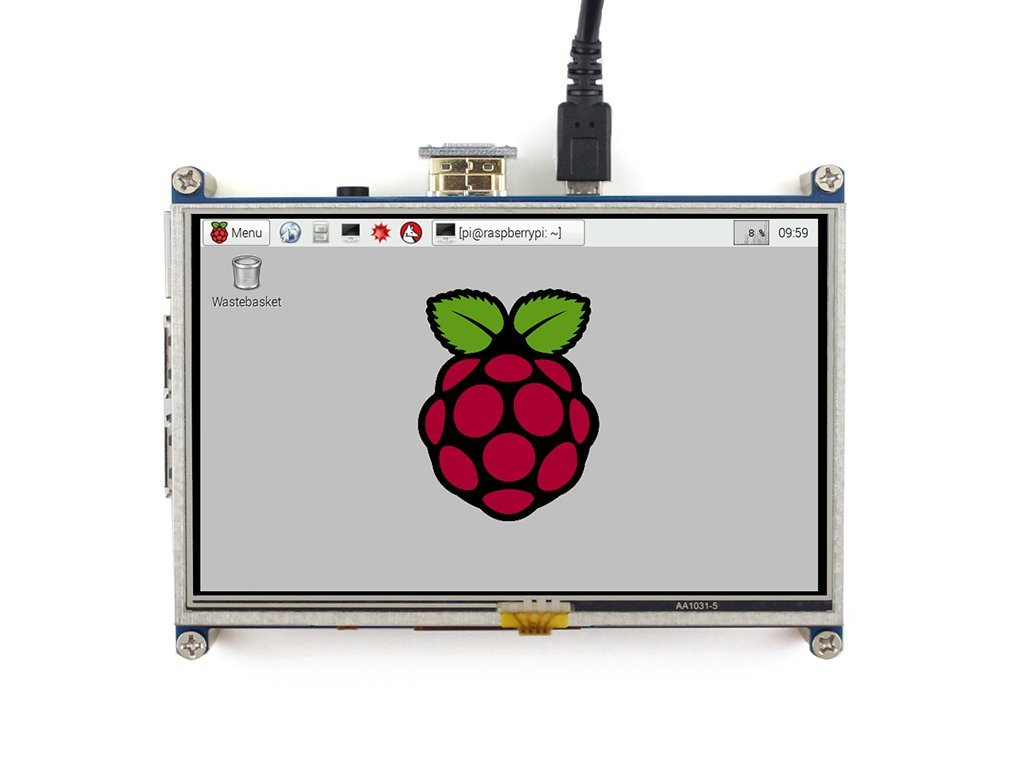
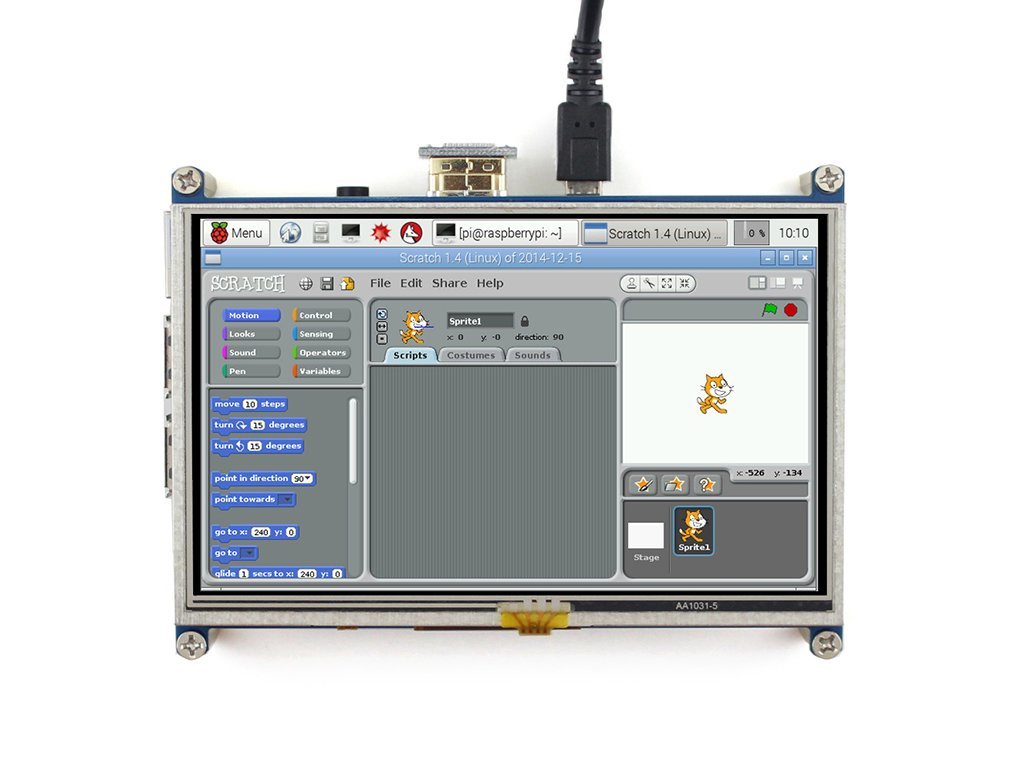
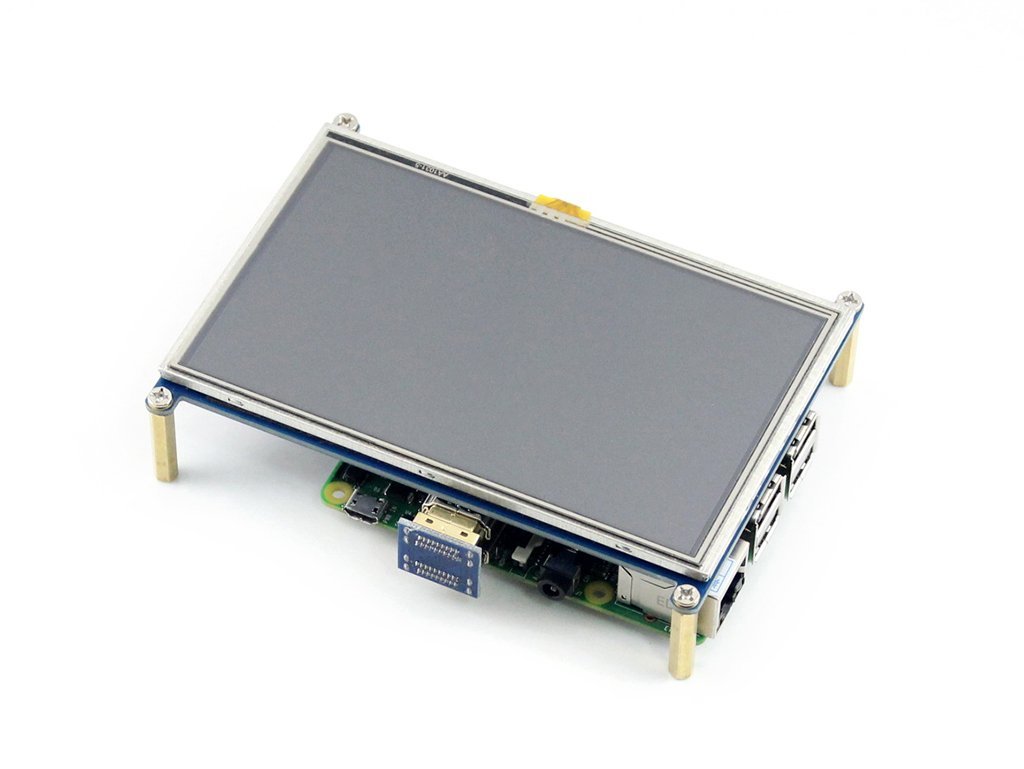
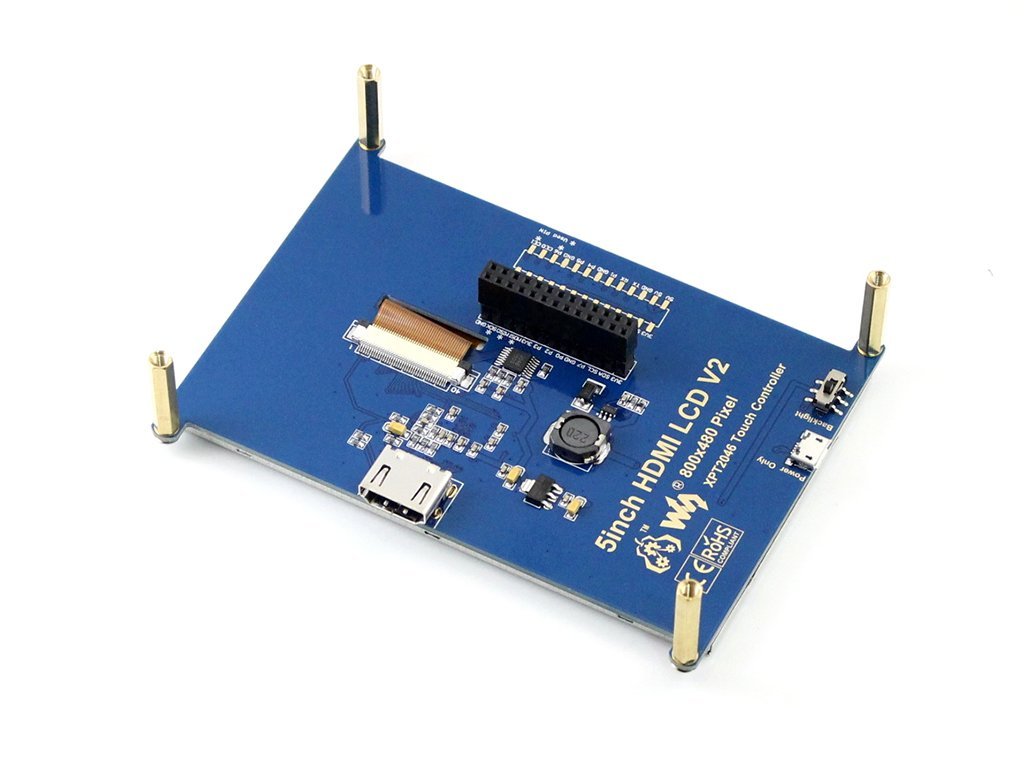
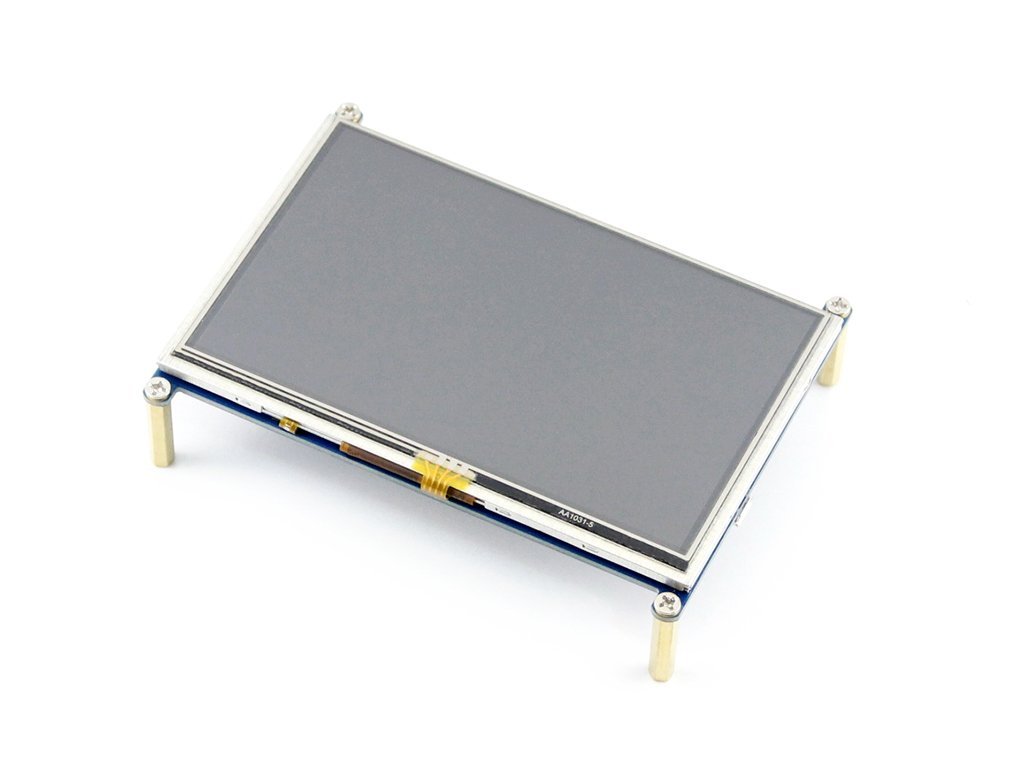
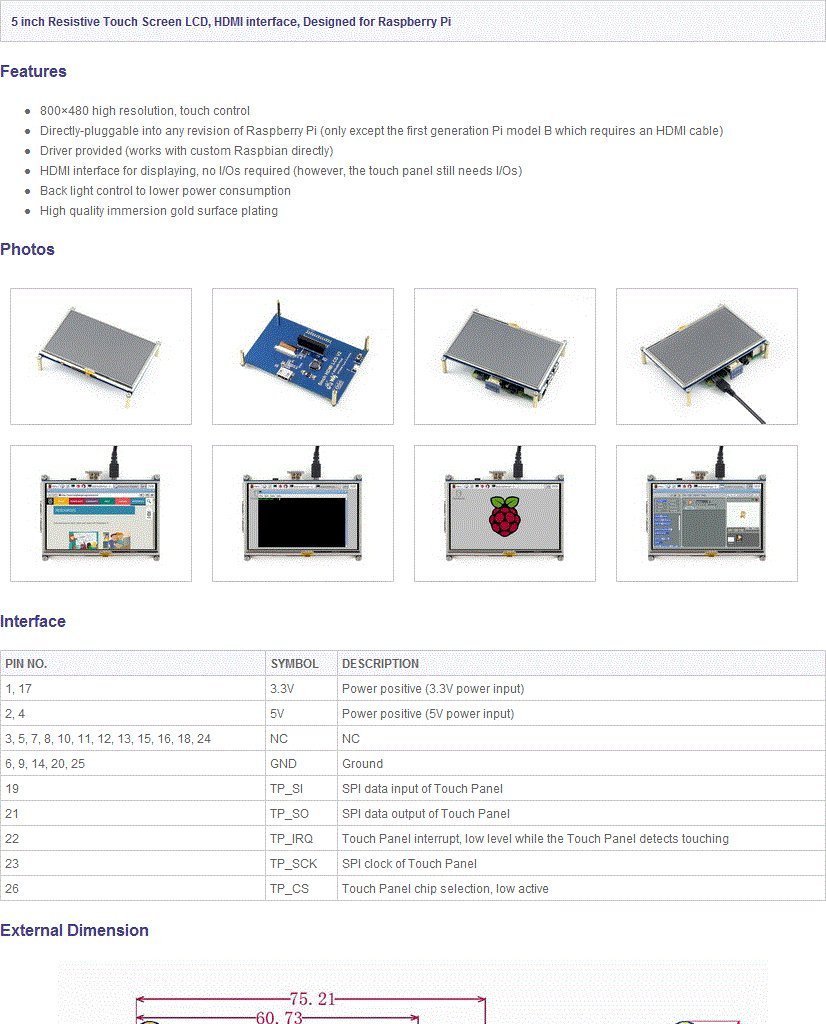
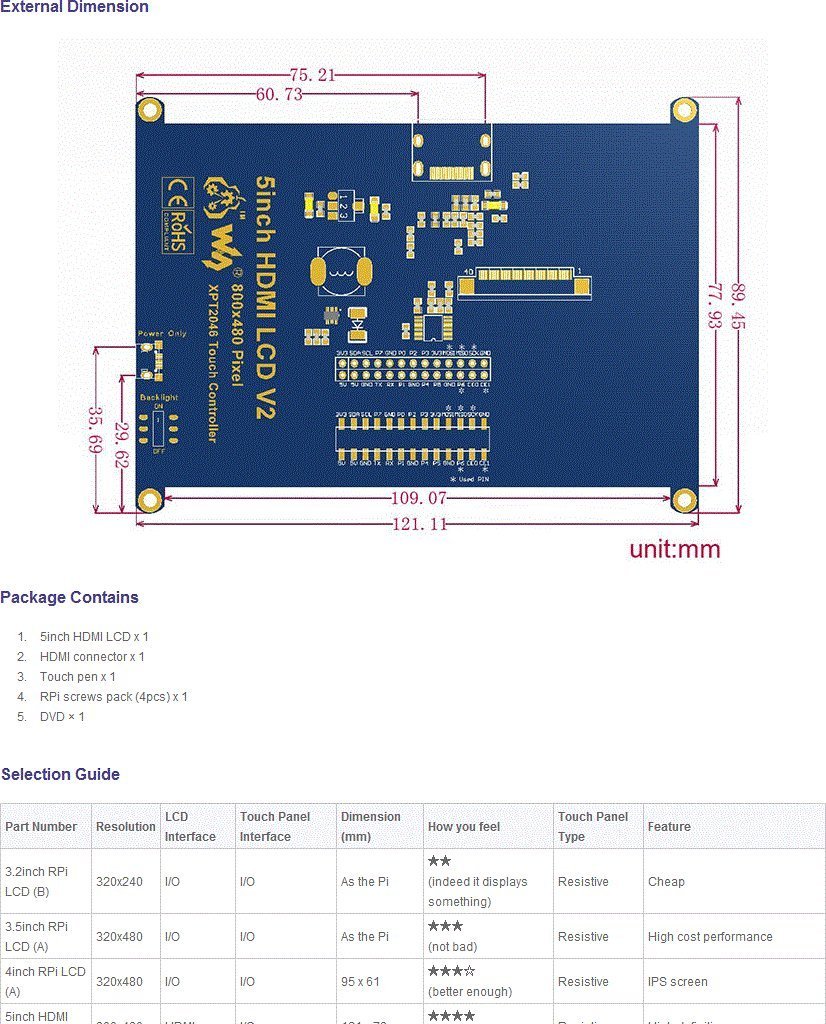
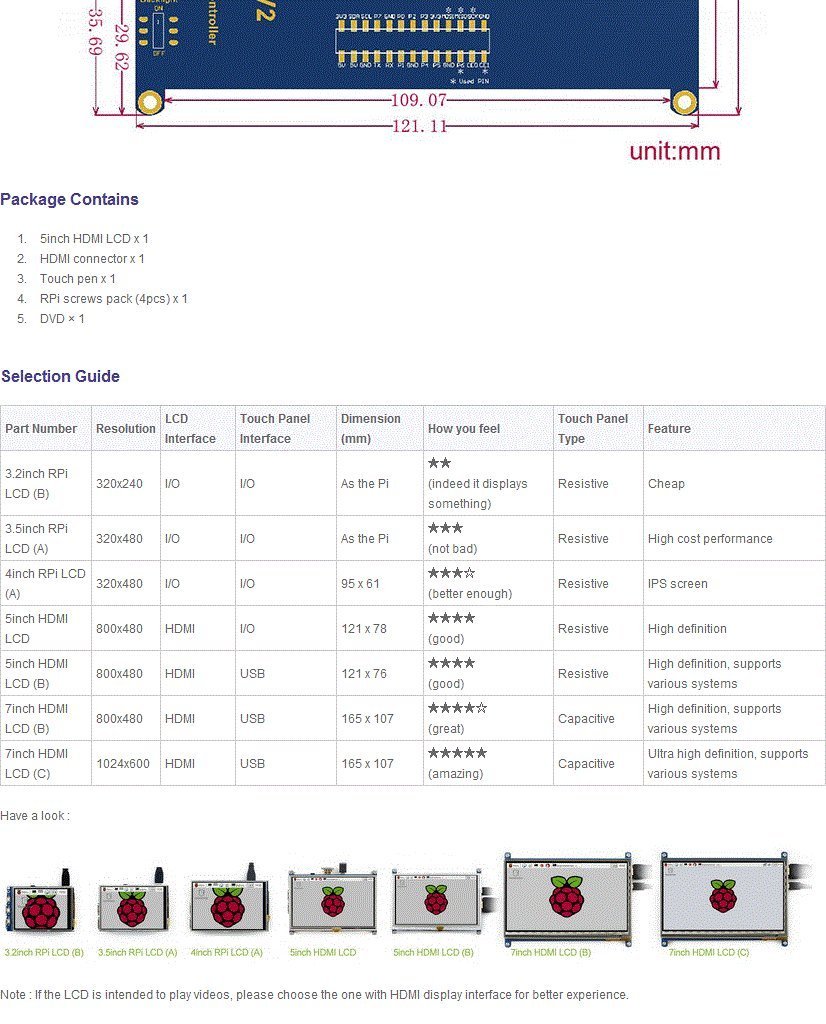
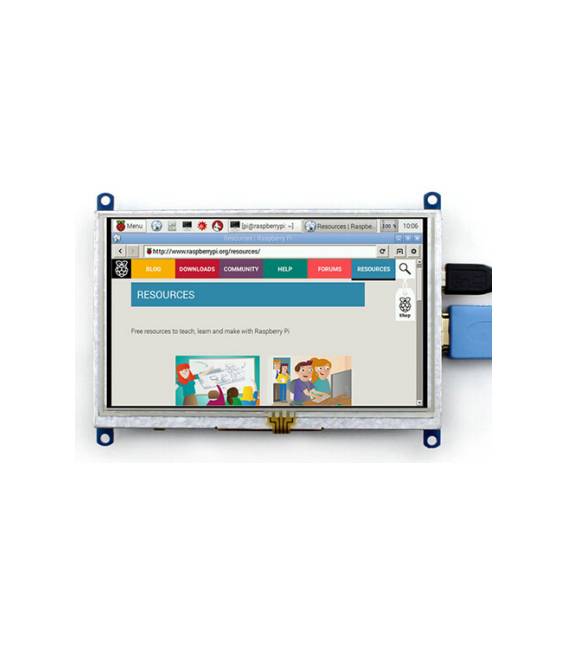
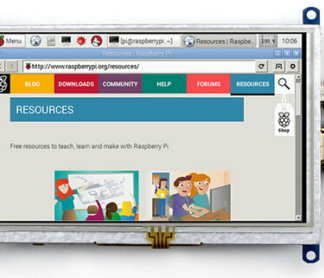
The 5 inch Raspberry Pi Display LCD Module with 800×480 resolution TFT screen and resistive touch HDMI is a useful component for adding interactive graphical display to Raspberry Pi based projects. This device allows for easy integration of a high-resolution display in electronic devices.
Features
- 5 inch Liquid Crystal Display Screen
- Display resolution: 800×480 pixels
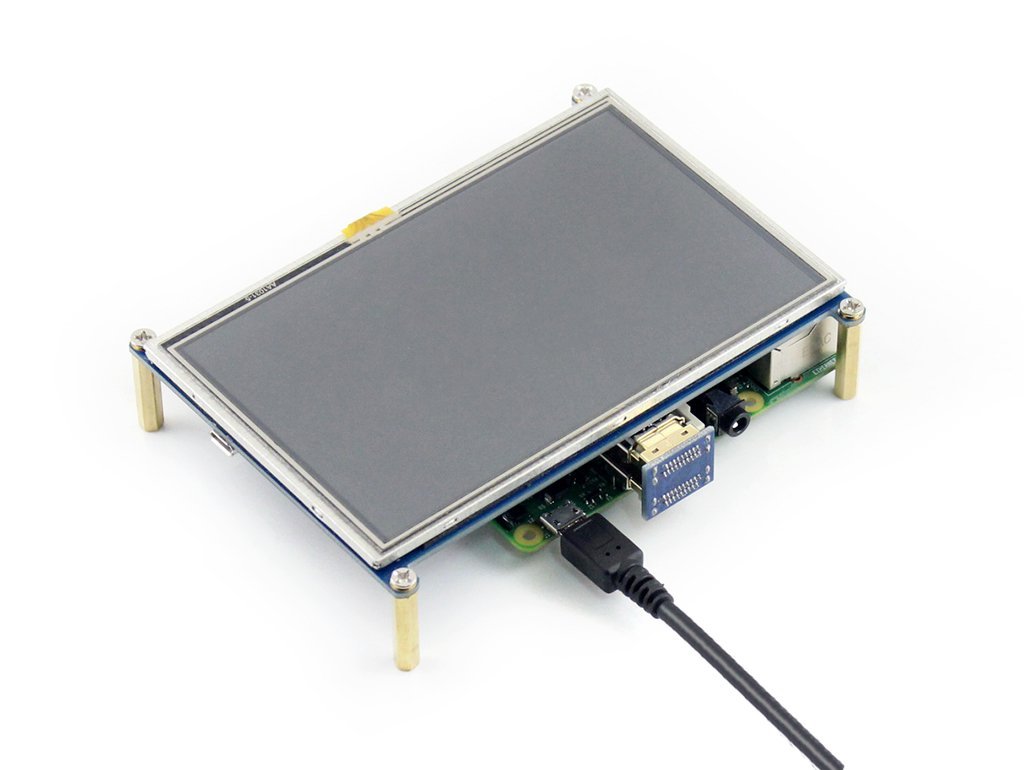
- HDMI connector for connection to Raspberry Pi
- TFT screen with resistive touch interface
What it is for
LCD modules like this are ideal for graphical and interactive projects on Raspberry Pi, such as digital photo frames or control screens. It is compatible with most versions of Raspberry Pi.
Tutorial: How to use 5 inch Raspberry Pi Display LCD Module HDMI
This 5-inch tactile LCD display module with 800×480 resolution is ideal for visual projects on Raspberry Pi. It is perfect for both beginners and experienced makers who want to add a graphical interface to their devices.
What you need
- Raspberry Pi
- HDMI cable
- USB power supply
- Resistive Touch Screen
- Display configuration software
Steps
- Connect the LCD module to Raspberry Pi via HDMI cable.
- Connect the USB power supply to Raspberry Pi to provide power.
- Check the display resolution on Raspberry Pi and configure if necessary (check the datasheet).
- Install any required drivers or display configuration software (check the datasheet).
- Test the touch screen to ensure it is functioning correctly.
- Configure your preferred graphical interface on Raspberry Pi, such as LXDE or Raspbian.
- Check software and script compatibility with the new display (check the datasheet).
- Start creating visual projects using this display.
Mini project
Create a small digital photo frame that displays images from a specific folder on Raspberry Pi.
Common mistakes
- Display resolution issues
- Touch screen not functioning correctly
- Software compatibility with the new display
Recommended accessories
- HDMI cable
- USB power supply for Raspberry Pi
- Raspberry Pi Starter Kit
- Display configuration software (check the datasheet)
Frequently asked questions
My touch screen is not working.
Verify that the necessary software is installed and configured correctly.
How can I change the display resolution?
Use the configuration tools provided by the operating system or check the datasheet for specific instructions.
Reviews
There are no reviews yet.