 EN
 IT Italiano
 ES Español
 FR Français
 DE Deutsch
Description
What it is
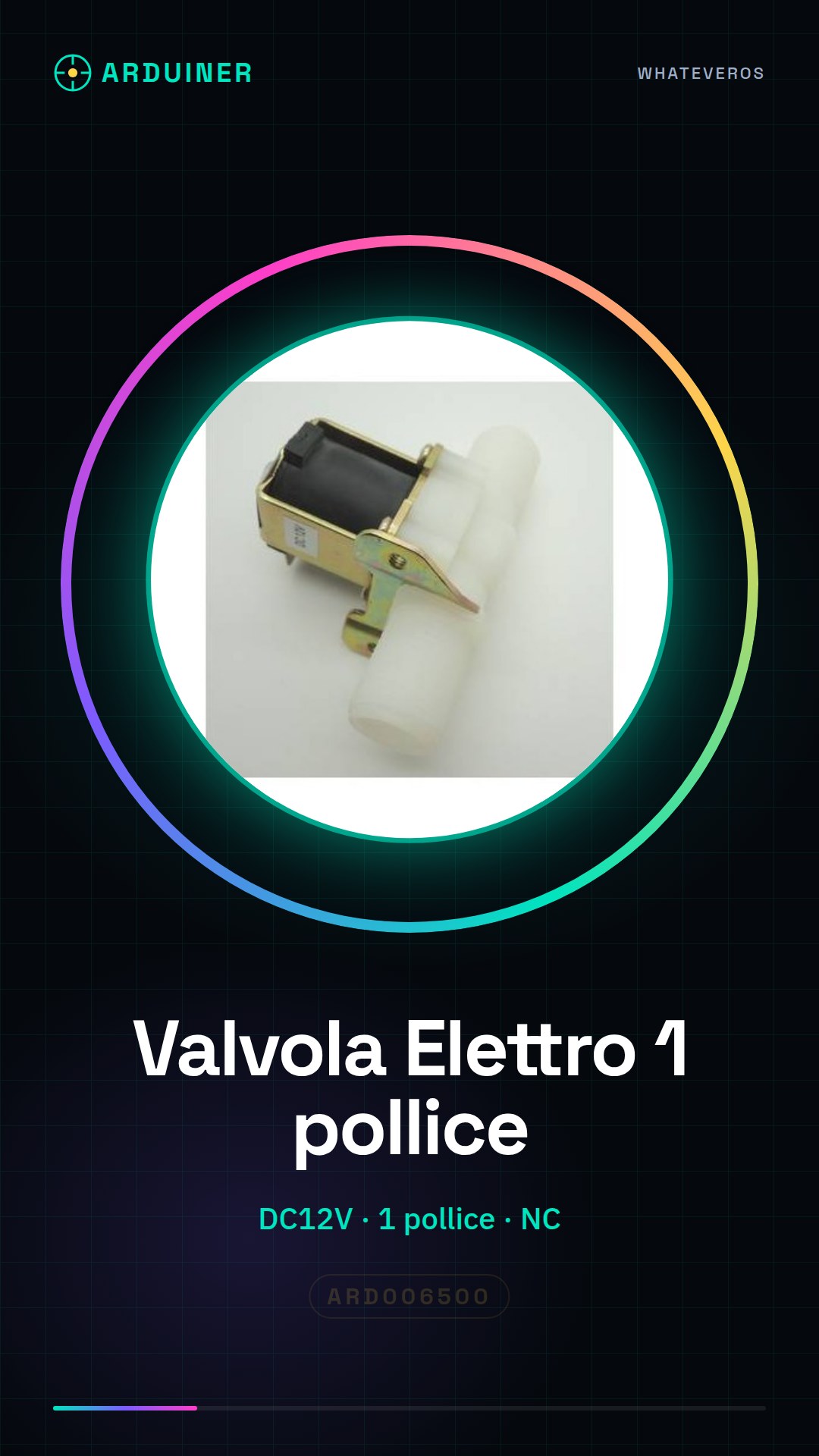
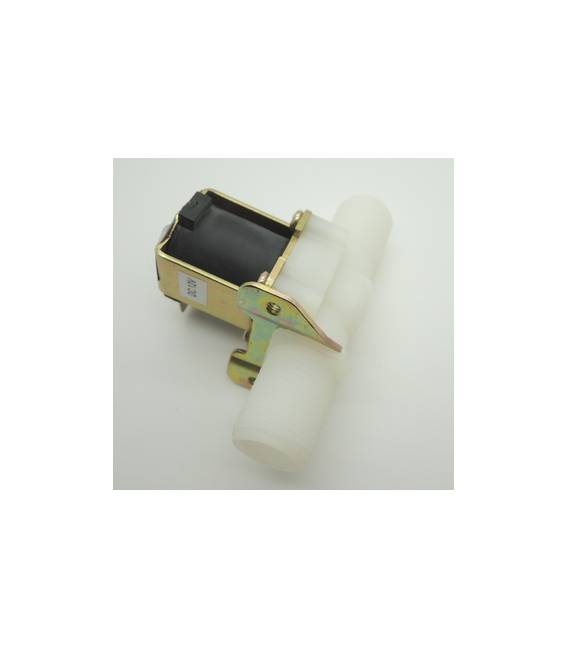
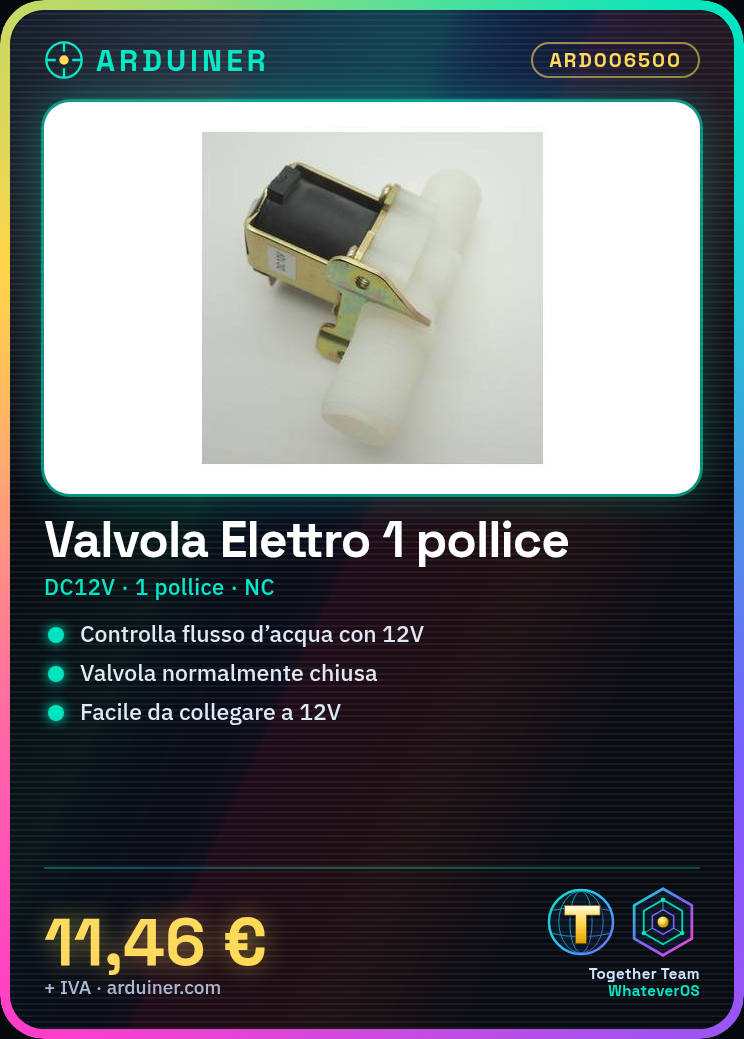
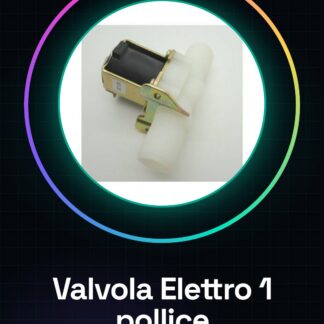
The normally closed 1-inch DC12V NC solenoid valve is a device used to control water flow in automatic systems such as irrigation or filtration. This electronic component allows the water passage to open and close when a 12V DC voltage is applied.
Features
- Operating Voltage: DC12V
- Connector Diameter: 1 inch (check the datasheet)
- Operating Mode: Normally Closed (NC)
What it is for
This solenoid valve is ideal for DIY projects such as creating an automatic irrigation system with soil moisture sensors. It can be used in conjunction with Arduino or ESP to control water flow based on data collected from the sensors.
Tutorial: How to Use DC12V NC Solenoid Valve Water
This solenoid valve is ideal for controlling water flow in automatic systems such as irrigation or filtration. It is perfect for DIY and maker projects that require precise fluid control.
What you need
- Arduino Uno
- 12V Power Supply
- Connector Cable
- Water Level Sensors
Steps
- Check the valve’s compatibility with the water system and project requirements.
- Connect the 12V power supply to the positive (+) terminal of the valve and ground (GND) to the negative (-) terminal.
- Connect the two terminals of the valve to the Arduino Uno: one to GND and the other to the control pin.
- Write the Arduino sketch to control the valve through the control pin.
- Test the system with a water level sensor connected to another digital pin.
- Try to adjust the electrical power supply of the valve based on the water flow requirements.
- Check that the valve opens correctly when the level sensor detects a low water level.
- Optimize the sketch to handle multiple valves or sensors if necessary.
Example code
const int valvePin = 7; // Pin di controllo della valvola
void setup() {
pinMode(valvePin, OUTPUT);
}
void loop() {
digitalWrite(valvePin, HIGH); // Apre la valvola
delay(5000); // Attende 5 secondi
digitalWrite(valvePin, LOW); // Chiude la valvola
}
Mini project
Create an automatic irrigation system with soil moisture sensors that open and close the valve.
Common mistakes
- Incorrect connection between Arduino and valve
- Power supply insufficient to operate the valve
- Level sensor not properly configured.
- Valve locked due to a code or connection error.
Recommended accessories
- Soil moisture sensors ARD006512
- 12V power supply ARD006345
- M/F connector cable ARD006508
- Relay to control the low current valve ARD006509
Frequently asked questions
Can the valve be used with hot water?
Check the datasheet to see if the valve is suitable for use with hot water.
How can I control multiple valves simultaneously?
Use a relay module or multiplexer to manage multiple valves from Arduino.
Reviews
There are no reviews yet.