 EN
 IT Italiano
 ES Español
 FR Français
 DE Deutsch
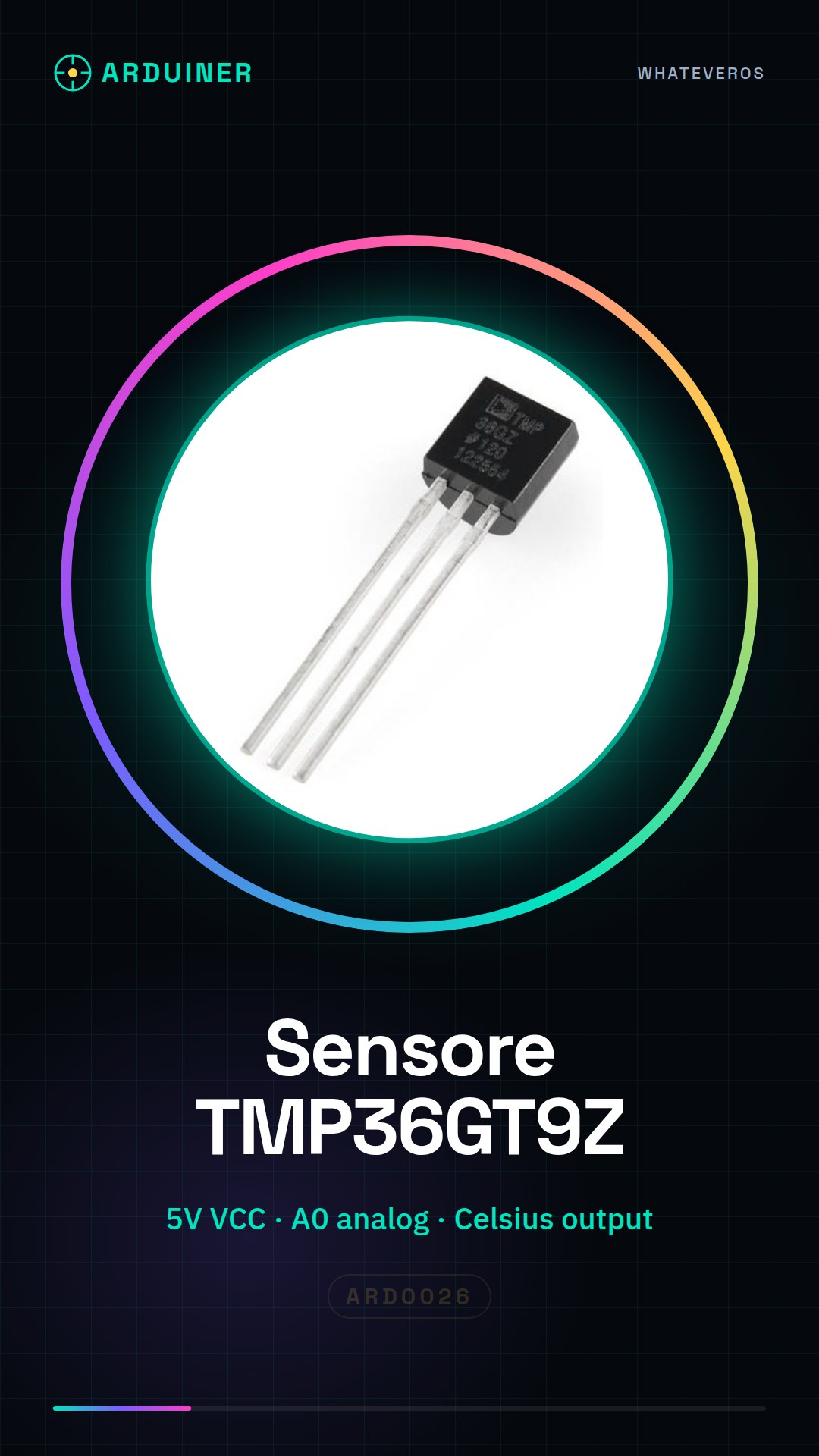
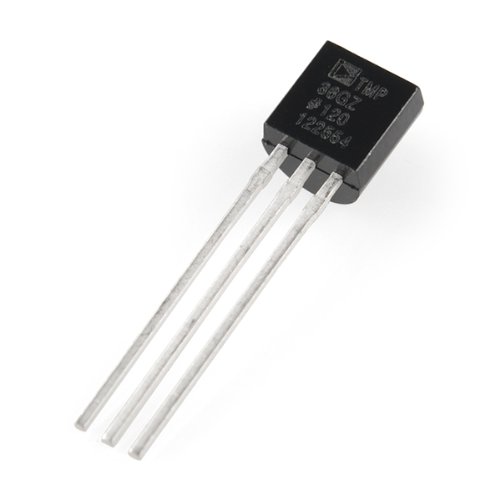
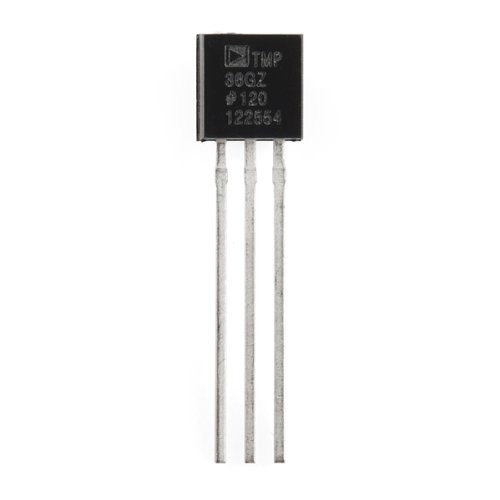
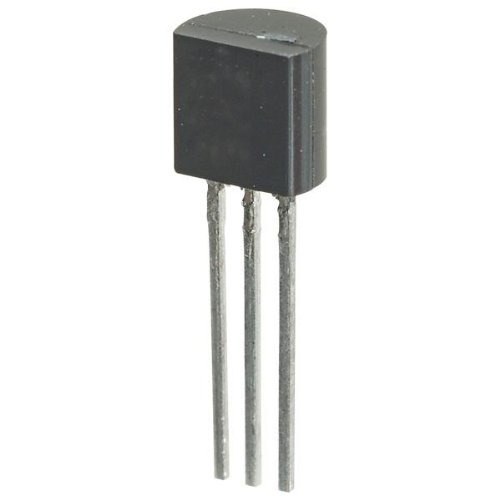
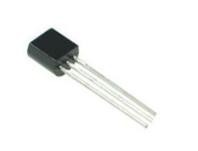
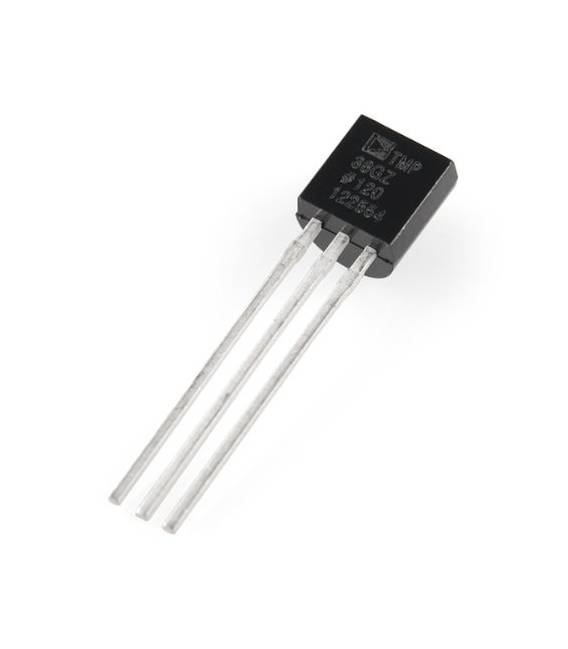
Description
Tutorial: How to Use the TMP36GT9Z Temperature Sensor
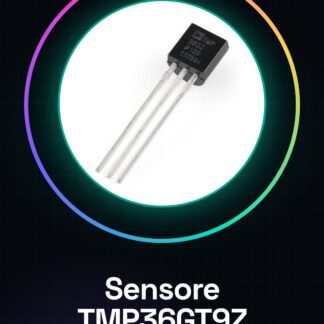
The TMP36GT9Z temperature sensor is an essential component for monitoring temperature in various types of projects, from robotics to home automation. Ideal for beginners and experts alike, this sensor offers precise temperature readings without complications.
What you need
- Arduino Uno or Compatible
- USB Type B Cable
- Power Connection
Steps
- Connect the VCC pin of the TMP36GT9Z to the Arduino’s power supply voltage (5V).
- Connect the GND pin of the sensor to the Arduino’s ground.
- Connect the TMP36GT9Z’s analog output to any digital pin on the Arduino, for example, A0.
- Open Arduino IDE and create a new sketch.
- Insert the following code into your sketch.
- Save and upload it to the Arduino.
- Open the Serial Monitor section in Arduino IDE to view the temperature values.
- Check that the temperature data updates correctly.
Example code
void setup() {
Serial.begin(9600);
}

void loop() {
int sensorValue = analogRead(A0);
double voltage = (sensorValue / 1024.0) * 5;
double temperatureCelsius = (voltage - 0.5) * 100;
Serial.print("Temperatura: ");
Serial.println(temperatureCelsius);
delay(1000);
}
Mini project
Build a digital thermometer with the TMP36GT9Z sensor and Arduino. Display the temperature in degrees Celsius on the serial monitor or on an LCD screen.
Common mistakes
- Do not properly verify the connections between the sensor and the Arduino.
- Use a supply voltage not compatible with the sensor specifications (check the datasheet).
- Omit the conversion of analog values to temperature in the Arduino code.
- Do not regularly update the temperature data in the main loop.
Recommended accessories
- 16×2 LCD screen to display the temperature
- DS3231 RTC module for internal clock and timed data logging of temperature
- Optocoupled relay to activate devices based on temperature
- 3.7V LiPo battery with protection module for portable power supply.
Frequently asked questions
Does the sensor work at extreme temperatures?
Check the datasheet specifications for the minimum and maximum operating temperatures.
Can I use the TMP36GT9Z with a Raspberry Pi?
Yes, but you need to convert the analog values to temperature in your Python script or use a specific library.

Reviews
There are no reviews yet.