 EN
 IT Italiano
 ES Español
 FR Français
 DE Deutsch
Description
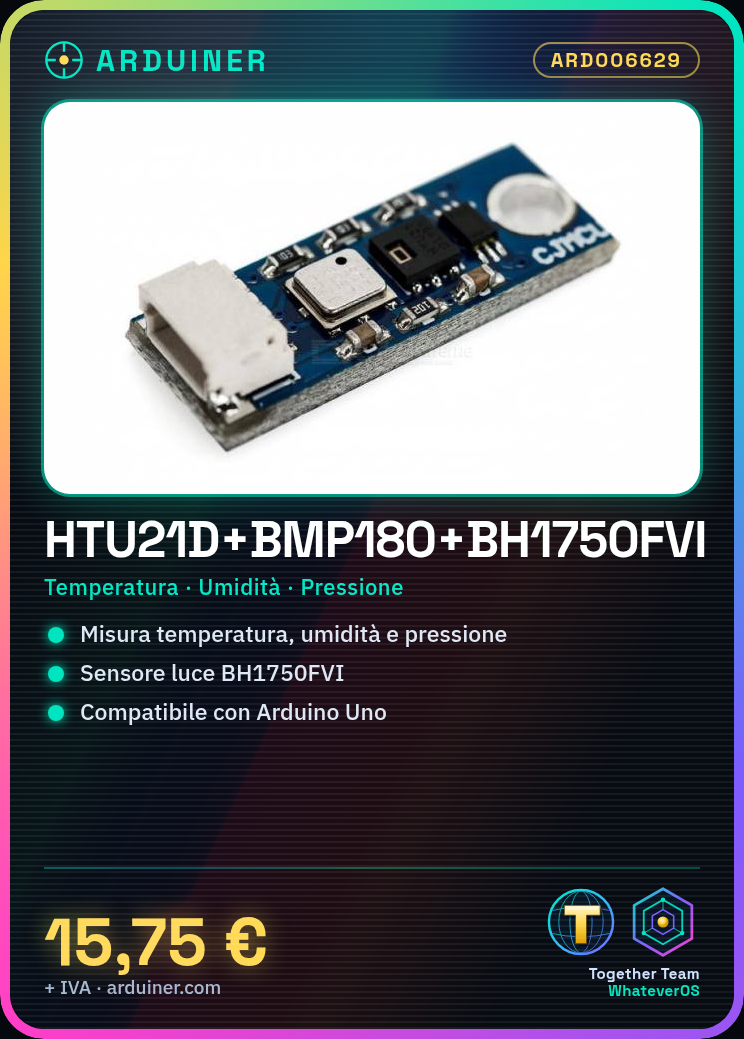
Tutorial: How to Use HTU21D+BMP180+BH1750FVI
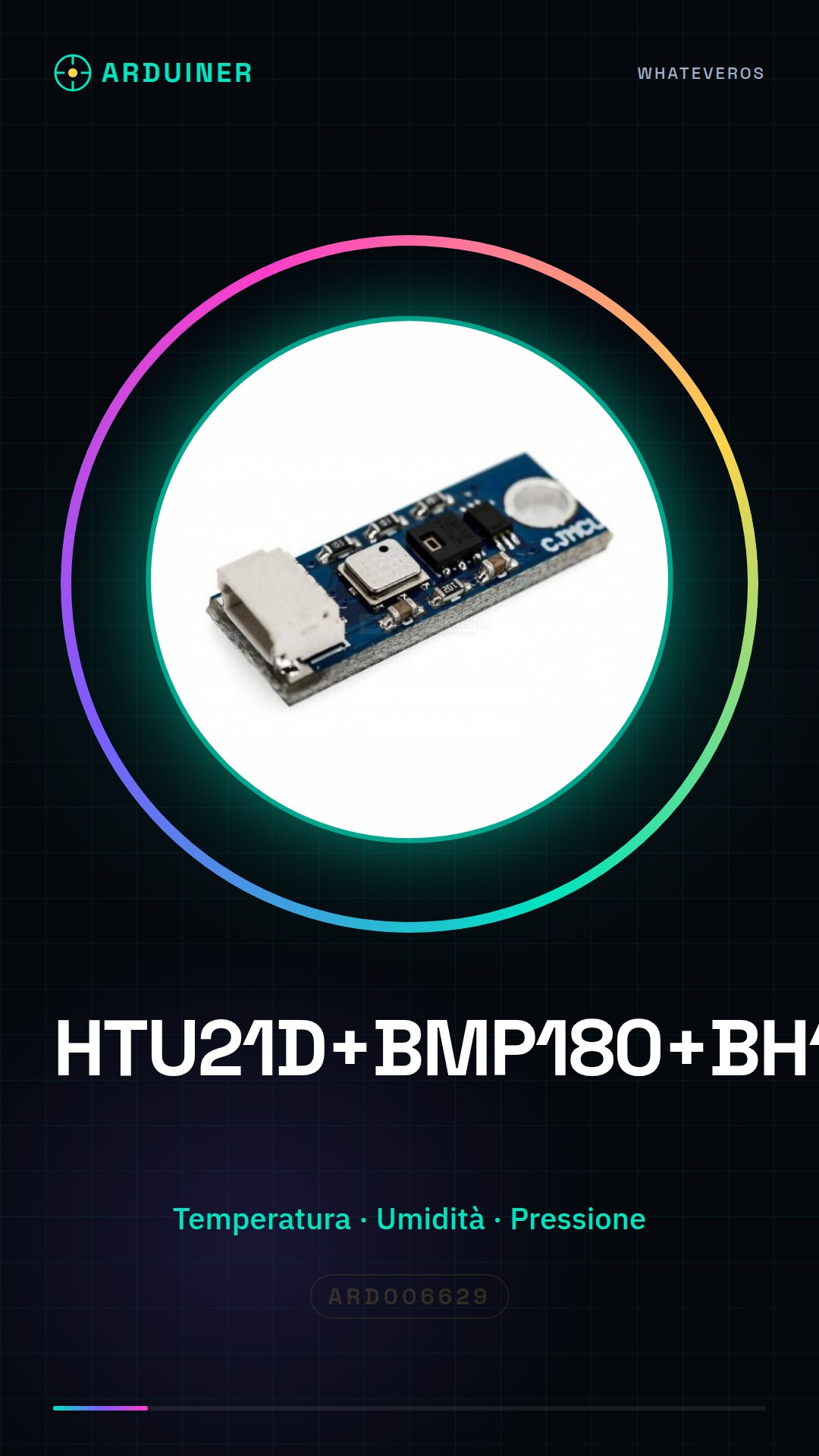
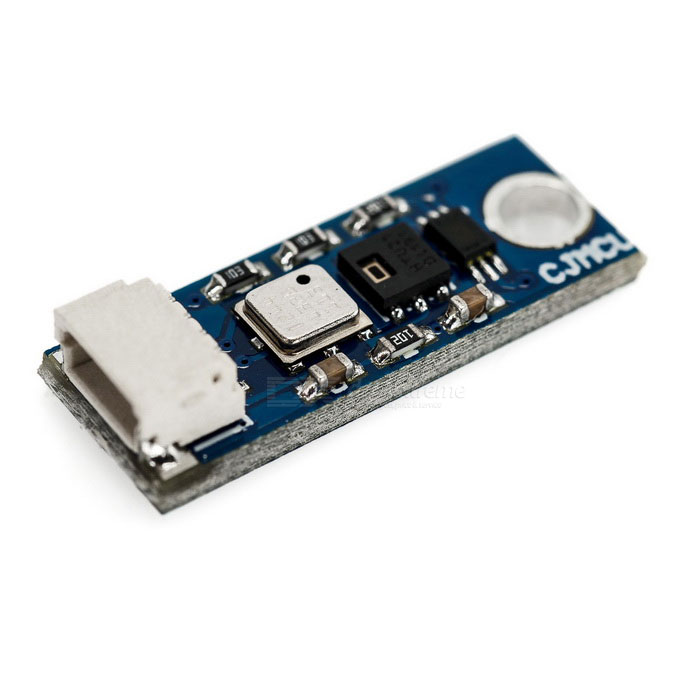
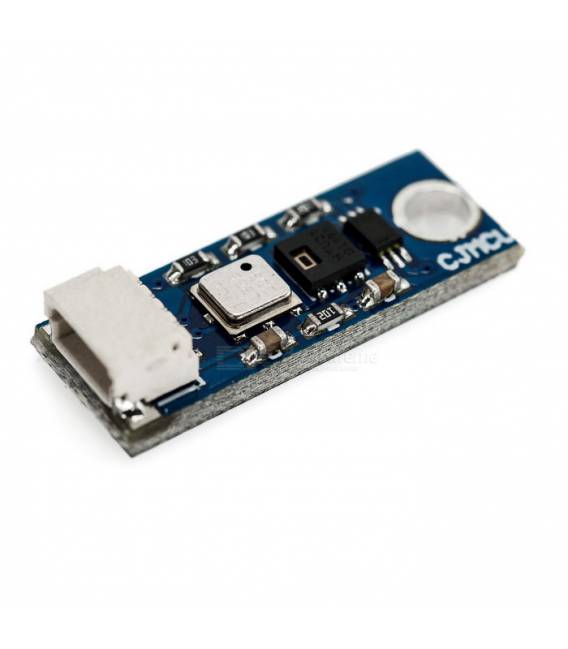
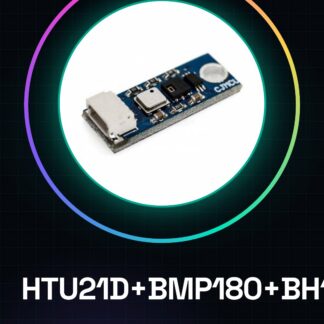
The HTU21D+BMP180+BH1750FVI sensor combines three functionalities: temperature measurement, humidity measurement, and atmospheric pressure measurement. This component is ideal for projects requiring precise weather data.
What you need
- Arduino Uno or compatible
- USB cable
- Arduino IDE software
Steps
- Install the HTU21D, BMP180, and BH1750FVI chip drivers from the Adafruit repository (check the datasheet)
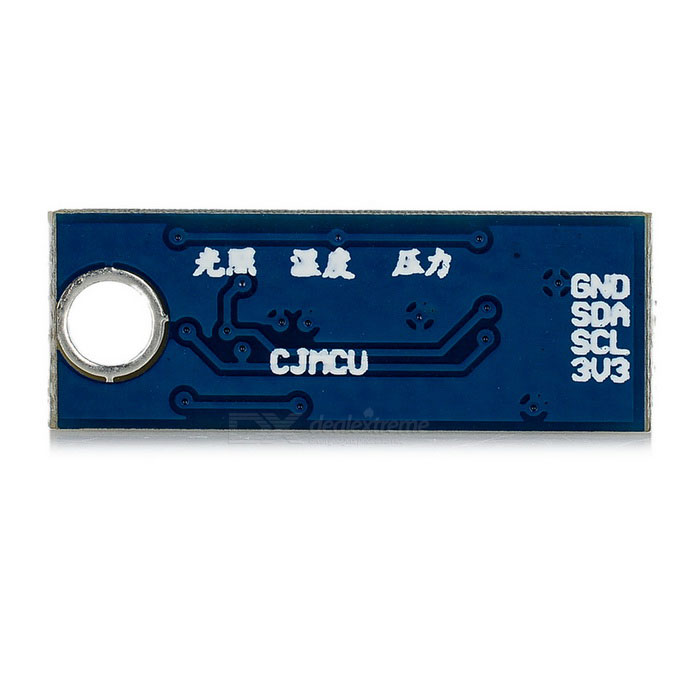
- Connect the VCC and GND pins of the sensor to the corresponding Arduino power supply
- Connect the sensor data interface (SCL, SDA) to the Arduino I2C pins
Example code
//Librerie necessarie
#include <Wire.h>
#include <Adafruit_HTU21D.h>
#include <Adafruit_BMP085_U.h>
#include <Adafruit_Sensor.h>
//Inizializzazione del sensore HTU21D
Adafruit_HTU21D htu = Adafruit_HTU21D();
//Inizializzazione del sensore BMP180
Adafruit_BMP085_Unified bmp = Adafruit_BMP085_Unified(Adafruit_BMP085_Unified::MODE_UNIFIED, 100);
Mini project
Create an environmental monitoring system that records and sends temperature, humidity, and atmospheric pressure data over the internet.
Common mistakes
- I cannot read the sensor values
- The sensor does not respond during I2C communication
- Insufficient power supply error
Recommended accessories
- ESP8266 WiFi Module
- 16×2 LCD Display
- Portable battery for Arduino
Frequently asked questions
How can I get data from the sensor?
Use the Adafruit HTU21D, BMP085 and BH1750FVI libraries to read the values.
Can I connect the sensor to a Raspberry Pi?
Yes, but you will need to install the specific libraries for Python or C++.
Reviews
There are no reviews yet.