 EN
 IT Italiano
 ES Español
 FR Français
 DE Deutsch
Description
What it is
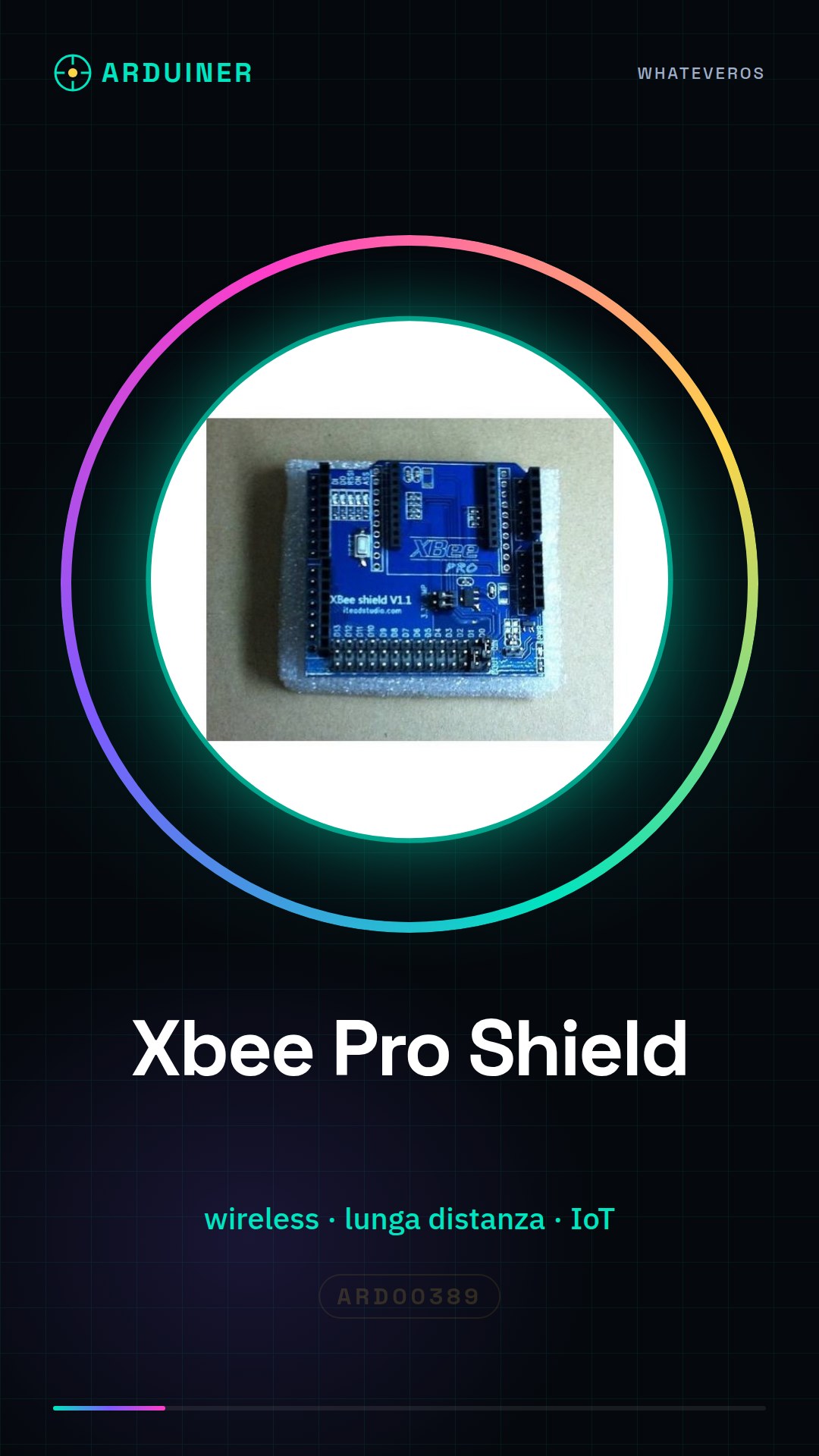
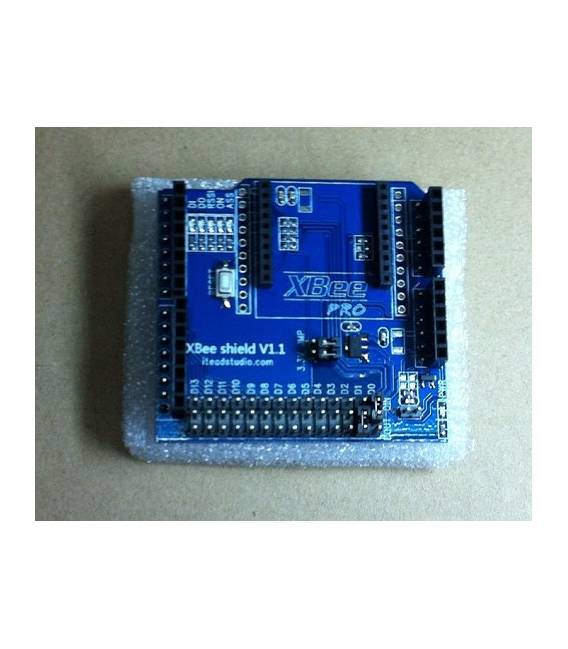
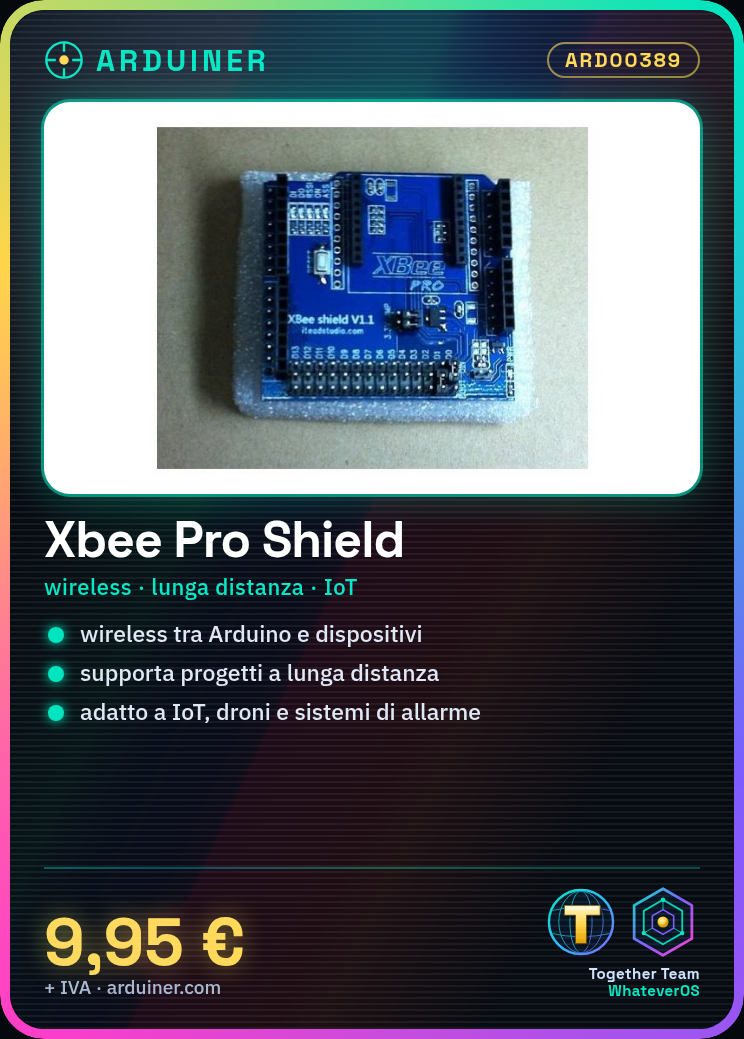
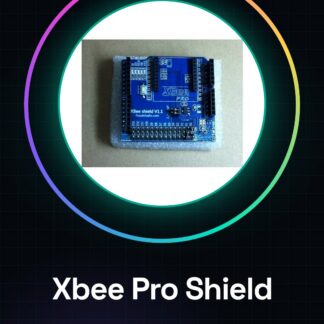
The Xbee Pro Shield is a module for Arduino that allows you to integrate wireless communication features into your projects. This component enables you to easily connect your Arduino device to an Xbee module, expanding its capabilities for wireless interconnection and data transmission.
Features
- Enables wireless communication between Arduino and other devices;
- Ideally suited for projects requiring long-distance connectivity;
What it is for
The Xbee Pro Shield is ideal for IoT applications, drones, 3D printers, and home alarm systems. It allows the creation of wireless networks between Arduino devices and other Xbee-compatible components.
Tutorial: How to use Xbee Pro Shield (Arduino)
The Xbee Pro Shield module allows wireless communication between Arduino and other devices. Ideal for IoT projects.
What you need
- Xbee Pro Shield
- Arduino Uno or compatible
- Xbee Pro module
- USB type B cable
Steps
- Connect the Xbee Pro module to the Xbee Shield socket.
- Connect the Xbee Shield to the Arduino using the SPI and I2C ports.
- Install the necessary libraries with Arduino IDE (check the datasheet).
- Upload the example sketch provided by the library to Arduino.
- Configure the Xbee module through dedicated software or sketch.
- Verify communication with another Xbee device connected to the same network.
Example code
// Includi la libreria XBee
#include <SoftwareSerial.h>
// Configura la porta SoftwareSerial per la comunicazione con il modulo Xbee
SoftwareSerial xbee(2, 3);
XBee xbee;
void setup() {
xbee.begin(9600); // Verifica sul datasheet
}
Mini project
Create a wireless home alarm system that sends notifications.
Common mistakes
- Xbee module not recognized.
- Xbee module power supply issues.
- Incorrect configuration of the SoftwareSerial port.
- Xbee devices out of range or with different passwords.
Recommended accessories
- Antenna for Xbee Pro
- USB power supply
- Xbee Pro S2C module
- Wireless compatible sensors
Frequently asked questions
How can I configure the Xbee module?
Use XCTU or dedicated sketch for configuration.
What is the maximum range of the Xbee transmitter?
Check the specific module datasheet.
Reviews
There are no reviews yet.