 EN
 IT Italiano
 ES Español
 FR Français
 DE Deutsch
Description
What it is
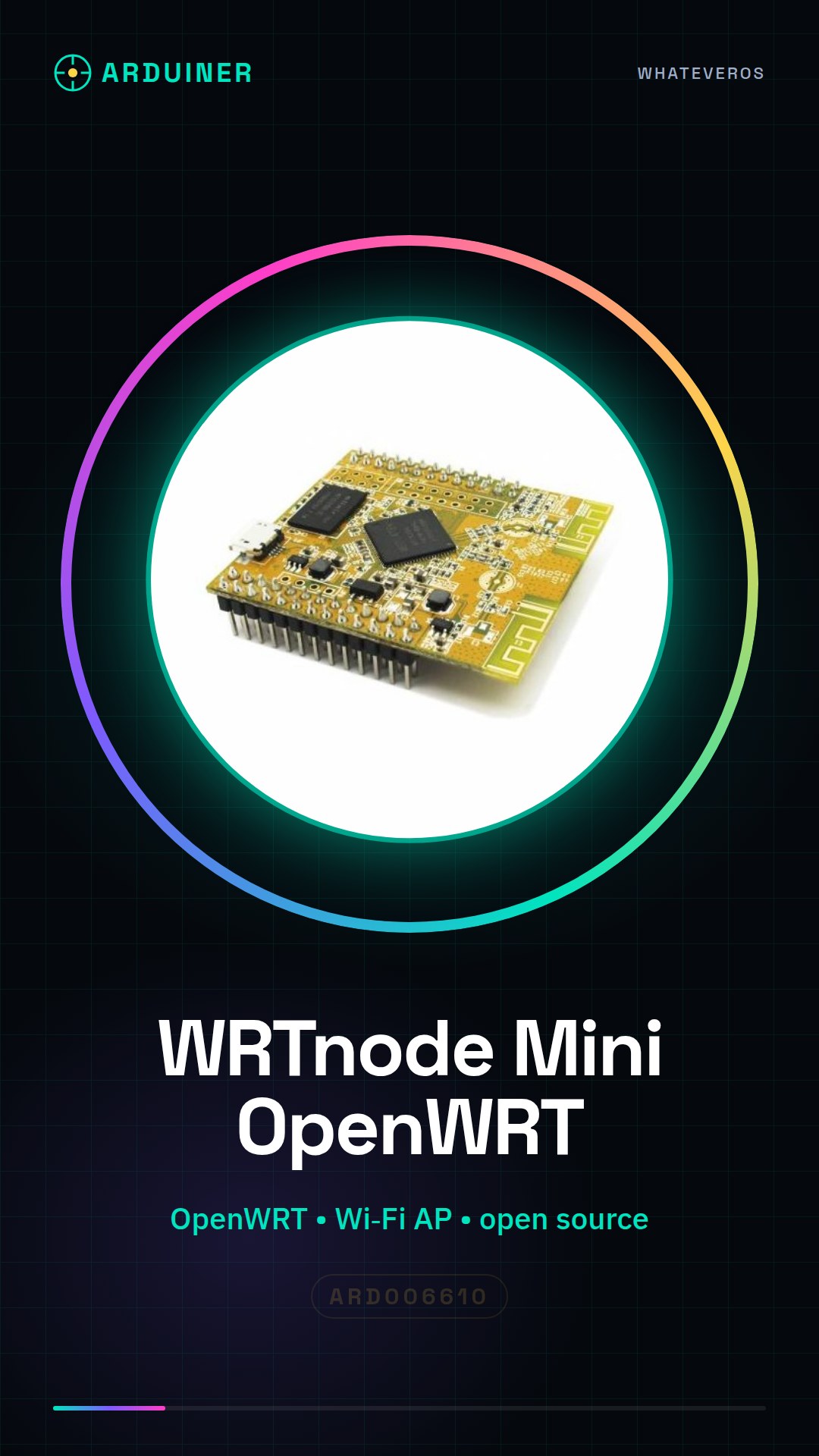
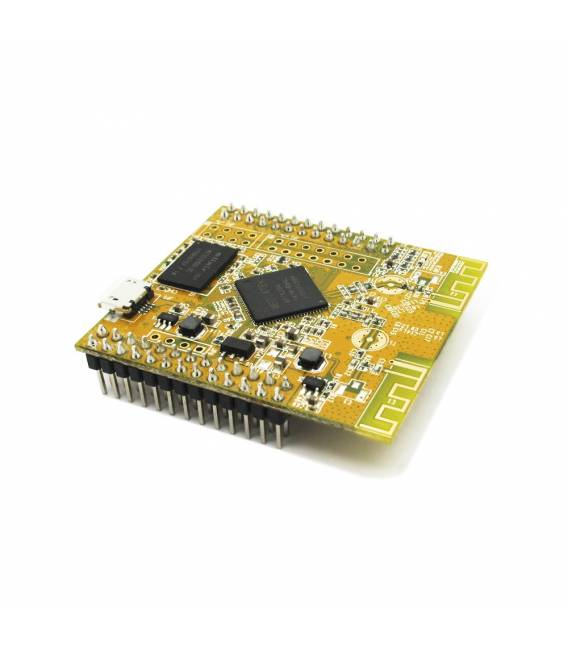
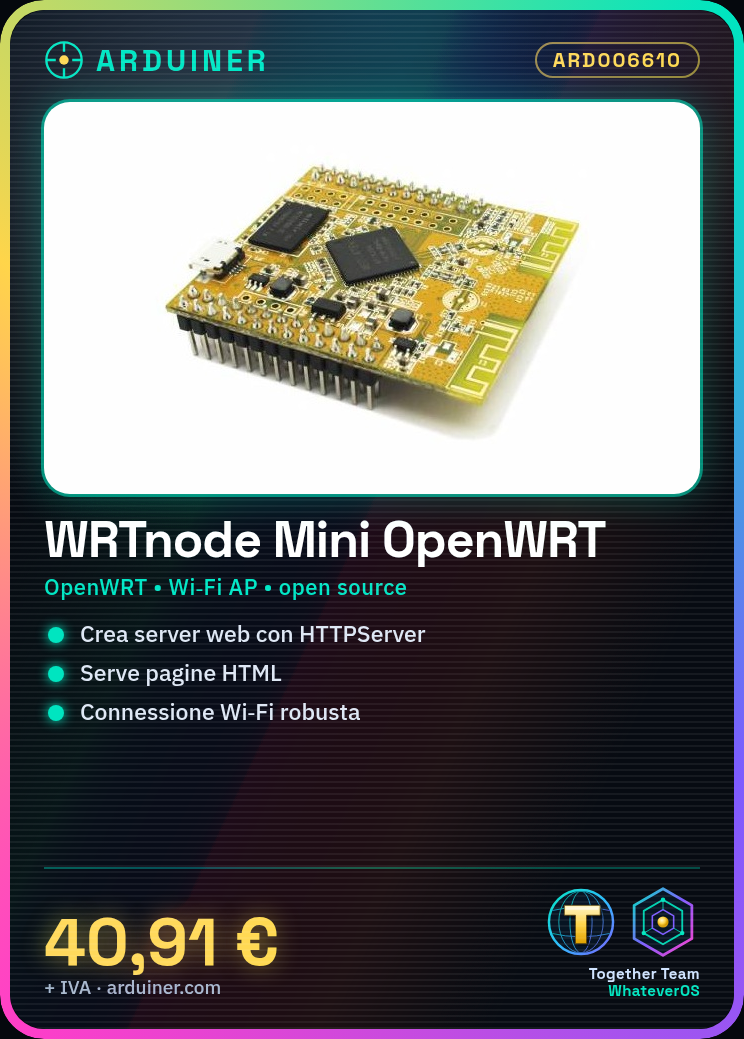
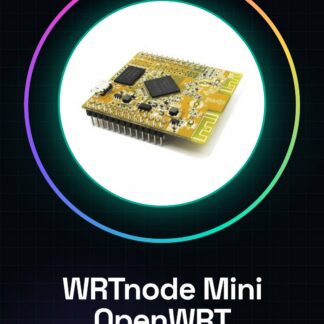
The WRTnode Mini is an open-source control board based on OpenWRT, designed for creating Wi-Fi solutions for home and industrial use. Ideal for both beginners and intermediate developers.
Features
- Main Control Board WRTnode Mini OpenWRT Wi-Fi AP-Soc
- Open-source hardware
What it is for
The WRTnode Mini can be used to create simple web servers through HTTPServer and serve HTML pages. It can be integrated into projects that require robust Wi-Fi connectivity.
Tutorial: How to use WRTnode Mini
The WRTnode Mini is an open-source control module for Wi-Fi-based projects. Useful for beginners and intermediates.
What you need
- Arduino IDE
- USB cable
- Computer with Windows, macOS, or Linux
Steps
- 1. Download and install Arduino IDE.
- 2. Connect the WRTnode Mini to the computer with the USB cable.
- 3. Open a new sketch in Arduino IDE.
- 4. Insert the base code: `#include
// check the datasheet` - 5. Load the sketch onto the WRTnode Mini.
- 6. Configure the Wi-Fi network on the WRTnode Mini via web interface.
- 7. Try to connect to your Wi-Fi network.
- 8. Try to send a test message.
Example code
```
#include <SPI.h>
// verifica sul datasheet
```
Mini project
Create a simple web server using HTTPServer and serve HTML.
Common mistakes
- Do not power up the module unless you have installed the USB driver.
- Do not upload code to a standard Arduino.
- Do not forget to configure the Wi-Fi network.
- Do not connect the module to an incorrect power supply.
Recommended accessories
- Arduino IDE
- USB cable
- Computer with Windows, macOS, or Linux
- Wi-Fi module for Arduino
Frequently asked questions
How to configure the Wi-Fi network?
Access the WRTnode Mini web interface and set your network parameters.
Can I use this module with a different Arduino IDE?
Yes, but make sure the module supports the IDE you are using.
What are the power requirements?
Check the datasheet for specific power requirements.

Reviews
There are no reviews yet.