 EN
 IT Italiano
 ES Español
 FR Français
 DE Deutsch
Description
What it is
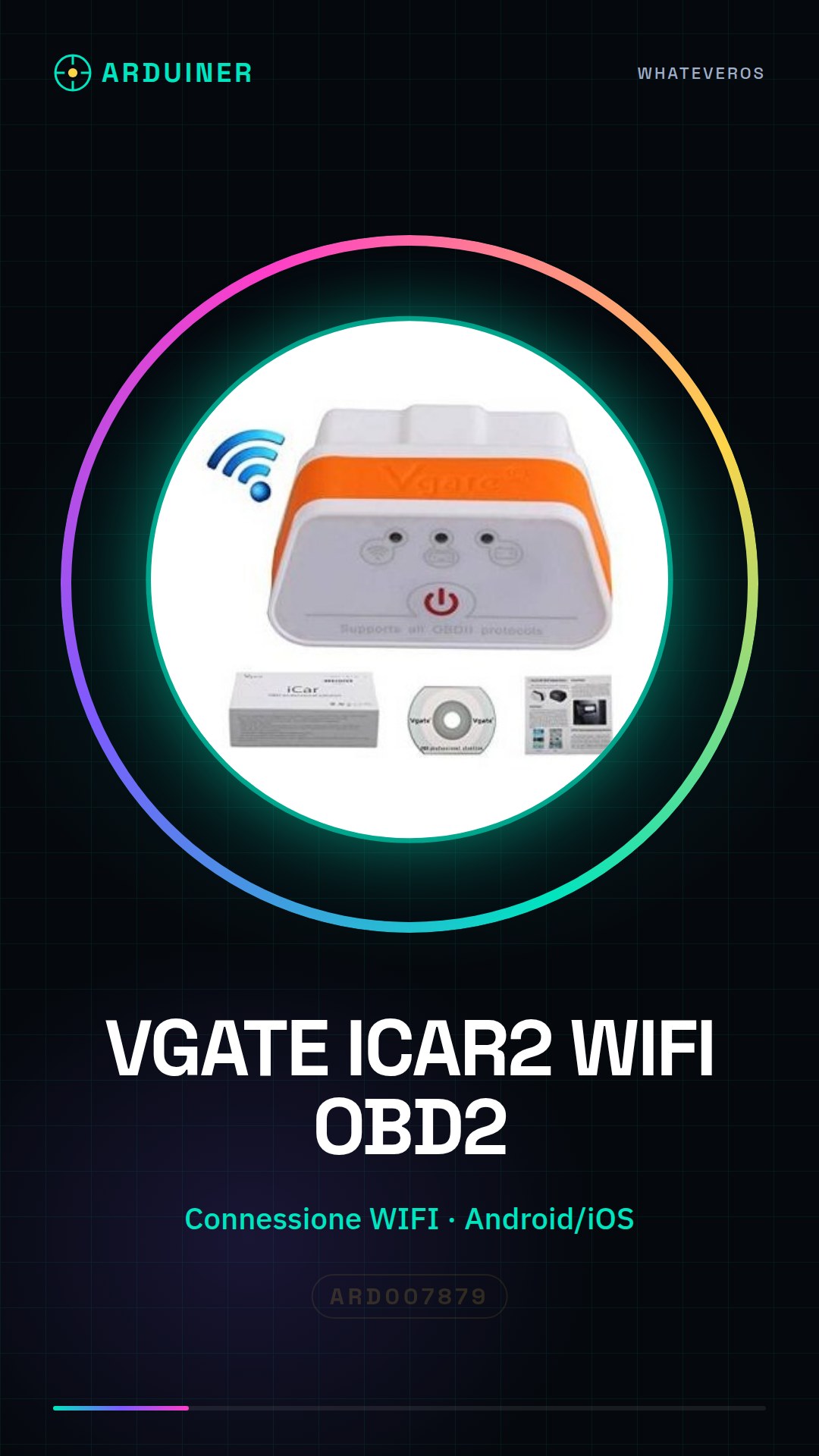
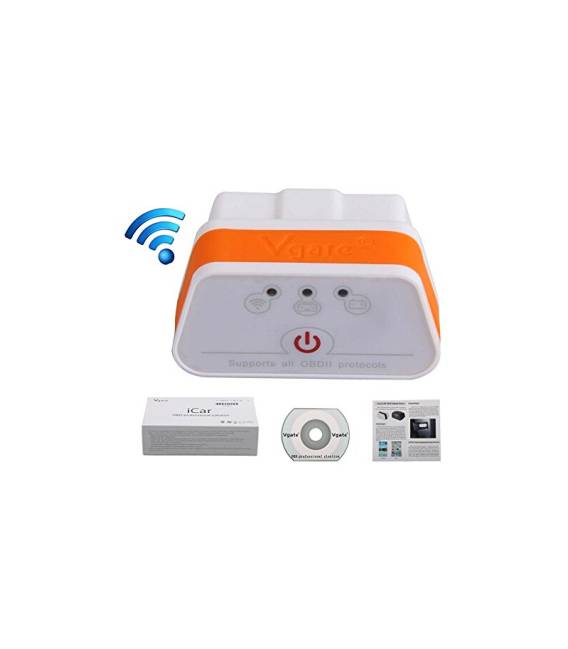
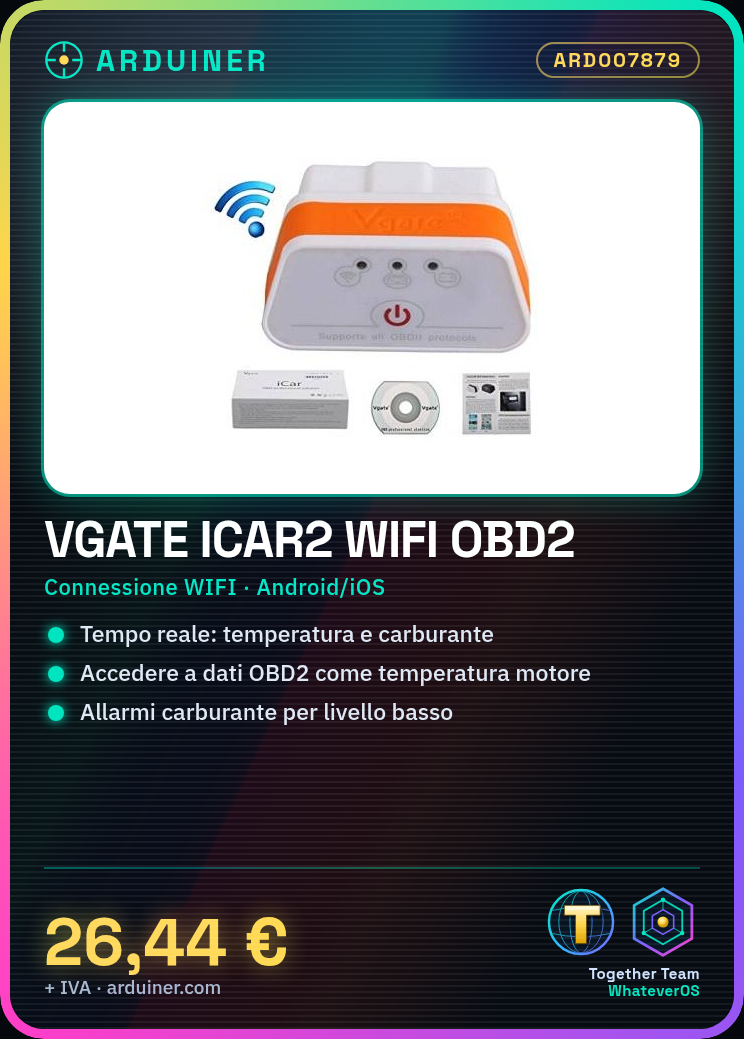
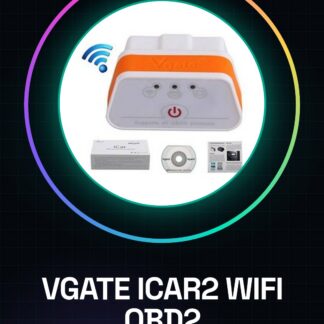
VGATE ICAR2 WIFI is an OBD2 shield that allows automatic control and diagnosis of vehicles through smartphones and computers.
Features
- WIFI Connection
- Compatible with Android, iOS, and Windows
- OBD2 Protocol
What it is for
The VGATE ICAR2 WIFI is useful for mechanics and car enthusiasts who want to monitor the vehicle’s condition in real-time. It allows access to data such as engine temperature, fuel level, and more. It can be used to design fuel monitoring systems with low-level alarms.
Tutorial: How to use VGATE ICAR2 WIFI OBD 2
The VGATE ICAR2 WIFI is a useful device for mechanics and car enthusiasts who want to monitor the vehicle’s condition in real-time. Connect it to your computer or smartphone to access important data such as engine temperature, fuel level, and more.
What you need
- Windows Computer
- Android/iOS Smartphone
- OBD2 Cable
Steps
- Step 1: Connect the ICAR2 to the vehicle via OBD2 cable.
- Step 2: Install the ICAR2 application on smartphone or tablet.
- Step 3: Configure the basic settings of the application following the provided instructions.
- Step 4: Connect the ICAR2 to the computer via USB (if necessary).
- Step 5: Install communication software for Windows or use a WiFi module for wireless connection.
- Step 6: Verify that the vehicle data is displayed correctly in the application or communication software.
- Step 7: Configure alerts and notifications to monitor critical vehicle conditions.
- Step 8: Perform preventive maintenance based on collected data.
Mini project
Design a fuel monitoring system that sends alerts when the level drops below a certain threshold.
Common mistakes
- Unable to establish connection with ICAR2.
- The data is not displayed correctly in the application.
- The communication software does not recognize the ICAR2 as a valid device.
Recommended accessories
- OBD2 cable
- USB adapter for computer connection
- Bluetooth speaker to receive voice notifications
Frequently asked questions
How can I monitor fuel consumption?
Use the ICAR2 application to monitor vehicle data and calculate fuel consumption.
Can I connect multiple vehicles at the same time?
Yes, but you will need to check the datasheet to properly configure each device.
Reviews
There are no reviews yet.