 EN
 IT Italiano
 ES Español
 FR Français
 DE Deutsch
Description
What it is
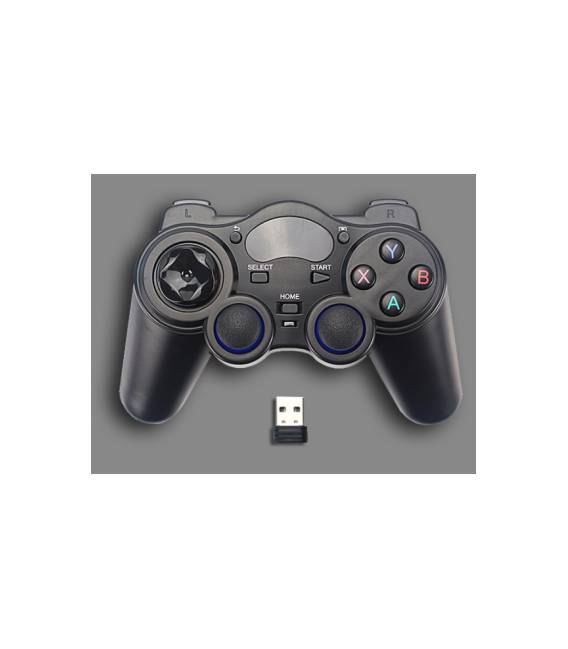
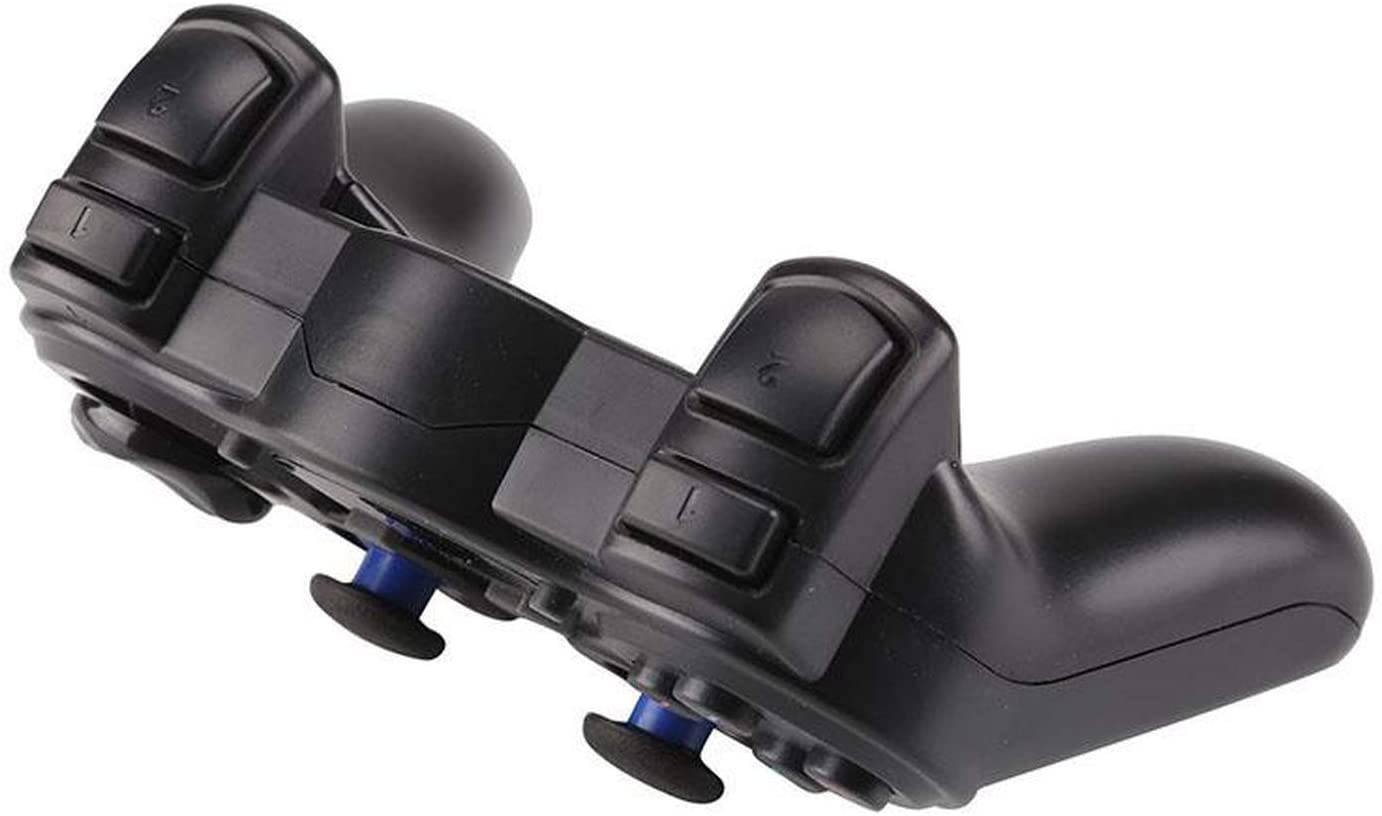
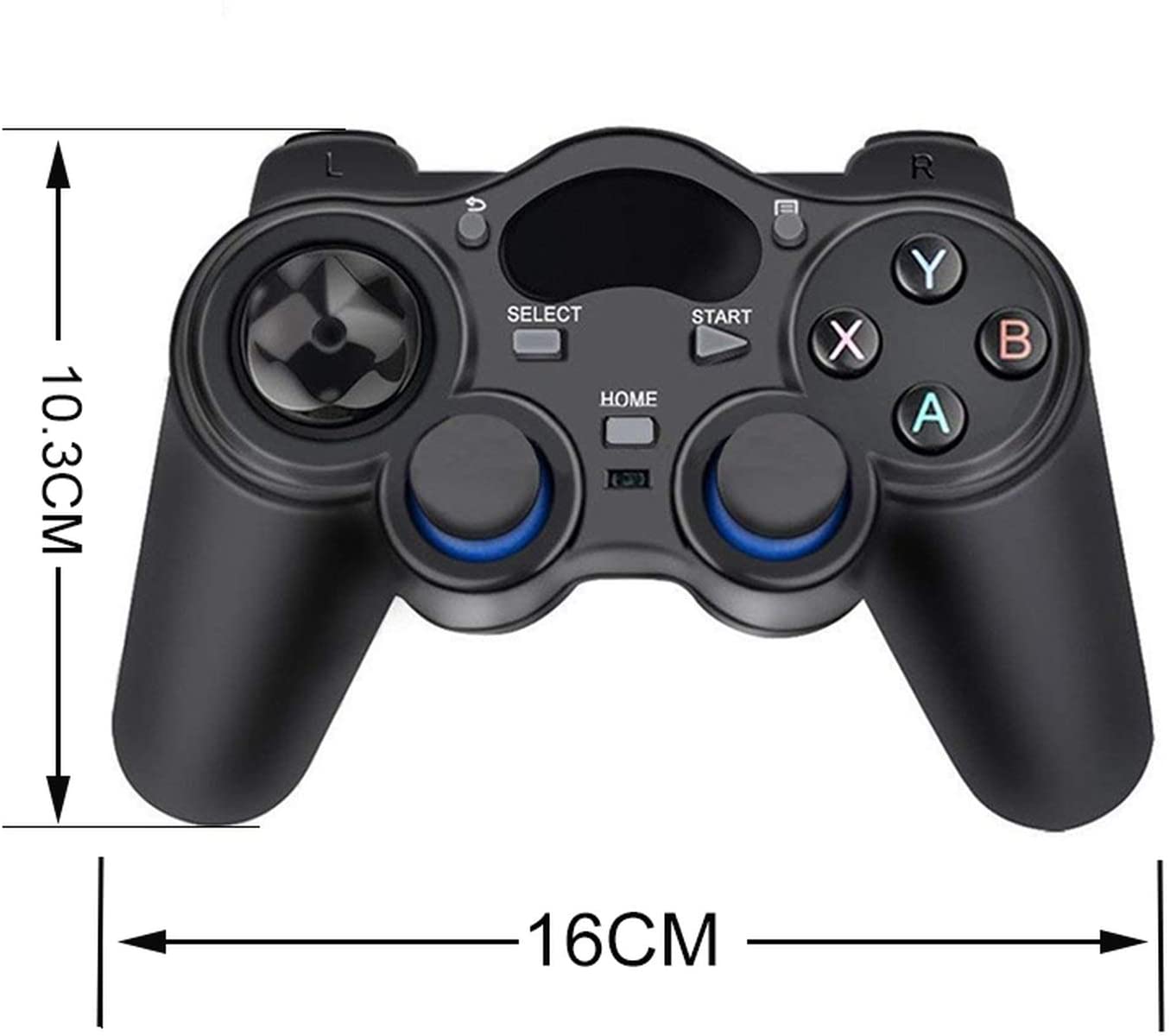
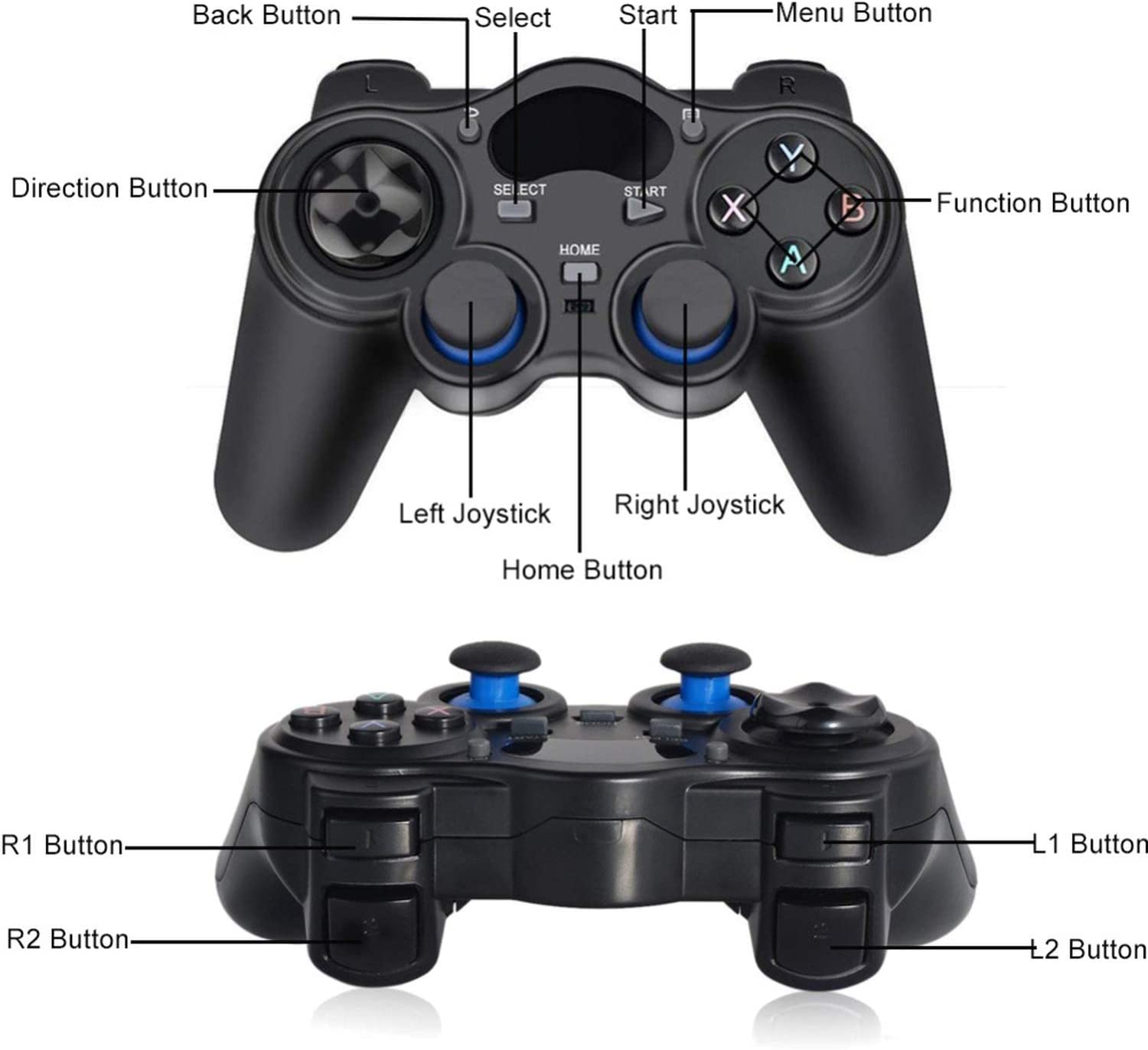
The Wireless Gamepad Joystick for Raspberry Pi 4B/3B+/Zero W is a wireless controller for Raspberry Pi platforms. It allows you to control the device as a game console.
Features
- Compatible with Raspberry Pi 4B/3B+/Zero W
- Wireless (2.4G frequency)
- Joystick Design
What it is for
Ideal for gaming projects and human-machine interaction. You can use it to create simple arcade games, simulations, or interactive control interfaces.
Tutorial: How to use Wireless Gamepad Joystick for Raspberry Pi
This wireless joystick allows you to control your Raspberry Pi 4B/3B+/Zero W as a game console. Ideal for gaming projects and human-machine interaction.
What you need
- Wireless Gamepad Joystick ARD0011611
- Raspberry Pi 4B/3B+/Zero W
- Micro-USB cable (for Raspberry Pi)
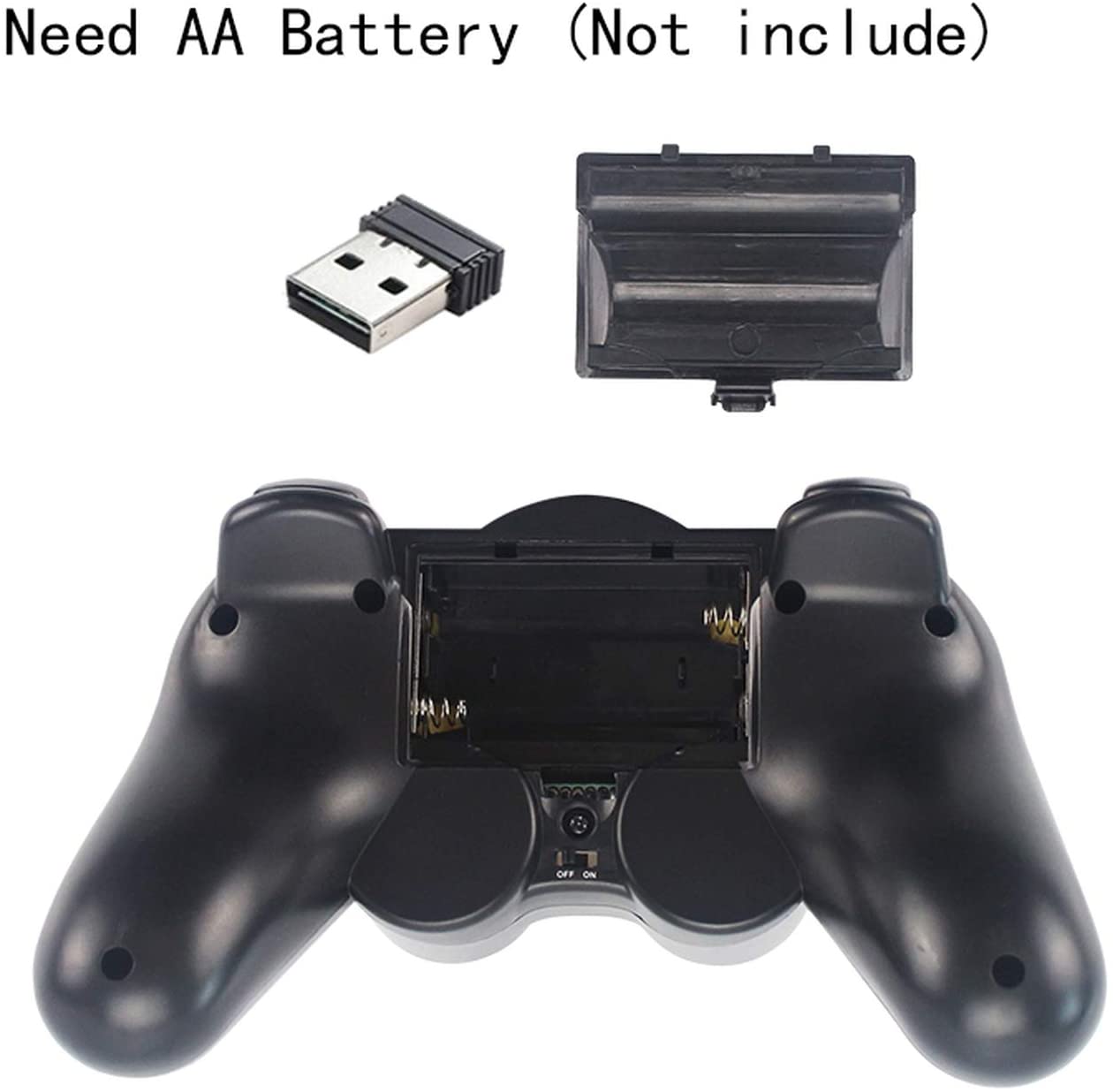
- 3V batteries (for joystick)
Steps
- 1. Check the datasheet for the joystick specifications.
- 2. Ensure the joystick has charged batteries.
- 3. Connect the joystick to the Raspberry Pi with the USB cable.
- 4. Start the Raspberry Pi.
- 5. Install the driver for the joystick on the Raspberry Pi.
- 6. Check the datasheet for the required kernel version.
- 7. Run the commands `sudo apt-get update` and `sudo apt-get install python3-pynput`.
- 8. Download the example Python code from the GitHub repository.
Example code
```python
from pynput import keyboard, mouse

def on_press(key):
    print(key)

with keyboard.Listener(on_press=on_press) as listener:
    listener.join()
```
Mini project
Create a simple game where the joystick controls a rectangle moving on the screen.
Common mistakes
- Do not start the Raspberry Pi before connecting the joystick.
- Do not install the correct drivers.
- Do not use the correct USB cable.
- Do not have the batteries charged.
Recommended accessories
- Raspberry Pi 4B/3B+/Zero W
- Micro-USB cable
- 3V batteries
- HDMI monitor
Frequently asked questions
How to install the drivers?
Check the datasheet to see if the drivers are already included or if you need to install them manually.
Does the joystick work with all versions of Raspberry Pi?
Check the datasheet for compatibility of the joystick with different versions of Raspberry Pi.
How long do the batteries last?
Check the datasheet for battery specifications.
Can I use this joystick with other devices?
Check the datasheet for compatibility of the joystick with other devices.



Reviews
There are no reviews yet.