 EN
 IT Italiano
 ES Español
 FR Français
 DE Deutsch
Description
What it is
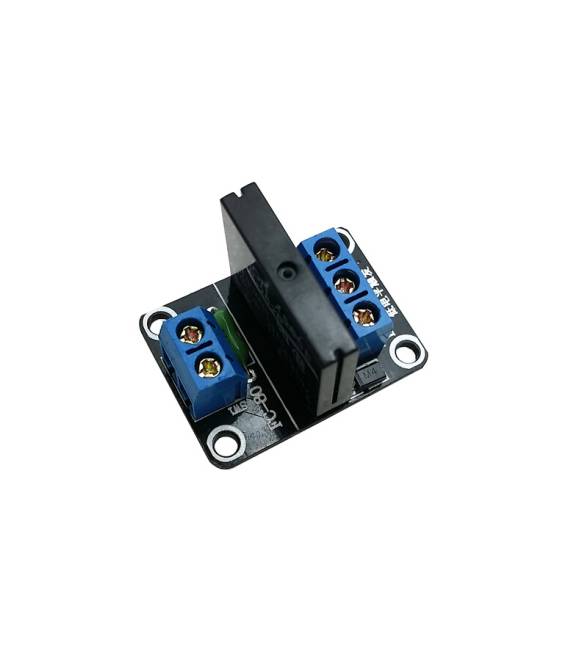
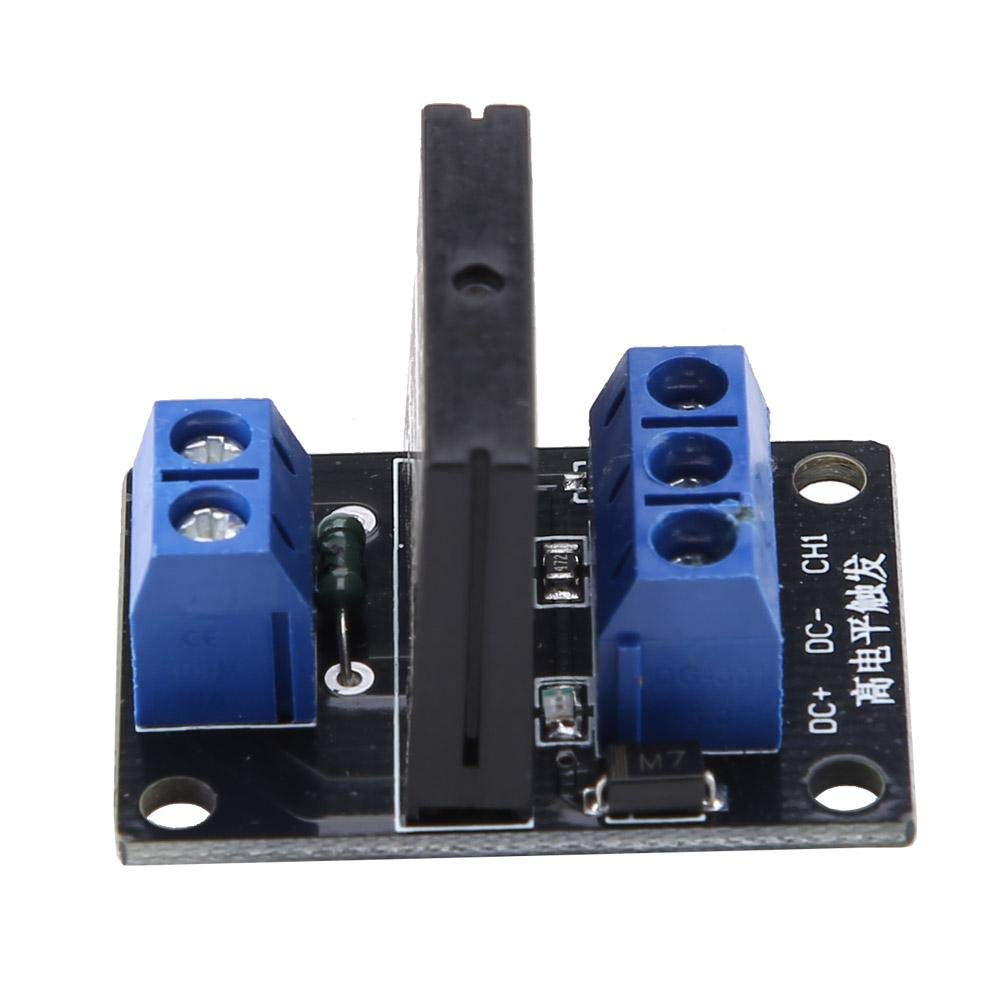
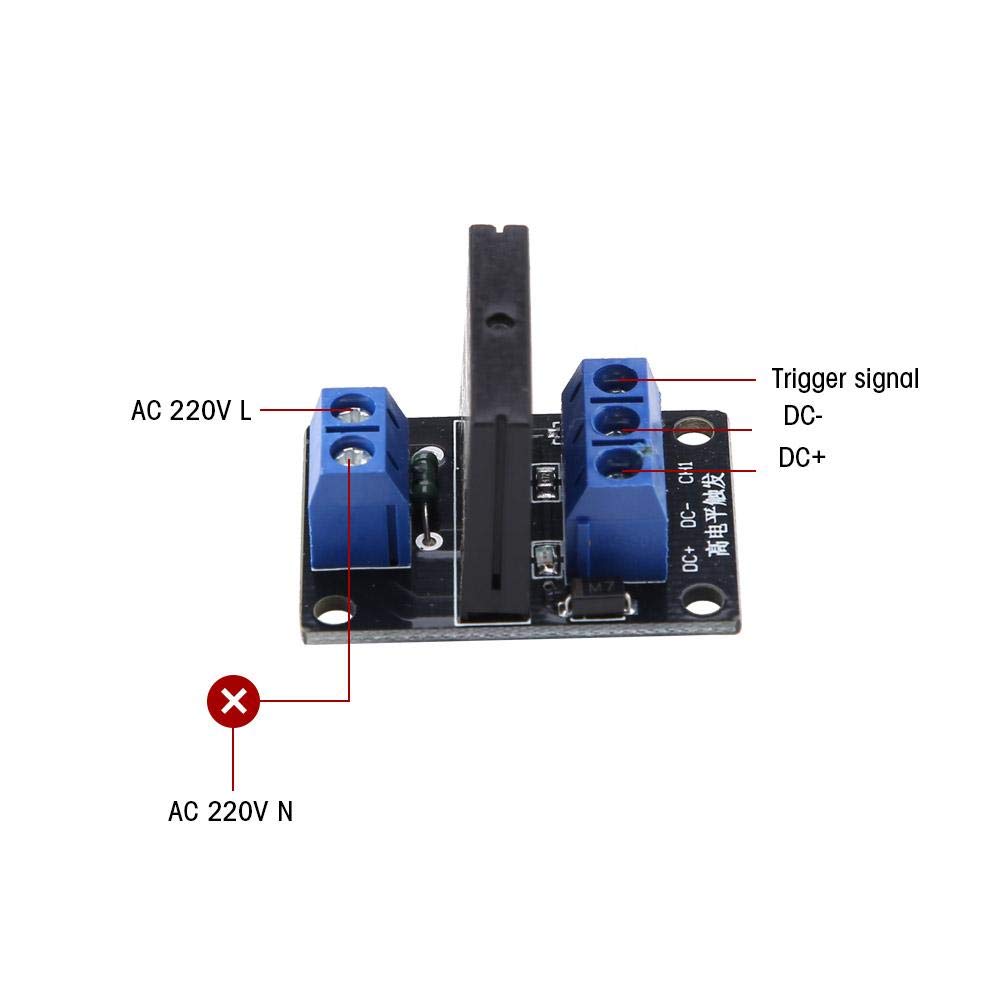
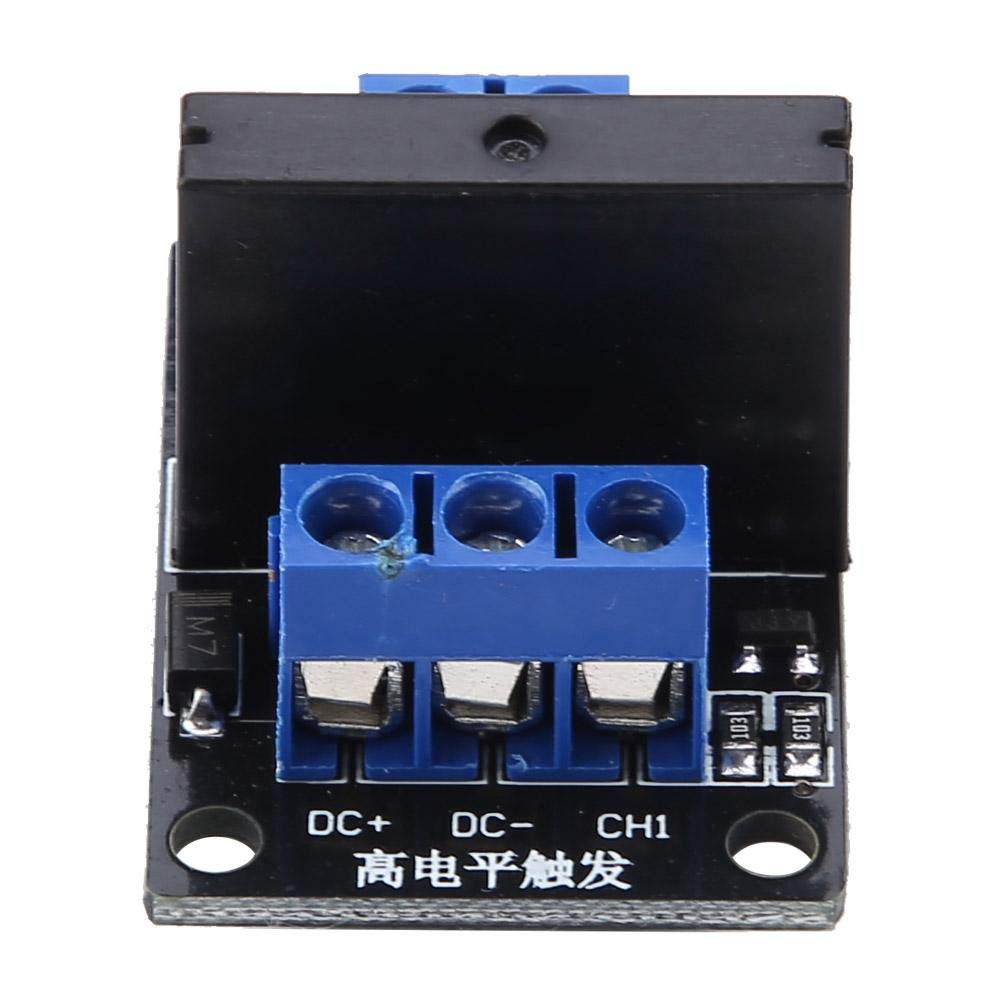
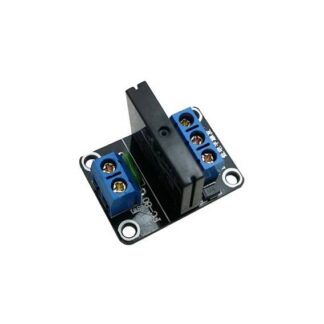
The SSR 12V 1 channel solid state relay is an electronic device that allows controlling 240V electrical devices using a 12V control signal. Thanks to its solid-state structure, it has no moving parts and guarantees high reliability and durability over time.
Features
- Control voltage: 12V
- Channels: 1
- Switching voltage: 240V
- Switching current: 2A
- Trigger type: Low level
- Includes stable fuse
What it is for
The SSR 12V relay is ideal for connecting Arduino projects or other microcontrollers to 240V electrical devices such as lights, electric motors, solenoids, and others. It allows for safe and efficient control of turning these devices on and off, ensuring electrical isolation between the control circuit and the power circuit.
Tutorial: How to use Solid State Relay SSR12V
The SSR12V solid state relay is ideal for controlling 240V electrical devices with a 12V control signal. Useful for projects requiring isolation and protection.
What you need
- SSR12V Solid State Relay
- Arduino
- 12V Power Supply Cable
- 12V Control Cable
- Device to Control (240V)
Steps
- 1. Ensure the relay has a stable 2A fuse.
- 2. Connect the relay to a stable 12V power supply.
- 3. Check the datasheet for the correct trigger voltage.
- 4. Connect the control signal (12V) to an Arduino digital pin.
- 5. Write the code to control the relay: `digitalWrite(pin_rele, HIGH);`.
- 6. Verify that the relay closes properly.
- 7. Connect the device to control to the relay terminals.
- 8. Verify that the device turns on with the control signal.
Example code
```cpp
const int pin_rele = 9;
digitalWrite(pin_rele, HIGH);
```
Mini project
Create an automatic lighting system. Connect a relay to a light sensor and a 240V light bulb. When the light gets too dim, the Arduino turns on the light bulb.
Common mistakes
- Do not check the trigger voltage on the datasheet.
- Connect the relay to an unstable power supply.
- Omit protection of the controlled device.
- Do not check that the relay closes properly.
Recommended accessories
- Light sensor
- 240V light bulb
- Fuses
- Connecting wires
Frequently asked questions
What are the specifications of the relay?
Check the datasheet. Trigger voltage: 12V; maximum current: 2A.
Can I use a solid-state relay to control 220V devices?
Yes, but check voltage compatibility on the datasheet.
How can I protect the relay?
Connect a stable 2A fuse between the relay and the power supply.
What are the usage limits of the relay?
The relay can handle currents up to 2A and voltages up to 240V.



Reviews
There are no reviews yet.