 EN
 IT Italiano
 ES Español
 FR Français
 DE Deutsch
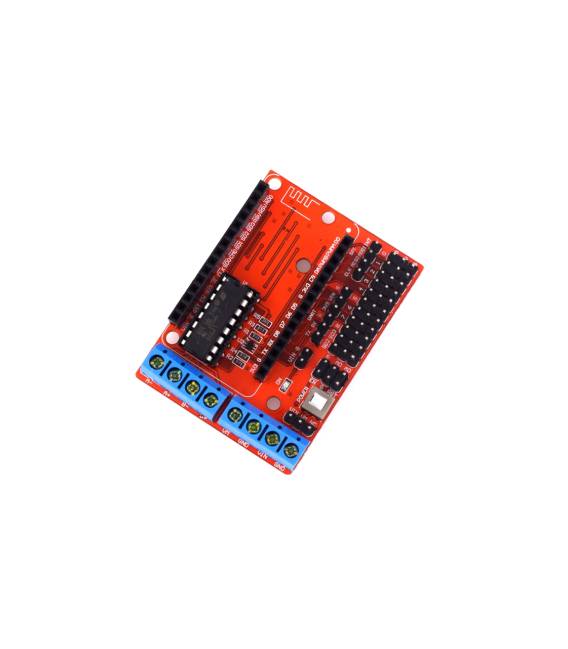
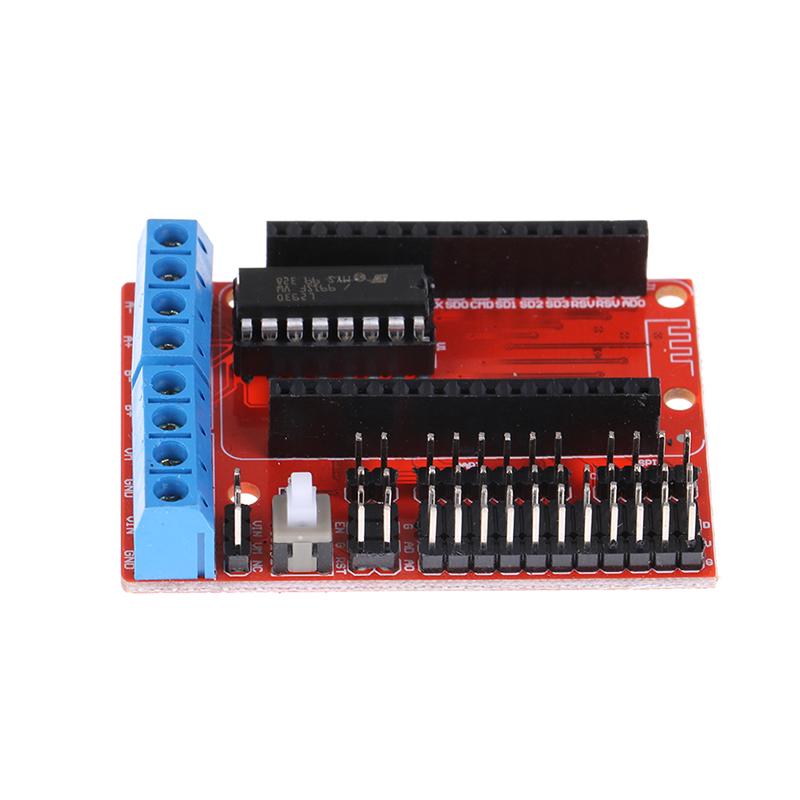
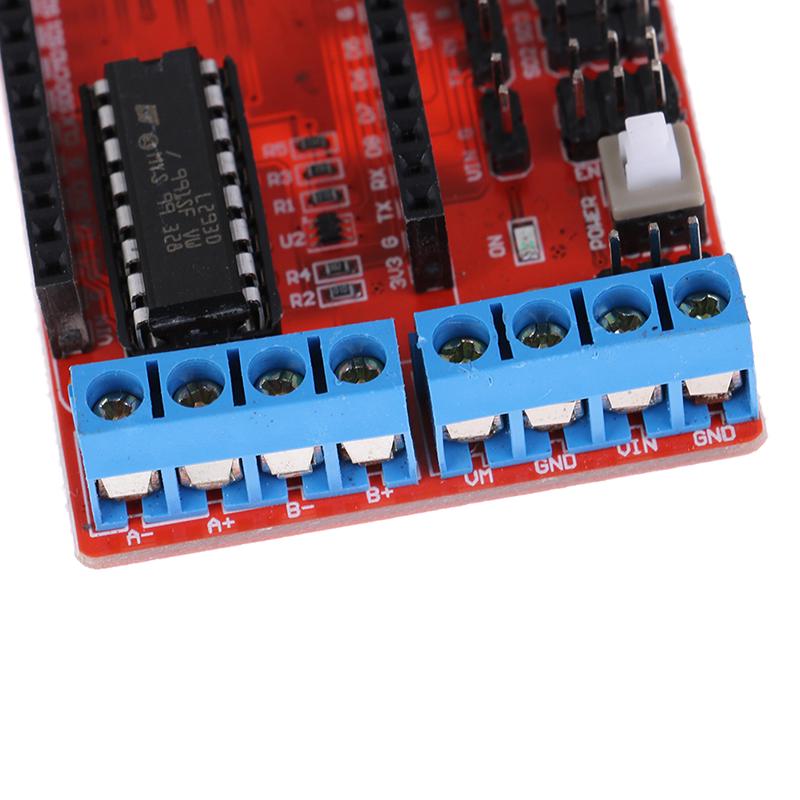
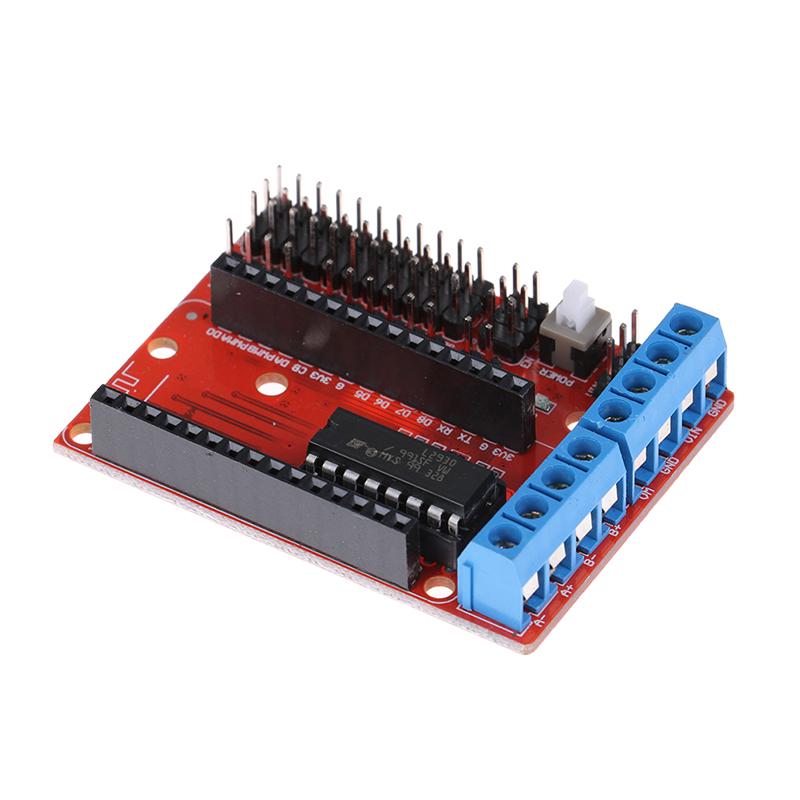
Description
What it is
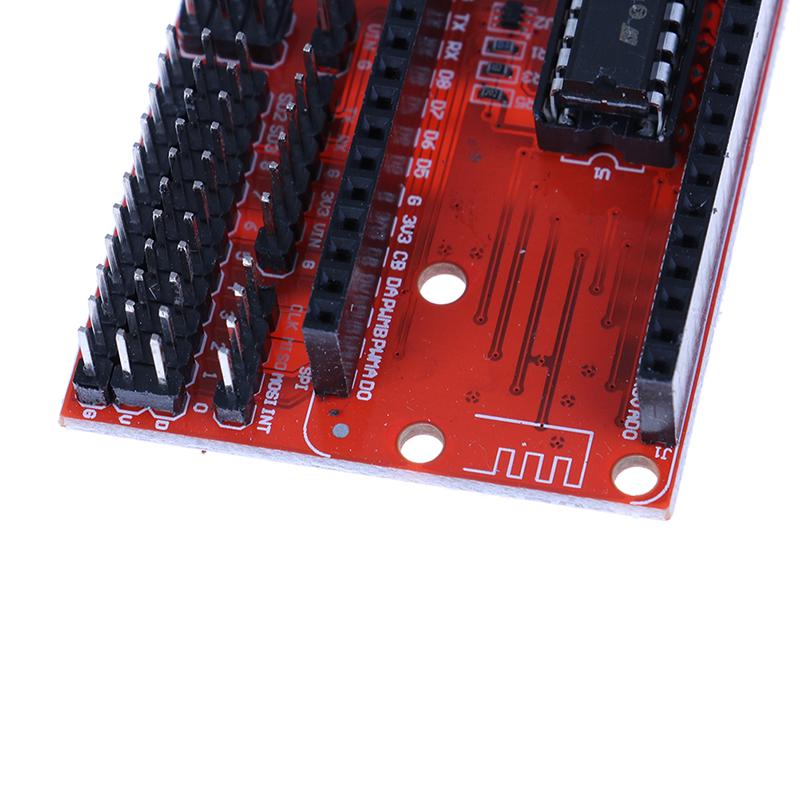
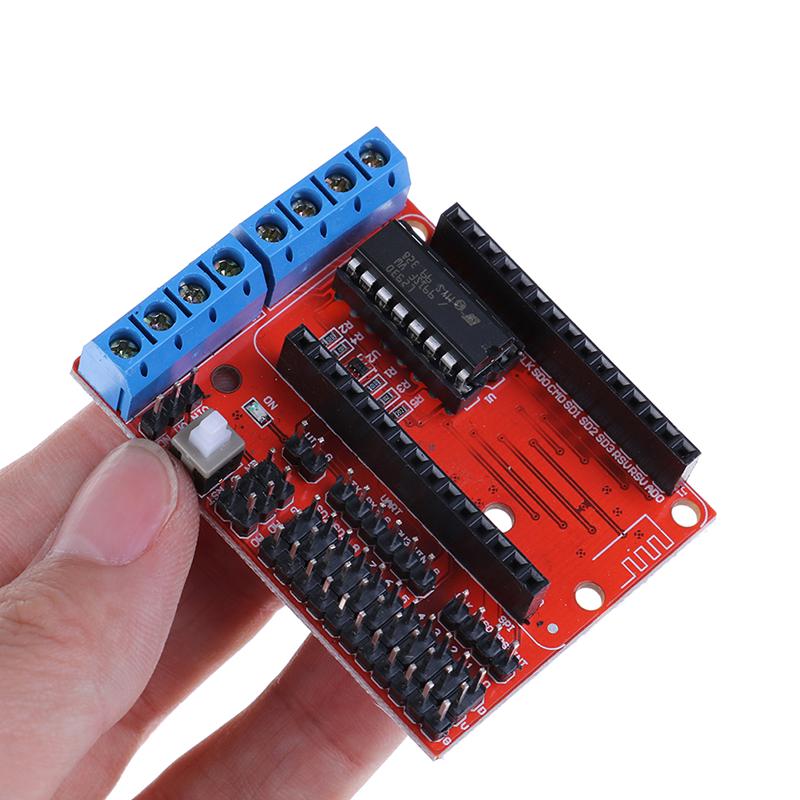
The WiFi L293D ESP8266 12E Lua Internet motor drive expansion board is an electronic module designed to control electric motors via a WiFi connection and Lua programming language.
Features
- Integrates an L293D circuit for motor control
- Includes an ESP8266 module with WiFi functionality
- Support for Lua programming
- SKU: ARD0011629
- Price: 3.87 €
What it is for
This board is ideal for robotics and remote device control projects. You can use the provided example code to control motors via a WiFi connection, allowing you to manage your robot’s movement remotely. Lua programming offers flexibility and advanced control.
Tutorial: How to use L293D ESP8266 12E Board
This board allows you to control electric motors with your Arduino, integrating WiFi functionality to control them remotely. Useful for projects that require mobility and interactivity.
What you need
- Arduino Uno
- DC Motors
- Power Supply Cable
- Electrical Wiring
- ESP8266 12E
- Arduino IDE Software
Steps
- 1. Connect the ESP8266 12E to the L293D board with the following pins: TX -> TX, RX -> RX, VCC -> 5V, GND -> GND.
- 2. Connect the motors to the output pins of the L293D: IN1 -> Motor1, IN2 -> Motor2, IN3 -> Motor3, IN4 -> Motor4.
- 3. Power the L293D board with 5V from a separate power supply.
- 4. Upload the code to Arduino IDE.
- 5. Configure WiFi on your ESP8266.
- 6. Control the motors via Lua code.
- 7. Check the datasheet for the remaining pins.
- 8. Test the motors with control commands.
Example code
void setup() {
  Serial.begin(9600);
}

void loop() {
  Serial.println('Avvia motori');
  // Codice per controllare i motori
}
Mini project
Create a remote robot controllable via WiFi. Connect the motors to the robot and use the example code to control them.
Common mistakes
- Insufficient power supply: make sure to use a separate power supply for the L293D.
- Incorrect connections: check the connection pins.
- WiFi not configured: make sure to properly configure WiFi on ESP8266.
- Code not working: check the serial connection and coding instructions.
Recommended accessories
- Arduino Uno
- DC Motors
- Power Supply Cable
- ESP8266 12E
Frequently asked questions
How to configure WiFi?
Use the WiFiManager library.
The motors are not moving?
Check the power supply and connections.
Which motors work with this board?
DC Motors compatible with L293D pins.
Can you use multiple motors?
Yes, connect up to 4 motors.



Reviews
There are no reviews yet.