 EN
 IT Italiano
 ES Español
 FR Français
 DE Deutsch
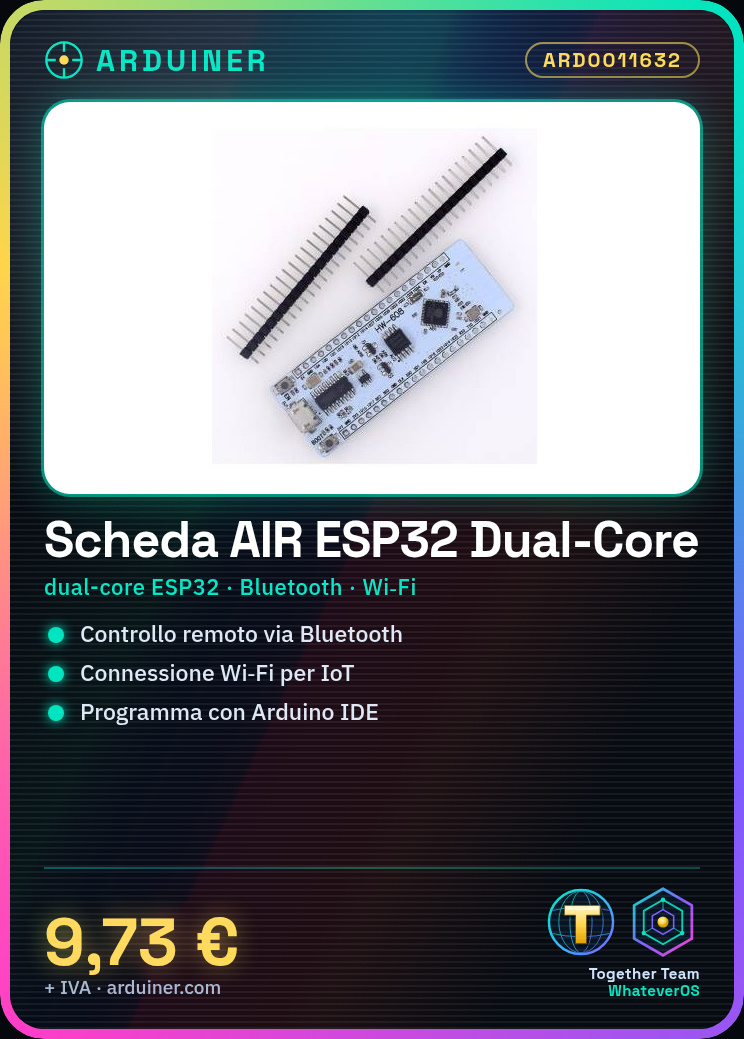
Description
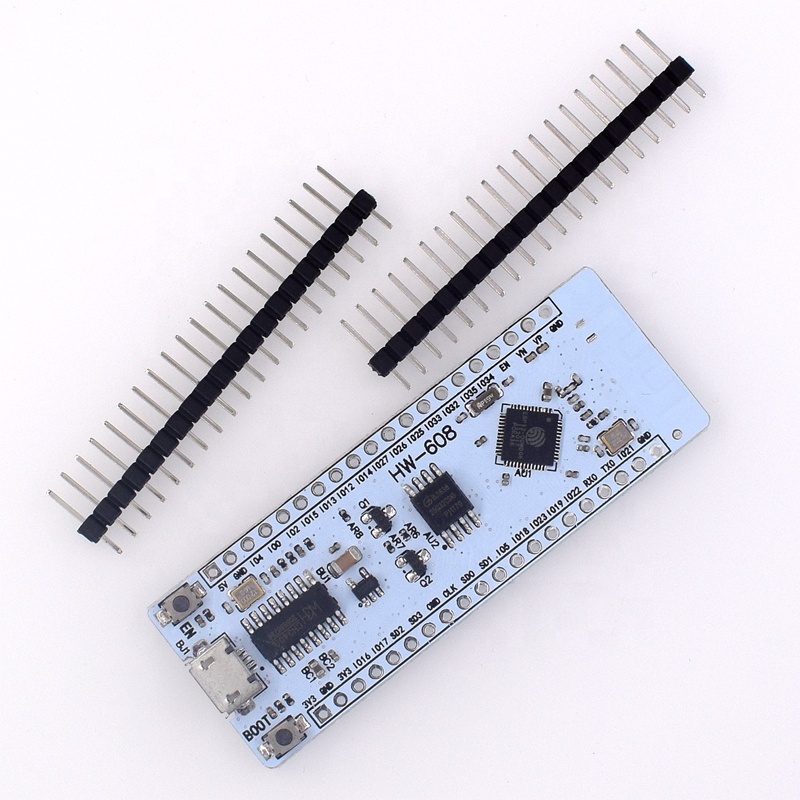
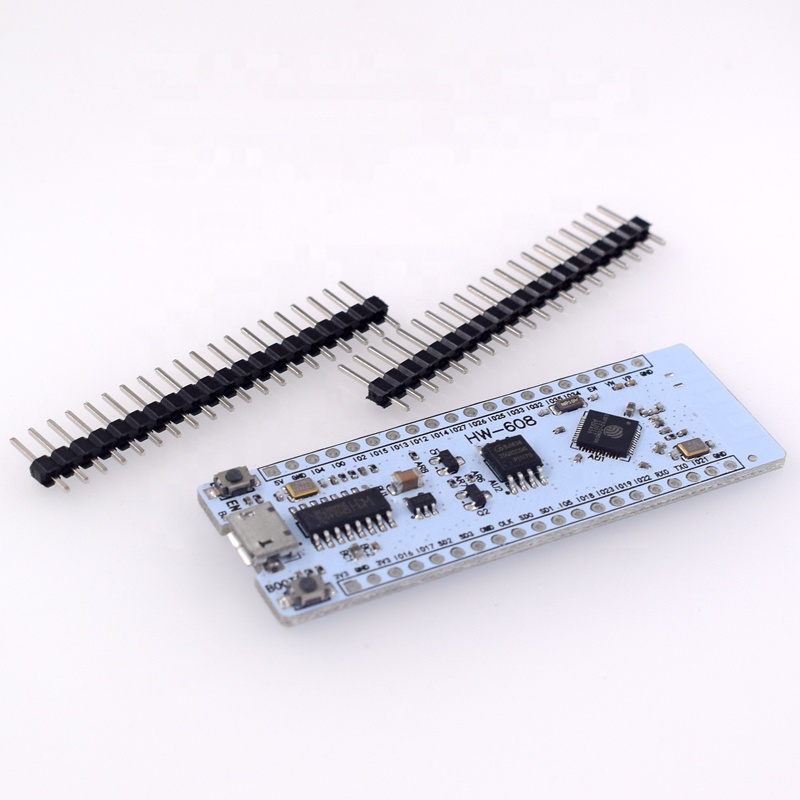
What is the AIR ESP32 Development Board? The AIR ESP32 is an integrated module featuring a dual-core ESP32 processor, Bluetooth, and Wi-Fi. It is designed for advanced electronic projects requiring wireless connectivity. Features Dual-Core ESP32 Processor Integrated Bluetooth Integrated Wi-Fi Flash Memory: 16Mbit What does it do? The AIR ESP32 board is perfect for projects needing Bluetooth and Wi-Fi connectivity. Use it to create remote control devices, wireless sensors, IoT applications, and more. It is compatible with the Arduino development environment, making programming easy even for beginners. Tutorial How to use the ESP32 Board The ESP32 board is ideal for projects requiring Bluetooth and Wi-Fi connectivity. Useful for beginners and intermediates. What do you need? ESP32 Development Board Arduino IDE USB Cable 10kΩ Resistor LED Multimeter Steps 1. Download and install the Arduino IDE. 2. Connect the ESP32 board to your computer with a USB cable. 3. Verify VCC and GND configuration on the datasheet. 4. Create a new project in Arduino IDE. 5. Paste the following code: `void setup() {} void loop() {}`. 6. Upload the code to the ESP32 board. 7. Connect an LED to GPIO pin 2 and resistor. 8. Check Bluetooth/Wi-Fi connection with your smartphone. Example Code void setup() {} void loop() {} Mini-project Create a simple remote control device for an LED using Bluetooth. Common Mistakes Forgetting to configure VCC and GND. Incorrectly connecting pins. Not verifying Bluetooth/Wi-Fi connection. Failing to use a resistor for the LED. Recommended Accessories USB Cable LED Multimeter Arduino IDE Frequently Asked Questions How do I configure VCC and GND? Check the datasheet for correct configuration of VCC and GND. Which pins should be used for Bluetooth/Wi-Fi? Refer to the datasheet for dedicated Bluetooth/Wi-Fi pins. Why doesn’t my LED light up? Verify connection and code. Ensure you are using a resistor to protect the LED.



Reviews
There are no reviews yet.