 EN
 IT Italiano
 ES Español
 FR Français
 DE Deutsch
Description
What it is
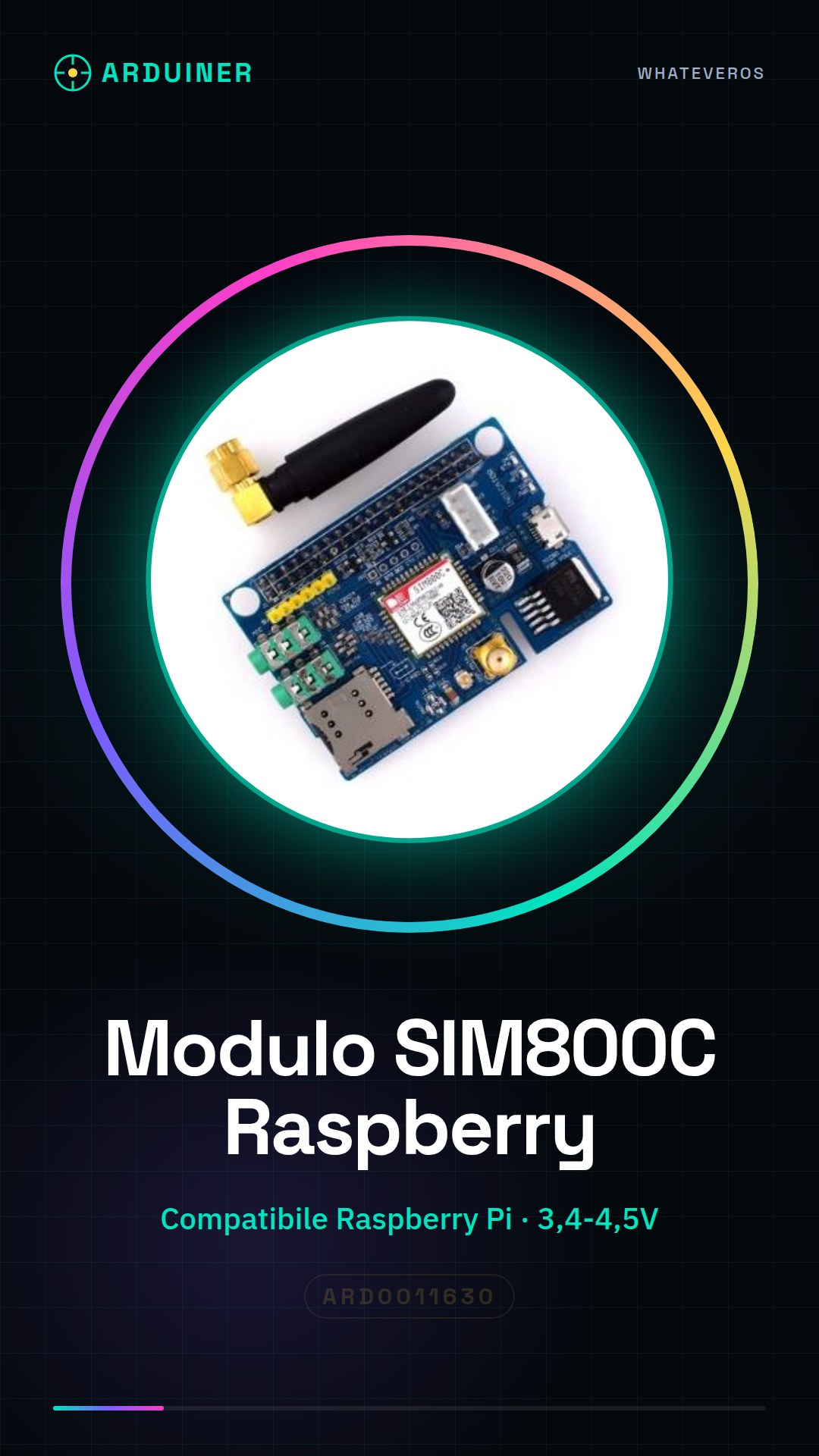
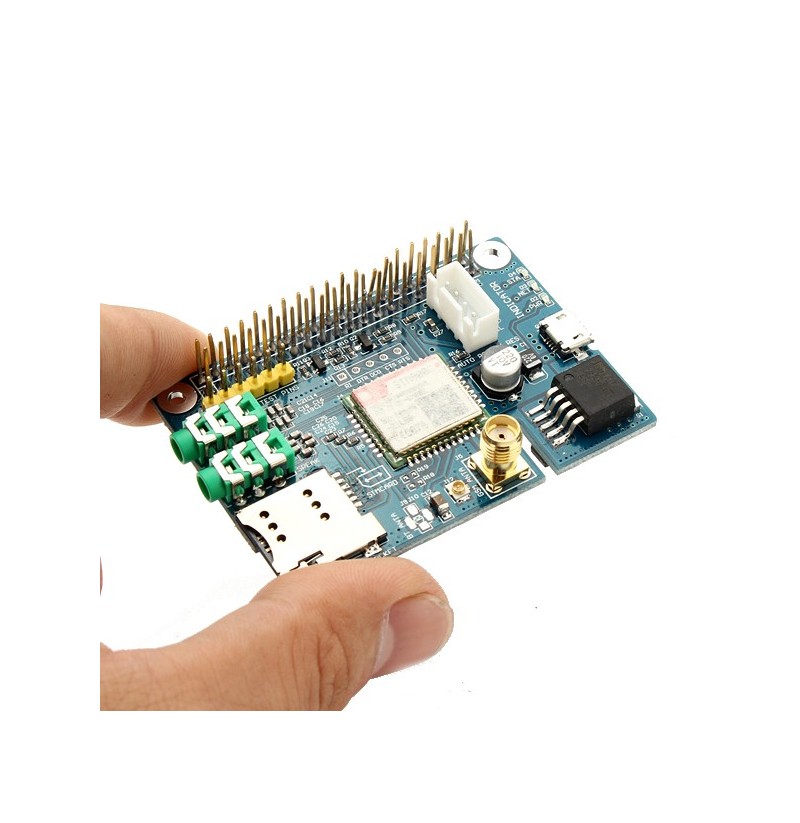
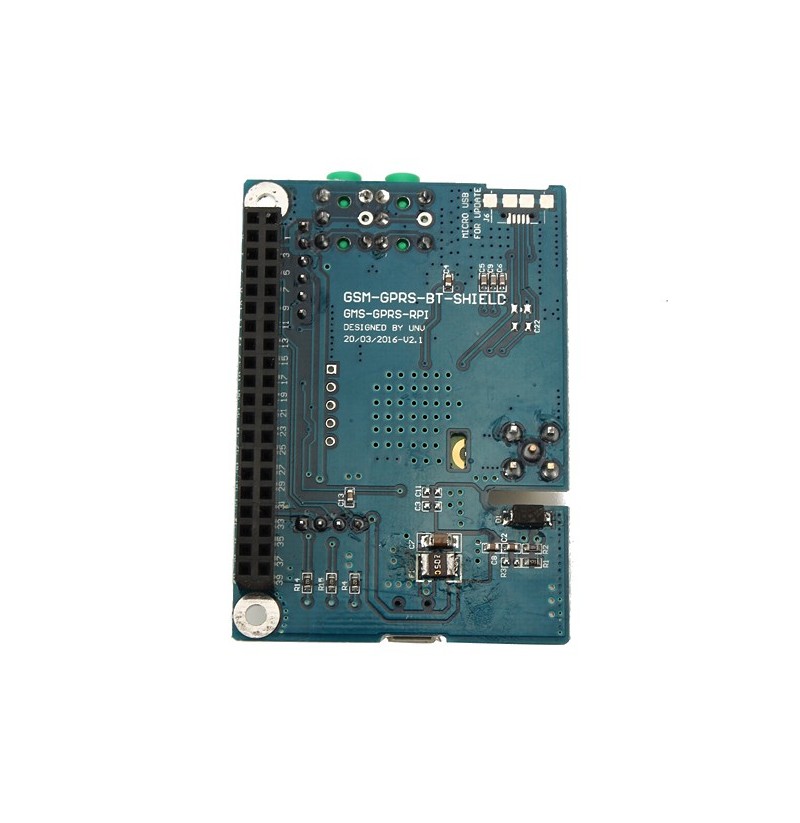
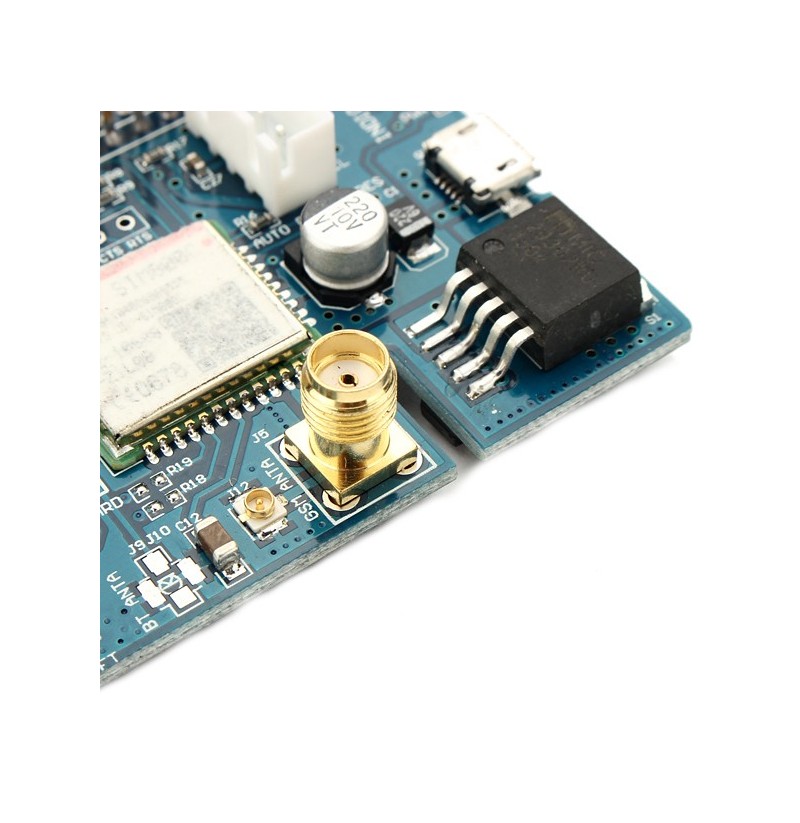
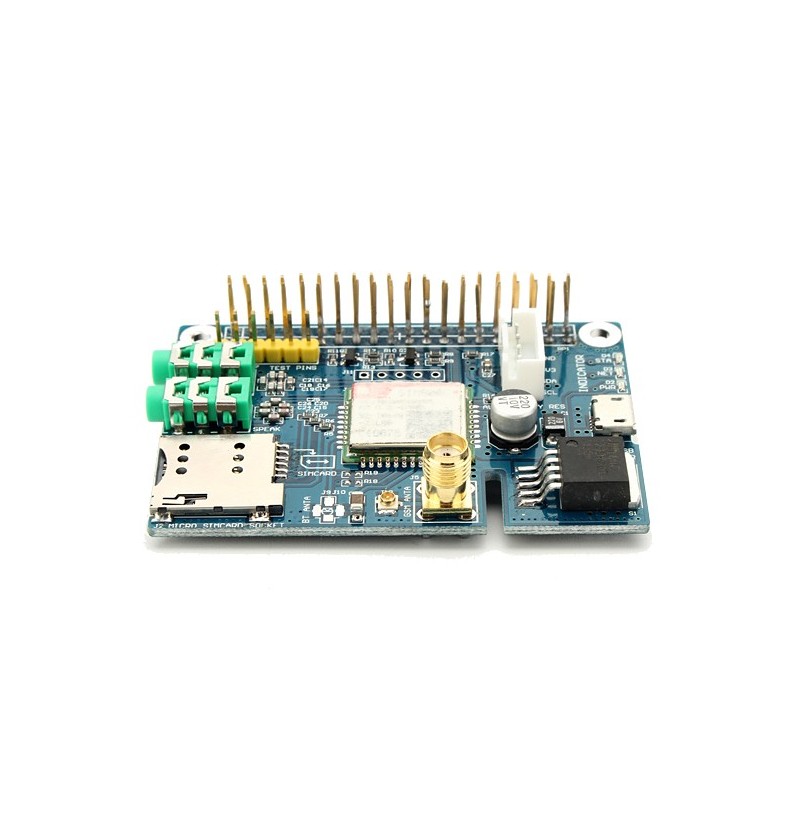
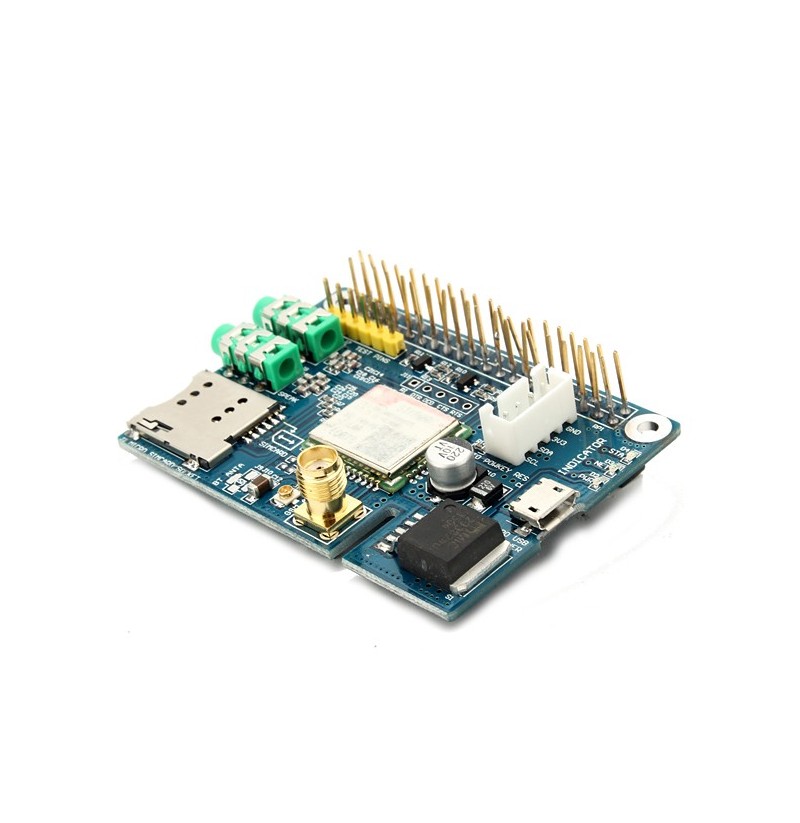
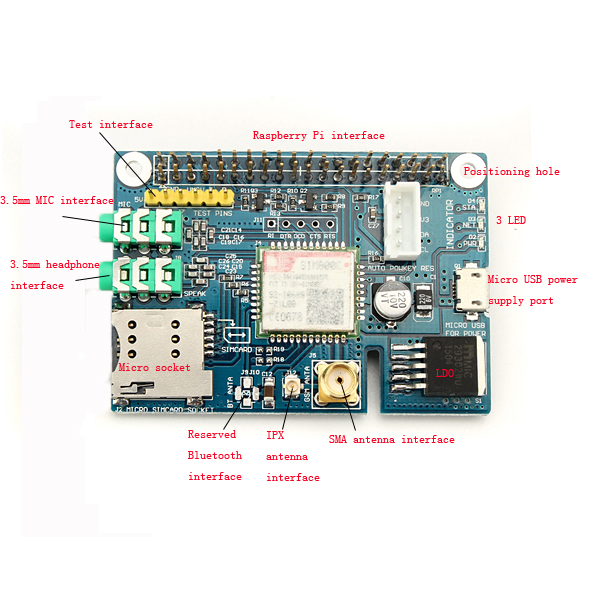
The GSM SIM800C RASPBERRY GPRS development board module is an electronic component that allows Raspberry Pi-based devices to connect to GSM cellular networks.
Features
- Compatible with Raspberry Pi
- GPRS Data Connectivity
- SKU: ARD0011630
- Price: 13.61 € (starting price)
What it is for
This module is ideal for Internet of Things (IoT) projects that require internet connectivity via cellular network. It can be used to create mobile devices, remote monitoring systems, and network-connected alarms that send SMS in case of activation.
Tutorial: How to use GSM SIM800C Module
The GSM SIM800C module is a useful component for projects that require cellular connectivity. It is ideal for beginners and intermediate makers who want to create mobile devices or remote monitoring systems.
What you need
- Raspberry Pi
- GPRS Data SIM Card
- Micro-USB USB cable
- Power Supply 3,4V – 4,5V
Steps
- Check that your SIM card is properly inserted into the module.
- Connect the SIM800C GSM module to the Raspberry Pi using a micro-USB cable. Refer to the datasheet for the specific pins required.
- Install the necessary drivers and libraries to interface with the GSM module via the Raspberry Pi.
- Test connectivity by sending a simple SMS or making a test call.
- Configure the module’s power supply to be stable between 3.4V and 4.5V to prevent damage to the device.
Example code
import serial
ser = serial.Serial('/dev/ttyUSB0', baudrate=9600)
ser.write("ATr".encode())
Mini project
Create a network-connected alarm system that sends an SMS when triggered.
Common mistakes
- Unstable connection due to incorrect module configuration.
- Power supply issues due to insufficient or excessive power.
- Difficulty installing the correct drivers for the Raspberry Pi.
Recommended accessories
- Raspberry Pi Starter Kit
- GPRS Data SIM Card
- USB 5V Power Supply
- Micro-USB Cable
Frequently asked questions
How can I check if the SIM800C connection is working correctly?
You can send an AT command to the module via the serial terminal to verify its response.
What types of projects are suitable for this GSM module?
Projects that require cellular connectivity, such as remote monitoring or smart mobile devices.




Reviews
There are no reviews yet.