 EN
 IT Italiano
 ES Español
 FR Français
 DE Deutsch
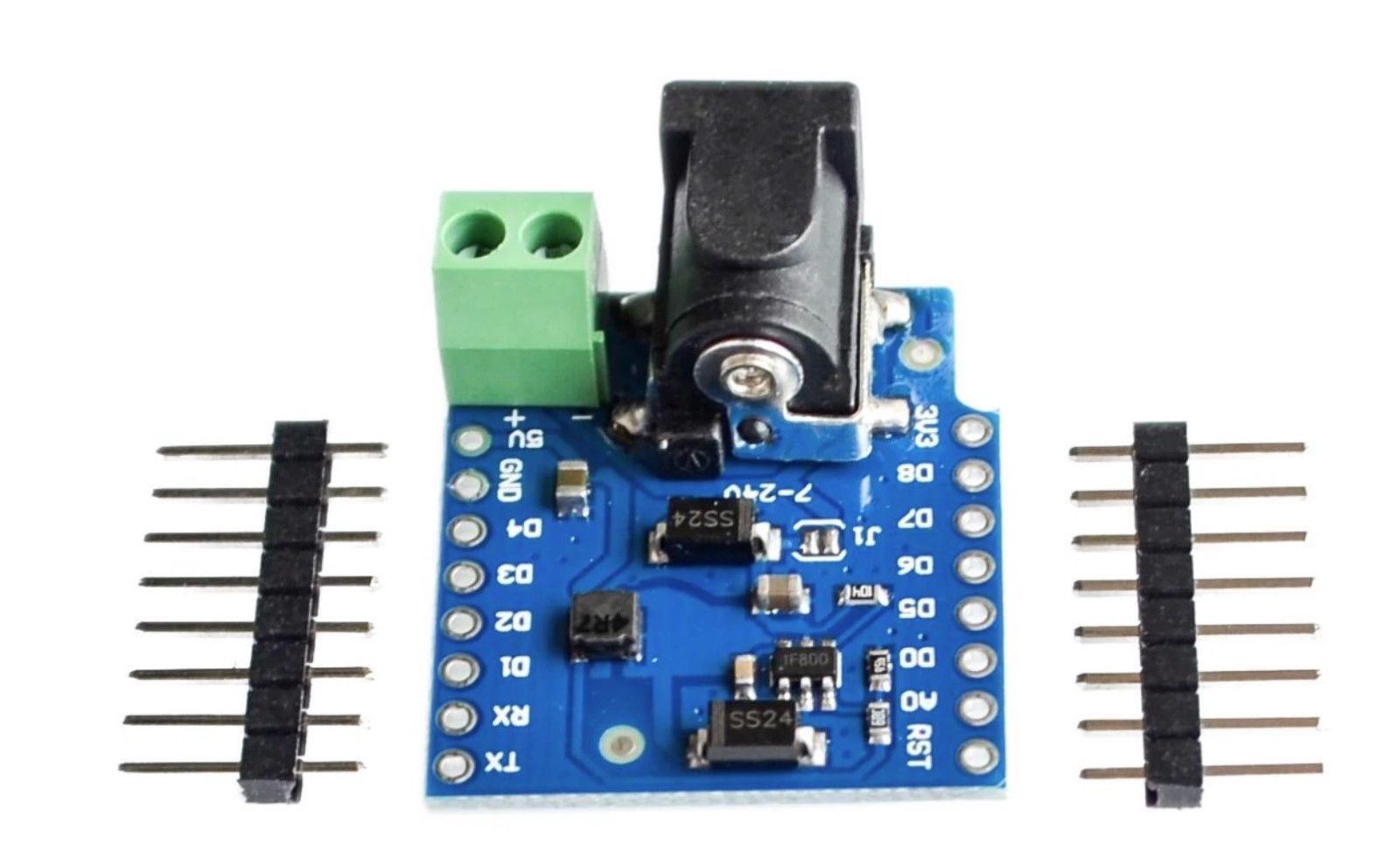
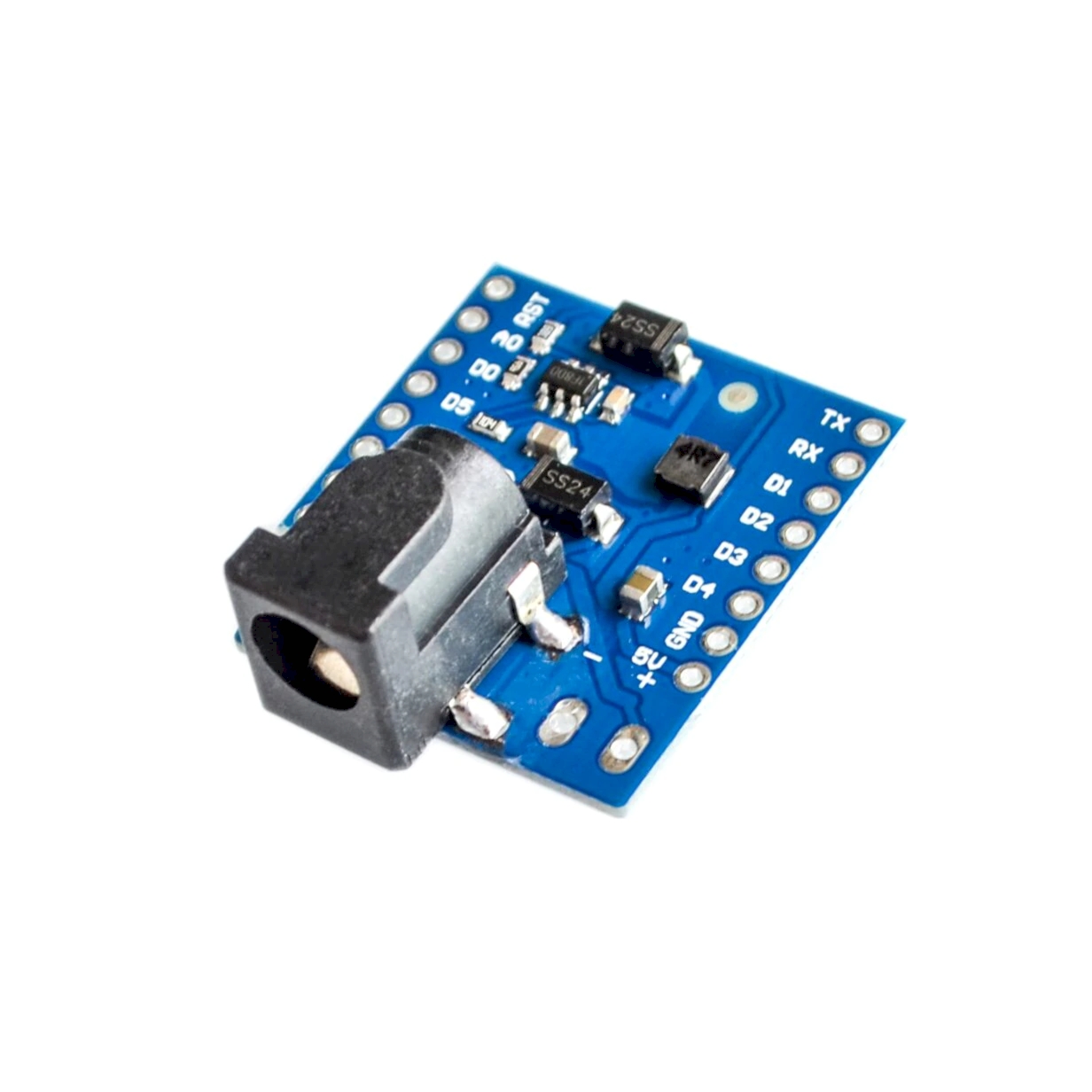
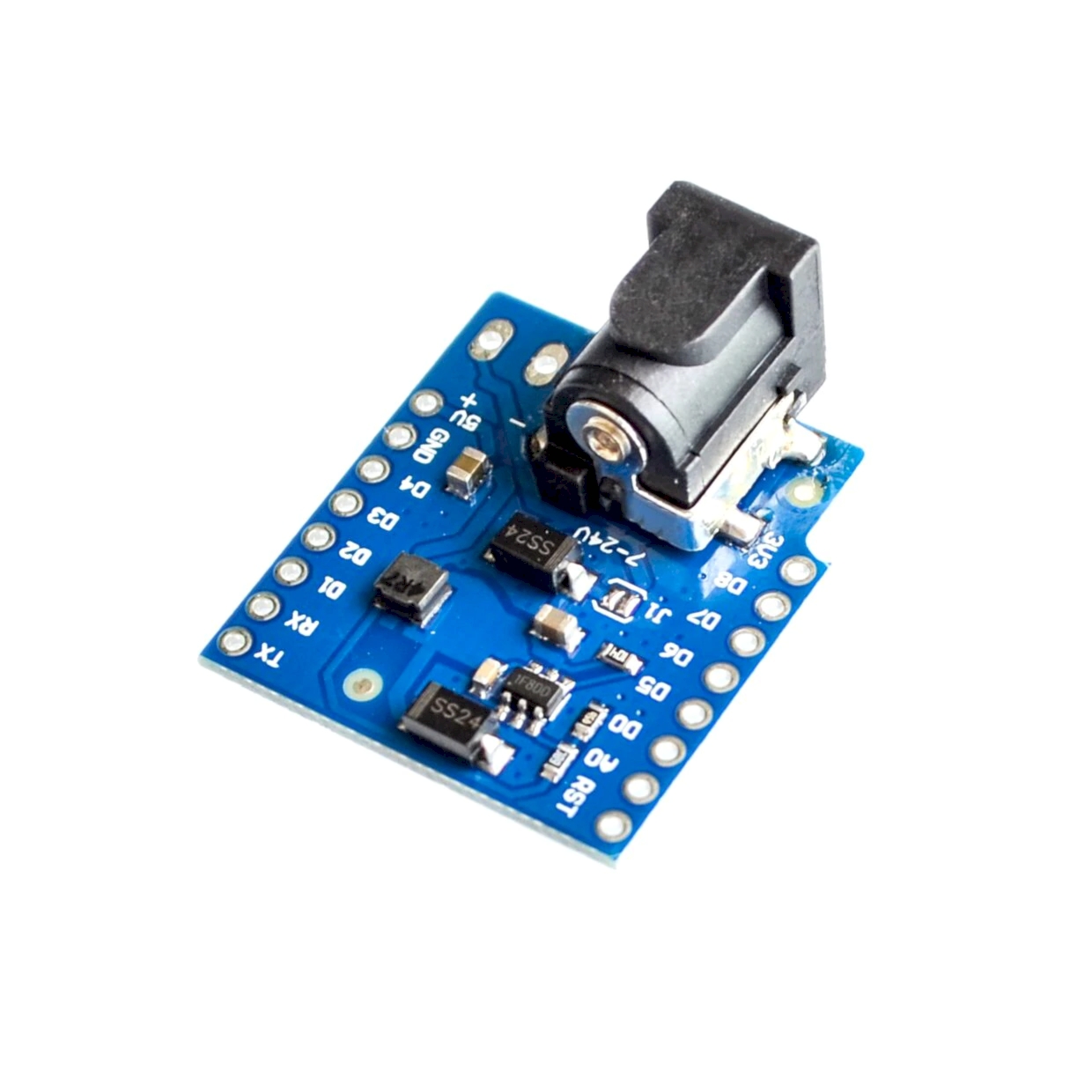
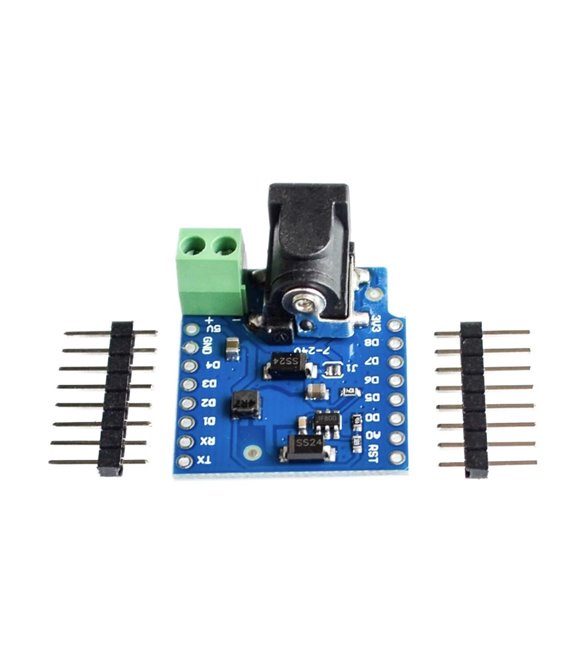
Description
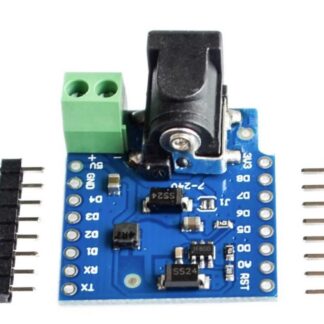
Specifically designed for powering Wemos D1 Mini and D1 Mini Pro, the Wemos DC Power Shield is powered with an input voltage range of 7Vcc to 24Vcc. The output at 5Vcc can supply up to 1A of current.
Features:
Input voltage range: 7Vcc to 24Vcc
Output voltage: 5Vcc
Output current: 1A
Tutorial: How to use Wemos DC Power Shield
The DC Power Shield for Wemos D1 Mini and D1 Mini Pro is ideal for stabilizing power and allowing a voltage input range of 7Vcc to 24Vcc. Useful for projects requiring regulated power.
What you need
- Wemos D1 Mini or D1 Mini Pro
- Micro-USB cable
- Power supply (7Vcc-24Vcc)
Steps
- 1. Mount the Power Shield onto the Wemos D1 Mini or D1 Mini Pro.
- 2. Connect the micro-USB cable to the Wemos D1 Mini.
- 3. Plug the power supply (7Vcc-24Vcc) into the DC jack of the Power Shield.
- 4. Turn on the power supply.
- 5. Check the datasheet for the output voltage.
- 6. Power on the Wemos D1 Mini.
- 7. Verify the output current.
- 8. Configure the Arduino code to use the regulated voltage.
Mini project
Create a simple battery counter with an LCD display.
Common mistakes
- Do not use voltages higher than 24Vcc.
- Verify that the output current does not exceed 1A.
- Do not connect the power supply directly to the micro-USB.
- Check the correct polarity of the power supply.
Recommended accessories
- LCD Display
- Resistor
- 12V Power Supply
- Micro-USB Cable
Frequently asked questions
Does the Power Shield regulate the voltage to 5Vcc?
Yes, the output is regulated to 5Vcc.
Which power supply voltages are supported?
The power supply can range from 7Vcc to 24Vcc.
Can I use a USB power adapter?
Yes, but make sure the voltage is within 7Vcc to 24Vcc.
What should you do if the output current does not reach 1A?
Check the output specification on the datasheet.
Reviews
There are no reviews yet.