 EN
 IT Italiano
 ES Español
 FR Français
 DE Deutsch
Description
What it is
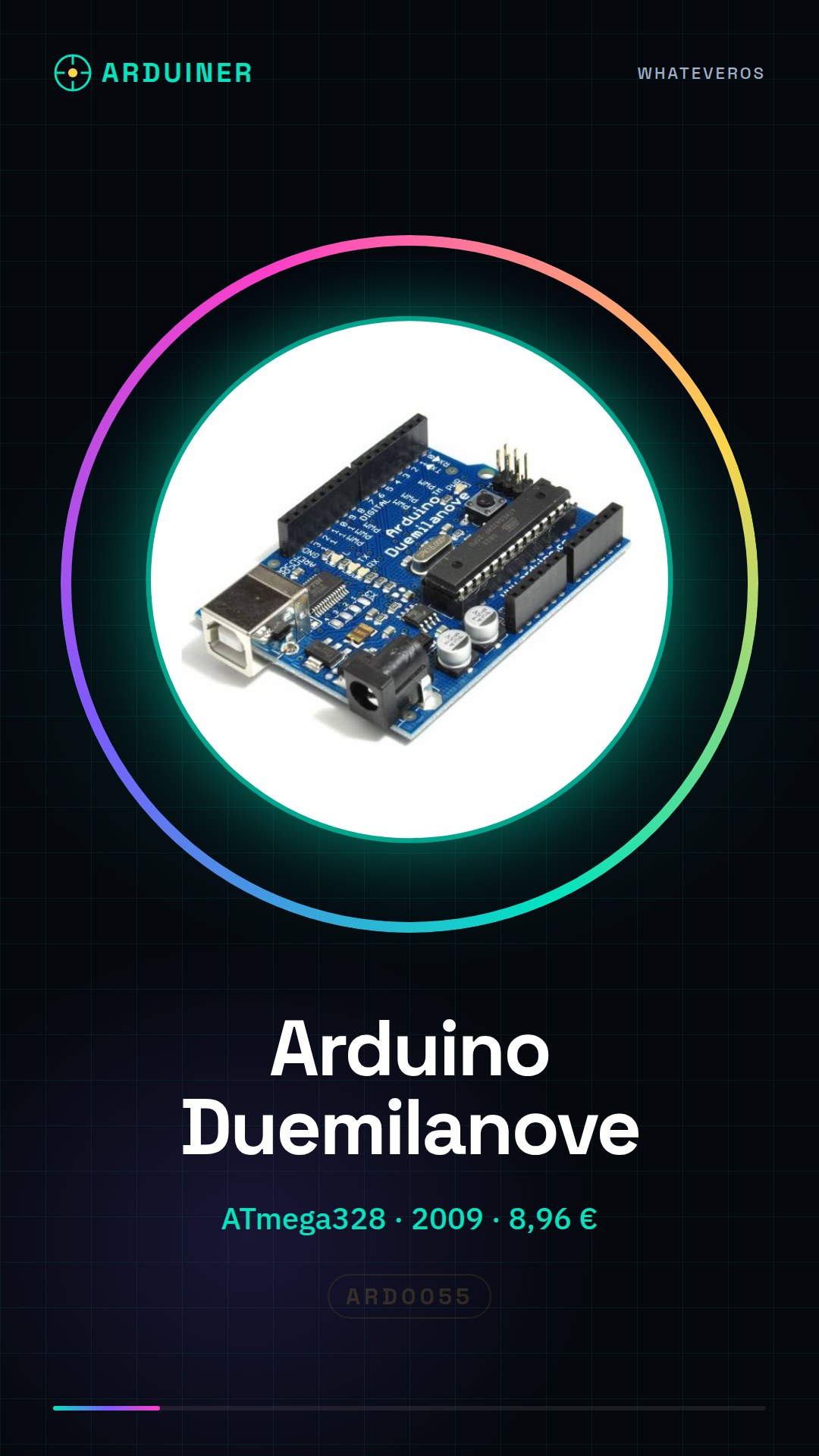
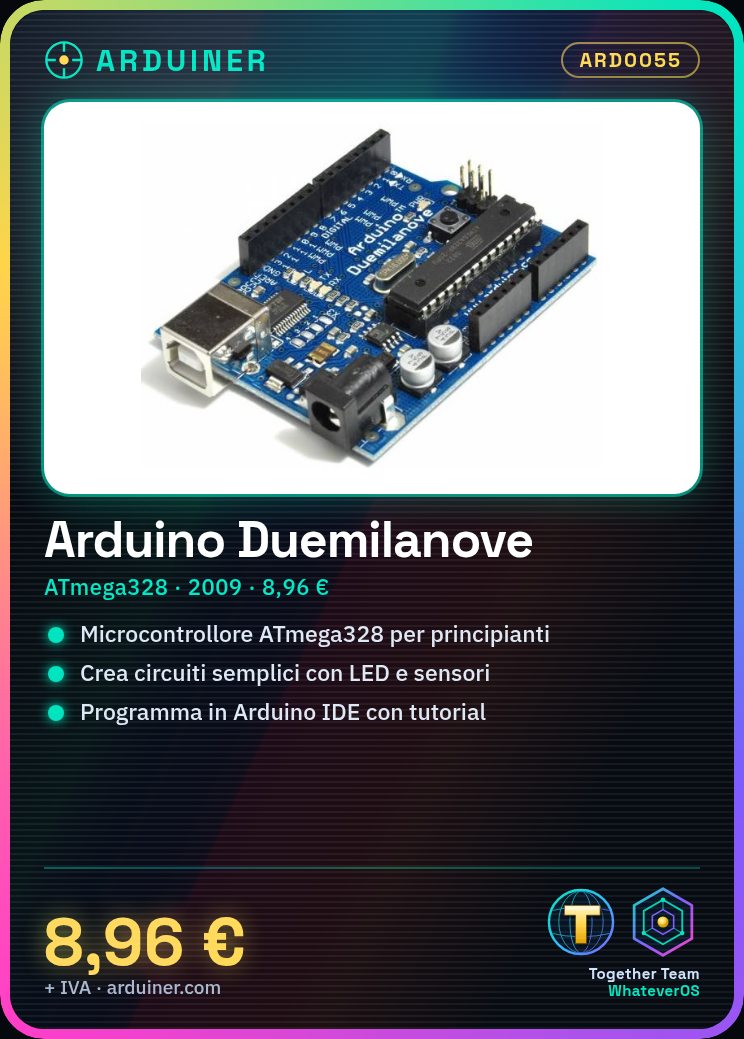
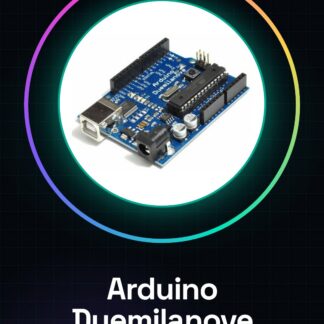
The Arduino Duemilanove with ATmega328 microcontroller is an open-source electronic development board, ideal for beginners and small projects. It is the foundation for learning the basics of electronics and programming.
Features
- Microcontroller: ATmega328
- Microcontroller production year: 2009
- SKU: ARD0055
- Price: 8.96 €
What it is for
The Arduino Duemilanove is perfect for creating simple electronic circuits, such as light sensors that turn on an LED when the light decreases. It is compatible with the Arduino IDE development environment and offers a wide range of online tutorials and resources to help you get started.
Tutorial: How to use Arduino Duemilanove
The Arduino Duemilanove is an open-source microcontroller ideal for beginners and small projects. With an ATmega328 microcontroller, it is perfect for getting started in the world of electronics and programming.
What you need
- Arduino Duemilanove
- USB cable
- computer with Arduino IDE installed
- 9V power supply
- resistor kit
- basic sensors
Steps
- Install the USB driver for your computer
- Download and install the Arduino IDE
- Connect the Arduino Duemilanove to the computer via USB
- Open the Arduino IDE and select the correct board (Arduino Duemilanove)
- Upload a sample sketch (e.g., Blink) to the Arduino
- Verify the connection with an LED connected to an output pin
- Try reading data from an analog sensor
- Create a simple project integrating a sensor and an LED
Example code
void setup() {
  pinMode(13, OUTPUT);
}

void loop() {
  digitalWrite(13, HIGH);
  delay(1000);
  digitalWrite(13, LOW);
  delay(1000);
}
Mini project
Create a light sensor that turns on an LED when the light decreases. Use a photoresistor and an LED, connect them to the Arduino Duemilanove and write a sketch that controls the light level and activates the LED.
Common mistakes
- Unable to upload a sketch
- Incorrect photoresistor connection
- Power supply issues
- Syntax error in the sketch
Recommended accessories
- USB cable
- Set of resistors
- Photoresistor
- Set of LEDs
Frequently asked questions
What is the difference between Arduino Duemilanove and Arduino Uno?
The Arduino Uno replaces the Duemilanove, offering greater compatibility and functionality.
Where can I find the datasheet for the ATmega328?
The datasheet is available on the official Atmel website. Check the datasheet for detailed information.
Reviews
There are no reviews yet.