 EN
 IT Italiano
 ES Español
 FR Français
 DE Deutsch
Description
What it is
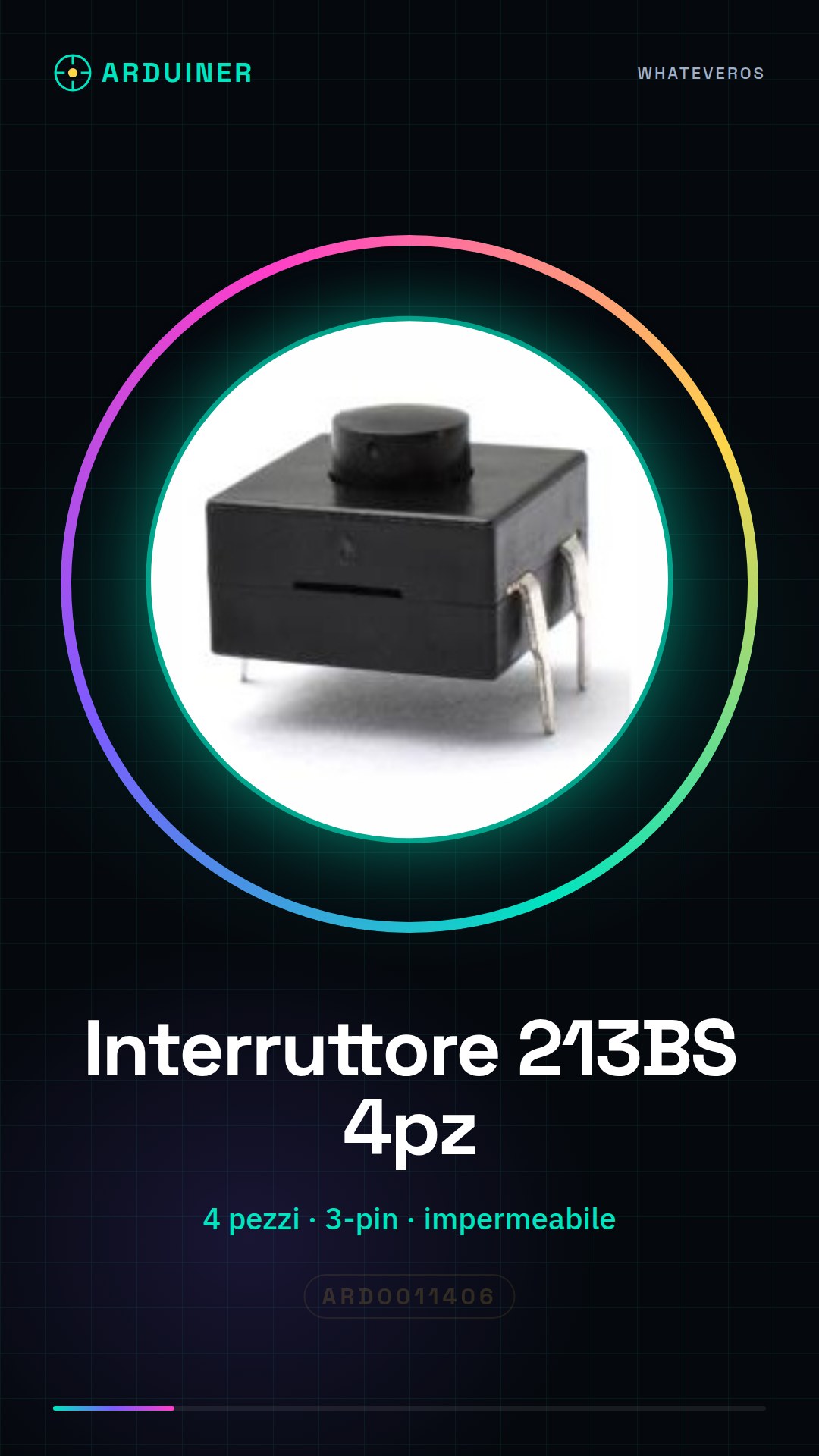
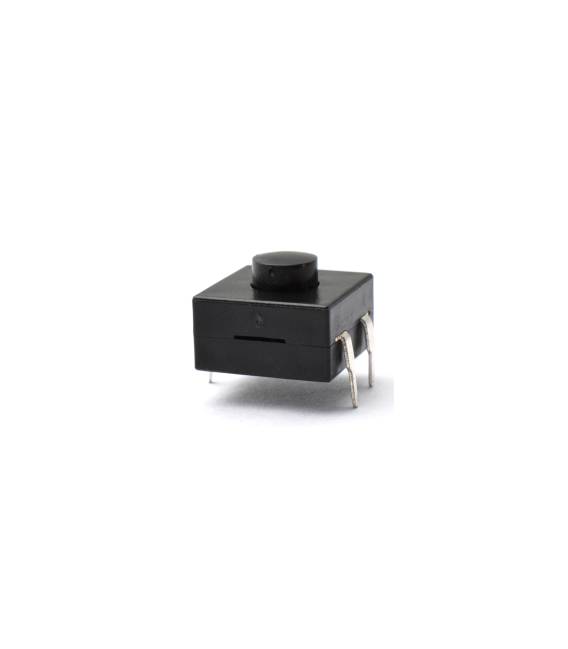
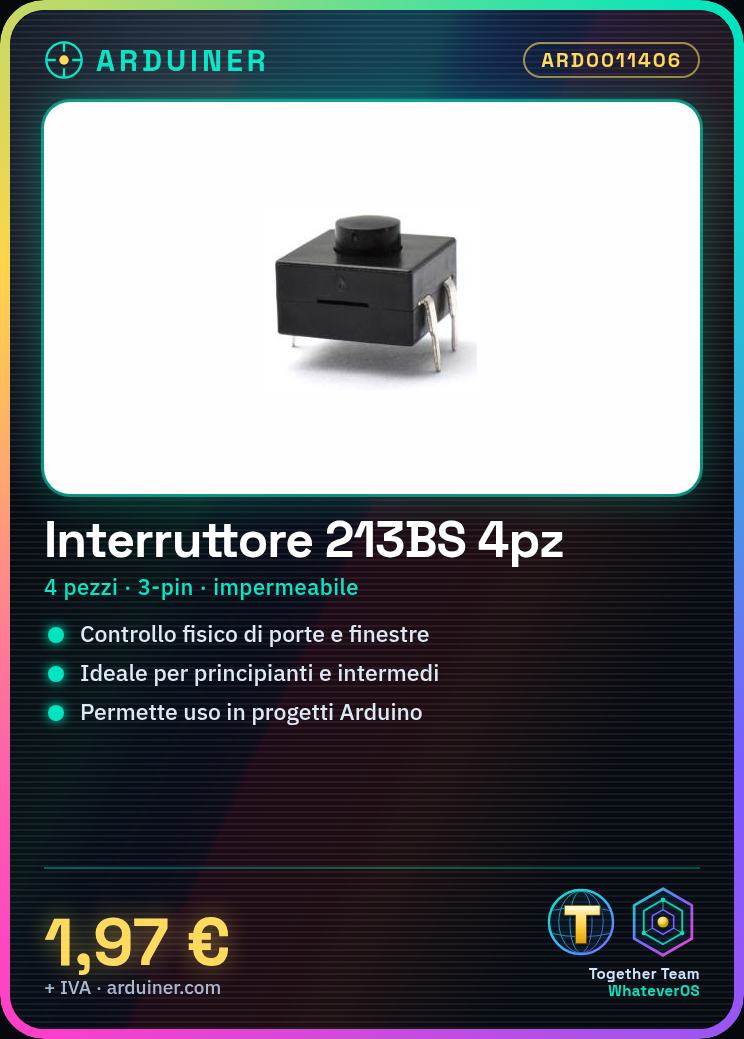
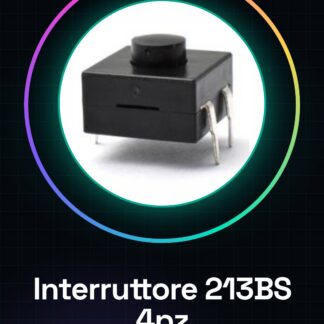
The waterproof latching switch 213BS is an electronic component suitable for Arduino projects and prototypes. This switch, available in packs of four pieces, is ideal for applications requiring water resistance.
Features
- Type: Waterproof Latching Switch 213BS
- Connection Points: 3pins / 3pins
What it is for
The switch is useful for creating physical control systems, such as door or window sensors. It is also suitable for beginners and intermediates in Arduino and ESP.
Tutorial: How to use 4 Pieces Waterproof Latching Switch 213BS
This waterproof latching switch is ideal for projects requiring physical control, such as doors or windows. Useful for beginners and intermediates.
What you need
- 4 pieces switch 213BS
- Arduino
- Power supply cable
- 10kΩ resistor
- Batter or power supply
Steps
- 1. Prepare the switch 213BS, Arduino, power supply cable, 10kΩ resistor, and battery.
- 2. Connect the battery to the Arduino via the power supply cable.
- 3. Connect an Arduino pin (e.g., D2) to pin 3 of the switch 213BS.
- 4. Connect the 10kΩ resistor between pin 2 of the switch 213BS and GND.
- 5. Connect pin 1 of the switch 213BS to VCC.
- 6. Load the Arduino code.
- 7. Verify the power supply specifications on the datasheet.
- 8. Check the operation of the switch.
Example code
void setup() {
  pinMode(2, INPUT);
}

void loop() {
  if (digitalRead(2) == HIGH) {
    Serial.println("Interruttore acceso");
  } else {
    Serial.println("Interruttore spento");
  }
}
Mini project
Create a control system for a door or window using the switch 213BS as a sensor.
Common mistakes
- Do not verify the power supply specifications on the datasheet.
- Connect the switch pins correctly.
- Omit the connection of the 10kΩ resistor.
- Use an incompatible Arduino.
Recommended accessories
- Arduino UNO
- USB cable
- 3.7V LiPo battery
- 10kΩ resistor
Frequently asked questions
How can I verify the power supply specifications?
Check the datasheet.
Can I use a different Arduino than UNO?
Check compatibility on the datasheet.
Which pins to use for the connection?
Connect pin 3 of the switch to D2 of Arduino, pin 2 to GND and pin 1 to VCC.



Reviews
There are no reviews yet.