 EN
 IT Italiano
 ES Español
 FR Français
 DE Deutsch
Description
What it is
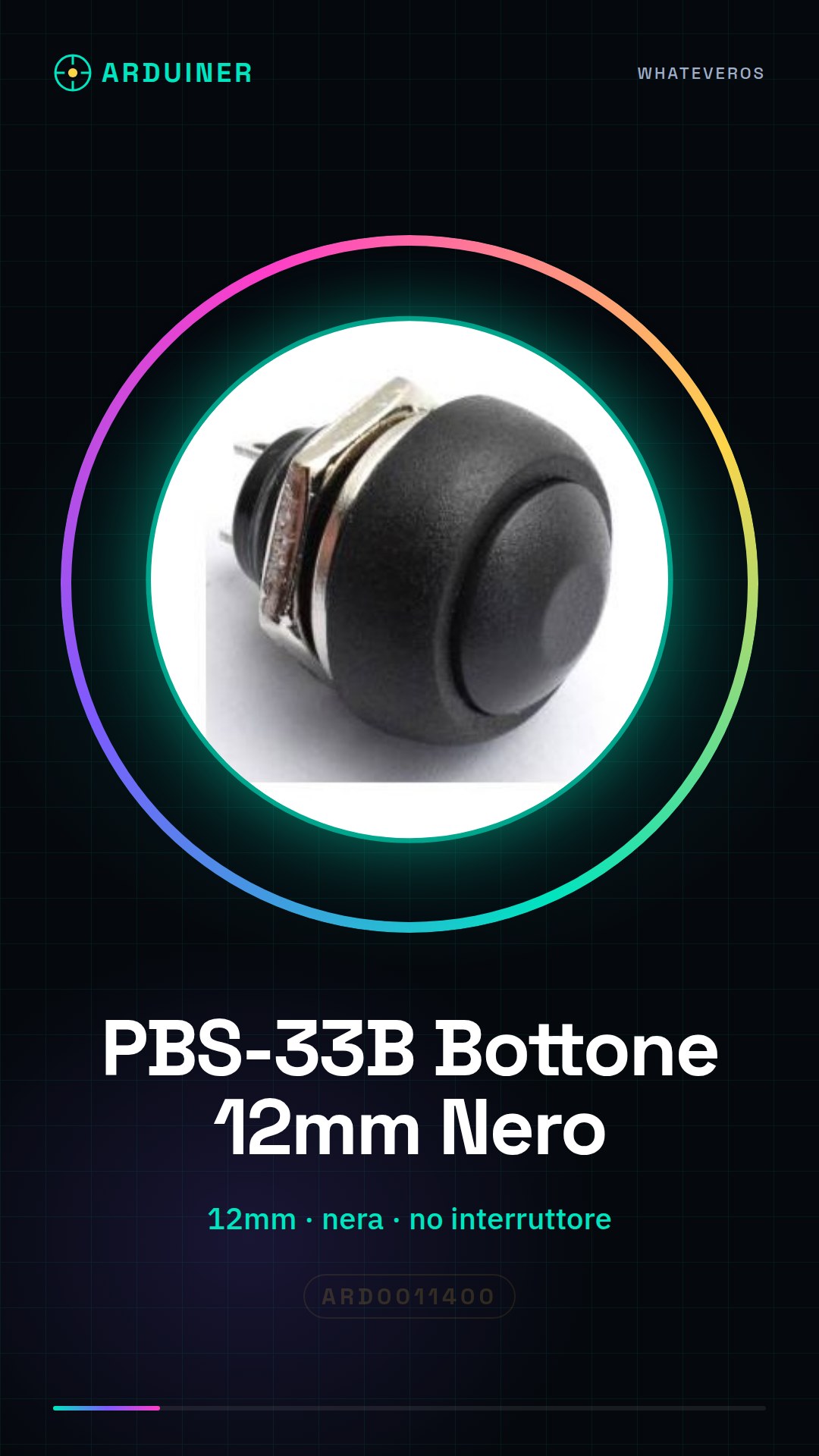
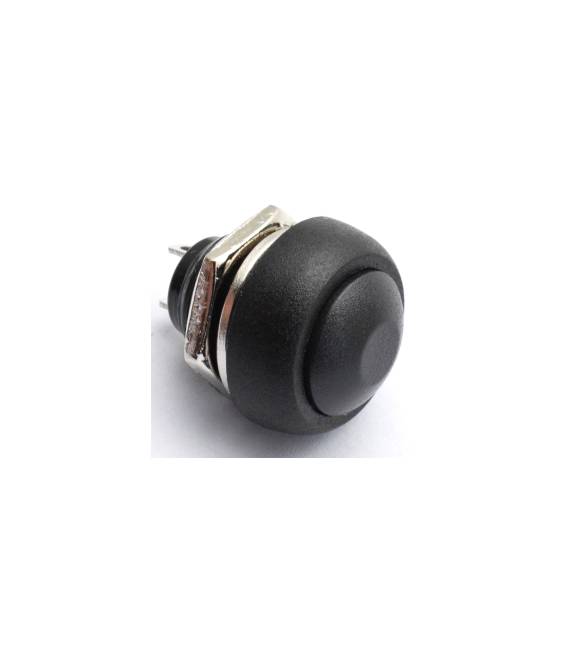
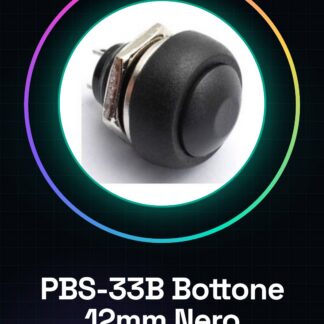
The PBS-33B Black 12mm button is an electronic component without a self-locking switch, designed to be used in various types of projects such as those based on Arduino or 3d printers.
Features
- Type: button
- Diameter: 12mm
- External cover: Black
- Without self-locking switch
What it is for
Ideal for the realization of simple alarm systems or any other project that requires interaction with electronic circuits. It can be used in combination with Arduino to send signals when pressed.
Tutorial: How to use PBS-33B Black 12mm Button
The PBS-33B Black 12mm button is a simple and versatile component that allows interaction with electronic circuits. Ideal for Arduino projects, 3d printers or drones.
What you need
- Arduino Uno
- USB cable
- Connection to PC
Steps
- Connect the button to the digital pins of the Arduino using the cables.
- Check the polarity of the button (it has no polarity, but make sure it is properly connected).
- Write the Arduino sketch to read the switch.
- Upload the sketch to your Arduino.
- Test the button by pressing it and observe the changes on the serial monitor.
Example code
const int bottonePin = 2; // Collega il bottone al pin 2
int statoBottone;
void setup() {
pinMode(bottonePin, INPUT); Serial.begin(9600);}
void loop() {statoBottone = digitalRead(bottonePin);
Serial.println(statoBottone);}
Mini project
Create a simple alarm system that sends an email when the button is pressed.
Common mistakes
- Connect the button to the wrong pin
- Do not upload the sketch to the Arduino
- Ignore the USB connection check
Recommended accessories
- LCD 16×2 for Arduino
- Buzzer
- ESP8266 Wi-Fi Module
- Relay Module 5V
Frequently asked questions
Does the button have a self-locking contact?
No, the PBS-33B does not have a self-locking switch.
Can I connect it directly to a battery?
Check the datasheet for the supported operating voltage.



Reviews
There are no reviews yet.