 EN
 IT Italiano
 ES Español
 FR Français
 DE Deutsch
Description
What it is
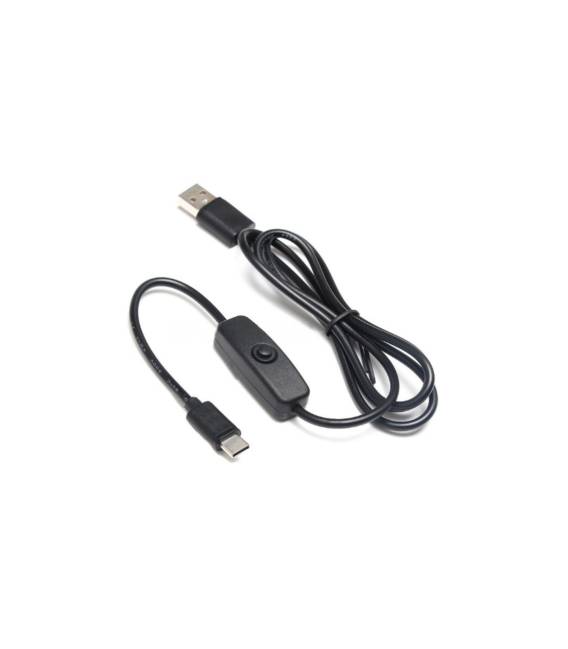
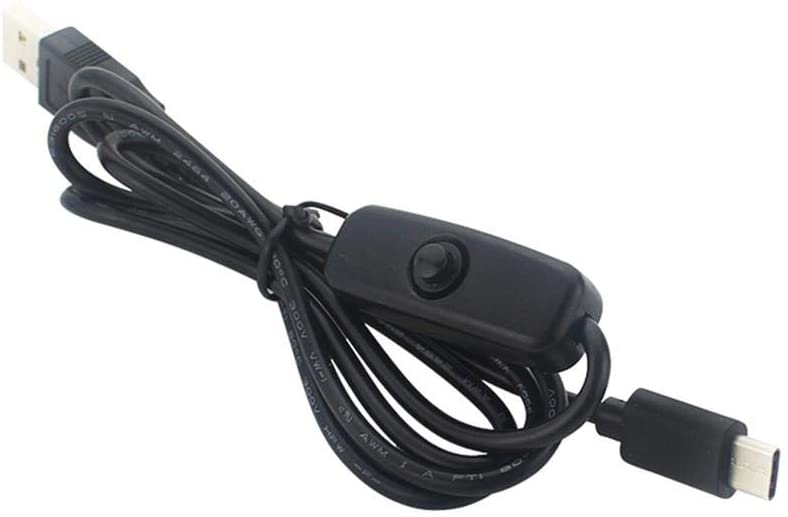
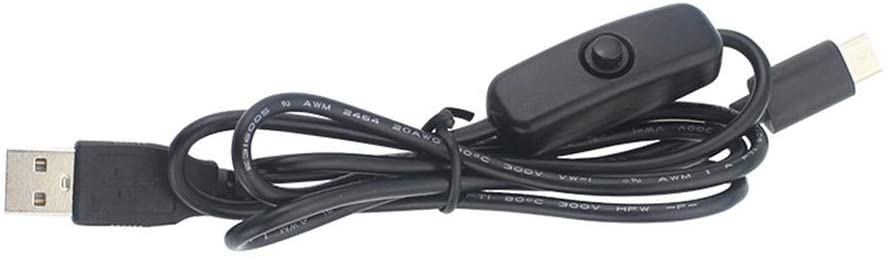
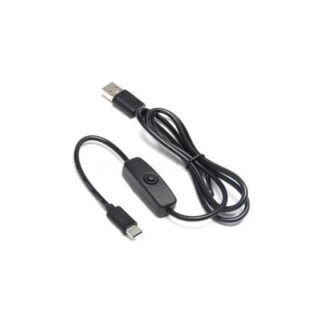
USB Type-C Cable with Switch for Raspberry PI 4. Allows you to connect the Raspberry Pi 4 to a computer, a USB power supply, or a network.
Features
- USB Type-C Connector
- Integrated Switch
- Compatible with Raspberry Pi 4
What it is for
Ideal for powering and data transfer from your Raspberry Pi 4. Can be used to create a simple web server, connect the Raspberry Pi to a monitor or keyboard and mouse.
Tutorial: How to use USB Type-C Cable with Switch for Raspberry Pi 4
This USB Type-C cable with switch is ideal for powering and data transfer from your Raspberry Pi 4. It is perfect for anyone who wants a stable and secure connection between their Raspberry Pi and computer or network outlet.
What you need
- Raspberry Pi 4
- Computer or network adapter with USB Type-C port
- Network outlet
Steps
- Connect the USB Type-C cable to the Raspberry Pi 4 side.
- Check that the Raspberry Pi is powering up correctly.
- Connect the other end of the cable to a computer or network adapter.
- Check the data connection between the Raspberry Pi and the computer.
- If necessary, use the network port to power the Raspberry Pi via the cable.
- Ensure that the switch works properly to alternate between power and data.
Mini project
Create a simple web server on Raspberry Pi 4 using Python and this cable.
Common mistakes
- Intermittent data connection
- Power issues
- Switch not working
- Device compatibility issues
Recommended accessories
- Raspberry Pi 4
- USB network port
- Computer with USB Type-C port
- USB Type-C power supply
Frequently asked questions
Does the cable connect only to Raspberry Pi 4?
Yes, it is designed specifically for the Raspberry Pi 4.
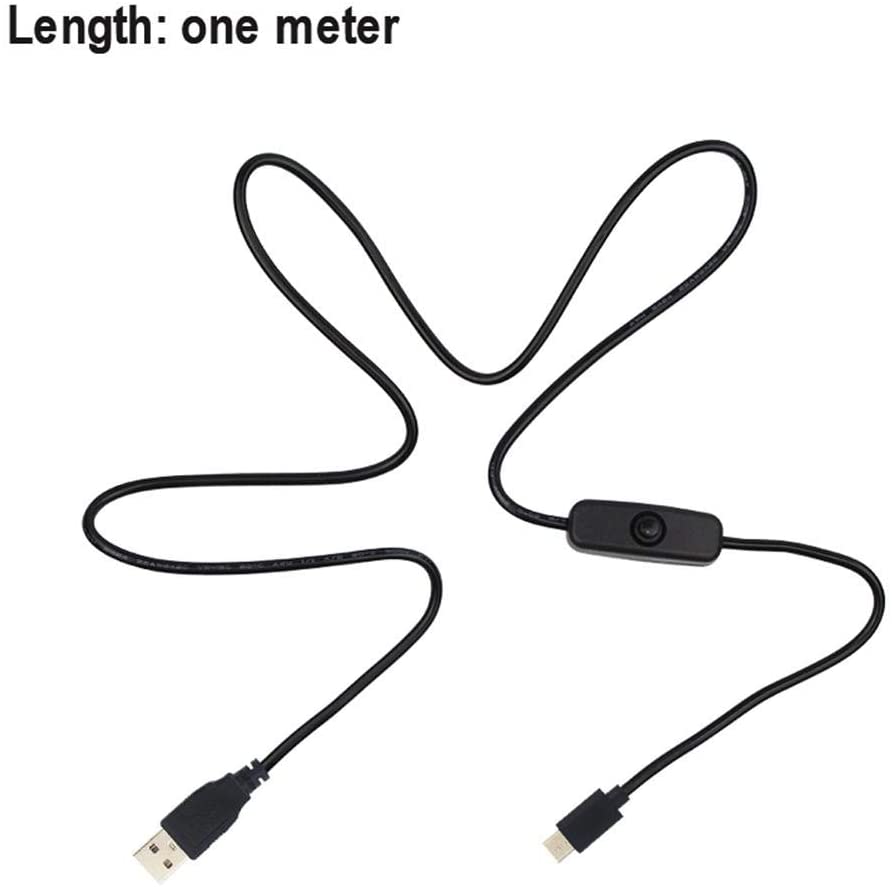
What is the length of the cable?
Check the datasheet.
Does the cable support data transmission?
Yes, the cable supports data transmission via USB.



Reviews
There are no reviews yet.