 EN
 IT Italiano
 ES Español
 FR Français
 DE Deutsch
Description
What it is
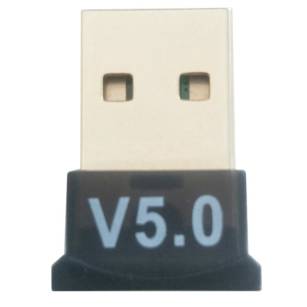
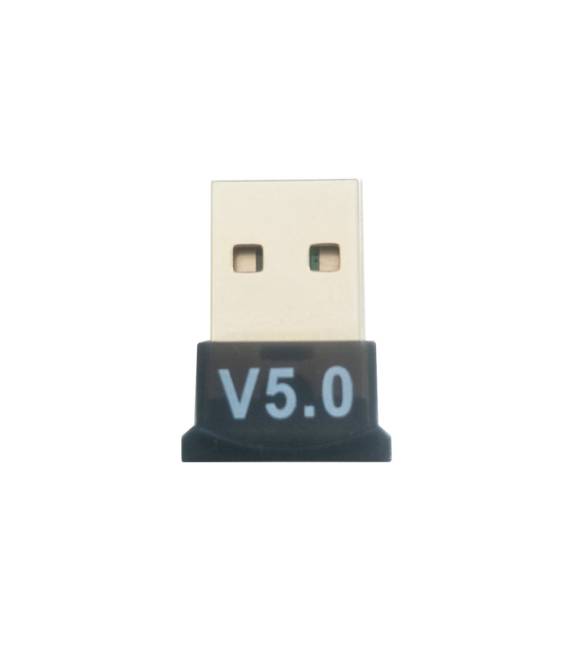
The USB Bluetooth 5.0 Bluetooth Adapter Dongle CSR by Arduiner allows adding Bluetooth functionality to computers and devices that do not have it natively. It can be used to connect to Bluetooth devices such as sensors, headphones, or keyboards.
Features
- Bluetooth Version: 5.0
- Protocol: CSR
- Connection Type: USB
- SKU: ARD0011606
- Price: 4.52 €
What it is for
The adapter is useful for creating wireless connections with Arduino, sensors, or other Bluetooth devices. Examples of use include connecting to a Bluetooth temperature sensor to display data on a console or remotely controlling an Arduino robot via Bluetooth.
Tutorial: How to Use the USB Bluetooth 5.0 CSR Adapter
The CSR Bluetooth 5.0 USB adapter is a useful device for adding Bluetooth functionality to computers and devices that do not have it natively. Ideal for anyone who wants to create wireless connections with Arduino, sensors, or other Bluetooth devices.
What you need
- Computers with USB port
- Bluetooth management software
- Arduino (optional)
Steps
- Connect the USB adapter to the USB port of the computer.
- Check that the operating system recognizes the adapter.
- Install any necessary drivers.
- Configure the Bluetooth management software.
- Verify the connection with a Bluetooth device.
- If necessary, use an Arduino sketch to test the communication.
- Configure the Bluetooth module settings.
- Verify the stability of the connection and the quality of the signal.
Example code
/*
  Esempio di sketch Arduino per testare la comunicazione Bluetooth
*/
#include <SoftwareSerial.h>

SoftwareSerial bluetooth(10, 11); // RX | TX

void setup() {
  Serial.begin(9600);
  bluetooth.begin(9600);
}

void loop() {
  if (bluetooth.available()) {
    Serial.write(bluetooth.read());
  }
  if (Serial.available()) {
    bluetooth.write(Serial.read());
  }
}
Mini project
Connect to a Bluetooth temperature sensor and display the data on a console.
Common mistakes
- Device recognition issues.
- Unstable connections.
- Synchronization issues.
- Incompatible drivers.
Recommended accessories
- Arduino Uno R3
- Bluetooth Temperature Sensor
- 3D printing of custom cases
- Electronic prototyping kit
Frequently asked questions
I have device recognition problems.
Check that the driver is installed correctly and that the operating system recognizes the adapter.
The connection is unstable.
Check the signal quality and proximity of the Bluetooth device.
How can I test the device?
Use an Arduino sketch to test communication and connection stability.



Reviews
There are no reviews yet.