 EN
 IT Italiano
 ES Español
 FR Français
 DE Deutsch
Description
What it is
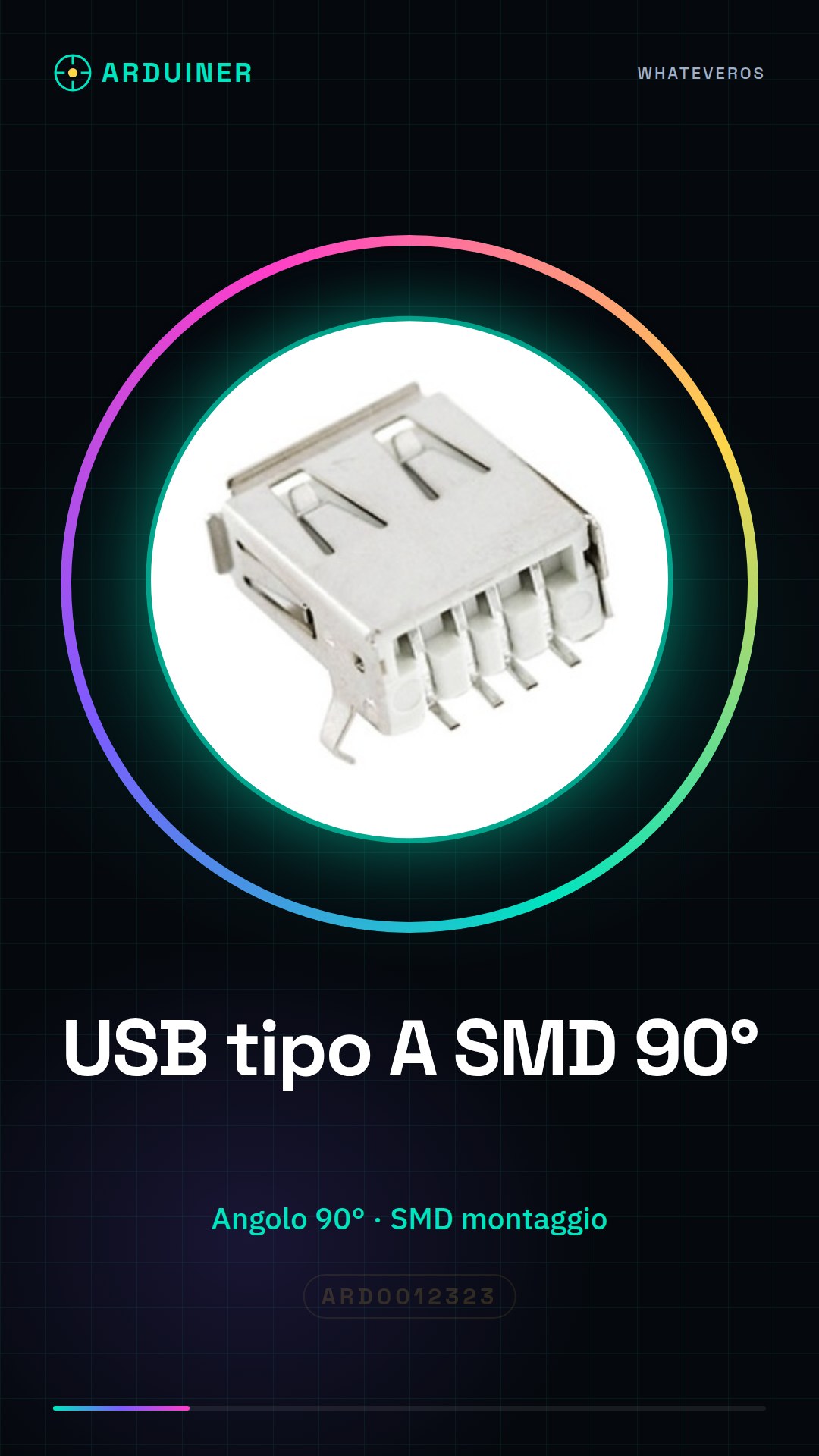
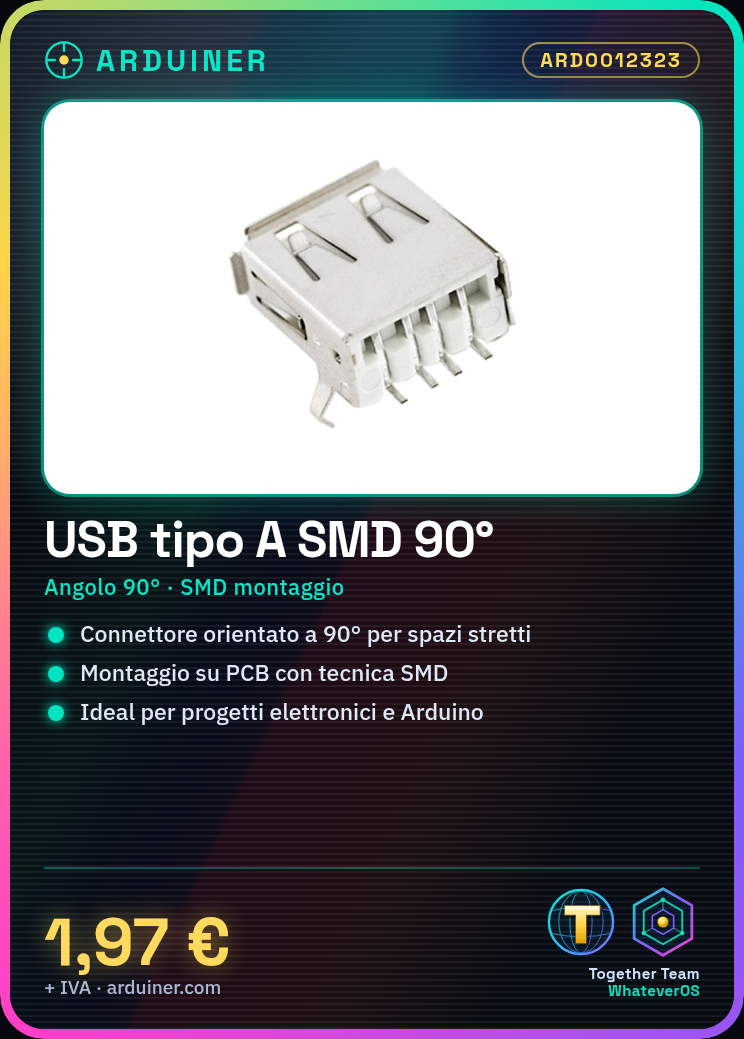
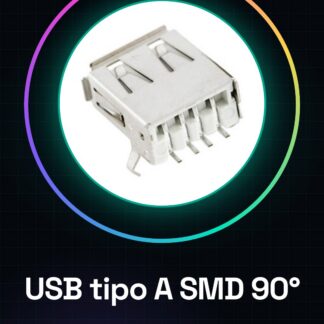
The USB Type A SMD 90 degree connector is an electronic component designed to be mounted on printed circuit boards using SMD (Surface Mount Device) technology. This connector is oriented at 90 degrees relative to the standard orientation, allowing for greater flexibility in the available space on the printed circuit board.
Features
- Type: USB Type A
- Mounting Angle: 90 degrees
- Mounting Technique: SMD
- SKU: ARD0012323
- Price: 1.97 €
What it is for
This connector is ideal for electronic projects and Arduino where a compact and differently oriented USB connector is required compared to the standard orientation. It is particularly useful for makers who are looking to optimize the layout of their printed circuit boards, reducing the consumption of available space.
Tutorial: How to use USB Type A SMD 90 degree
The USB Type A SMD 90 degree is ideal for electronic projects where a compact and differently oriented USB connector is required. This component is particularly useful for makers who are looking to optimize the layout of their printed circuit boards.
What you need
- Arduino or microcontroller
- USB cable
- printed circuit board
- solder
- soldering tweezers
Steps
- Install the USB Type A SMD 90 degree connector on the printed circuit board using surface mount soldering technique.
- Check the positioning of the connector to ensure it is correctly oriented at 90 degrees.
- Connect the USB Type A connector to the microcontroller or target circuit.
- Verify the connectivity between the USB connector and the microcontroller using a debugging software or a serial monitoring application.
- Check the stability and compatibility of the connector with the printed circuit board during use.
- Test the connector with a USB cable to ensure correct and stable connectivity.
- If necessary, add ESD (electrostatic discharge) protection for the connector.
- Verify the compatibility of the connector with other project components, such as sensors or other USB modules.
Mini project
Create a remote monitoring system with Arduino that uses the USB Type A SMD 90 degree connector for data connectivity. The project should be achievable in approximately 30 minutes.
Common mistakes
- The connector is not positioned correctly at 90 degrees.
- Connectivity issues due to inadequate connection.
- Compatibility issues with other project components.
- Stability issues during long-term use.
Recommended accessories
- Arduino Uno
- USB Type A to Type B cable
- Soldering kit
- Prototype kit
Frequently asked questions
Is the USB Type A SMD 90 degree connector compatible with all microcontrollers?
Check the microcontroller’s datasheet to ensure compatibility.
How can I protect the connector from electrical damage?
Add an ESD filter or overvoltage protection.
Reviews
There are no reviews yet.