 EN
 IT Italiano
 ES Español
 FR Français
 DE Deutsch
Description
What it is
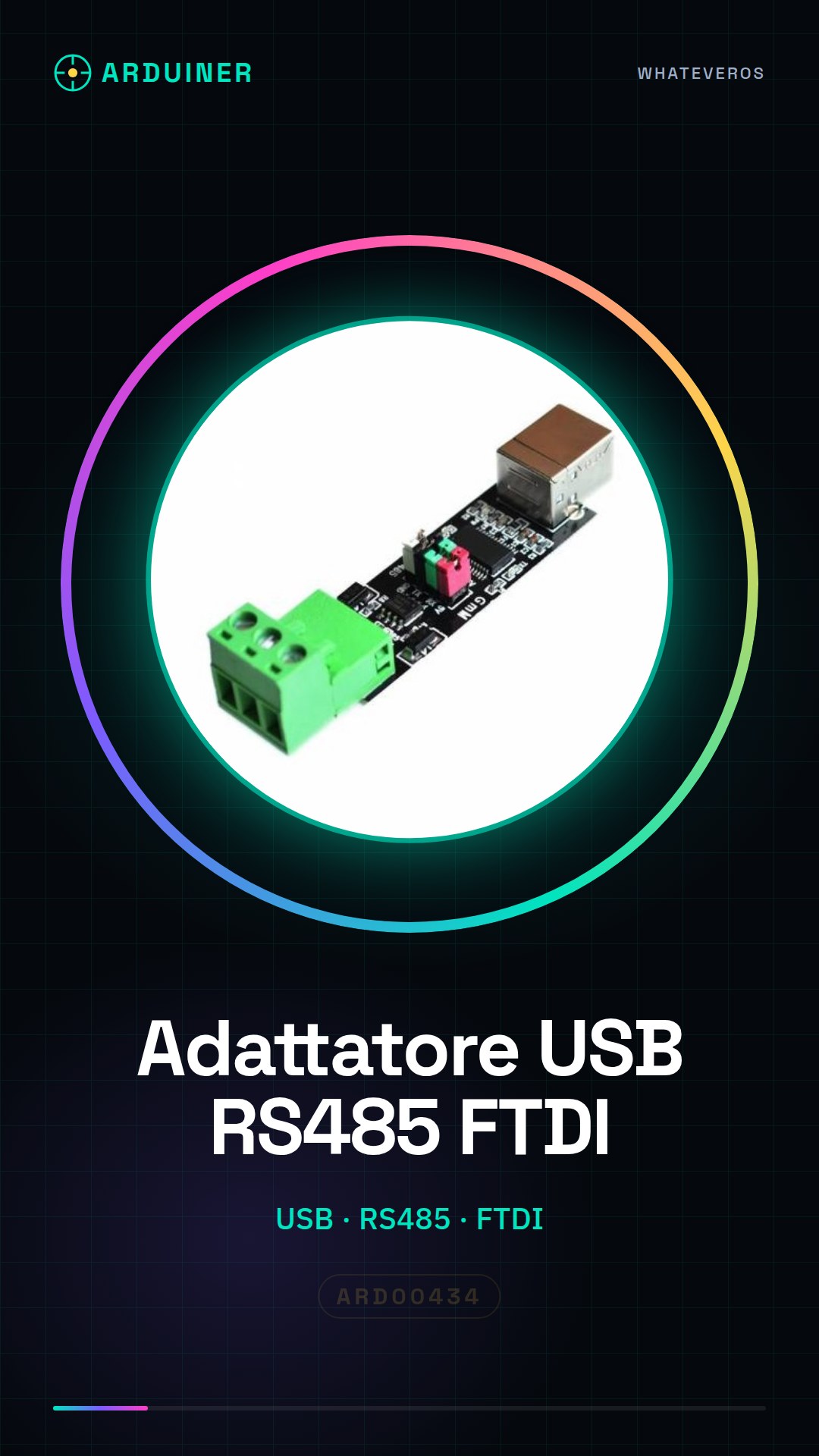
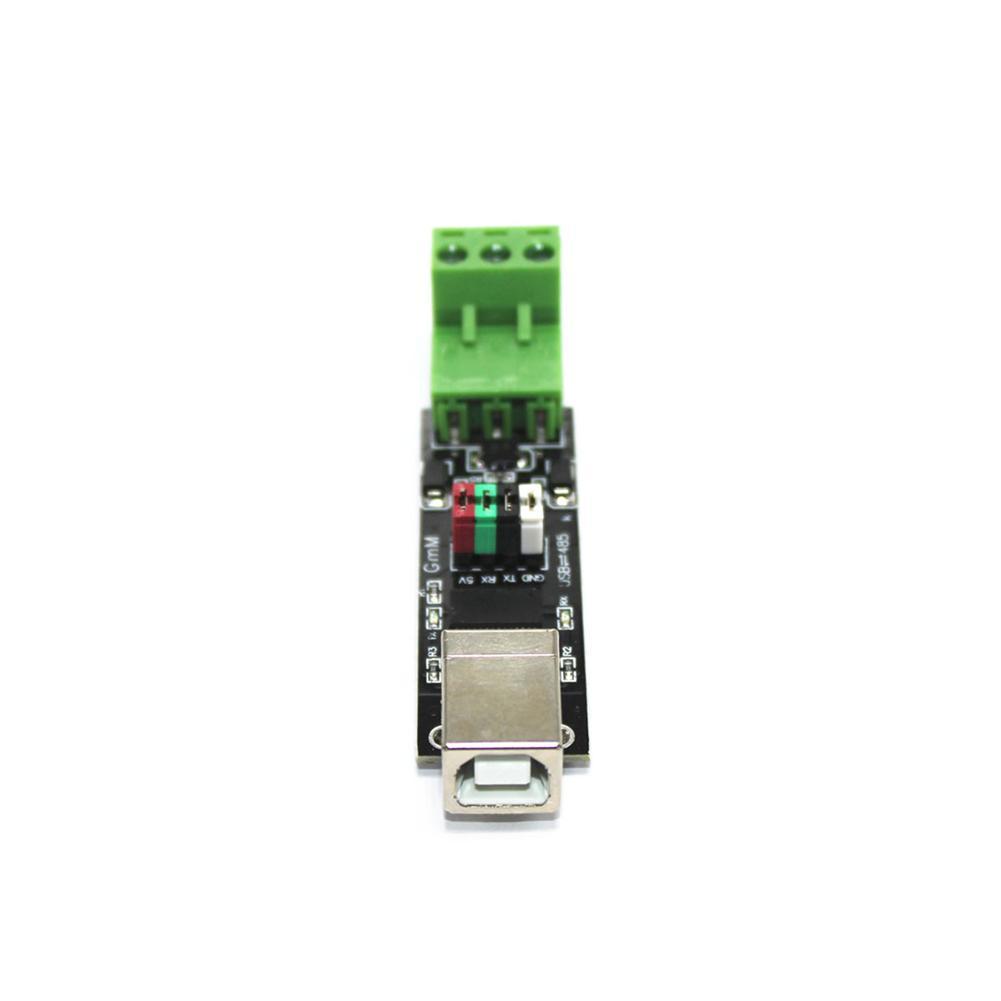
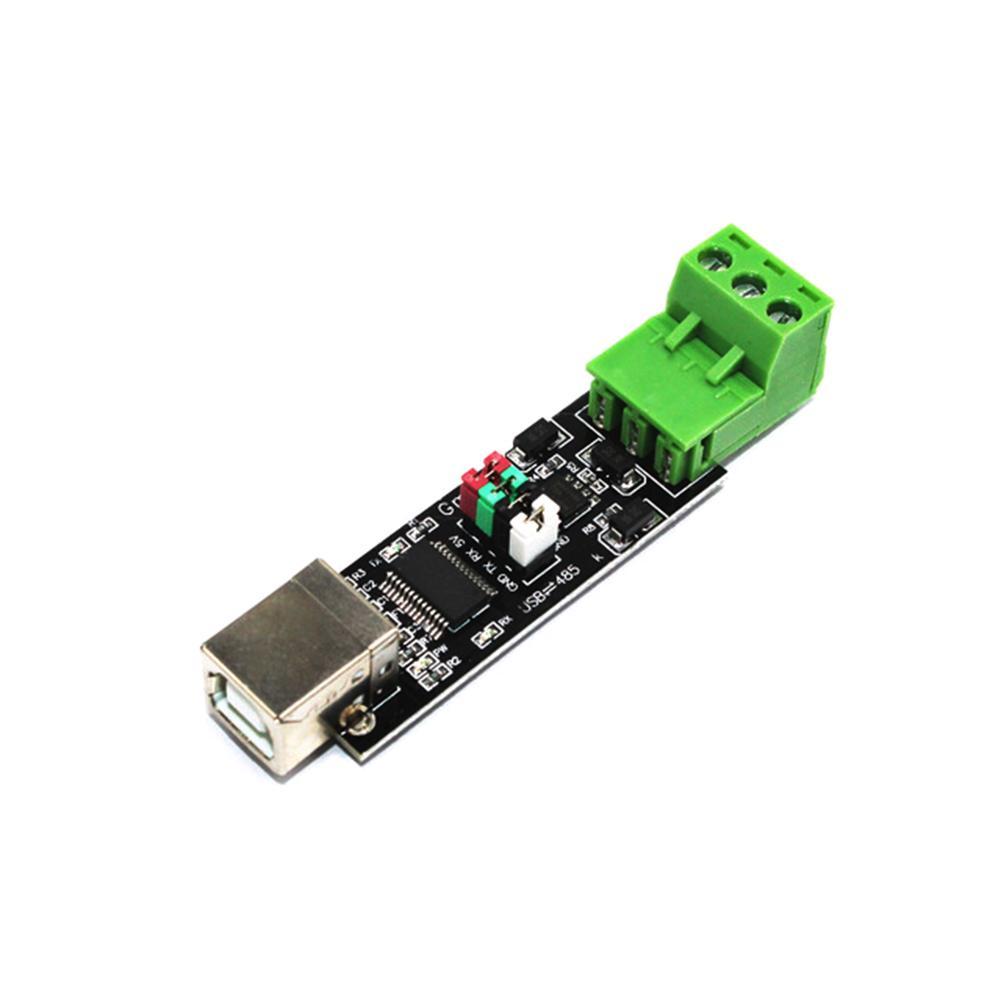
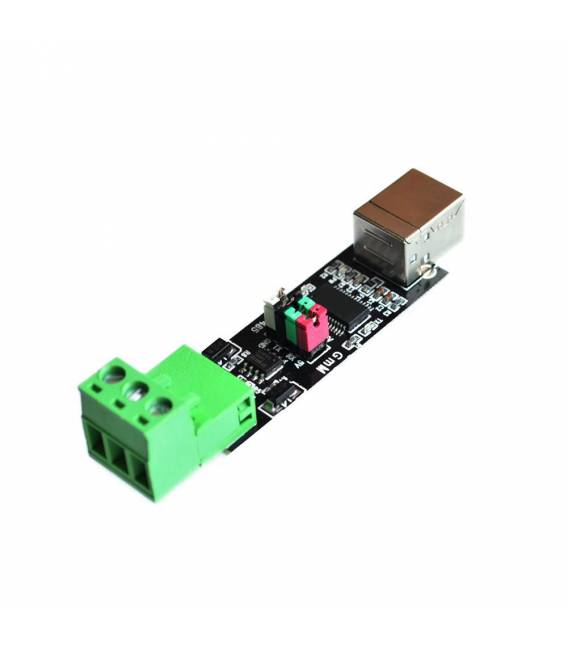
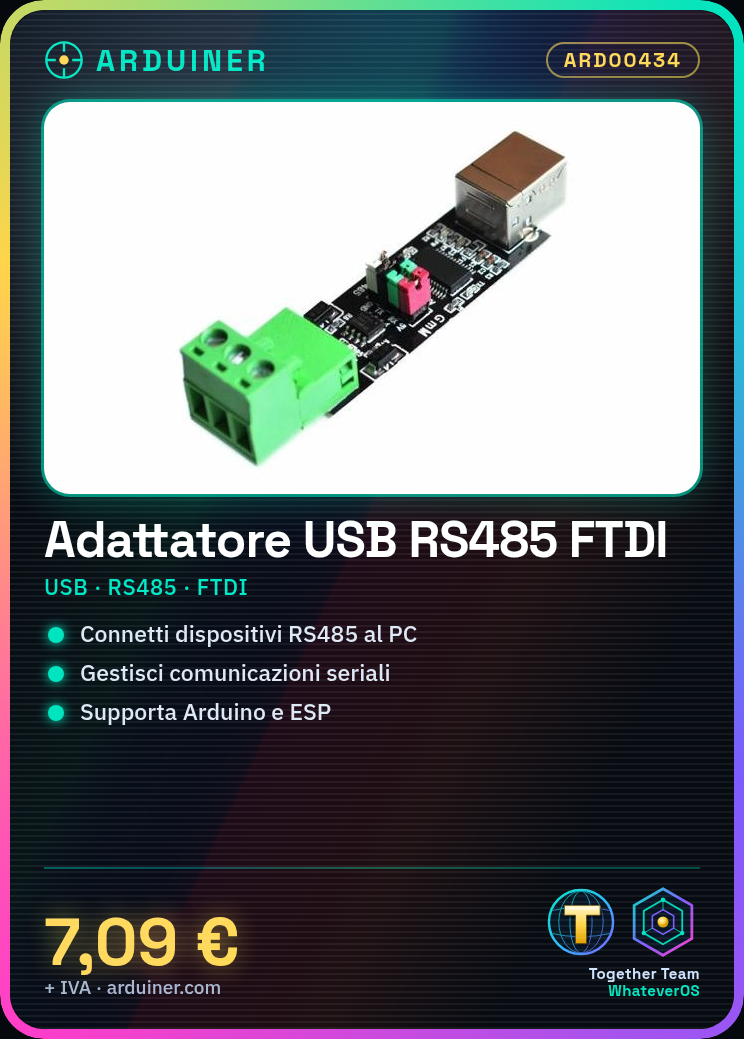
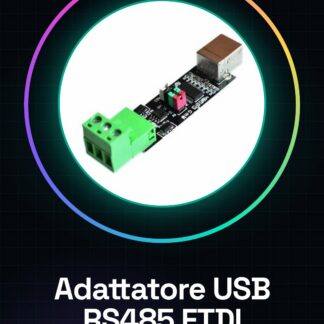
The USB Adaptor TTL RS485 FTDI is a module that allows connecting RS485 serial devices to a computer via the USB interface. This adaptor enables data communication between your electronic projects, prototypes, or drones and your operating system.
Features
- Compatible with RS485 devices
- USB interface for computer connectivity
- Based on FTDI technology
What it is for
The adaptor is ideal for serial communication projects, remote monitoring, and prototype development. You can use it with Arduino or ESP to create temperature monitoring systems or other types of applications that require stable data communication.
Tutorial: How to use USB Adaptor TTL RS485
This adaptor is used to connect RS485 devices to a computer via USB, ideal for serial communication projects.
What you need
- Computer
- USB cable
- RS485 device
Steps
- 1. Download the FTDI driver on the computer.
- 2. Connect to the computer with the USB cable.
- 3. Turn on the RS485 device.
- 4. Configure the serial parameters (baud rate, data bits, parity, stop bits) on the computer.
- 5. Use a serial software like PuTTY or Tera Term to send and receive data.
- 6. Check the datasheet for the correct pin polarity.
- 7. Check the power supply current of the RS485 device.
- 8. Configure the pull-up resistor if necessary.
Mini project
Create a simple temperature monitoring system using a DS18B20 sensor with an Arduino microcontroller and the RS485 adapter.
Common mistakes
- Forget to download the FTDI drivers.
- Configure the serial parameters incorrectly.
- Connect the RS485 device pins in reverse.
- Do not check the power supply current.
Recommended accessories
- Arduino microcontroller
- DS18B20 sensor
- RS485 cable
- Power Supply
Frequently asked questions
How to configure the serial parameters?
Check the datasheet and configure in the serial software.
Which FTDI drivers should I download?
Download the latest drivers from the official FTDI website.
Is the pull-up resistor necessary?
Check the device RS485 datasheet.
Can I use this adapter with a microcontroller?
Yes, but make sure the serial parameters are correctly configured.
Reviews
There are no reviews yet.