 EN
 IT Italiano
 ES Español
 FR Français
 DE Deutsch
Description
What it is
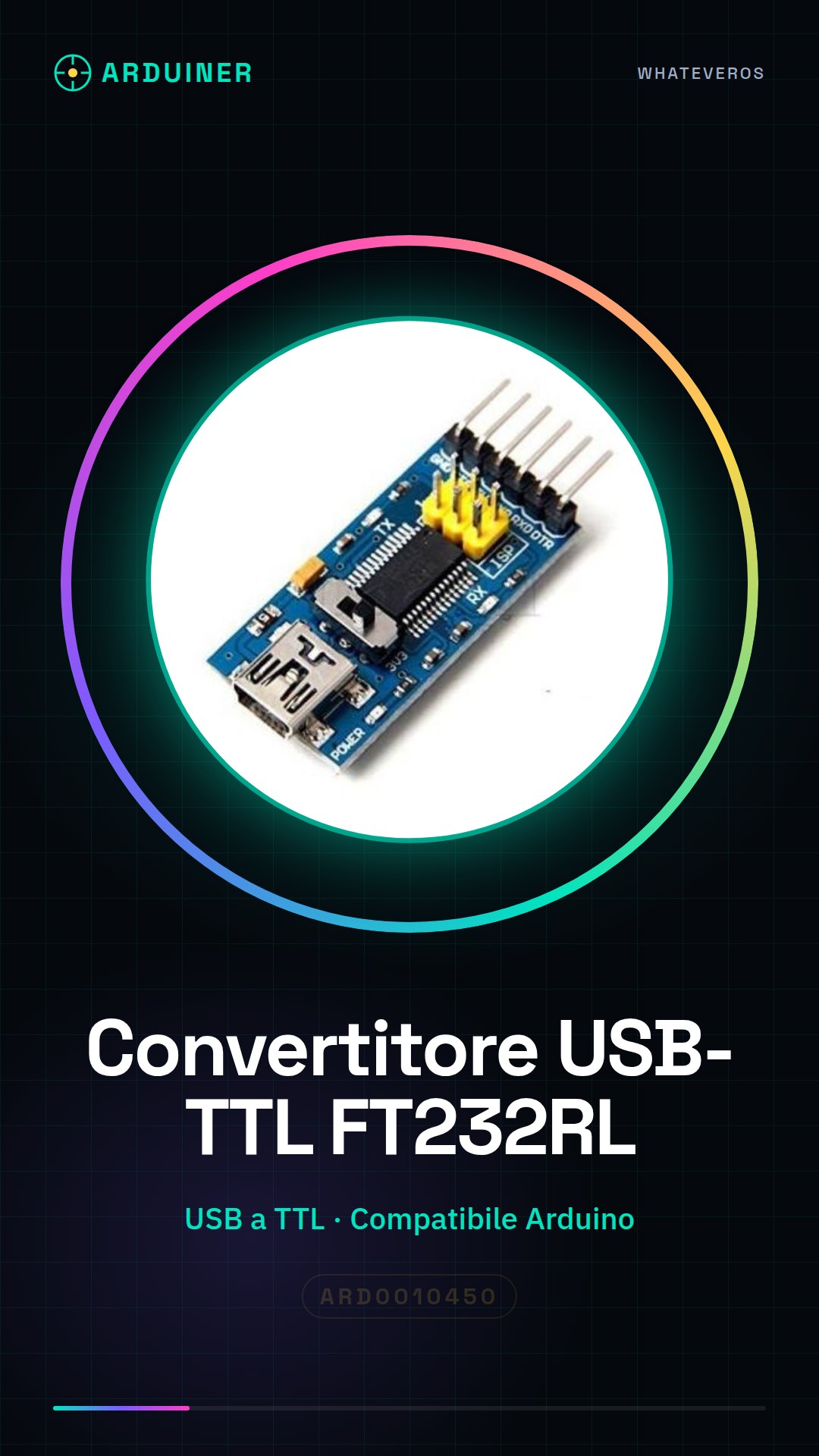
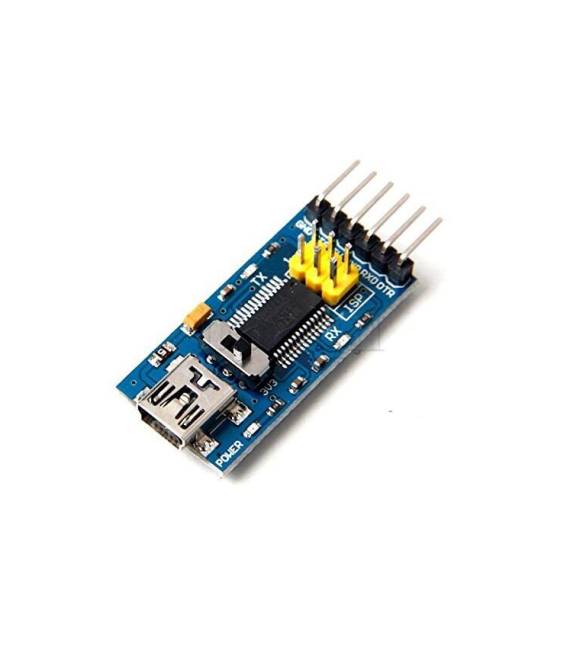
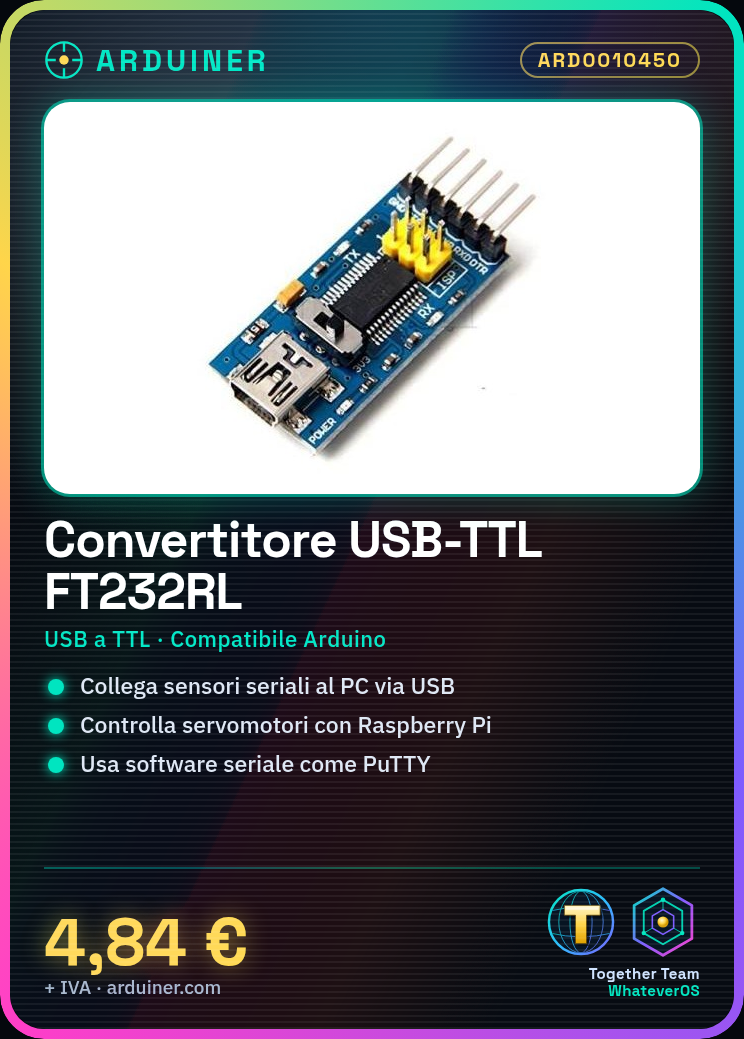
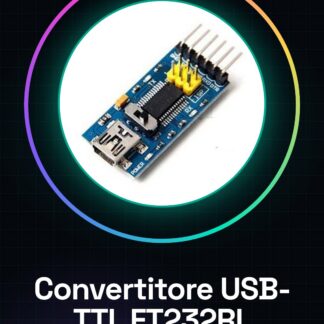
The FT232RL FTDI Serial Module is a USB-TTL converter that allows connecting serial devices to microcontroller-based systems, such as Arduino and Raspberry Pi. This module enables communication between serial devices and the USB interface.
Features
- USB to TTL Converter
- Compatible with Arduino and Raspberry Pi
- Great for connecting sensors, displays, or other serial devices
What it is for
This module allows you to create a simple command interface to control devices such as servos with the Raspberry Pi. It is also useful for programming and configuring Arduino microcontrollers.
Tutorial: How to Use the FTDI USB to TTL Converter
This module allows you to interface with serial devices via USB. Useful for connecting sensors, displays, or any other serial device to your Raspberry Pi or Arduino.
What you need
- FT232RL FTDI USB to TTL Converter
- USB Cable
- Arduino or Raspberry Pi
- Serial Device
Steps
- 1. Connect the USB cable to the FTDI converter.
- 2. Two more cables: VCC and GND of the converter to VCC and GND of the serial device.
- 3. Connect TX of the converter to RX of the serial device, and vice versa.
- 4. Start your Arduino or Raspberry Pi.
- 5. Use a serial software like PuTTY or Arduino IDE to send commands.
- 6. Check the datasheet for exact pinouts.
- 7. Try to send a simple message.
- 8. Check the response from the serial device.
Example code
Serial.begin(9600); Serial.println("Ciao, mondo!");Mini project
Create a simple command interface to control a servo motor with the Raspberry Pi.
Common mistakes
- Connecting VCC to GND.
- Forgetting to configure the communication speed.
- Sending commands in the wrong format.
Recommended accessories
- Servo Motors
- LCD Display
- Motion Sensors
- Serial Connection Cable
Frequently asked questions
How to set the communication speed?
In Arduino code use `Serial.begin(<speed>),` for example `Serial.begin(9600);`.
Which pins to use?
Check the datasheet for the exact pinout.
Does the module work only with Arduino?
No, it works with any device that supports serial communication.
How can I test the module?
Connect the module to a computer and use a serial software like PuTTY to send commands.
Reviews
There are no reviews yet.