 EN
 IT Italiano
 ES Español
 FR Français
 DE Deutsch
Description
What it is
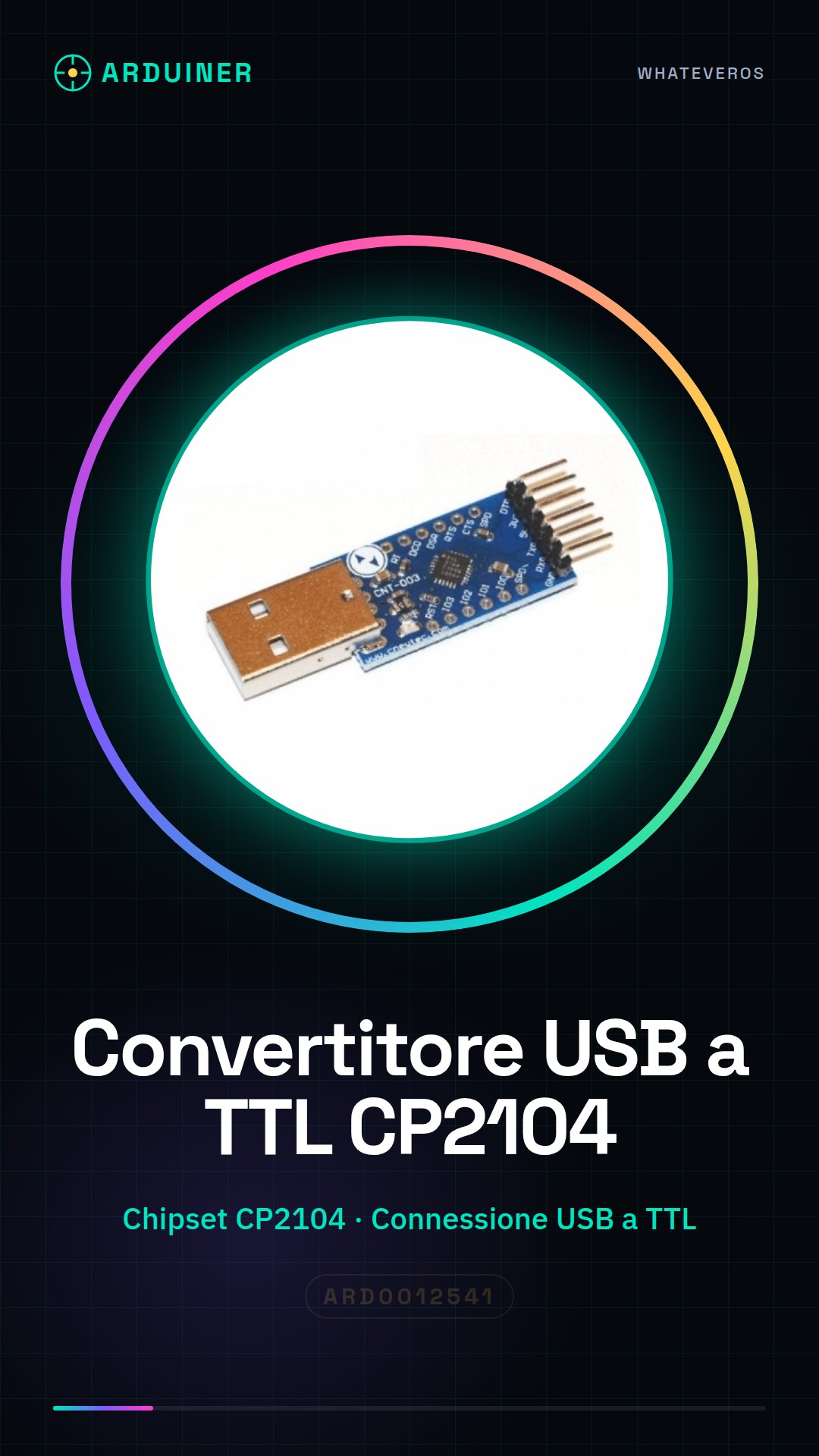
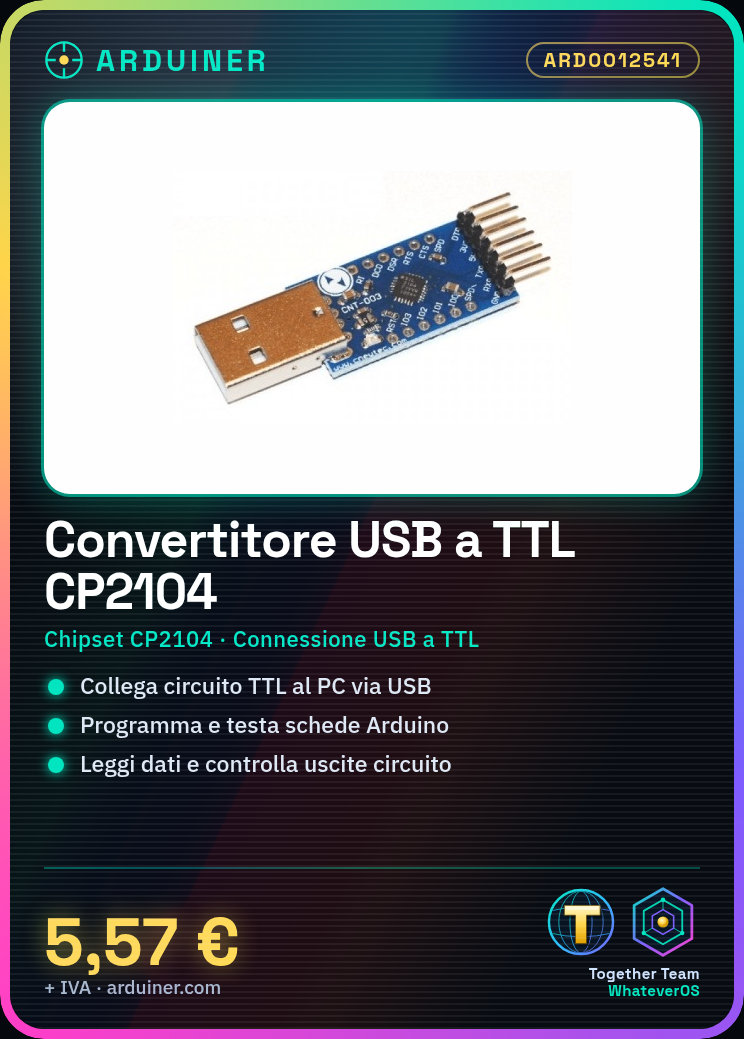
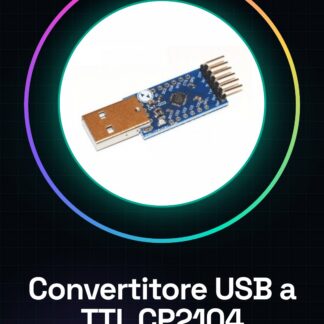
The USB to TTL converter CP2104 is an electronic device that allows connecting a circuit with TTL (Transistor-Transistor Logic) interface to a computer via USB port.
Features
- Chipset: CP2104
- Connection: USB to TTL
- SKU: ARD0012541
- Price: 5.57 €
What it is for
The USB to TTL converter CP2104 is ideal for programming and testing electronic boards such as Arduino. It can be used to connect sensors, actuators, and other components to a computer, allowing to read data and control circuit outputs.
Tutorial: How to use USB to TTL Converter CP2104
The USB to TTL converter CP2104 allows you to easily connect your Arduino to a computer via USB. Ideal for programming and testing your projects.
What you need
- USB to TTL Converter CP2104
- Arduino
- USB cable
- PC with Arduino IDE installed
Steps
- 1. Check the datasheet for the converter’s specifications.
- 2. Connect the converter to your PC with the USB cable.
- 3. Turn on the converter.
- 4. Open Arduino IDE on PC.
- 5. Select ‘Arduino Uno’ as serial port.
- 6. Upload the ‘Blink’ sketch to the Arduino.
- 7. Connect the Arduino to the converter with the correct pins.
- 8. Check the connection by monitoring the serial monitor.
Example code
void loop() {}Mini project
Create an automatic on/off light bulb.
Common mistakes
- Do not verify the vehicle specification on the datasheet.
- Connect the Arduino to the converter with the wrong pins.
- Do not open Arduino IDE before connecting the cables.
- Use an incompatible USB cable.
Recommended accessories
- Arduino Uno
- LED light bulb
- Resistor
- Test lead
Frequently asked questions
The converter is not working, what can I do?
Check the connection and the vehicle specification on the datasheet.
Can I use this converter with Arduino Mega?
Check compatibility on the datasheet.
How long does it take to install Arduino IDE?
Not much time, about 5-10 minutes.
Reviews
There are no reviews yet.