 EN
 IT Italiano
 ES Español
 FR Français
 DE Deutsch
Description
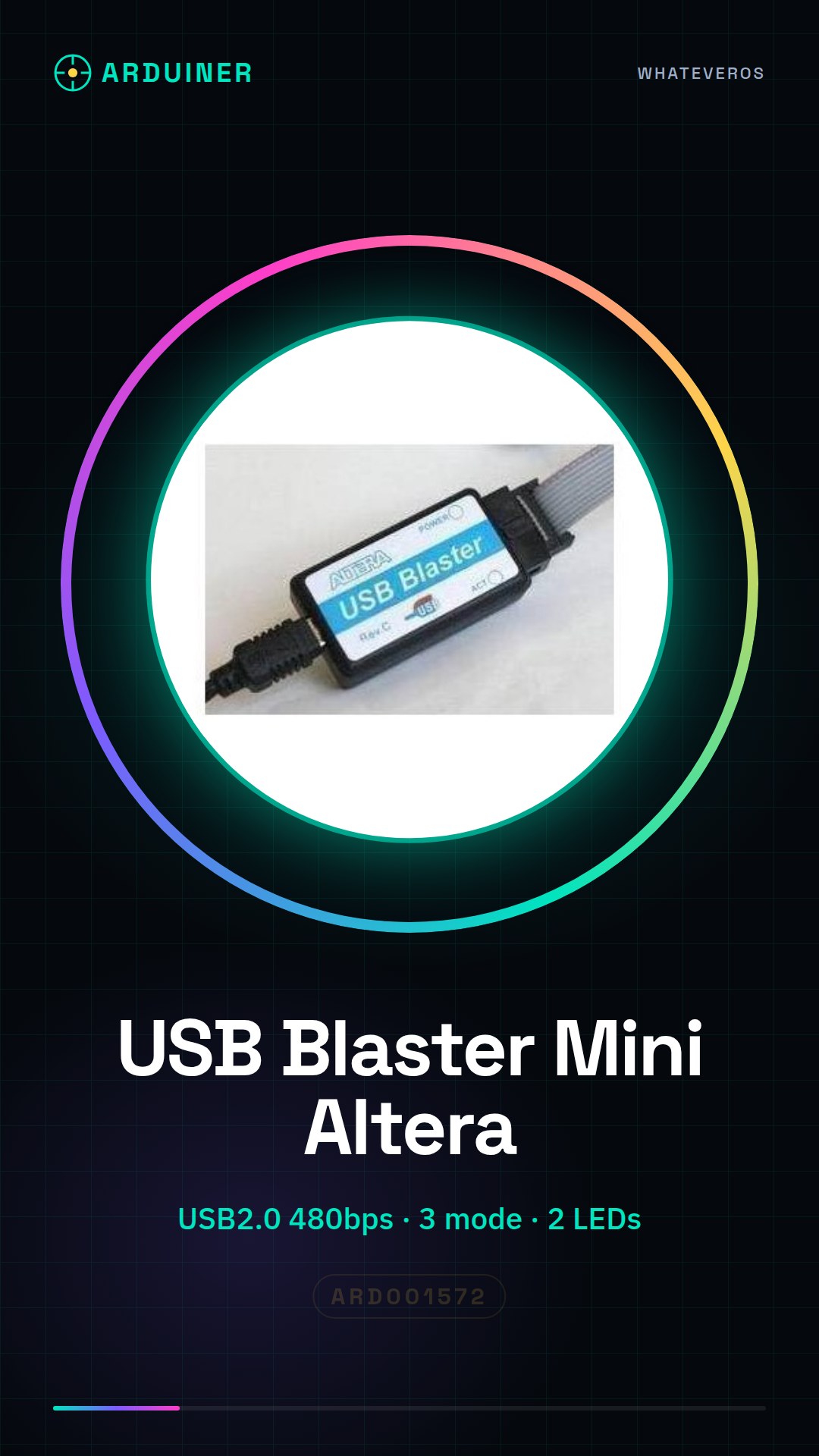
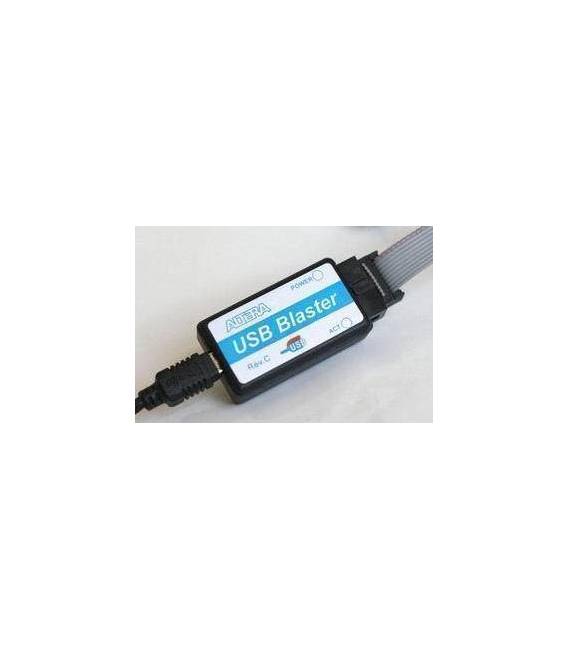
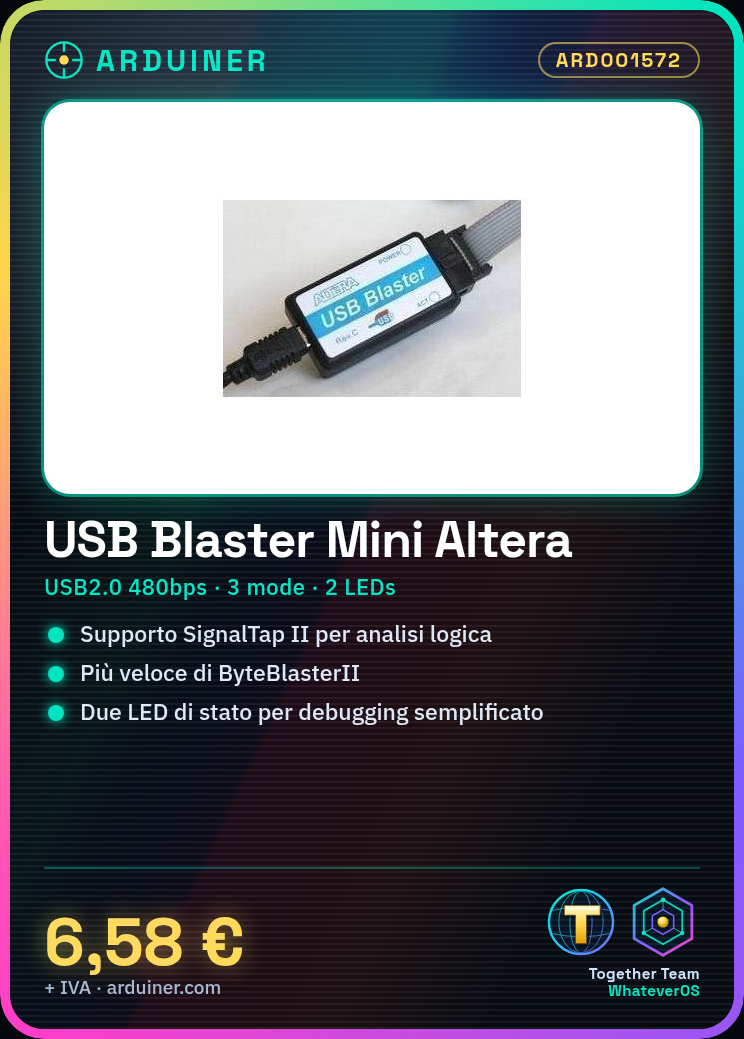
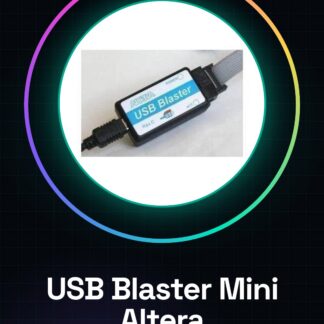
USB Blaster programmer Mini Altera FPGA CPLD cable
First, the product USB-Blaster download cable basic characteristics :
1 . Steady support SignalTap II embedded logic analyzer function ;
2 . ALTERA company supports a full range of devices. Absolute whole series, do not worry about a device does not support !
USB2.0 high speed 480bps
CPLD: MAX3000, MAX7000, MAX9000 and MAXII etc.
FPGA: Stratix, StratixII, StratxIII, Cyclone, CycloneII, CycloneIII, ACEX1K, APEX20K and FLEX10K etc.
active serial configuration device : EPCS1, EPCS4, EPCS16, EPCS64 etc.
enhanced configuration devices : EPC1, EPC4 so on.
3 . Supports three download mode : AS, PS and JTAG;
4 . Communication and debugging support and Nios II embedded soft-core processors in the system , Rev.C latest version of firmware ! ;
5. Speed: parallel port download cable than usual ByteBlasterII six times faster ;
6. Easy to use: MiniUSB interface easy connection, two status LEDs make debugging much easier.
7 . Must: currently laptops have almost eliminated the parallel port, so common was ByteblasterMV and ByteblasterII download lines can not be used in a notebook, so for notebook users, choose USB download cable that is convenient, it is a must.
8. Fully compatible with ALTERA USB Blaster, use, functionality and performance are consistent and ALTERA original download cable.
9. Under Quartus II development software! Quartus II versions Download:
ftp://ftp.altera.com/outgoing/release
Note: The above version 8.1 comes with no additional driver download;
10, WIN7 customers download Quartus II10.1 above!
We have datasheets for all components, if not present in the product download card, send us a message from the contact us module and we will publish it as soon as possible on our website.
Tutorial: How to Use USB Blaster Programmer Mini Altera FPGA CPLD Cable
The USB Blaster cable is an essential device for programmers working with FPGA and CPLD circuits that use Altera technology. This small connector allows you to load your programs directly onto the integrated circuits, making the development process faster and more efficient.
What you need
- Computer with Windows or Linux operating system
- USB A to Mini B cable
- Quartus II software
Steps
- Install the driver software for the USB Blaster cable from Altera (check the datasheet).
- Connect the USB Blaster cable to the computer using a USB A-MiniB cable.
- Open Quartus II and select ‘File’ -> ‘New Project Wizard’.
- Follow the wizard to create a new project, specifying the project name and the save directory (check the datasheet).
- In the ‘Assignments’ menu, select ‘Device’ -> ‘Add/Remove Device’ and choose the desired FPGA or CPLD device.
- Compile the .qpf file by creating a .sof file with the option ‘Processing’ -> ‘Start Compilation’.
- In the ‘Tools’ menu, select ‘Programmer…’ to load the .sof file onto the connected device.
- Verify that the programming has been completed successfully.
Mini project
Design and program a simple 4-bit binary counter using Quartus II and the USB Blaster cable. Load the project onto the connected CPLD or FPGA device.
Common mistakes
- USB Blaster cable connection error
- Driver installation issues
- Incorrect device selection in Quartus II software
Recommended accessories
- USB A-MiniB cable
- Altera DE0-Nano FPGA Development Board
- MAX10 Starter Kit CPLD
- Quartus II Ultimate Software
Frequently asked questions
How can I verify if the cable is functioning?
Check the cable connection and ensure that the drivers are installed correctly.
Which software should I use with this cable?
Use Quartus II to program Altera devices.
Reviews
There are no reviews yet.