 EN
 IT Italiano
 ES Español
 FR Français
 DE Deutsch
Description
What it is
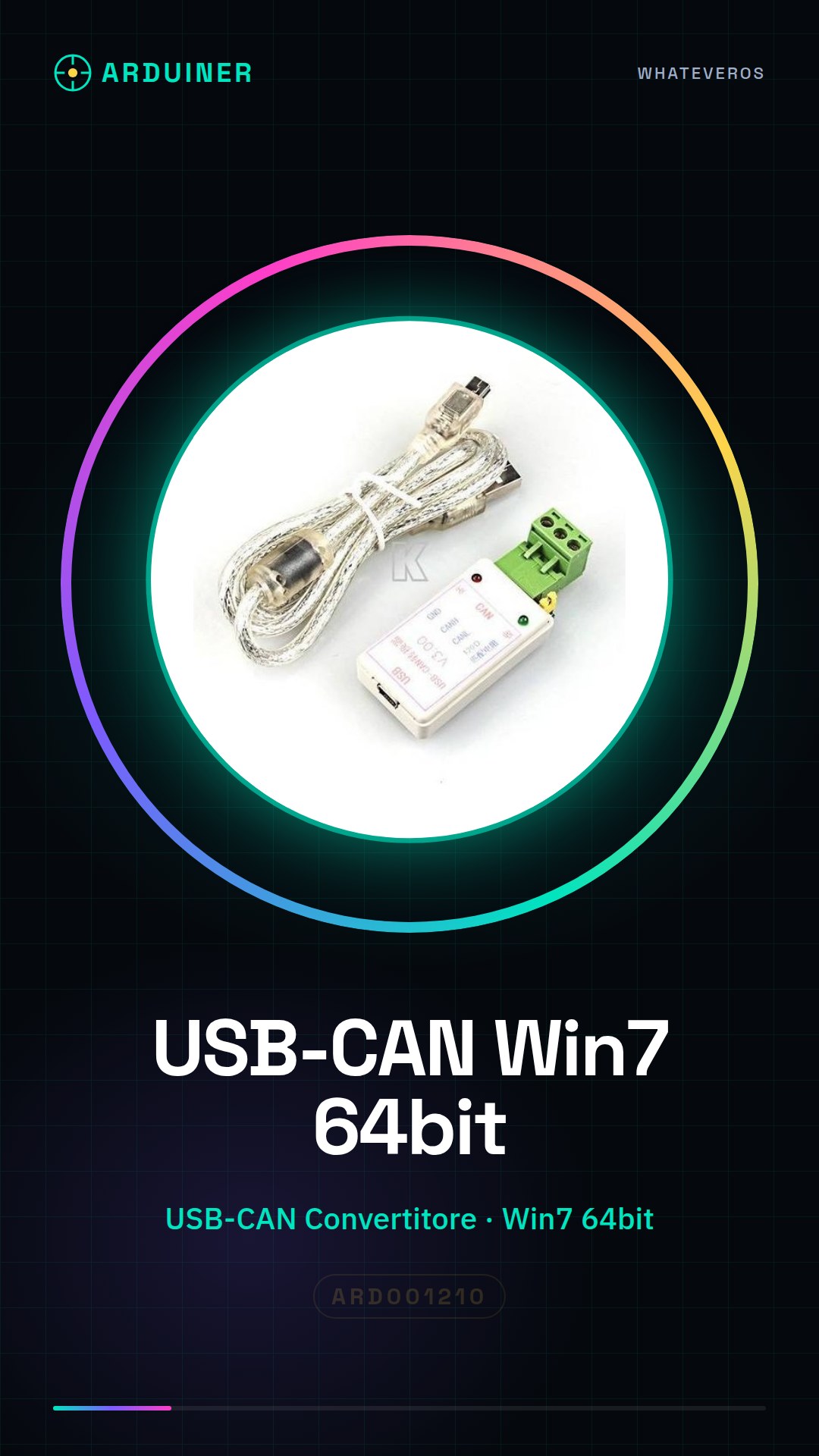
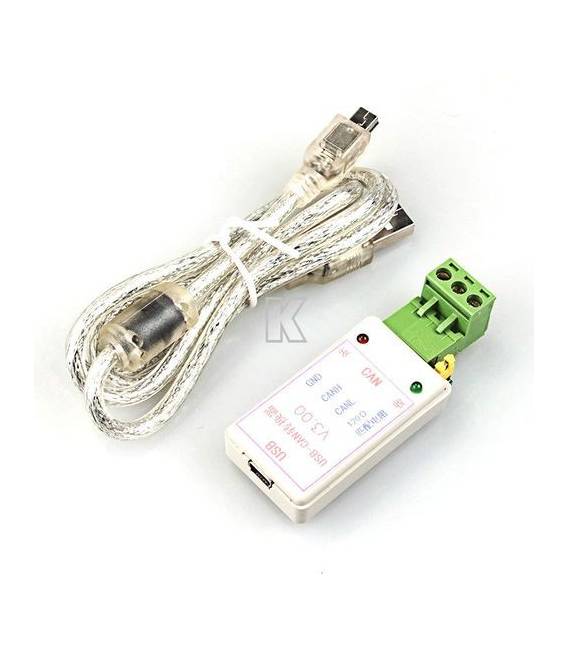
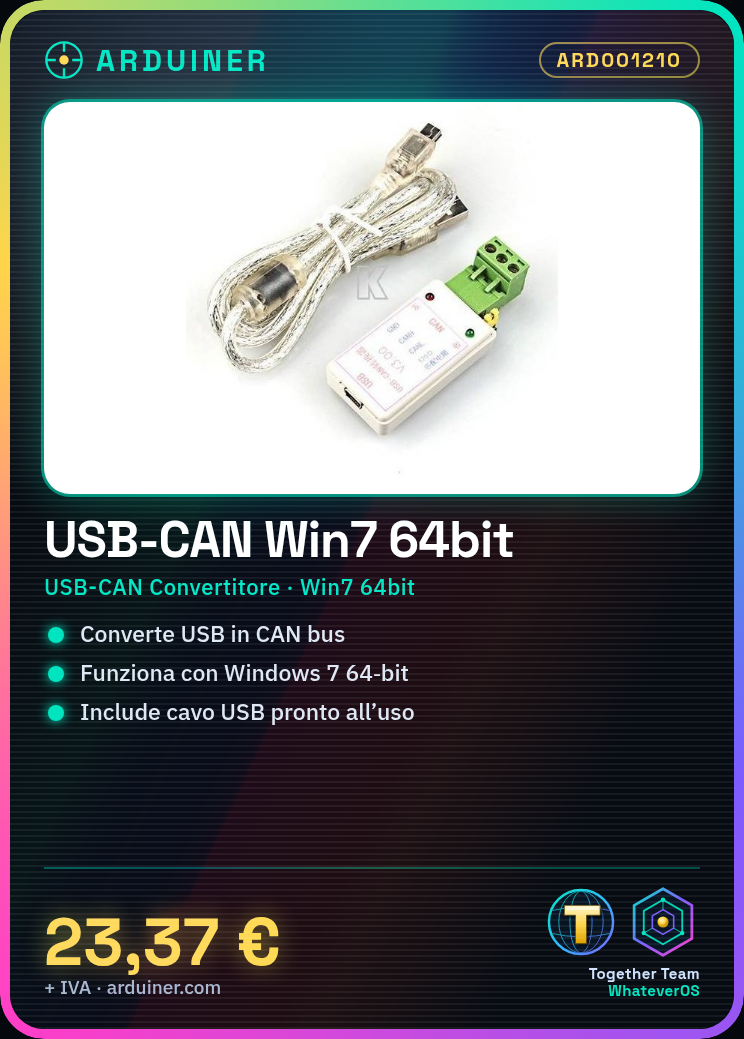
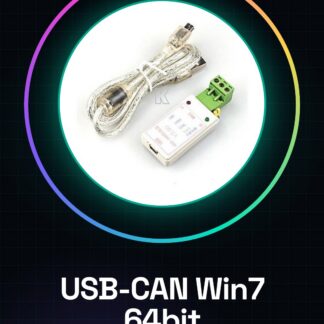
The Support Win7 64bit USB-CAN Module is a converter that allows you to connect CAN devices through the USB interface of your computer. It is designed to work on Windows 7 and later operating systems.
Features
- USB to CAN Converter
- Compatible with Windows 7 64bit and later versions
- Includes a USB cable for connection
What it is for
This module is useful for developers, makers, and professionals who need to interface with CAN buses in automotive or industrial environments. It can be used to monitor environmental conditions, connect sensors to existing devices, and acquire real-time data.
Tutorial: How to use Support Win7 64bit USB-CAN Module USB to CAN Bus Converter Adapter + USB Cable
The USB-CAN module is a device that allows communication with CAN buses through the USB interface of your computer. It is ideal for developers, makers, and professionals working on automotive or industrial systems.
What you need
- Windows 7 64-bit
- CAN Configuration Software
- Drivers Installed
Steps
- Check your operating system compatibility with the USB-CAN module. The product only supports Windows 7 64bit.
- Download and install the necessary drivers from the manufacturer’s website.
- Connect the USB-CAN module to your laptop or PC via the provided USB cable.
- Open the CAN configuration software to test the connection. Check the datasheet for the correct settings to use.
- Configure the CAN bus in the software following the manufacturer’s instructions.
- Verify that CAN messages are able to transmit and receive data without interruptions.
Mini project
Design an environmental condition monitoring system for your garage using this USB-CAN module. Connect CAN sensors to existing devices and monitor data in real time.
Common mistakes
- The software does not recognize the USB-CAN module: check that the correct drivers are installed.
- CAN messages are not being transferred correctly: check the CAN bus settings in the configuration software.
- Unstable connection: ensure that the USB cable is properly connected and that there are no interference issues.
Recommended accessories
- CAN sensors
- CAN monitoring software
- Ethernet cable to connect CAN devices to a LAN network.
- Arduino prototyping kit
Frequently asked questions
Is the USB-CAN module compatible with other operating systems besides Windows 7 64bit?
Check the datasheet for the complete list of supported operating systems.
What software can I use to configure the CAN bus?
We recommend the following: CANoe, Vector INCA, or CANalyzer. Check the datasheet for the complete list of supported items.
Reviews
There are no reviews yet.