 EN
 IT Italiano
 ES Español
 FR Français
 DE Deutsch
Description
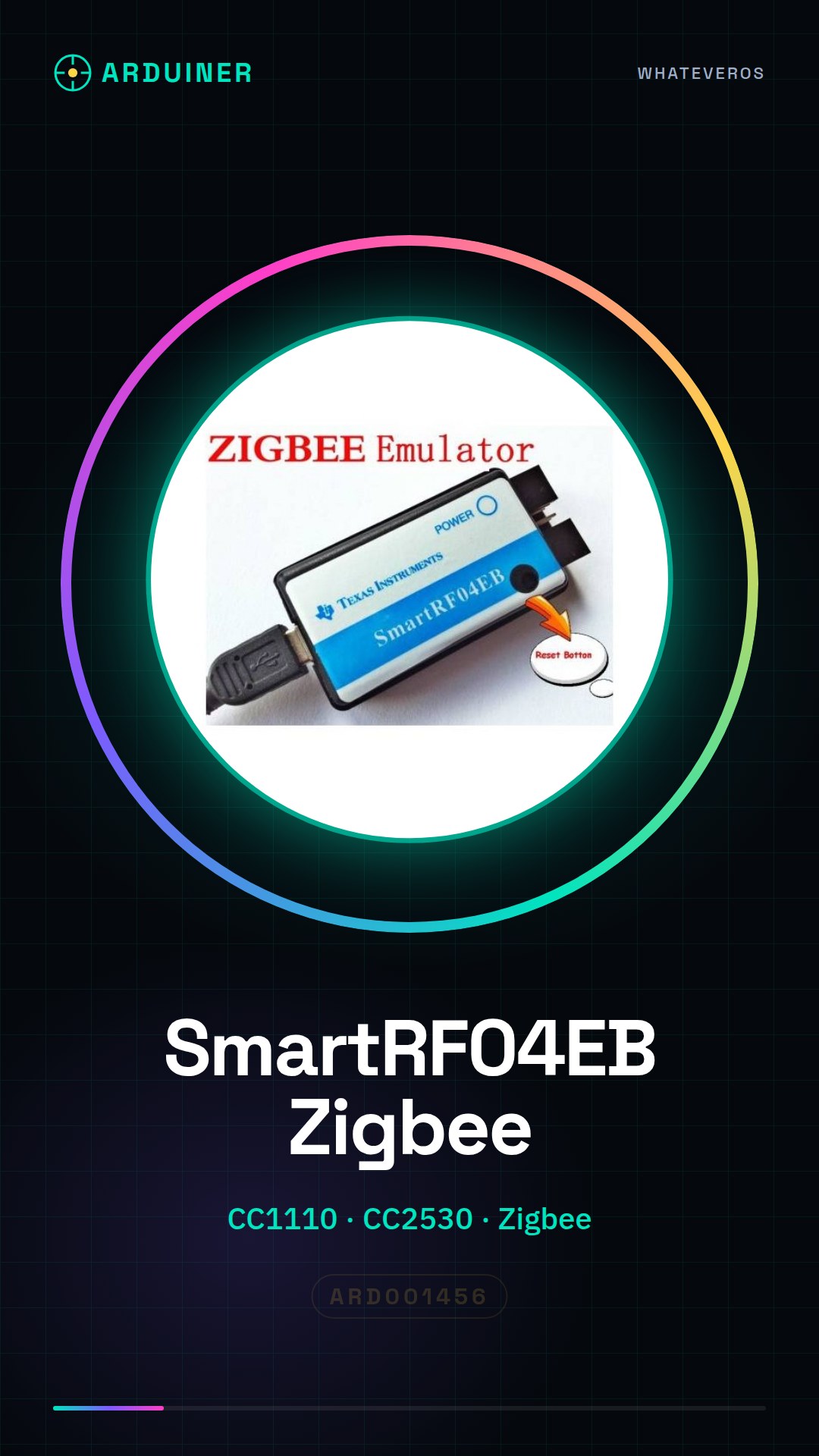
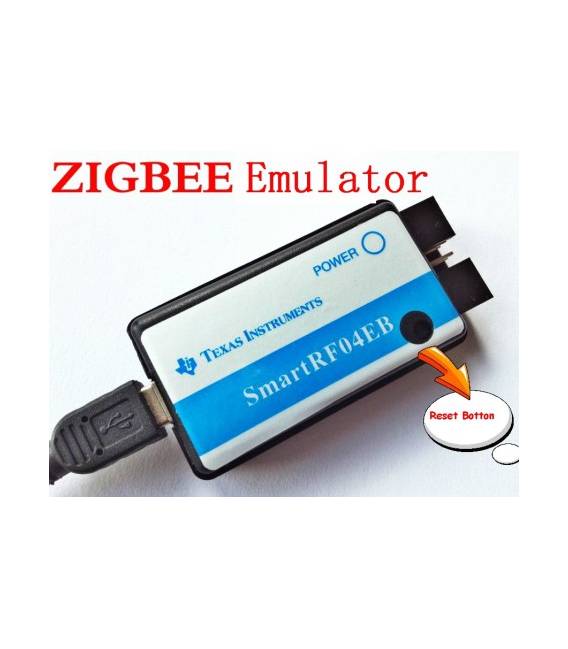
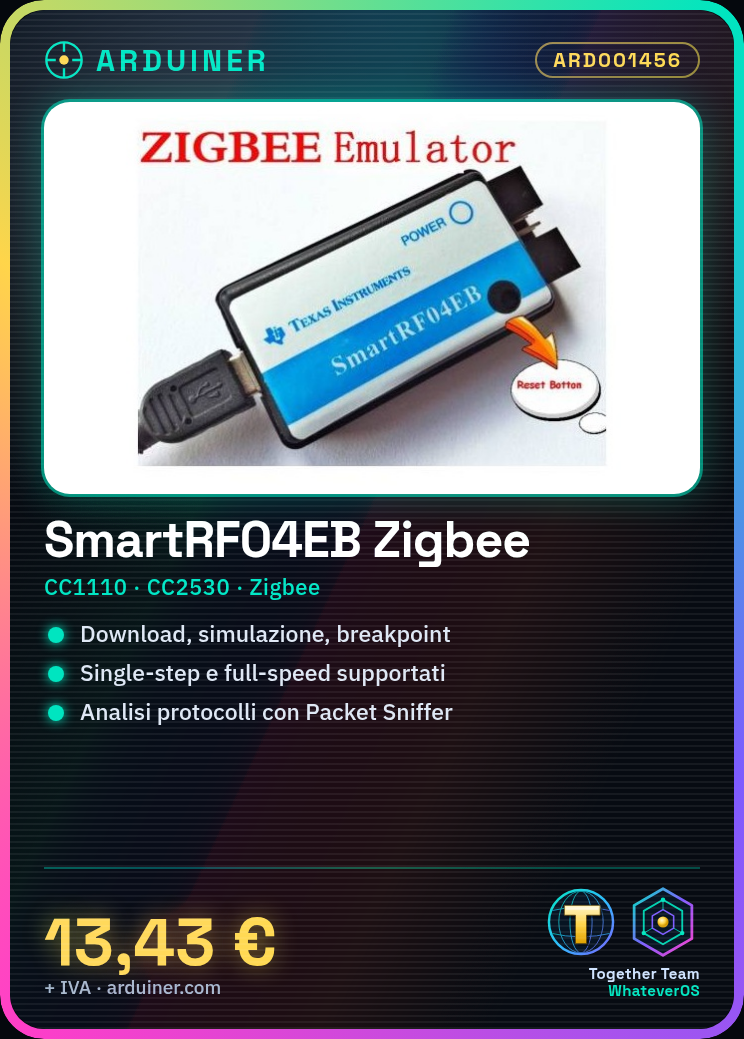
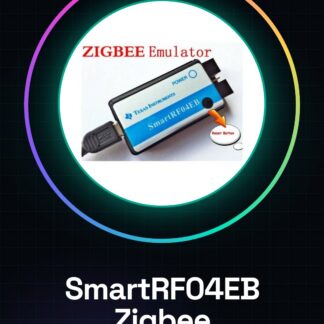
SmartRF04EB CC1110 CC2530 zigbee Emulator Programmer
SmartRF04EB, debugging tools for wireless chip series CC that can be used for CC11xx, CC24xx, CC25xx and other series, supports multiple common debugging tools such as download, simulation, debugging, breakpoints, single-step, full-speed, clearing, reading, encryption and protocol analysis support;
With IAR for the MCS-51 compiler without interrupts, such as IAR730B, IAR751, IAR760, IAR810;
Supports the following software tools: SmartRF Studio, SmartRF Flash Programmer, IEEE Address Programmer, Packet Sniffer;
Supported operating system: WINXP, WIN7;
Tutorial: How to use SmartRF04EB CC1110 CC25xx Emulator Programmer
The SmartRF04EB is an essential tool for developers working with Texas Instruments wireless chips such as CC11xx, CC24xx, and CC25xx. This tutorial will guide you through the installation and configuration of the software.
What you need
- SmartRF04EB
- Computer with IAR Embedded Workbench installed
- USB Type-B cable
- SmartRF Tools software
Steps
- Install the IAR Embedded Workbench software on the computer.
- Connect the SmartRF04EB to the computer via a USB Type-B cable.
- Open the IAR IDE and create a new project for the CC11xx, CC24xx, or CC25xx chip series.
- Configure the debugger options in the ‘Project -> Options’ menu.
- Download the source code to the microcontroller via ‘Build & Debug’.
- Use SmartRF Tools to monitor and analyze network packets.
- Test the debug functionality such as breakpoints, single-step, and full-speed.
- Check the datasheet for further specific details of the chip used.
Mini project
Create a simple wireless communication system between two CC1101 microcontrollers using the SmartRF04EB to download and debug the code.
Common mistakes
- Ensure the correct USB driver is installed.
- Check the debugger configuration in the ‘Project -> Options’ menu.
- Verify the wireless chip frequency settings in the project options.
- Resolve any connection issues with the IAR IDE.
Recommended accessories
- CC1101 Breakout Board
- SMA Antenna for CC11xx
- CC2530 Microcontroller
- Zigbee Development Kit
Frequently asked questions
Which wireless chips does the SmartRF04EB support?
It supports the CC11xx, CC24xx, and CC25xx series from Texas Instruments.
Where can I find the datasheet for my wireless chips?
The datasheet is available on the Texas Instruments website.
Reviews
There are no reviews yet.