 EN
 IT Italiano
 ES Español
 FR Français
 DE Deutsch
Description
What it is
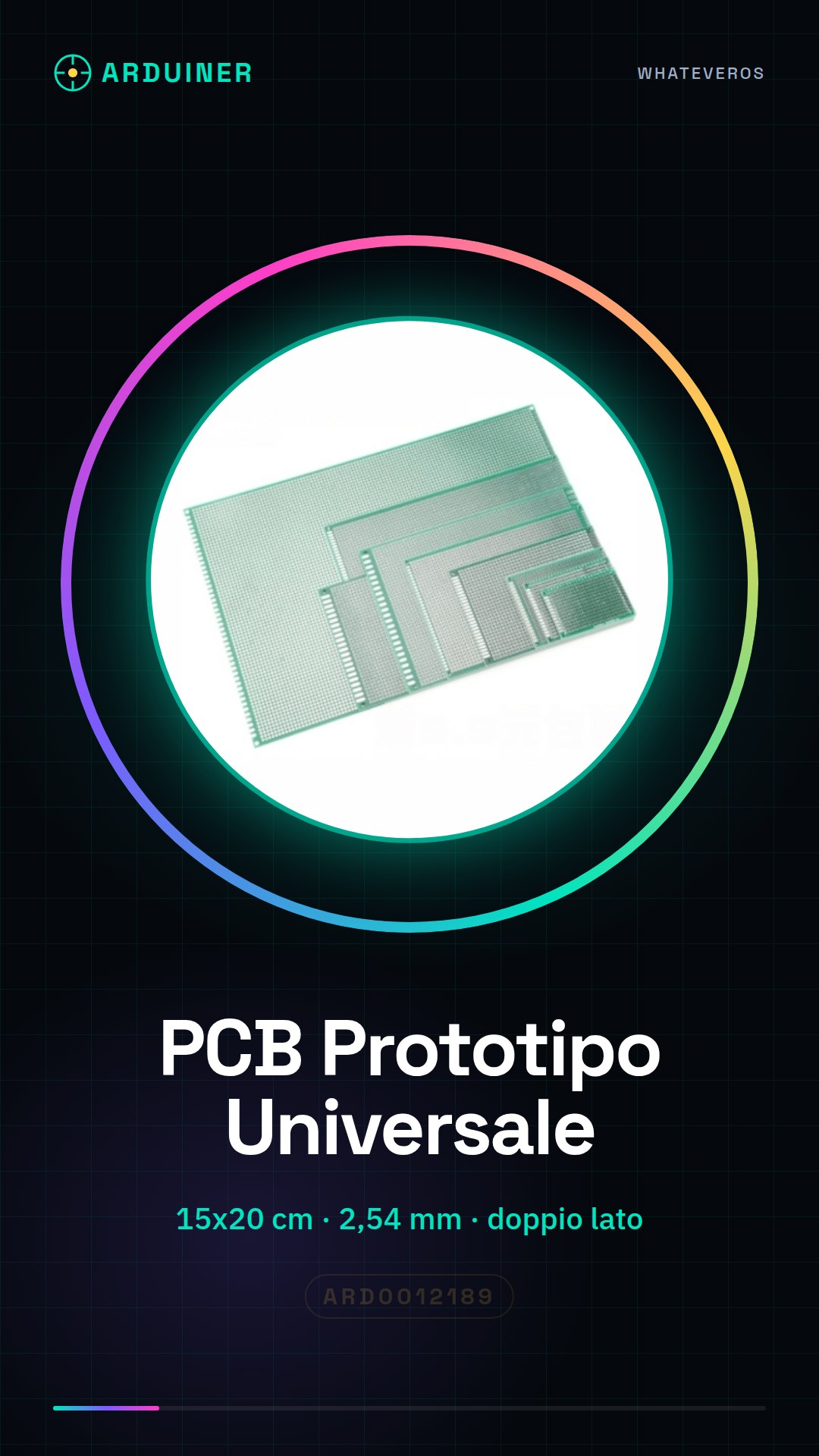
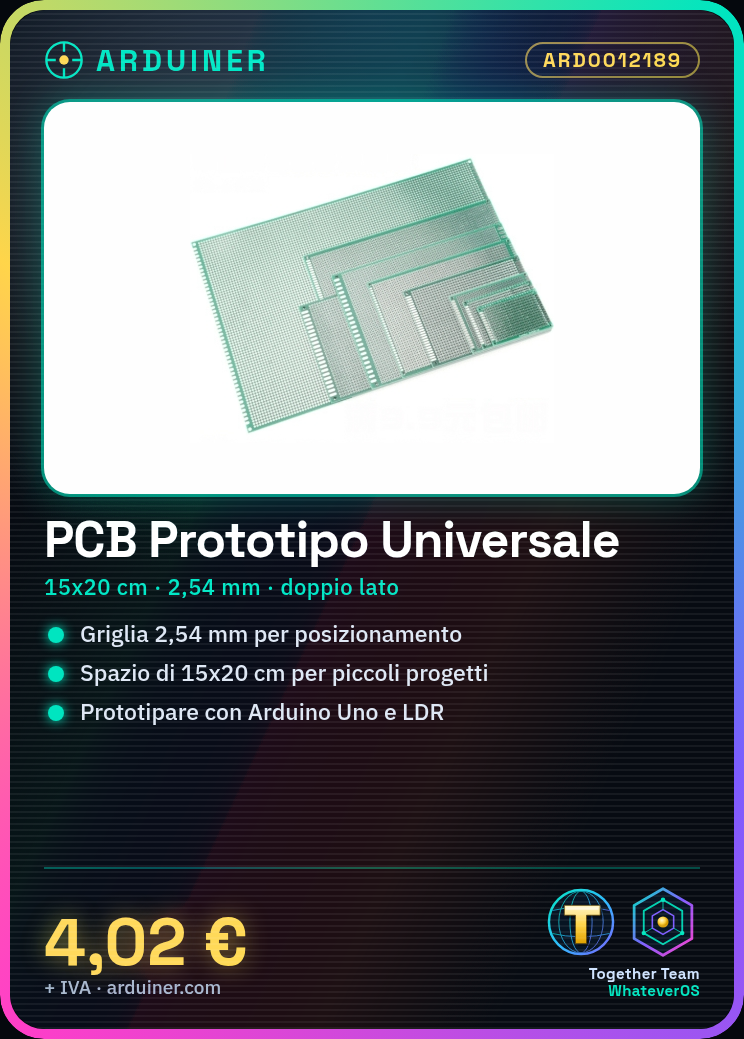
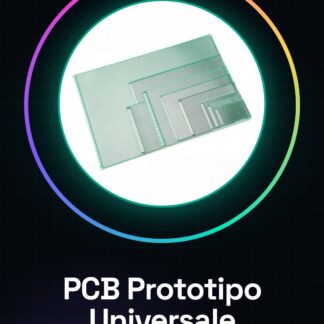
The universal double-sided PCB prototype from Arduiner is an essential support for the realization of Arduino projects and prototypes. With a size of 15×20 cm, it offers a sufficiently large surface for electronic experiments.
Features
- Dimensions: 15 x 20 cm
- Pin spacing 2.54 mm
What it is for
Ideally suited for small projects, this PCB prototype allows makers and students to experiment with electronic circuits before moving on to the final PCB. You can use it to create a light detector by connecting an Arduino Uno and an LDR.
Tutorial: How to use Universal PCB Prototype
The universal PCB prototype is an essential support for makers and students who wish to experiment with electronic circuits. This 15×20 cm board offers a sufficiently large surface for small projects, allowing you to create prototypes before moving on to the final PCB.
What you need
- Arduino Uno
- jumper wires
- multimeter
- solder and soldering iron
- laser printer or photopolymer printer
Steps
- Prepare your project by selecting the necessary components.
- Use 3D printing to create a support base if desired.
- Place the components on the board using the 2.54 mm grid framework.
- Solder the components following the drawn lines or holes.
- Check with the multimeter that all connections are correct.
- Test the circuit with Arduino by loading a simple sketch.
- If necessary, add additional components to complete the project’s functionality.
- Store the PCB prototype in a safe place until you move to a final version.
Mini project
Create a light sensor using this PCB, an Arduino Uno and an LDR. Connect the circuit and write a sketch that turns on an LED when the light decreases.
Common mistakes
- Insufficient or inaccurate soldering.
- Components connected backwards.
- Short-circuited connections.
- Not having checked the connections before testing the circuit.
Recommended accessories
- Arduino Uno
- Universal jumper wires
- Laser printer for PCB
- Soldering kit
Frequently asked questions
How can I customize the PCB grid?
You can use software like Eagle or Fritzing to draw and print your own grid on a laser printer.
What is the best method to clean solder residues from the PCB?
Use a damp cloth with distilled water and a bit of isopropyl alcohol to remove solder residues.
Reviews
There are no reviews yet.