 EN
 IT Italiano
 ES Español
 FR Français
 DE Deutsch
Description
What it is
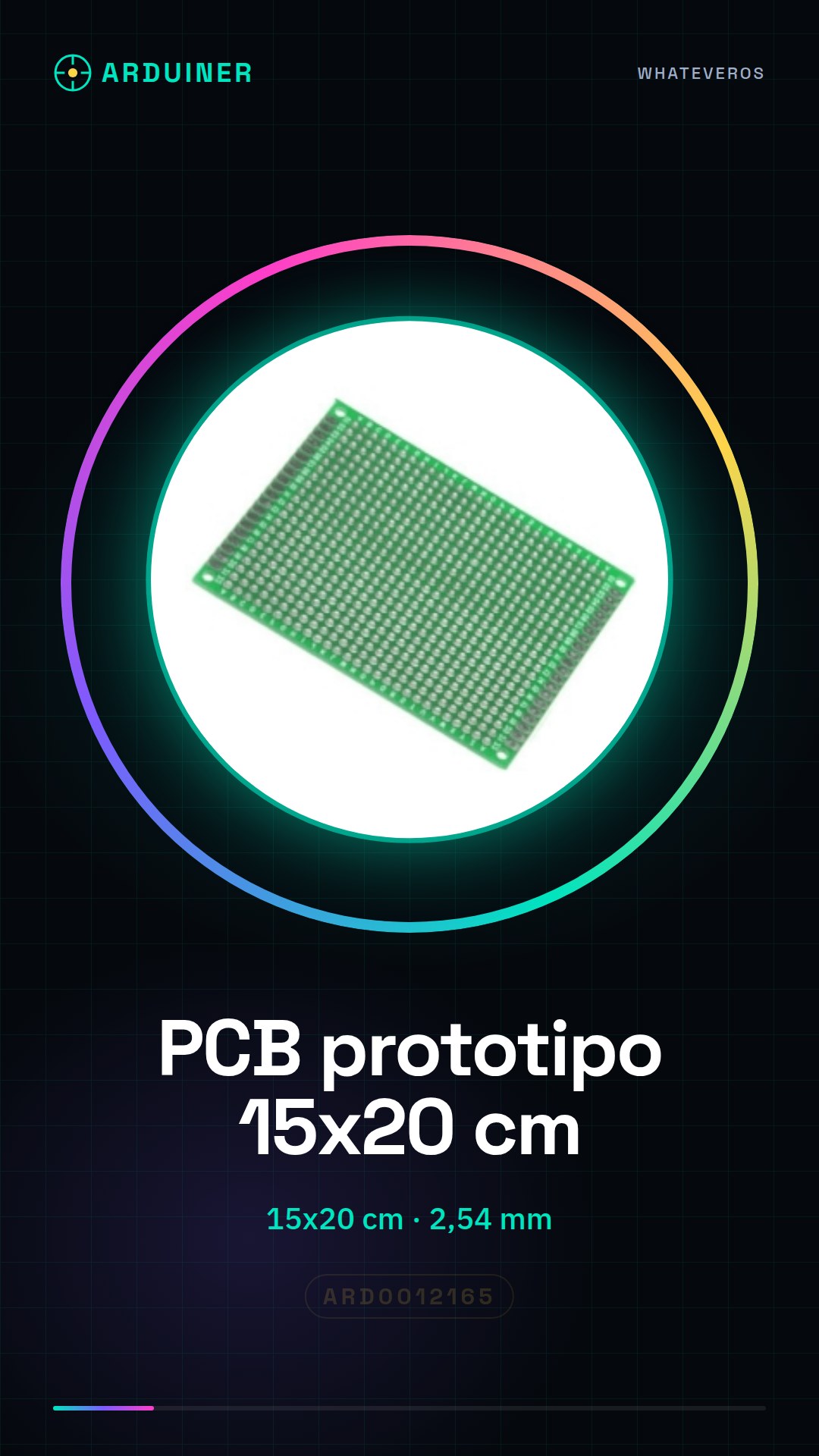
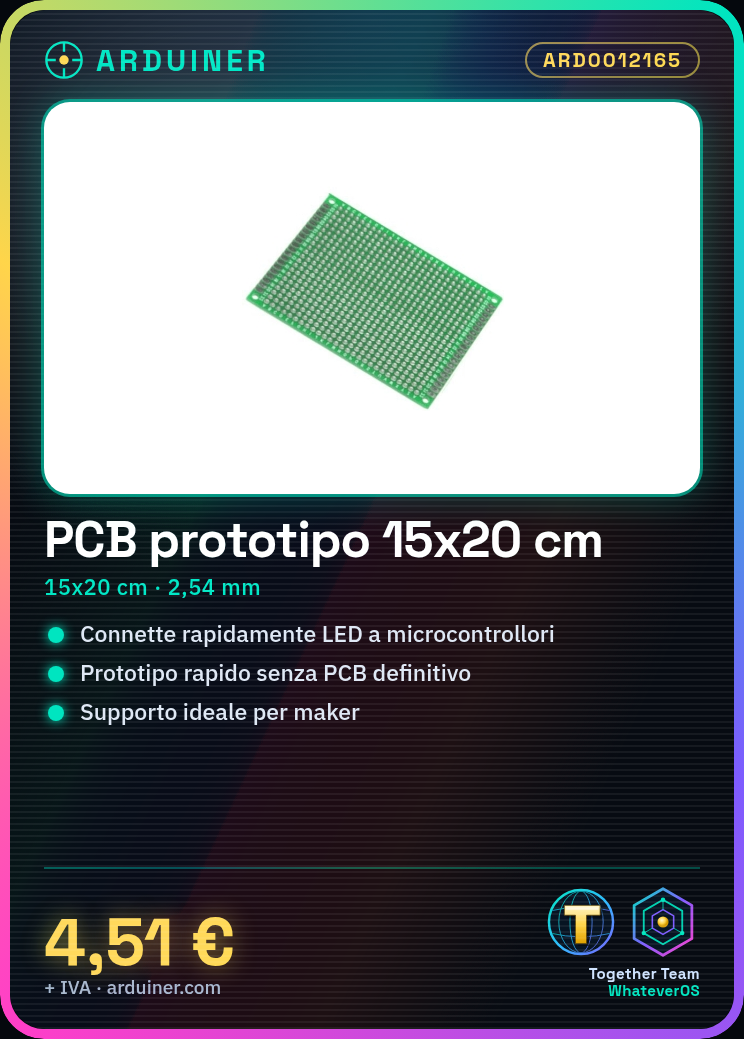
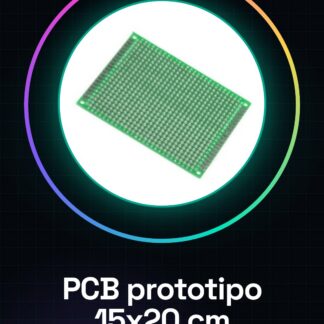
The universal PCB prototype single-sided board measuring 15×20 cm with standard interconnections at a distance of 2.54 mm is an ideal support for makers who want to quickly create electronic prototypes without having to worry about the final PCB production.
Features
- Type: Universal PCB prototype single-sided board
- Size: 15×20 cm
- Standard interconnections at a distance of 2.54 mm
What it is for
This PCB prototype is perfect for Arduino and general electronics projects. You can use it to create simple interface prototypes by connecting components such as LEDs to an Arduino microcontroller or ESP.
Tutorial: How to use Universal PCB Prototype
The universal PCB prototype is an ideal support for beginner and intermediate makers who want to explore electronic projects without having to worry about the final PCB realization. This base PCB offers a large surface of 15×20 cm with standard spaced interconnections of 2.54 mm.
What you need
- Arduino or microcontroller
- Jumper wires
- Power supply
Steps
- Make sure the PCB is clean and free of dust. Use a soft cloth to remove any residues.
- Connect electronic components such as resistors, capacitors, LEDs, etc., using jumper wires.
- Connect the PCB power supply to the microcontroller or to a separate power source.
- Check the datasheet for your component pin specifications to avoid connection errors.
- Use the Arduino IDE software to upload a sketch that tests the proper functionality of the connected components.
- If necessary, use a multimeter to check the electrical connections between components.
- Once satisfied with the prototype, consider creating the final PCB using open circuit printing technologies.
- Always disconnect the power source before removing or modifying any component.
Mini project
Create a simple interface prototype for LED control. Connect some LEDs to the PCB and use an Arduino microcontroller to turn the LEDs on or off based on keyboard commands.
Common mistakes
- Incorrect connections between components
- Incorrect PCB power supply
- Components connected without verifying compatibility first
Recommended accessories
- Arduino Uno R3
- Jumper Cables M/F 15cm
- LiPo Battery 3.7V 2000mAh
Frequently asked questions
Can the PCB prototype be used for long-term projects?
Yes, but it is recommended to create a final PCB to improve the stability and appearance of the project.
Can I print on both sides of the PCB prototype?
No, this type of PCB is only available with one usable side.
Reviews
There are no reviews yet.