 EN
 IT Italiano
 ES Español
 FR Français
 DE Deutsch
Description
What it is
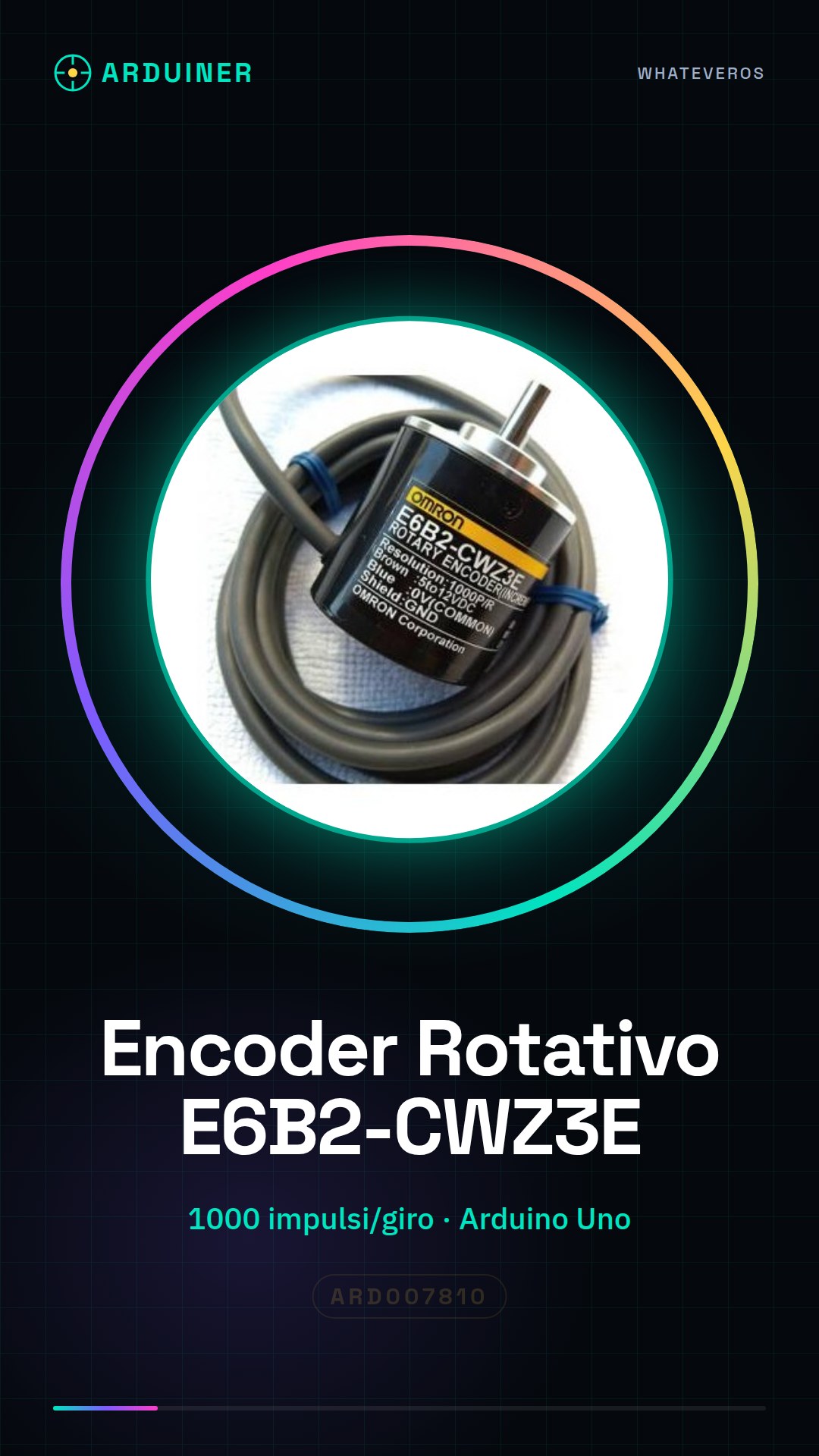
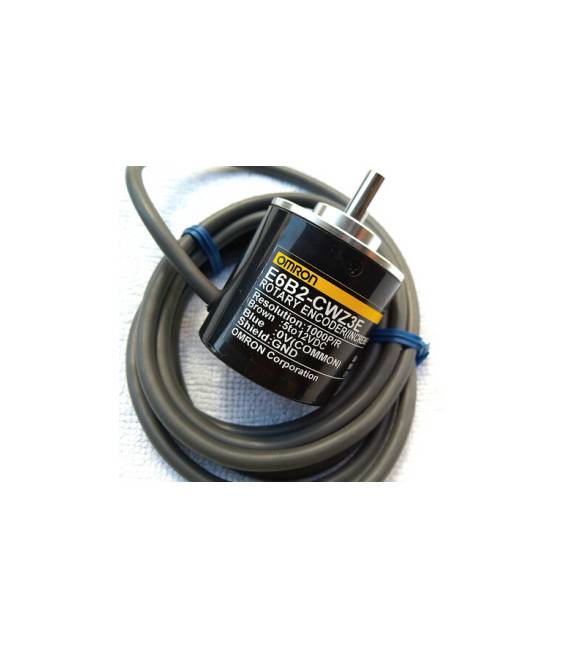
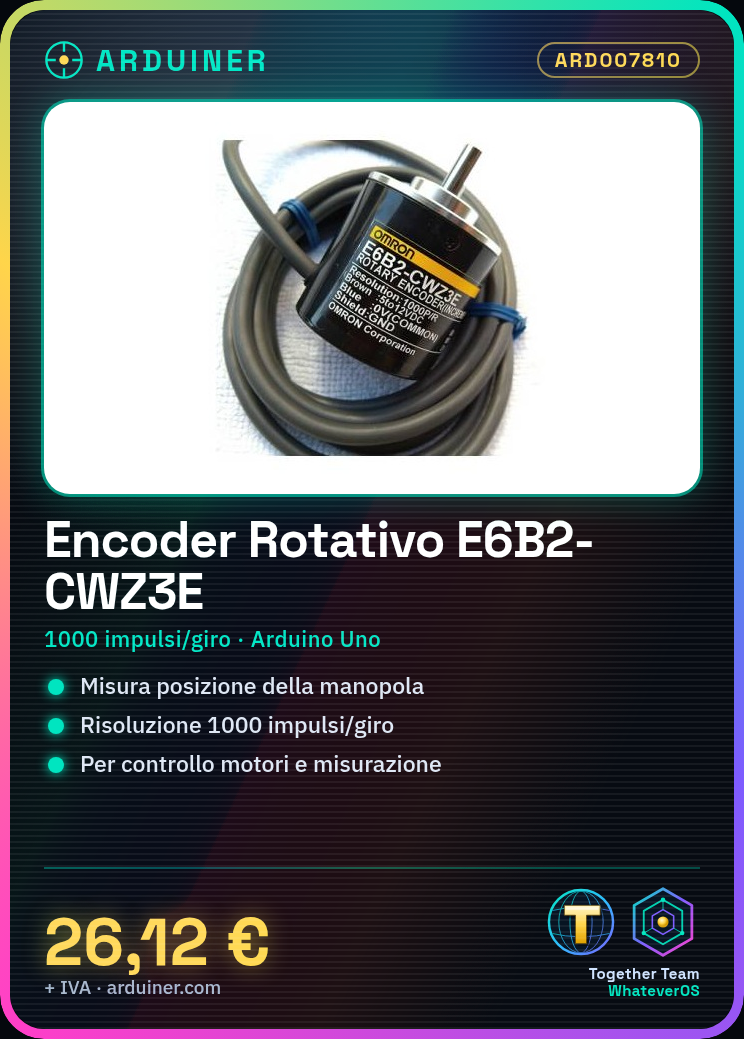
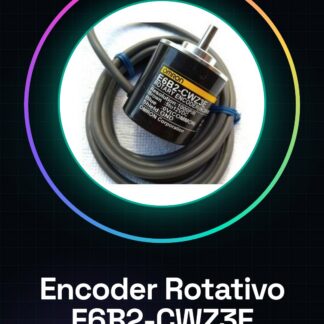
The E6B2-CWZ3E rotary encoder is an electronic component used to measure the position or movement of a knob. This type of encoder provides 1000 pulses per full rotation, allowing for a detailed resolution of the rotation.
Features
- Rotary Encoder E6B2-CWZ3E
- 1000 pulses per rotation
- Suitable for Arduino and robotics projects
What it is for
The rotary encoder is ideal for applications that require precise input, such as graphical interfaces, motor control or measuring devices. You can use it to create rotary counters that increase or decrease the value displayed on an LCD screen based on the direction of rotation of the encoder.
Tutorial: How to Use Rotary Encoder E6B2-CWZ3E
The E6B2-CWZ3E rotary encoder is an electronic component useful for controlling the position or rotation of a knob. Ideal for projects that require precise input such as graphical interfaces, motor controls, or measuring devices.
What you need
- Arduino Uno
- USB Connection
- Breadboard
Steps
- Connect pins A and B of the encoder to the breadboard.
- Connect pin A of the breadboard to a digital interrupt of the Arduino (e.g., 2).
- Connect pin B of the breadboard to another digital interrupt of the Arduino (e.g., 3).
- Connect the common ground of the encoder to the ground of the Arduino.
- Install the ‘Encoder.h’ library.
- Load the example sketch for the encoder onto the Arduino.
- Open the Serial Monitor and verify that the values are correct.
- Done!
Example code
Encoder myEnc(2, 3); // Pin A = 2, Pin B = 3
void setup() {
  Serial.begin(9600);
}

void loop() {
  int position = myEnc.read();
  Serial.println(position);
}
Mini project
Create a rotary counter that increases or decreases the value displayed on an LCD screen based on the direction of rotation of the encoder.
Common mistakes
- Do not connect pins A and B correctly.
- Use a clock frequency that is too high for the encoder.
- Ignore the common ground needed for the encoder to function.
- Use an analog switch instead of a digital one to read information from the encoder.
Recommended accessories
- LCD 16×2
- Breadboard
- Multicolored connectors
- Arduino Uno
Frequently asked questions
How can I increase the sensitivity of the encoder?
Check the datasheet to find the correct voltage and frequency values.
The encoder stops working when turned quickly.
Reduce the rotation speed or modify the code to handle multiple pulses.
Reviews
There are no reviews yet.