 EN
 IT Italiano
 ES Español
 FR Français
 DE Deutsch
Description
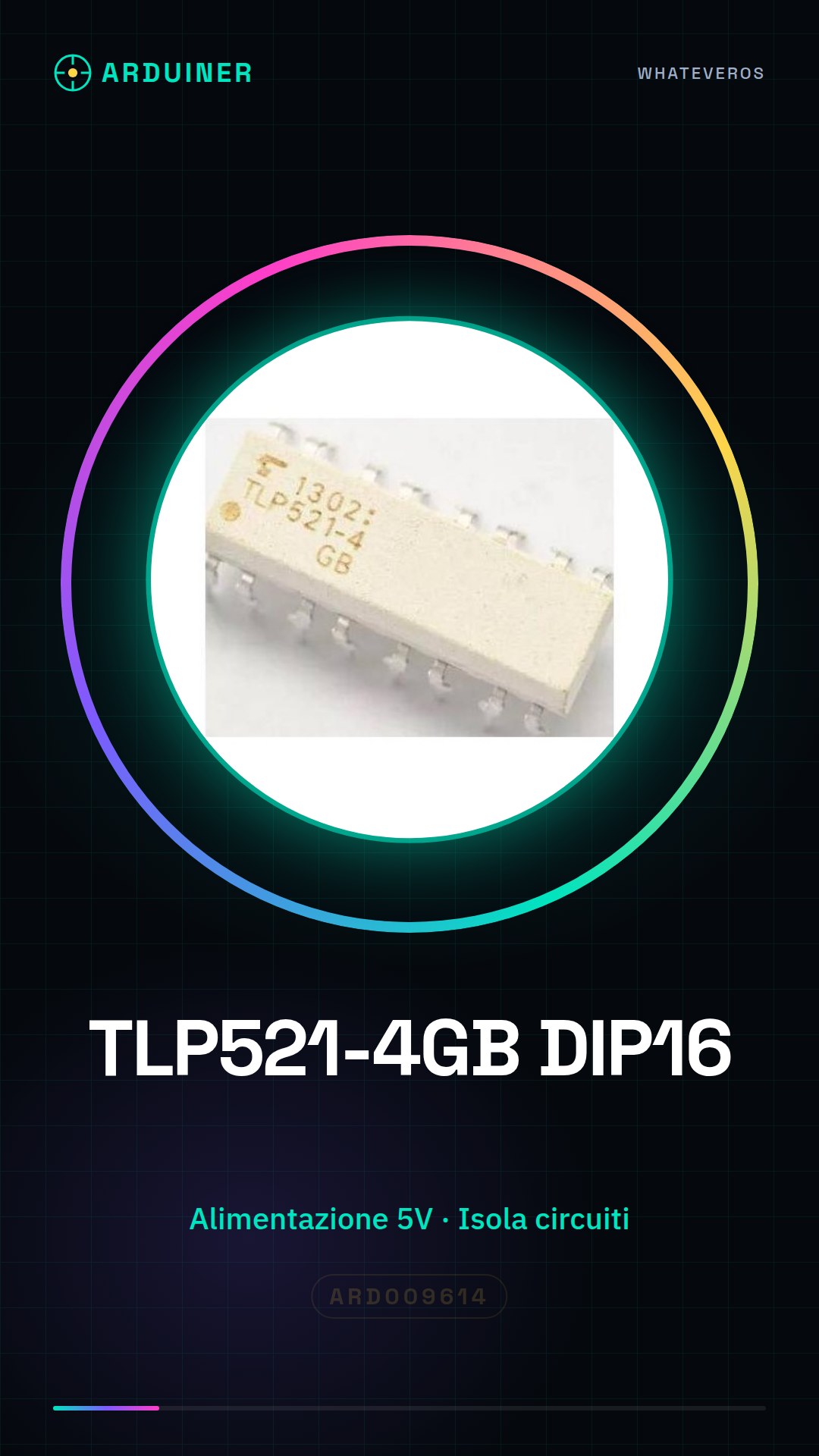
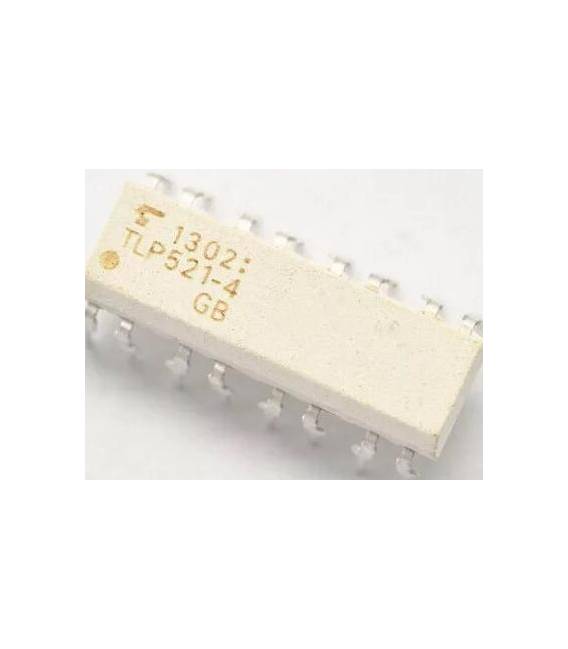
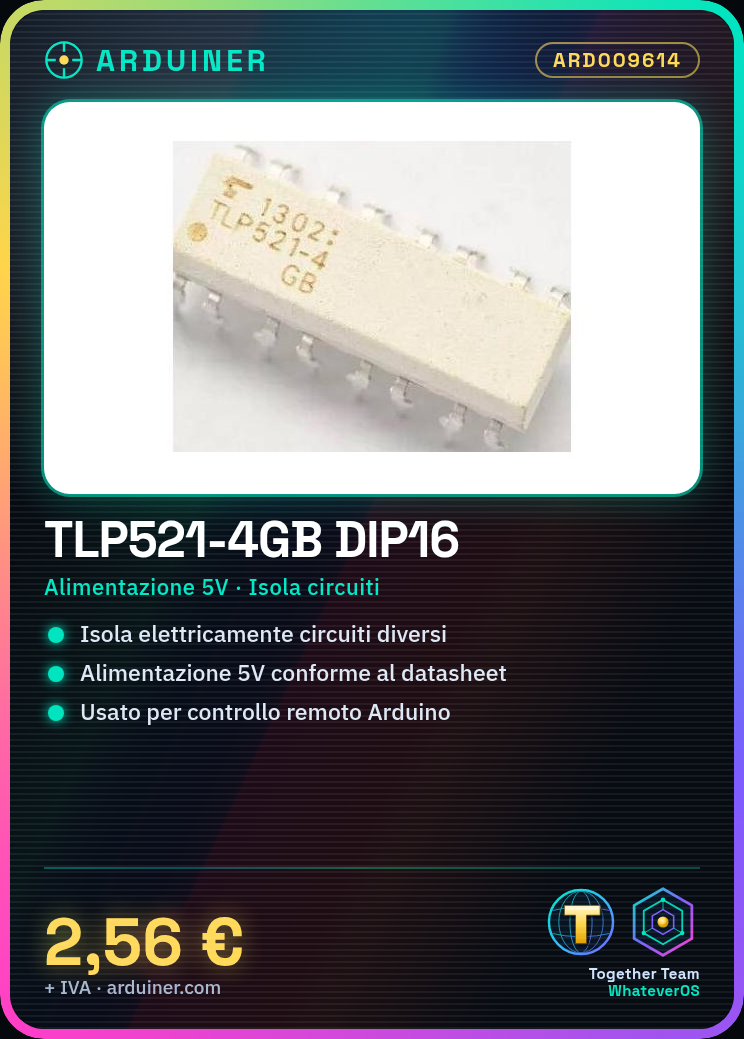
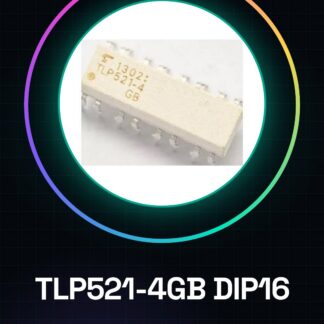
TLP521-4GB DIP16
Tutorial: How to use TLP521-4GB DIP16
The TLP521-4GB is an optocoupler used to electrically isolate different circuits. It is ideal for Arduino projects that require advanced electronic safety or remote control.
What you need
- Arduino Uno
- Ground Connection
- 5V Power Supply
Steps
- Check the pin connections of the TLP521-4GB with the datasheet to ensure correct orientation.
- Connect the data line to be isolated to the optocoupler’s input pin (check the datasheet).
- Power the circuit with 5V and connect to ground as required by the TLP521-4GB datasheet.
- Connect the other end of the isolated data line to the optocoupler’s output pin (check the datasheet).
- Verify that the signals are correctly transmitted through the TLP521-4GB.
- If necessary, adjust the connections to achieve a safe and reliable transmission.
Mini project
Create a 30-minute remote control system that uses the TLP521-4GB to isolate a sensitive circuit.
Common mistakes
- Do not check the pin orientation before connecting.
- Omit the ground connection.
- Use a supply voltage different from that specified in the datasheet (5V).
- Ignore the instructions in the datasheet for the proper operation of the optocoupler.
Recommended accessories
- Arduino Uno R3
- 16-pin DIP connector
- breadboard
- connection cable / wire / lead
Frequently asked questions
What is the supply voltage of the TLP521-4GB?
The supply voltage is 5V, as specified in the datasheet.
Can the TLP521-4GB isolate electrical currents?
Yes, the TLP521-4GB is designed for this purpose: to isolate circuits from potential electrical interference.
Reviews
There are no reviews yet.