 EN
 IT Italiano
 ES Español
 FR Français
 DE Deutsch
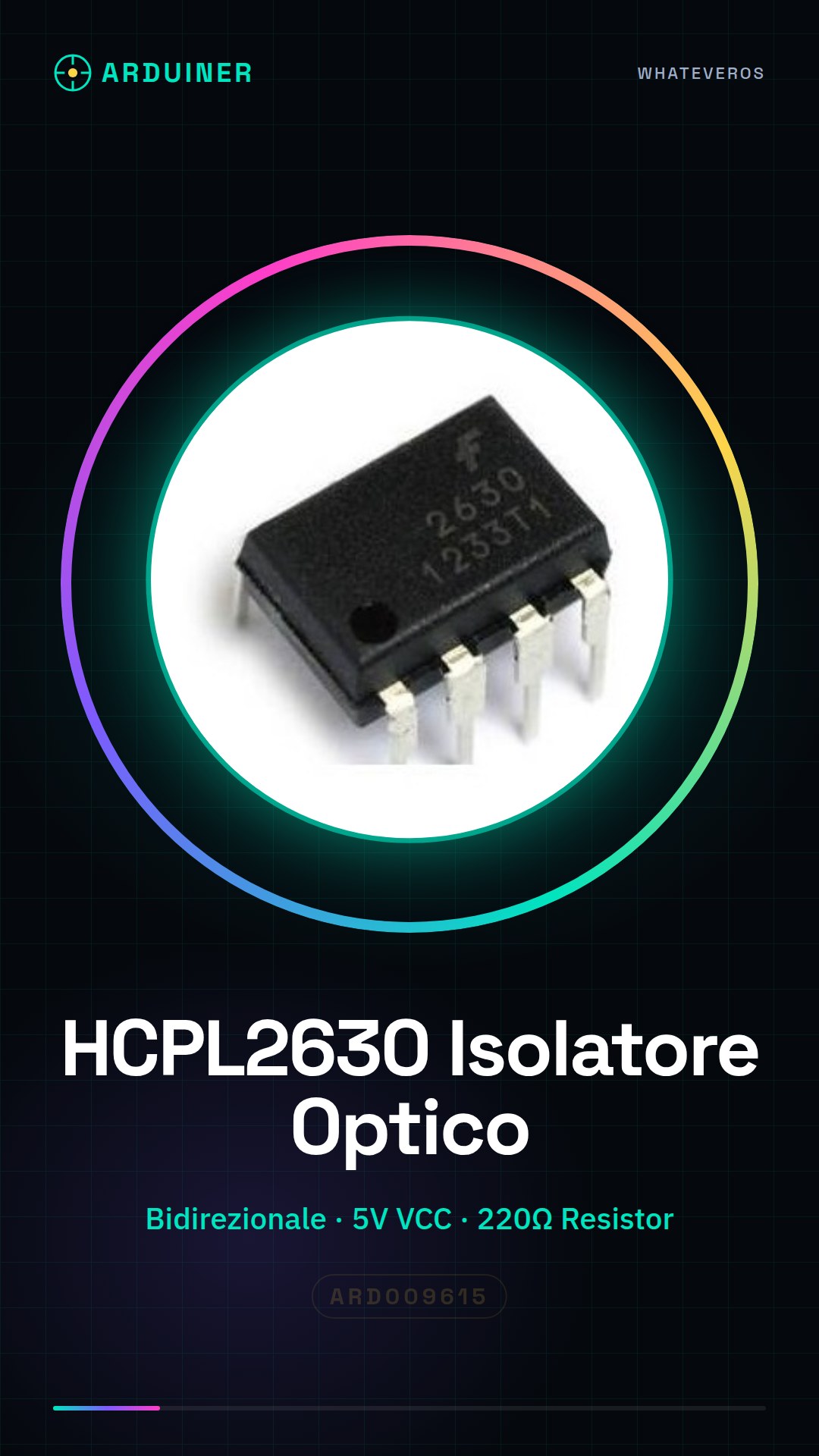
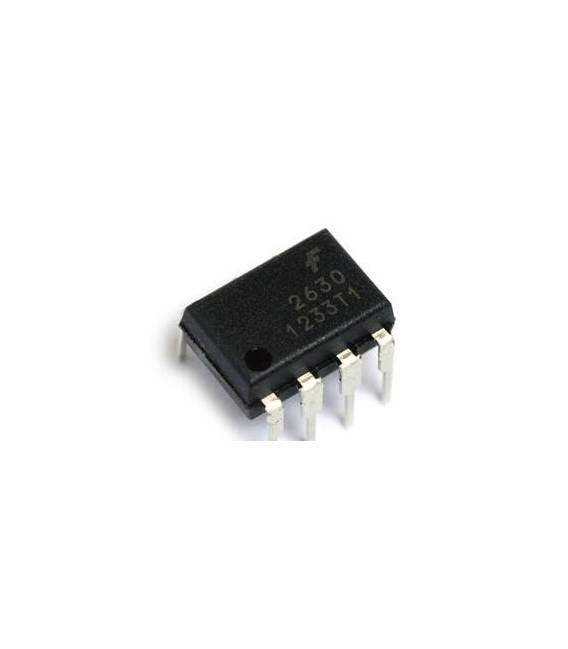
Description
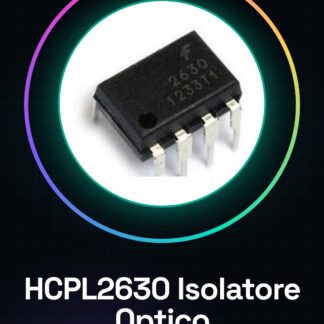
HCPL2630 HCPL-2630 A2630 DIP-8
Tutorial: How to Use HCPL2630
The HCPL2630 is a bidirectional optical isolator that protects electronic circuits from electrical interruptions. Useful for beginners and intermediates working with low and high voltage circuits.
What you need
- HCPL2630
- Arduino or similar microcontroller
- 220Ω resistor
- Power cable
Steps
- Check specifications on the datasheet.
- Connect the resistor (220Ω) between VCC and pin 1 (VCC) of the HCPL2630.
- Connect pin 2 (OUT) of the HCPL2630 to a pin on Arduino.
- Connect pin 4 (GND) of the HCPL2630 to GND on Arduino.
- Connect pin 5 (IN) to a pin on Arduino.
- Upload a simple code to Arduino to send signals.
- Check the reaction of the HCPL2630.
- Verify connections and repeat if necessary.
Example code
```
void setup() {
  pinMode(5, INPUT);
  pinMode(2, OUTPUT);
}

void loop() {
  digitalWrite(2, digitalRead(5));
}
```
Mini project
Create a simple alarm circuit that turns on an LED when a button is pressed.
Common mistakes
- Connecting pins directly to voltages above 30V can damage the component.
- Omitting the protection resistor can cause damage.
- Connecting VCC and GND in reverse can damage the component.
- Do not use pins not specified in the datasheet.
Recommended accessories
- Button
- LED
- 1kΩ resistor for the LED
- Connection wires
Frequently asked questions
How can I test the functionality of the HCPL2630?
Connect a resistor between VCC and pin 1, then connect pin 2 to a pin on Arduino and pin 4 to GND. Use a code that sends signals between pins 5 and 2 to check the component’s reaction.
Can I use a different power supply than 5V on Arduino?
Check the power supply specifications in the datasheet.
What are the maximum voltage limits for the HCPL2630?
Check the datasheet.
Can I connect the pins directly to a button?
No, use a protection resistor.
Reviews
There are no reviews yet.