 EN
 IT Italiano
 ES Español
 FR Français
 DE Deutsch
Description
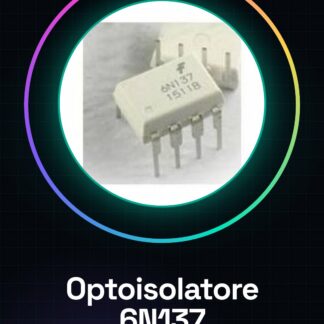
Tutorial: How to Use the 6N137 DIP-8 Optoisolator
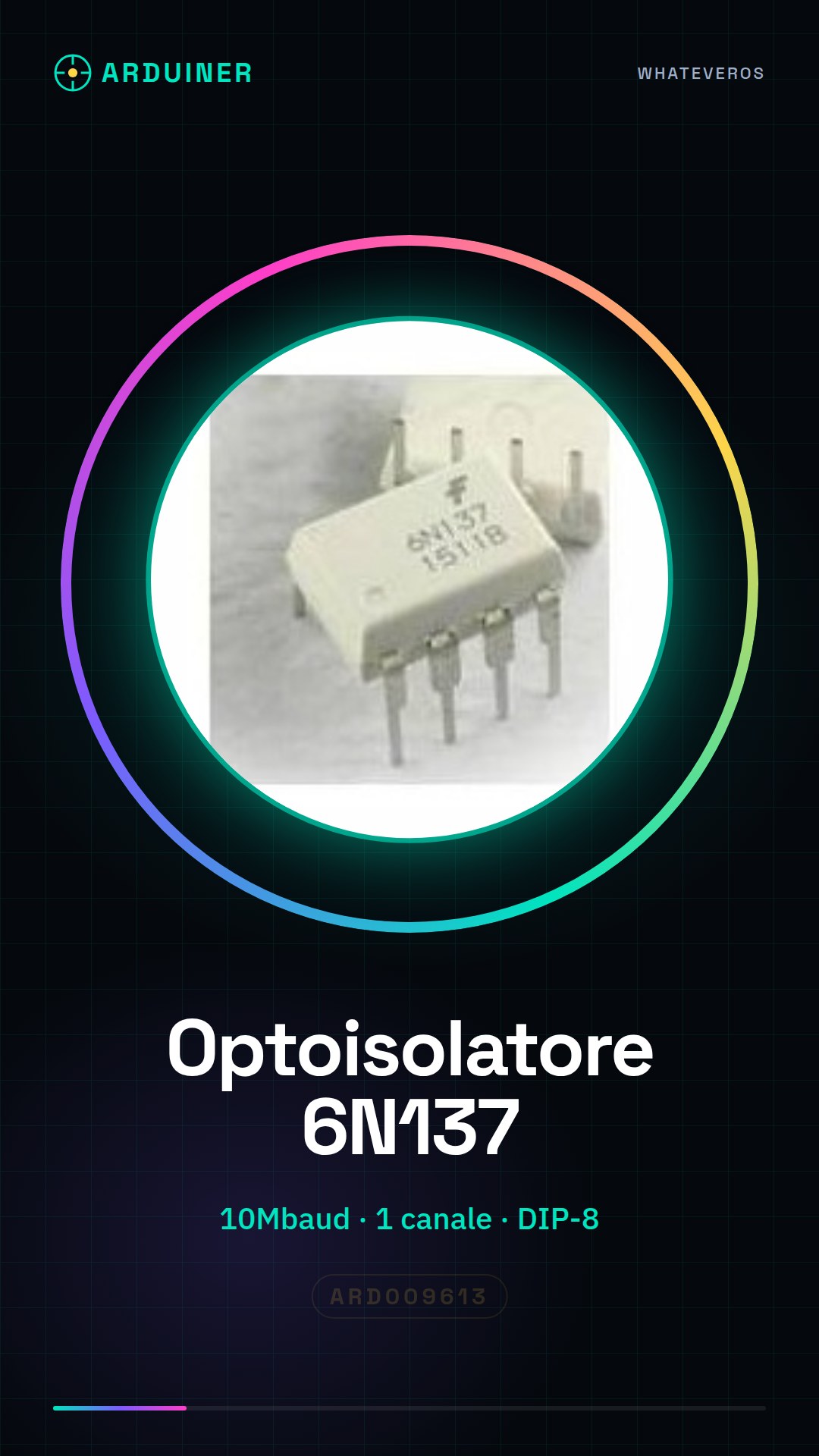
The 6N137 optoisolator is a crucial component for protecting electronic circuits from unwanted electrical voltage damage. Ideal for beginner and intermediate makers, this device allows signal isolation between two parts of the circuit while maintaining data integrity. What you need:
– Arduino Uno or compatible
– USB cable
– Computer with Arduino IDE installed
Steps:
1. Connect the 6N137 to the breadboard using the DIP-8 pins as specified in the datasheet.
2. Connect the Arduino to the 6N137 through the appropriate pins, verifying the polarity and supply voltage in the datasheet.
3. Write an Arduino sketch to send data from the microcontroller to the optoisolator.
4. Verify that the internal LED of the optoisolator lights up when signals are transmitted.
5. Check the digital output on the breadboard or another input/output port of the circuit.
6. Test data transmission at 10Mbaud, verifying the specifications in the datasheet to correctly set the parameters.
7. Monitor the optoisolator’s behavior during signal transmission.
8. Repeat tests with different signal types and frequencies to evaluate device performance.
Example Code:
void setup() { pinMode(2, OUTPUT); digitalWrite(2, HIGH); }
void loop() {}
Mini-Project: Create a circuit protection system for your Arduino using the 6N137 optoisolator. Connect the device between the microcontroller and a digital sensor to isolate signals and prevent damage.
Common Errors:
– Incorrect pin connections
– Incorrect polarity during power supply
– Incorrect baudrate settings
– Ignoring datasheet specifications
Recommended Accessories:
– Breadboard
– Arduino Set
– Variable Resistor Kit
– Digital Sensors
– USB Power Supply for Arduino
Frequently Asked Questions:
How can I verify if the optoisolator is working correctly?
Check that the internal LED lights up when signals are transmitted and verify the presence of a signal on the digital output port.
What is the maximum data transmission speed for this optoisolator?
Check the datasheet of the product for accurate specifications.
Reviews
There are no reviews yet.