 EN
 IT Italiano
 ES Español
 FR Français
 DE Deutsch
Description
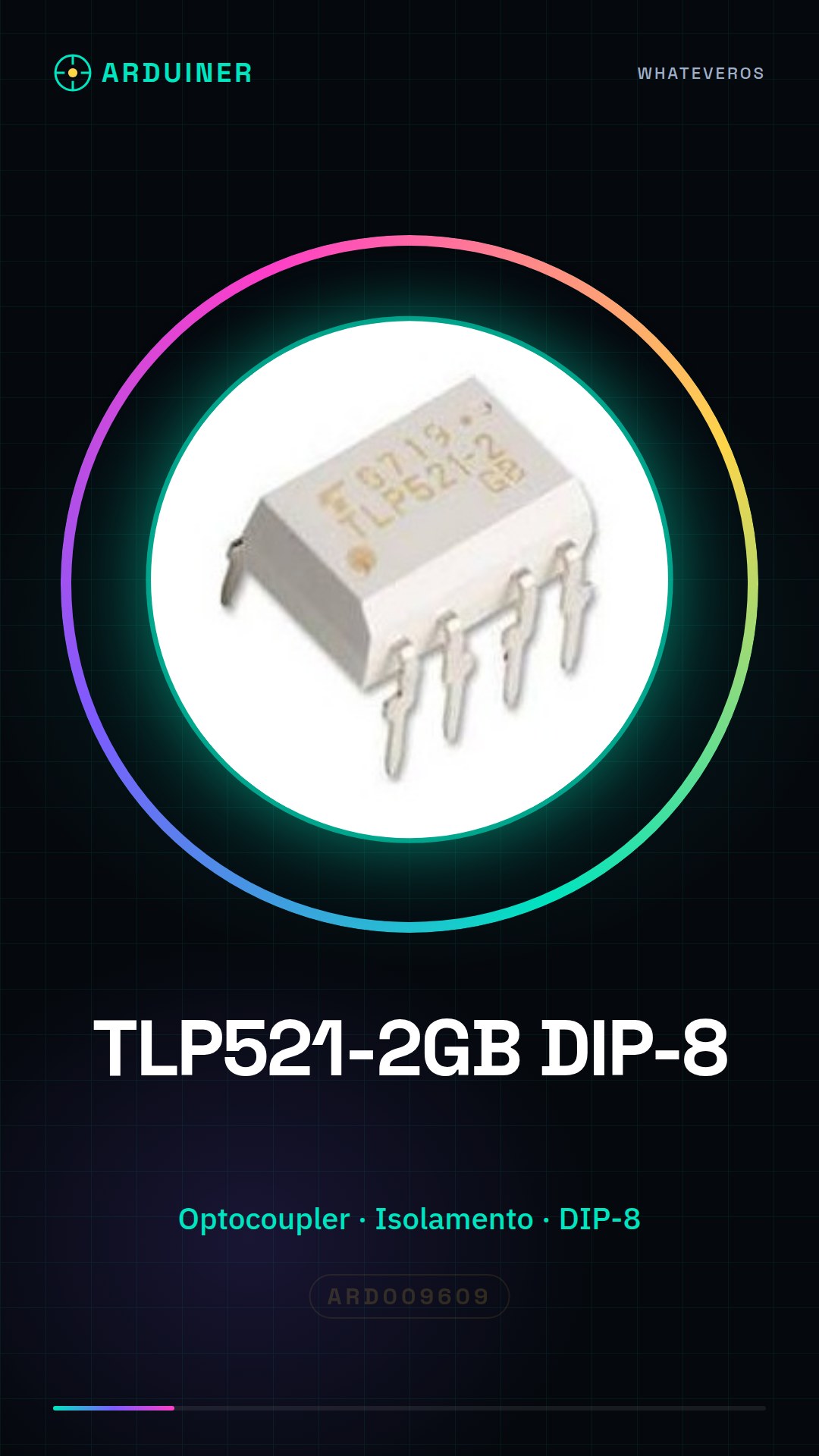
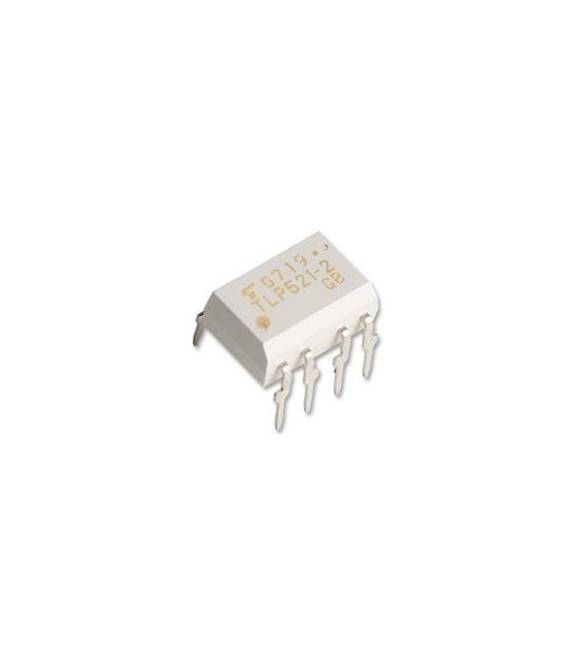
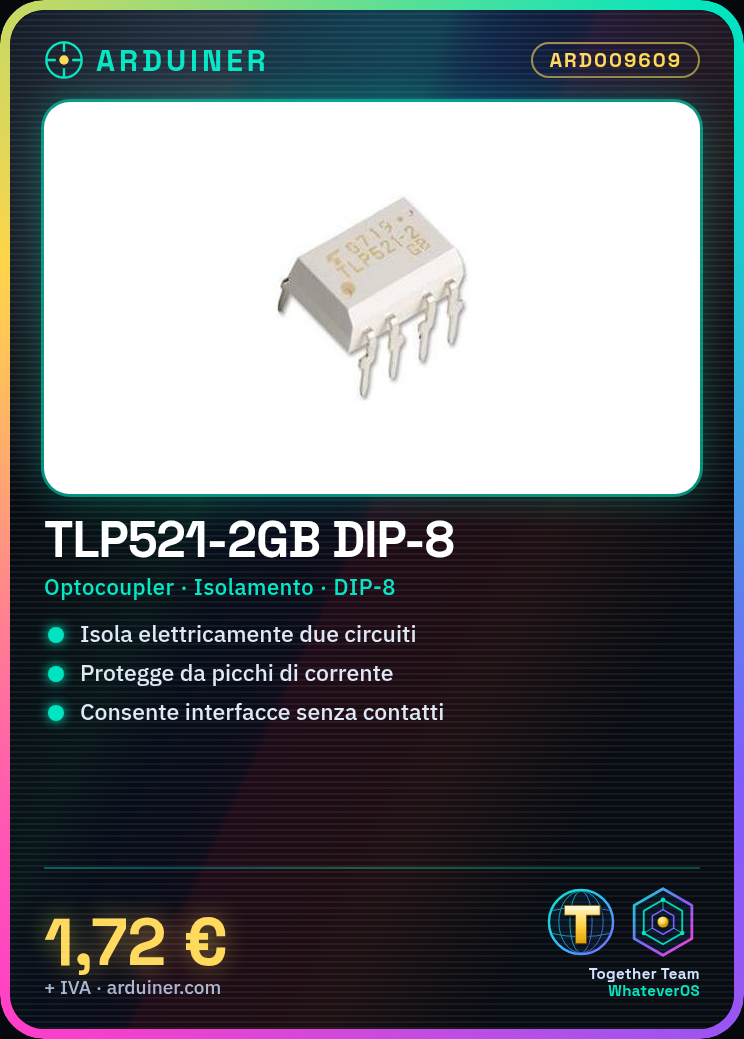
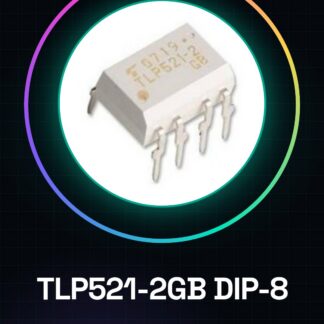
TLP521-2GB DIP-8
Tutorial: How to Use TLP521-2GB DIP-8
The TLP521-2GB DIP-8 is an optocoupler that allows for electrical isolation between two circuits. It is ideal for protecting sensitive devices from current spikes or for creating contactless interfaces.
What you need
- Arduino Uno
- USB Cable
- Breadboard
- Resistors
Steps
- Connect the TLP521-2GB to the breadboard.
- Connect the input side (LED) to a digital pin on the Arduino and a resistor.
- Connect the other end of the resistor to GND.
- Connect the output side (FET) to a separate circuit or other devices.
- Write a sketch to turn on the pin connected to the LED of the TLP521-2GB.
- Verify that the output changes state when the input is activated.
Example code
void setup() {
  pinMode(2, OUTPUT);
}

void loop() {
  digitalWrite(2, HIGH); // Accendi il LED interno del TLP521-2GB
  delay(1000);
  digitalWrite(2, LOW); // Spenta il LED interno del TLP521-2GB
  delay(1000);
}
Mini project
Create a home alarm system that activates a siren when an electrical line is broken.
Common mistakes
- Do not verify the correct resistance for the internal LED.
- Connect the output to voltages higher than the component specification.
- Omit completely isolating connected circuits.
- Ignore the datasheet information regarding operating temperatures.
Recommended accessories
- Arduino Uno
- Breadboard
- USB cable
- Variable resistors
Frequently asked questions
How can I verify if the TLP521-2GB is functioning correctly?
Check that the output changes state when the input is activated.
What is the maximum voltage the TLP521-2GB output section can handle?
Check the datasheet for the correct specification.
Reviews
There are no reviews yet.