 EN
 IT Italiano
 ES Español
 FR Français
 DE Deutsch
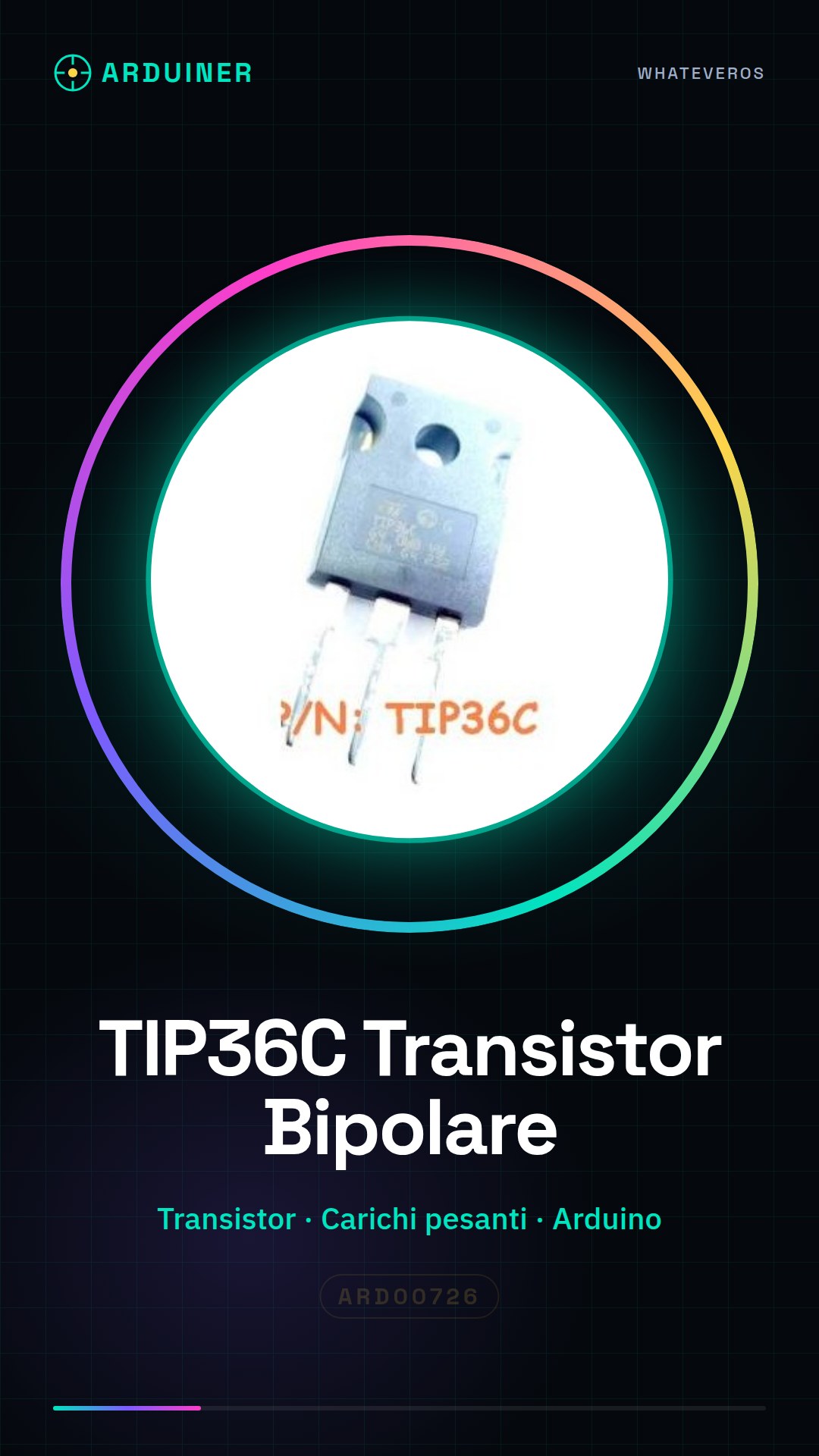
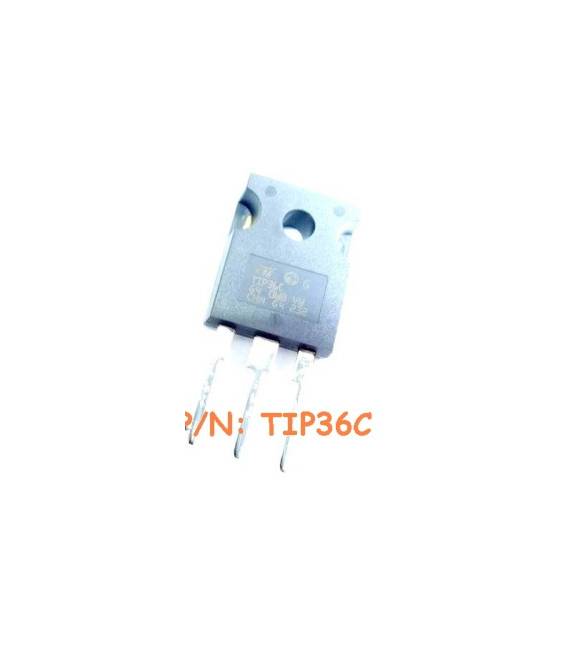
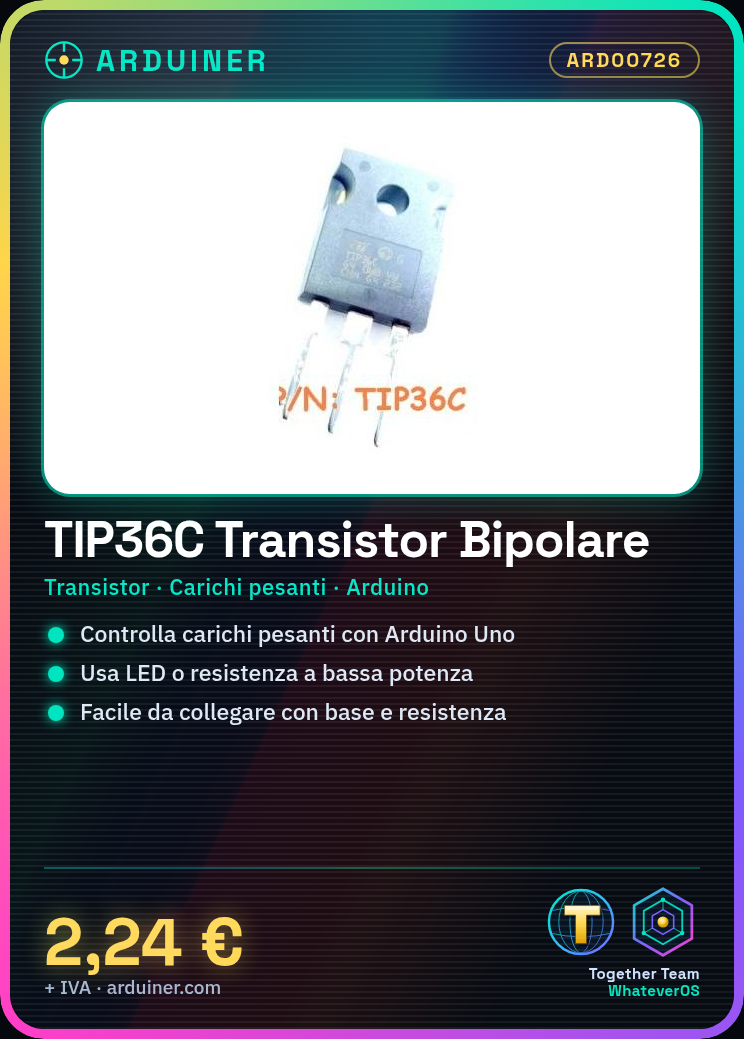
Description
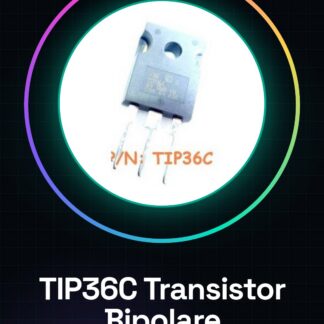
Tutorial: How to Use the TIP36C (Single Bipolar IC Transistor)
The TIP36C is a powerful transistor for controlling heavy loads. Ideal for beginners and low-cost projects.
What you need
- TIP36C
- Arduino Uno
- LED
- resistor
- external power supply
- cable
Steps
- Connect the external power supply to the TIP36C.
- Connect the base of the TIP36C to an Arduino pin via a resistor.
- Connect the load (e.g., a motor) between the output and ground of the TIP36C.
- Write the sketch to control the transistor with Arduino.
- Check the maximum voltage allowed in the datasheet.
- Test the circuit with an LED or low-power resistor before using heavy loads.
Example code
void setup() {
pinMode(9, OUTPUT);
}

void loop() {
digitalWrite(9, HIGH);
delay(1000);
digitalWrite(9, LOW);
delay(1000);}
Mini project
Build a controllable lighting system with Arduino and TIP36C.
Common mistakes
- Do not check the maximum voltage in the datasheet.
- Use an insufficient resistor between the base and Arduino.
- Connect the load directly to Arduino without a transistor.
- Ignore the importance of cooling for heavy-duty transistors.
Recommended accessories
- TIP31C
- Arduino Nano
- Variable resistors
- Soldering iron
Frequently asked questions
What is the maximum operating voltage?
Check the datasheet for the TIP36C.
Can I use an LED as a load?
Yes, but use a resistor to limit the current.
Reviews
There are no reviews yet.