 EN
 IT Italiano
 ES Español
 FR Français
 DE Deutsch
Description
Tutorial: How to Use TLP250 TYPE-8
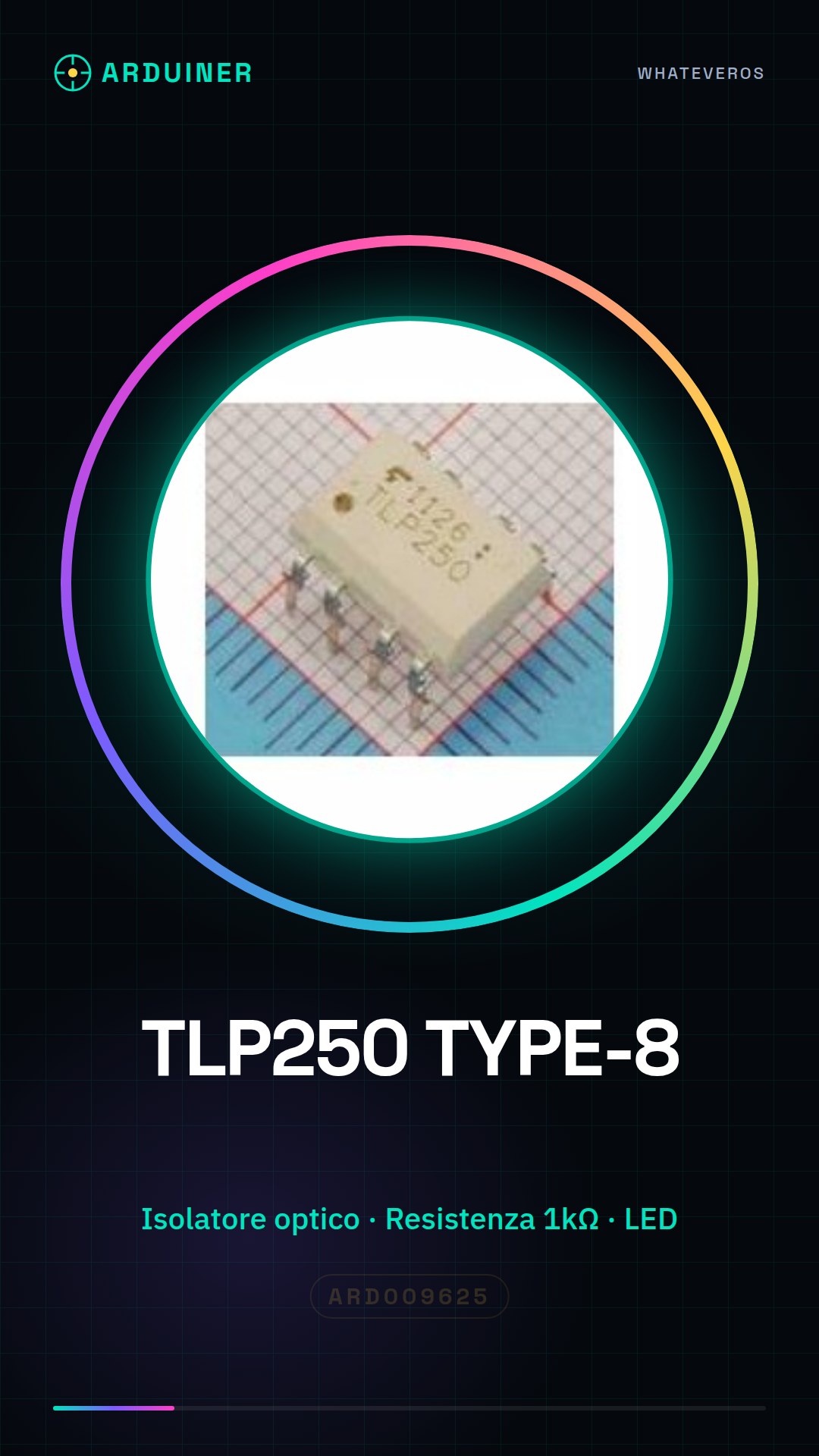
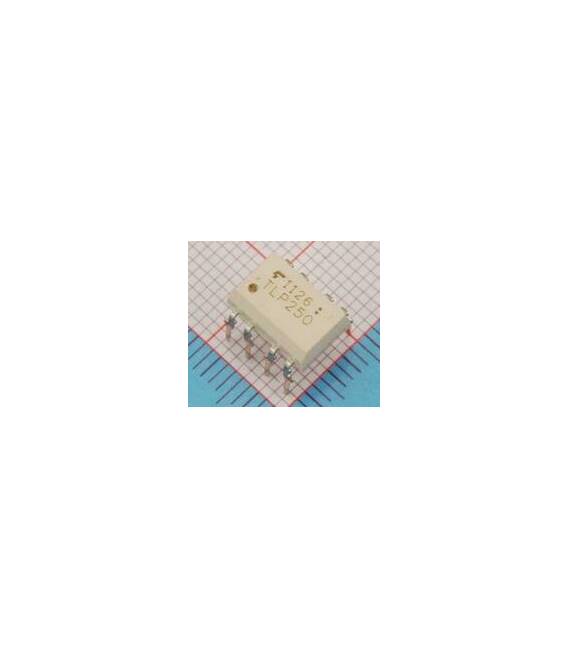
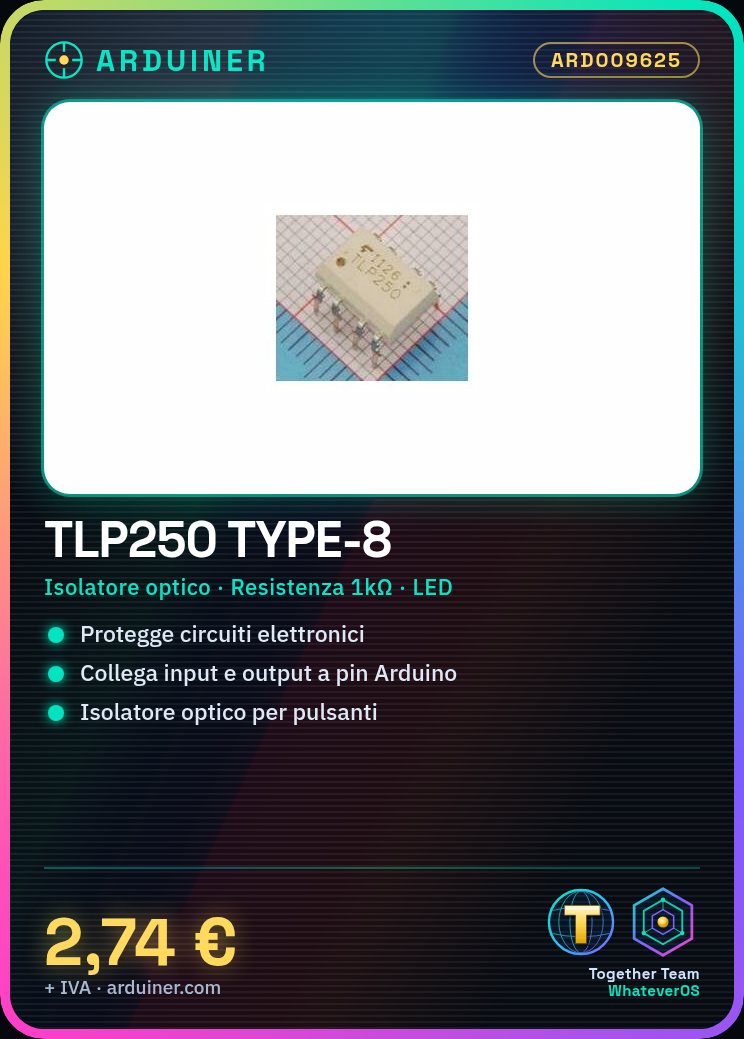
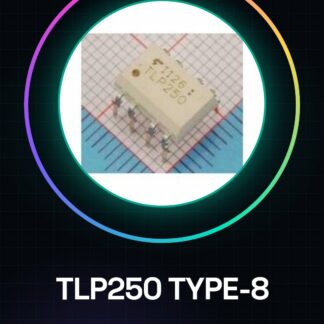
The TLP250 TYPE-8 is an optical isolator used to protect electronic circuits. Ideal for beginners and intermediates in electronics.
What you need
- TLP250 TYPE-8
- Arduino
- 1kΩ Resistor
- LED
Steps
- Check the datasheet for power supply voltage specifications.
- Connect the resistor between the VCC and GND of the TLP250.
- Connect the input signal (INPUT) of the TLP250 to a digital pin of the Arduino.
- Connect the output signal (OUTPUT) of the TLP250 to a digital pin of the Arduino.
- Connect the LED to the output signal of the TLP250 with a current-limiting resistor.
- Load the Arduino code to control the LED.
- Verify that the LED turns on and off correctly.
- Check the datasheet for power supply voltage and current limits.
Example code
```void setup() { pinMode(2, INPUT); pinMode(3, OUTPUT);}void loop() { if (digitalRead(2) == HIGH) { digitalWrite(3, HIGH); } else { digitalWrite(3, LOW); }}```Mini project
Create a simple electronic protection circuit using the TLP250 TYPE-8 to isolate a switch from a sensitive circuit.
Common mistakes
- Incorrect power supply: always check the specifications on the datasheet.
- Incorrect connections: ensure that the pins match correctly.
- Excessive current: check the specified current limits.
- Non-functioning output signal: verify the LED current-limiting resistor.
Recommended accessories
- Arduino
- 1kΩ resistor
- LED
- Button
Frequently asked questions
What are the current limits for the TLP250 TYPE-8?
Check the datasheet.
Can I use the TLP250 TYPE-8 with an Arduino UNO?
Yes, it is compatible with Arduino UNO.
What are the power supply requirements for the TLP250 TYPE-8?
Check the datasheet.
Reviews
There are no reviews yet.