 EN
 IT Italiano
 ES Español
 FR Français
 DE Deutsch
Description
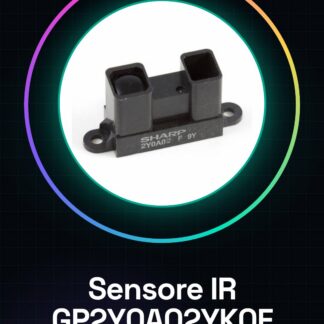
Tutorial: How to Use the GP2Y0A02YK0F Infrared Proximity Sensor
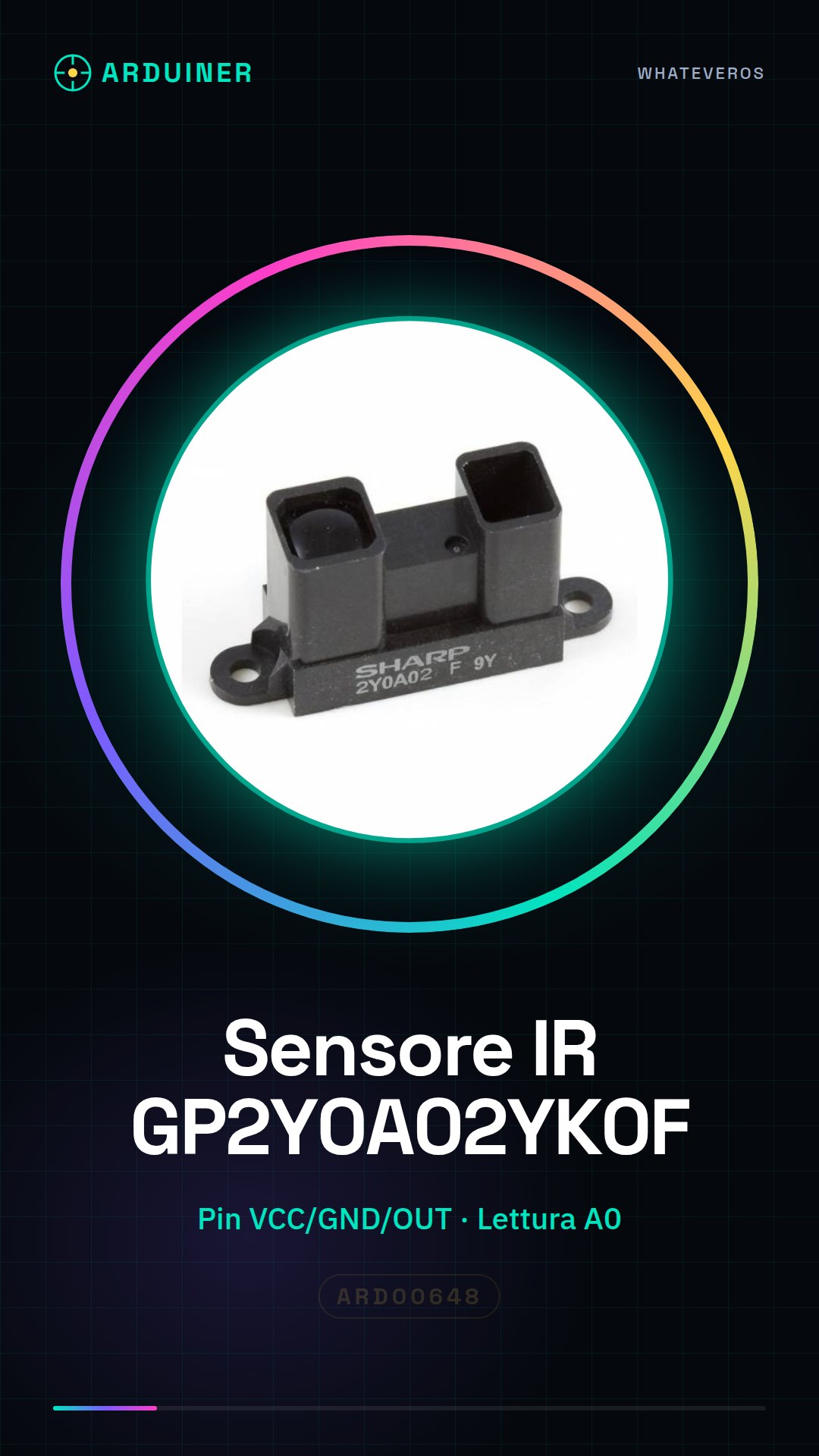
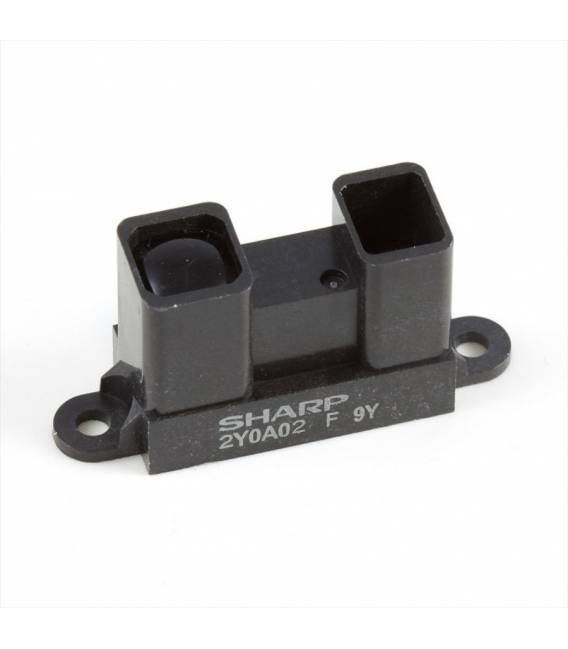
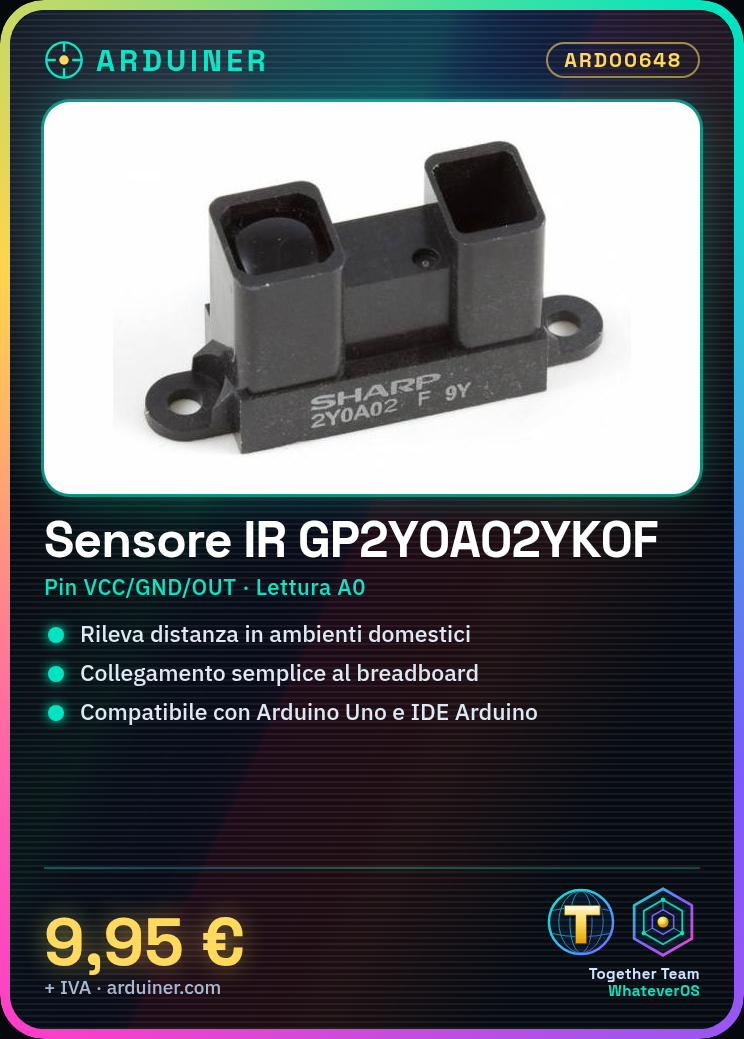
The GP2Y0A02YK0F infrared sensor is ideal for projects requiring distance detection in a home or industrial environment. It is suitable for beginners and intermediates, providing precise distance data.
What you need
- Arduino Uno
- USB Connection
- Jumper Wire
- Breadboard
Steps
- Connect the sensor to the breadboard: Check the datasheet for the correct pins (VCC, GND, OUT).
- Connect the VCC of the sensor to 5V of the Arduino.
- Connect the GND of the sensor to the ground of the Arduino.
- Connect the output pin of the sensor to the analog pin A0 of the Arduino.
- Open Arduino IDE and upload a sketch to read values from the sensor.
- Verify that the sensor is working correctly by viewing the data on the serial monitor.
- Modify the sketch to adapt it to your project (e.g., start a servo motor when an object approaches).
- Test and optimize your prototype.
Example code
void setup() {
  Serial.begin(9600);
}

void loop() {
  int val = analogRead(A0);
  Serial.println(val);
}
Mini project
Create a home security system that alerts when someone approaches.
Common mistakes
- Incorrect pin connections
- Sensor settings out of range
- Unmanaged light interference
- Incorrect analog values
Recommended accessories
- SG90 servo motor
- 16×2 LCD display
- Buzzer
- PIR motion detector
Frequently asked questions
How can I increase the accuracy of the sensor?
Place the sensor in an environment with constant light and limit light interference.
What is the maximum range of the sensor?
Check the datasheet for precise details on the detection range.
Reviews
There are no reviews yet.