 EN
 IT Italiano
 ES Español
 FR Français
 DE Deutsch
Description
What it is
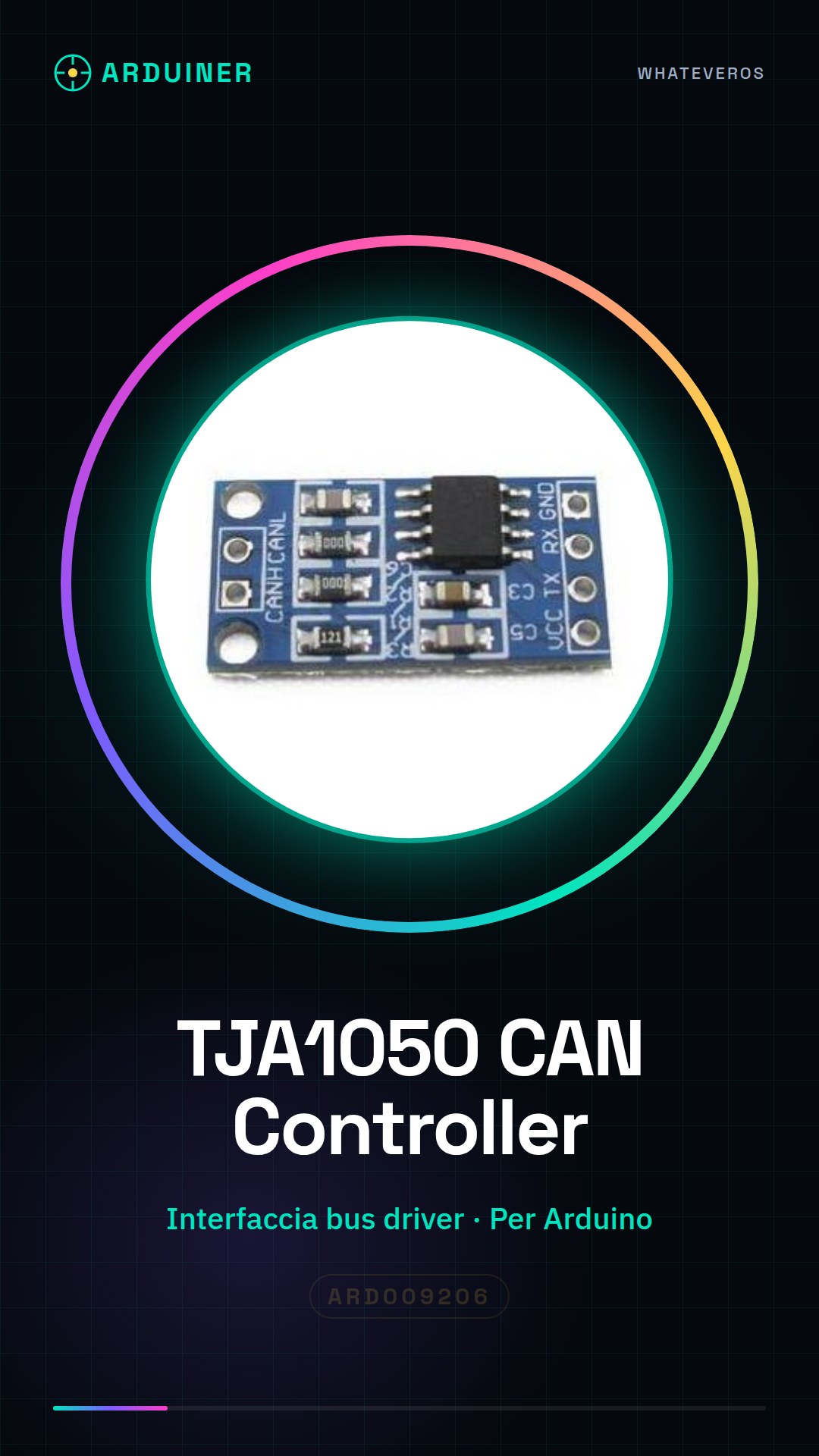
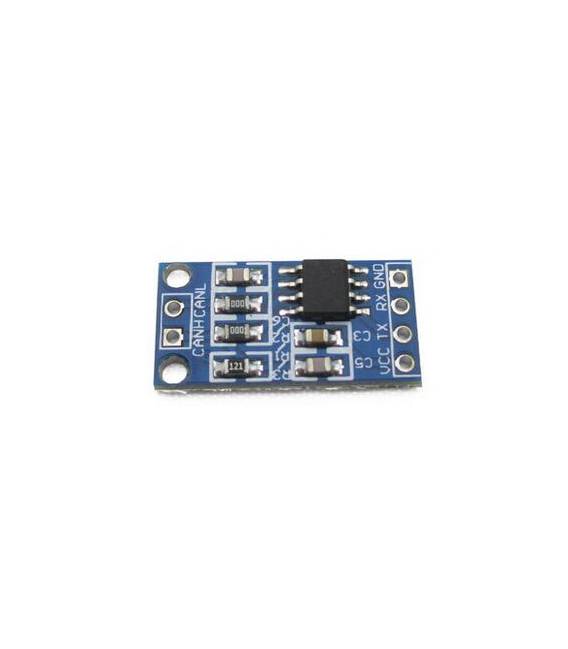
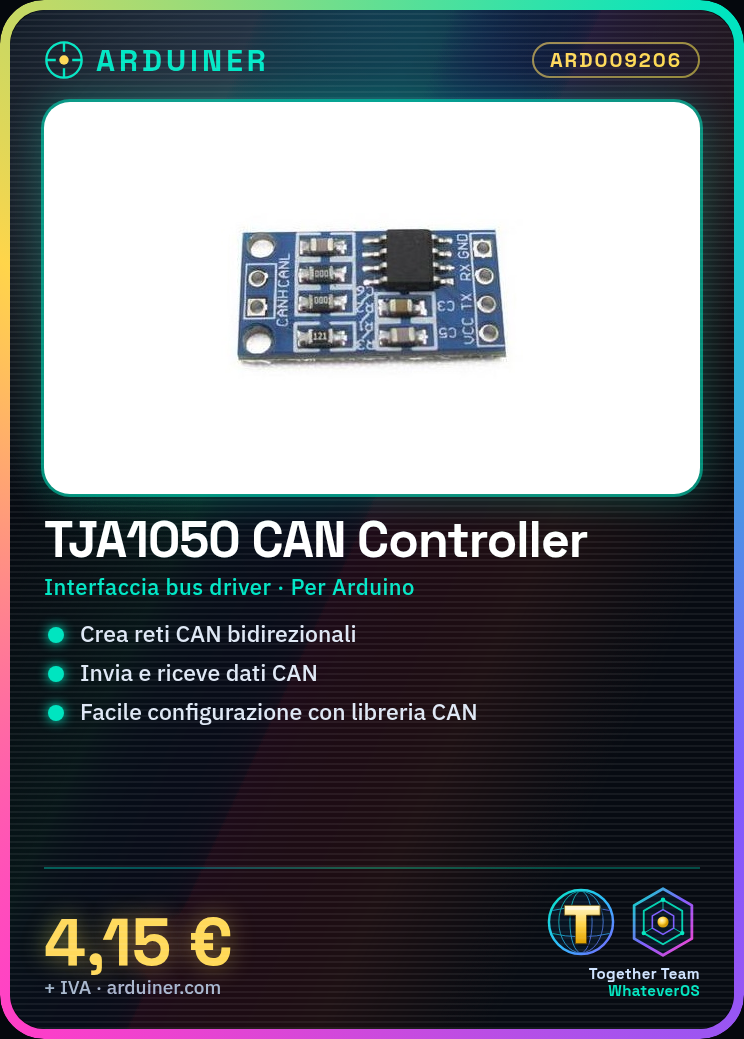
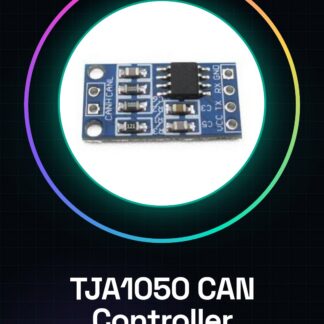
The TJA1050 CAN Controller module is a bus driver interface for Arduino designed for communication on CAN networks (Controller Area Network). It allows integrating CAN functionality into Arduino projects, offering a simple way to create communication networks between devices.
Features
- CAN Controller TJA1050
- Bus driver interface
- SKU: ARD009206
- Price: 4.15 €
What it is for
The TJA1050 module is ideal for projects that require communication between Arduino devices via CAN networks. It can be used to create simple bidirectional communication networks between two or more Arduinos, allowing each device to send data and receive responses.
Tutorial: How to use TJA1050 CAN Controller Interface Module
The TJA1050 module is an essential tool for anyone working with CAN (Controller Area Network) networks and wanting to integrate them into their Arduino projects. This guide will help you configure and use it without complications.
What you need
- Arduino Uno or compatible
- USB connection to the computer
- Arduino power supply cable
Steps
- Connect the TJA1050 module to the Arduino using the pins specified in the datasheet.
- Install the CAN library via the Arduino IDE library manager or through a GitHub repository.
- Configure the CAN bus settings in the library, checking the datasheet for specific details such as the transmission speed (bitrate).
- Write a simple sketch that sends and receives CAN messages.
- Verify functionality with a second CAN device or using a CAN software console.
- Test various additional features such as CAN error management, if necessary.
Example code
// Esempio di codice per inviare e ricevere messaggi CAN
#include <CAN.h>
// Inizializza il bus CAN con le impostazioni corrette, verifica sul datasheet.
can.begin(speed); // speed è la velocità del bus in bit/s, verificare sul datasheet
void loop() {
  can.sendMsgBuf((uint8_t*)"Messaggio", 4, id); // invia un messaggio CAN con ID specifico
}
Mini project
Create a simple CAN network that communicates between two Arduinos. Each device must send data to the other and receive responses.
Common mistakes
- Incorrect CAN bus settings
- Incorrect physical connection
- CAN library not installed or not configured correctly
Recommended accessories
- Arduino Uno R3
- USB cable for Arduino
- CAN Bus Shield module
- CAN debug software (such as CanFuzz)
Frequently asked questions
What is the maximum speed of the CAN bus?
Check the datasheet of the TJA1050 module.
Can I use multiple CAN devices on a network?
Yes, but make sure all devices are correctly configured for the same transmission speed and ID.
Which libraries support the TJA1050 module?
The CAN library is a good choice. Check if there are other compatible options on the GitHub repository.
Reviews
There are no reviews yet.