 EN
 IT Italiano
 ES Español
 FR Français
 DE Deutsch
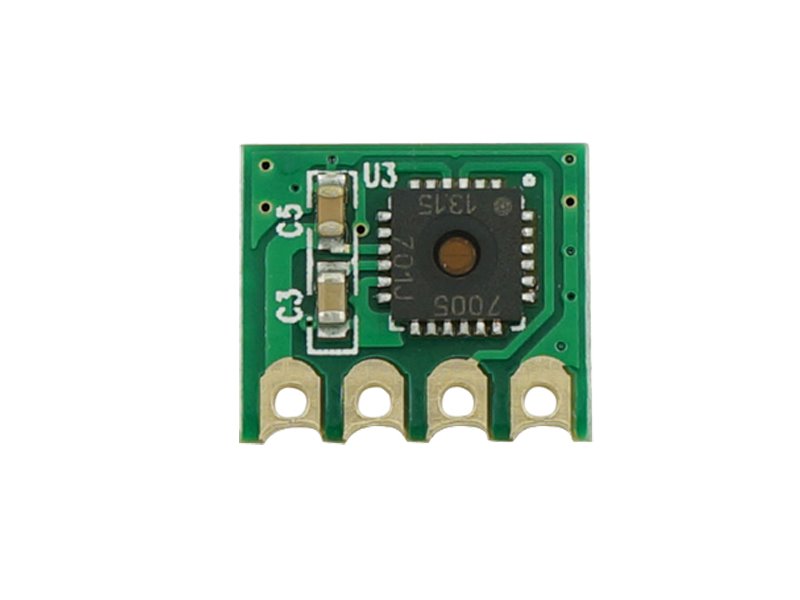
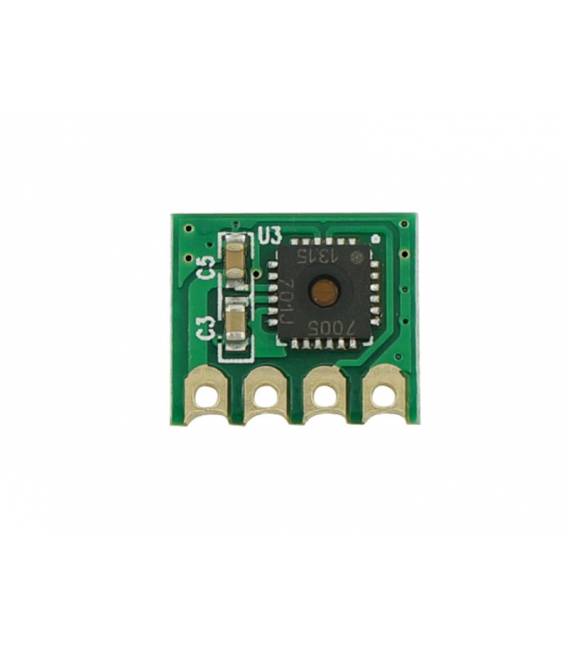
Description
Tutorial: How to Use TH02 Sensor Module
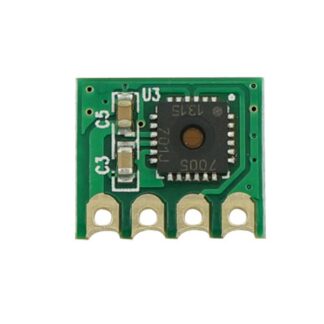
The TH02 sensor module is perfect for monitoring temperature and humidity in domestic or industrial environments. Ideal for both beginners and expert makers.
What you need
- Arduino Uno
- USB A-Micro B Cable
- Power Supply 3-5VDC
Steps
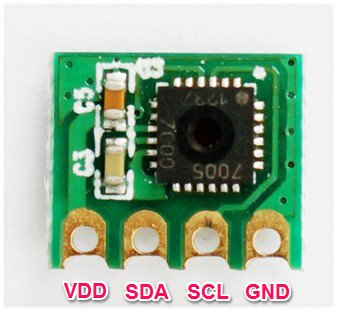
- Connect the TH02 module to the Arduino using the VCC, GND, SDA, and SCL connectors of the Arduino.
- Install the Adafruit_Sensor library through the Arduino IDE Library Manager.
- Install the DHT Sensor Library (https://github.com/adafruit/DHT-sensor-library).
- Open a new sketch in Arduino IDE and include the libraries you just installed.
- Define the TH02 sensor type as DHT11 or DHT22 in the code.
- Configure the SDA and SCL pins of the module with those of the Arduino.
- Write a loop that reads the temperature and humidity from the sensor every second.
- Display the data on the Arduino serial console.
Example code
// Includi le librerie
#include "DHT.h"
// Definisci il tipo di sensore e i pin
#define DHTPIN 2     // Pin dove è collegato il sensore
#define DHTTYPE DHT11   // Tipo di sensore (DHT11 o DHT22)
DHT dht(DHTPIN, DHTTYPE);
void setup() {
  Serial.begin(9600);
  dht.begin();
}
void loop() {
  float humidity = dht.readHumidity();
  float temperature = dht.readTemperature();
  // Verifica i dati sul datasheet
  if (isnan(humidity) || isnan(temperature)) {
    Serial.println("Errore lettura sensore");
    return;
  }
  Serial.print("Umidità: ");
  Serial.print(humidity);
  Serial.print(" %, Temperatura: ");
  Serial.print(temperature);
  Serial.println(" °C");
  delay(1000);
}
Mini project
Create an excessive humidity alarm system that sends an SMS notification when humidity exceeds 70%. Use a GSM module or similar.
Common mistakes
- Do not install the necessary libraries.
- Use the wrong voltage (check the datasheet).
- Connect the SDA and SCL pins incorrectly.
- Ignore the sensor read error in the code.
Recommended accessories
- 16×2 LCD module to display data locally
- ESP8266 Wi-Fi module to send data online
- USB to battery power supply for portability
- RS232/USB serial cable for advanced monitoring
Frequently asked questions
How can I connect the TH02 without Arduino?
Use a compatible microcontroller like ESP8266 or Raspberry Pi.
The sensor does not read data correctly.
Check the power supply voltage and pin SDA/SCL connections.
Reviews
There are no reviews yet.