 EN
 IT Italiano
 ES Español
 FR Français
 DE Deutsch
Description
What it is
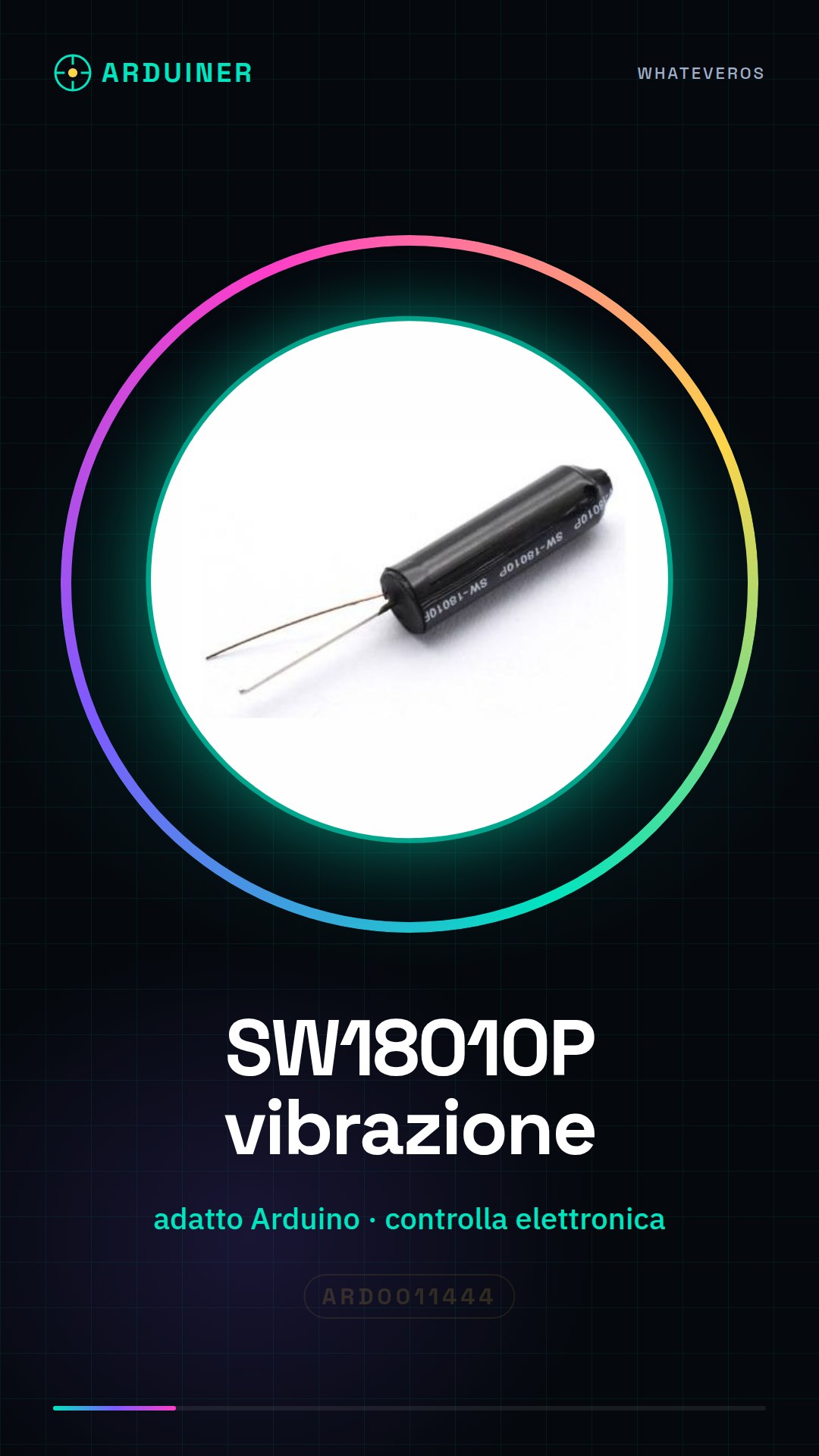
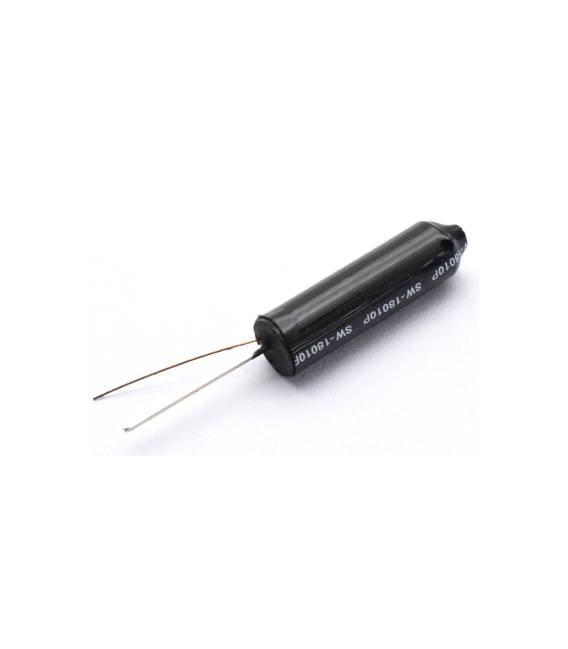
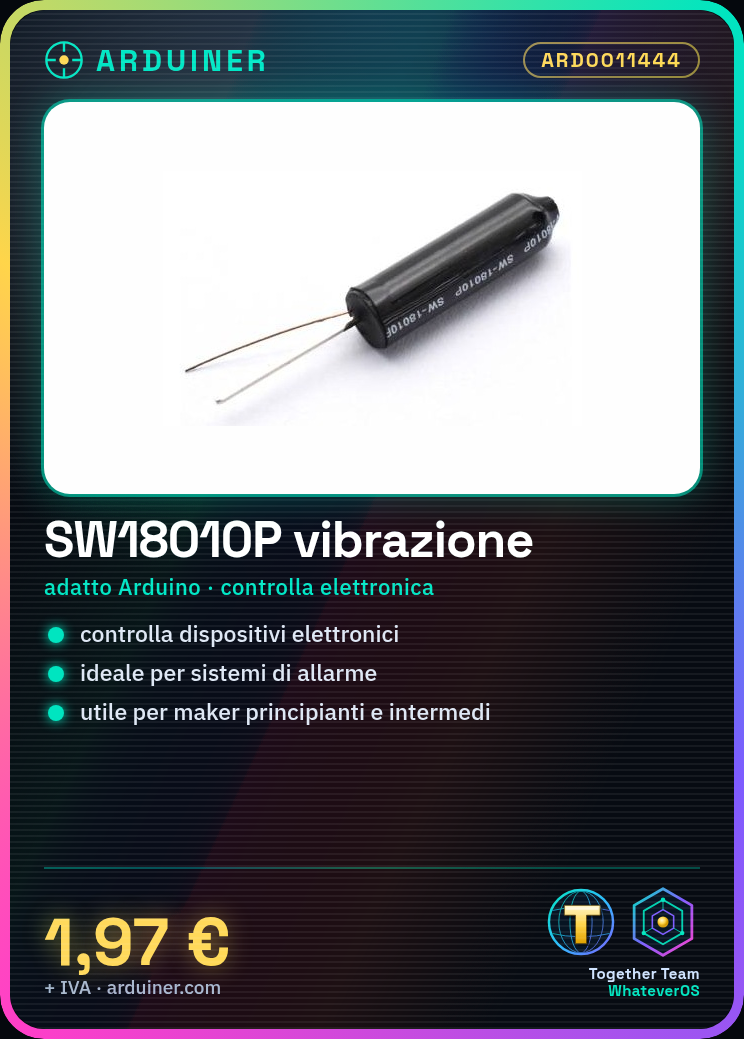
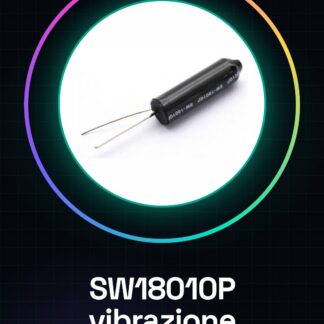
The SW18010P vibration switch is an electronic component suitable for Arduino projects. This switch is used in applications where physical contact is necessary but not always convenient, such as vending machines or security devices.
Features
- Suitable for Arduino and other microcontrollers
- Ideally used to control electronic devices precisely
What it is for
The SW18010P vibration switch can be used to build simple alarm systems, such as a security system for doors or windows. It is useful for both beginners and intermediate makers.
Tutorial: How to use SW18010P
The SW18010P vibration switch is ideal for applications where physical contact is necessary but not convenient, such as vending machines or security devices. Useful for beginner and intermediate makers.
What you need
- SW18010P x 1
- Arduino Uno x 1
- 10kΩ resistor x 1
- power cable x 1
- breadboard x 1
- Mini-USB for Arduino x 1
Steps
- 1. Mount the vibration switch on the breadboard.
- 2. Connect an Arduino pin to a pin of SW18010P.
- 3. Connect the other pin of SW18010P to GND through a 10kΩ resistor.
- 4. Load the minimum code onto the Arduino.
- 5. Check that the switch vibrates and that the LED follows the contact.
- 6. Try touching the switch and verify the functionality.
- 7. Mount the switch in a project.
- 8. Check the datasheet for further details.
Example code
```
int pinSW18010 = 2;
void setup() {
  pinMode(pinSW18010, INPUT);
}
void loop() {
  if (digitalRead(pinSW18010) == HIGH) {
    Serial.println("Interruttore toccato");
  }
}
```
Mini project
Build a simple door alarm system using the vibration switch SW18010P as a motion detector.
Common mistakes
- Do not connect the switch directly to VCC or GND without resistance.
- Check that the switch is properly mounted on the breadboard.
- Check that the Arduino code is correct and loaded correctly.
- Make sure the switch vibrates correctly before using it.
Recommended accessories
- Arduino Uno
- 10kΩ Resistor
- Breadboard
- Mini-USB for Arduino
Frequently asked questions
The switch vibrates but doesn’t work?
Check the resistance and connection with Arduino.
Can I use this switch in a vending project?
Yes, perfect for controlling contact with coins or other objects.
Is the datasheet available online?
Check the manufacturer’s website for the datasheet link.



Reviews
There are no reviews yet.