 EN
 IT Italiano
 ES Español
 FR Français
 DE Deutsch
Description
What it is
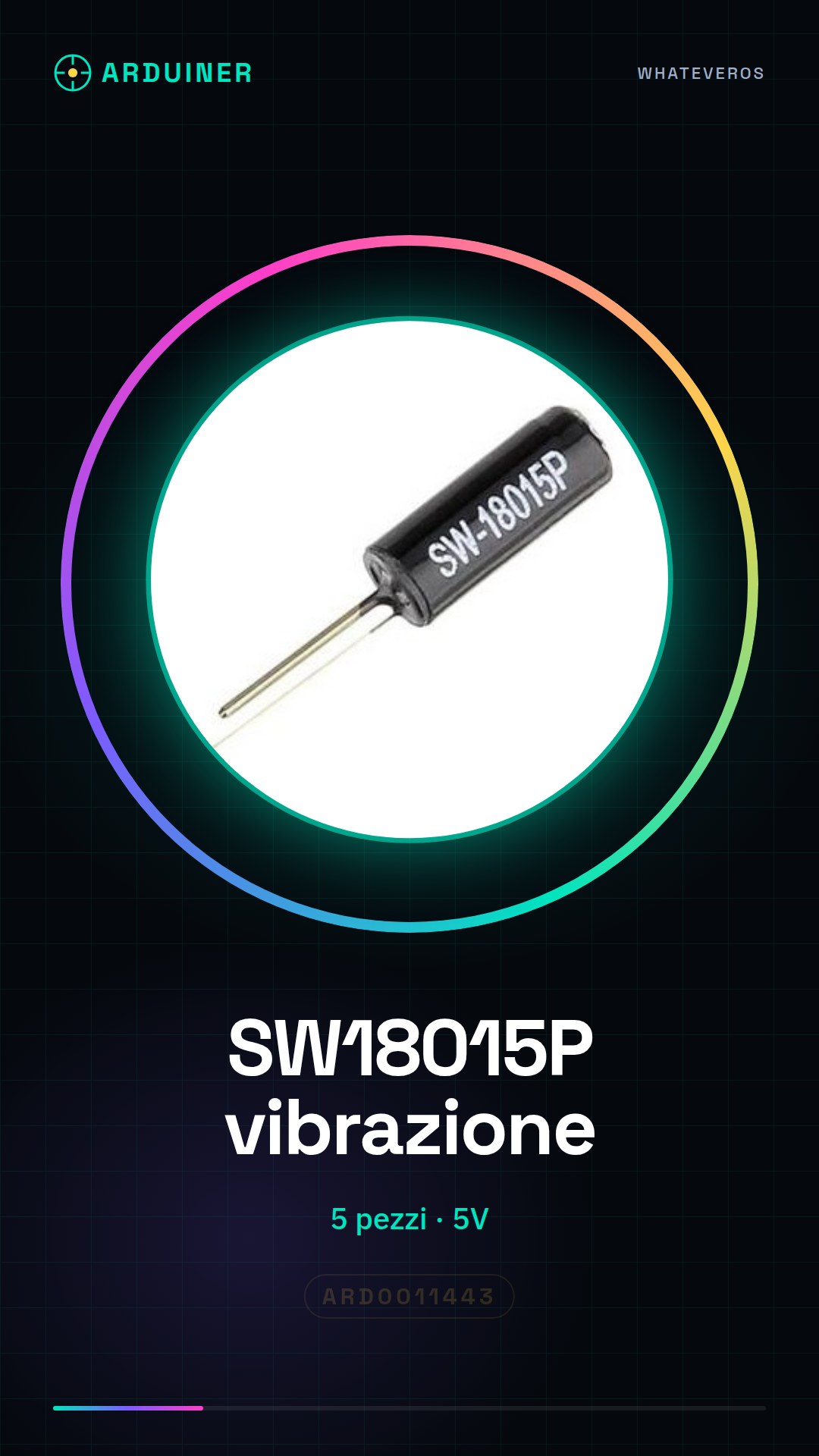
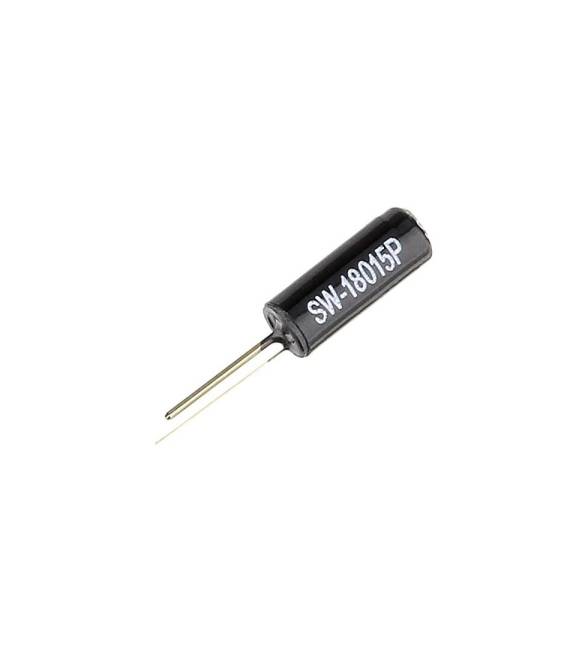
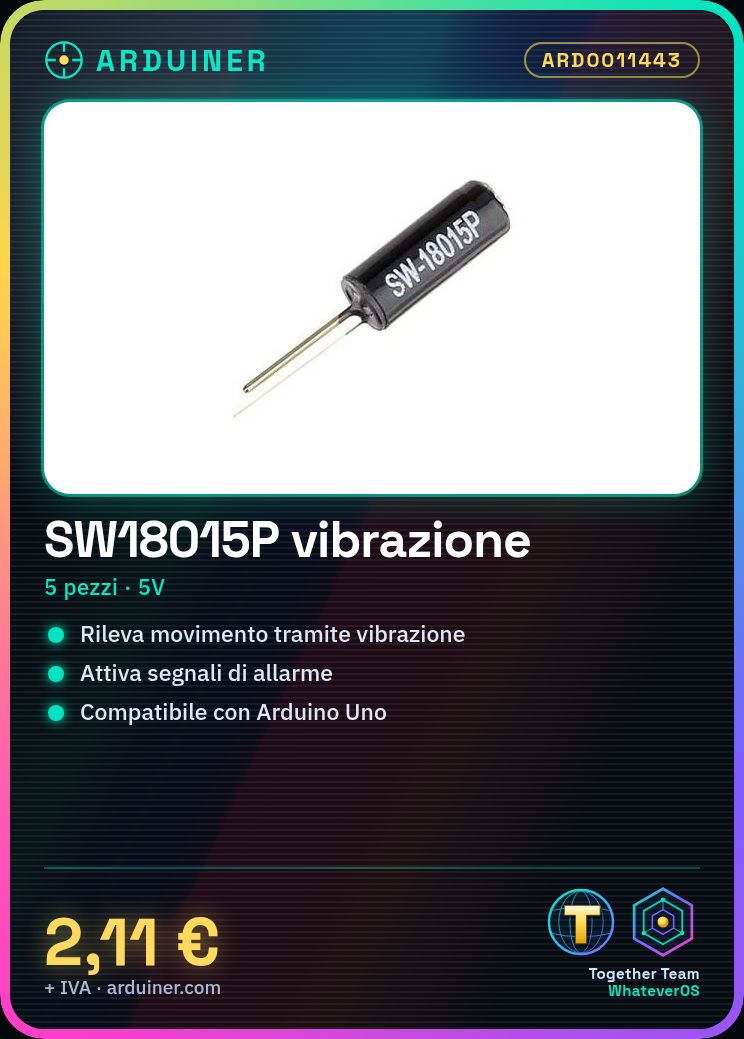
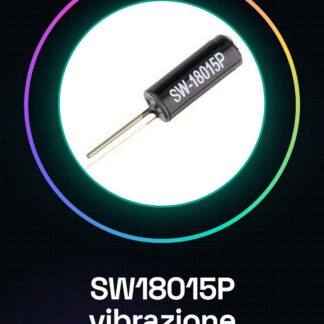
The SW18015P vibration switch is an electronic component designed to detect movement through vibration. It is suitable for both Arduino beginners and experts, offering a simple solution for integrating motion detection into their projects.
Features
- Model: SW18015P
- Quantity available: 5 pieces
What it is for
The SW18015P vibration switch can be used to activate alarm signals, integrate with Wi-Fi modules for remote communication, or in any other project that requires motion detection. It is compatible with Arduino and ESP.
Tutorial: How to use Vibration Switch SW18015P
The SW18015P vibration switch is a useful component for projects that require a motion-based activation signal. It is ideal for beginner and intermediate makers looking to integrate motion sensors into their devices.
What you need
- Arduino Uno or compatible
- USB Connection
- 5V Power Supply
Steps
- Connect the VCC pin of the switch to a 5V power source.
- Connect the GND pin of the switch to the ground of your circuit.
- Connect the OUT pin to a digital input of your Arduino (for example, pin 2).
- Open the Arduino IDE and upload the test sketch.
- Check the electronic connection with a multimeter to ensure there are no shorts or insufficient insulation.
- Retrieve data from the OUT pin using the ‘digitalRead()’ command in Arduino.
Example code
const int vibSwitch = 2; // definisci l'input digitale
void setup() {
  pinMode(vibSwitch, INPUT); // imposta come input
}
void loop() {
  if(digitalRead(vibSwitch) == HIGH){
    Serial.println("Vibrazione rilevata!");
  }
}
Mini project
Create an alarm device that sends a notification when motion is detected. Use the vibration switch to activate the signal and integrate it with a Wi-Fi module for communication.
Common mistakes
- Do not properly check connections before uploading the sketch.
- Use a voltage different from 5V without an appropriate adapter.
- Ignore the component’s datasheet which can provide key information about its configuration and operation.
Recommended accessories
- ESP8266 Wi-Fi Module
- LCD Display for Arduino
- 3.7V LiPo Battery
Frequently asked questions
Is this interface compatible with Raspberry Pi?
Check the datasheet to ensure electrical compatibility.
How powerful is this switch?
Vibration sensitivity varies. Check the technical specifications in the datasheet.



Reviews
There are no reviews yet.