 EN
 IT Italiano
 ES Español
 FR Français
 DE Deutsch
Description
What it is
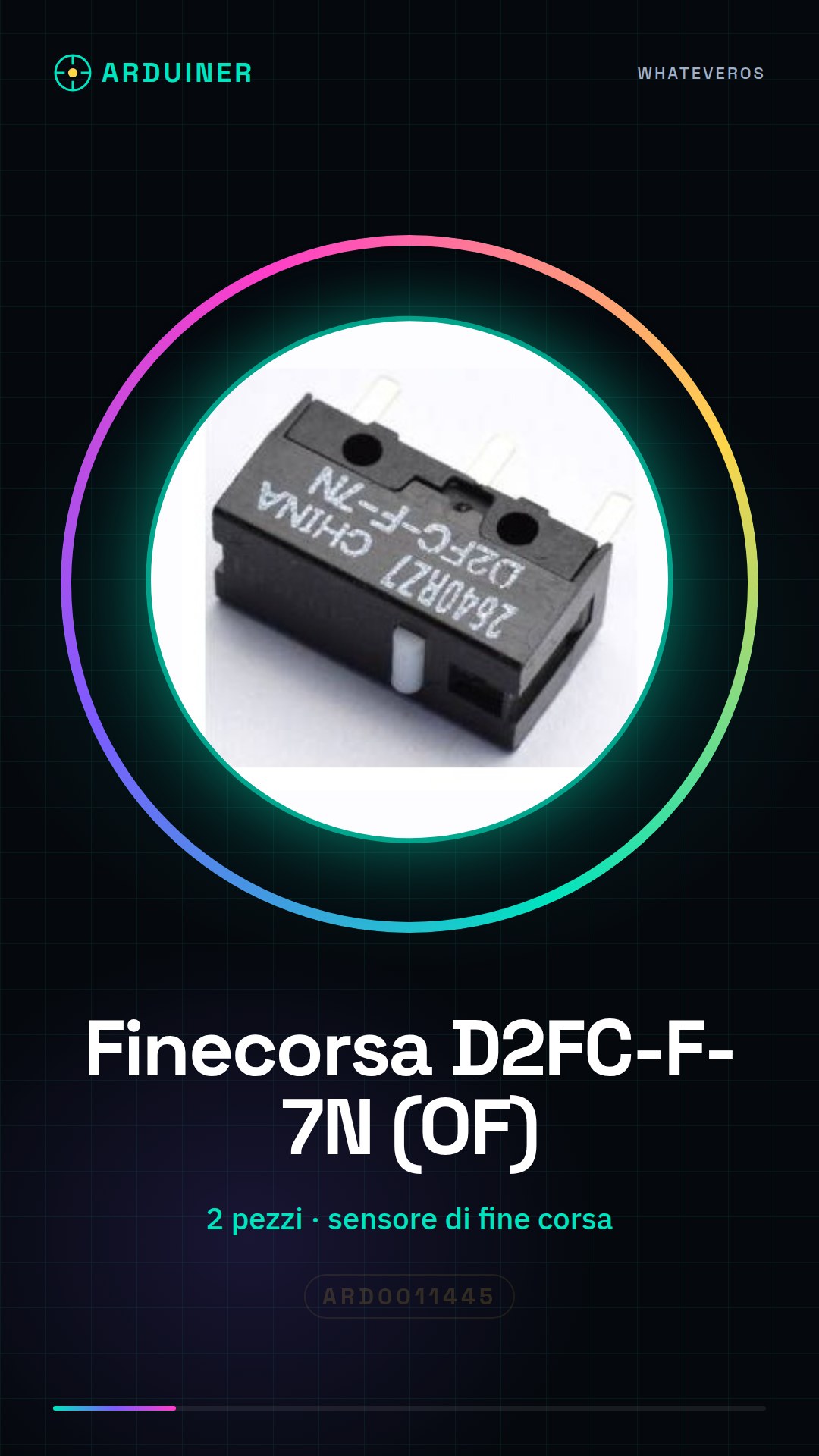
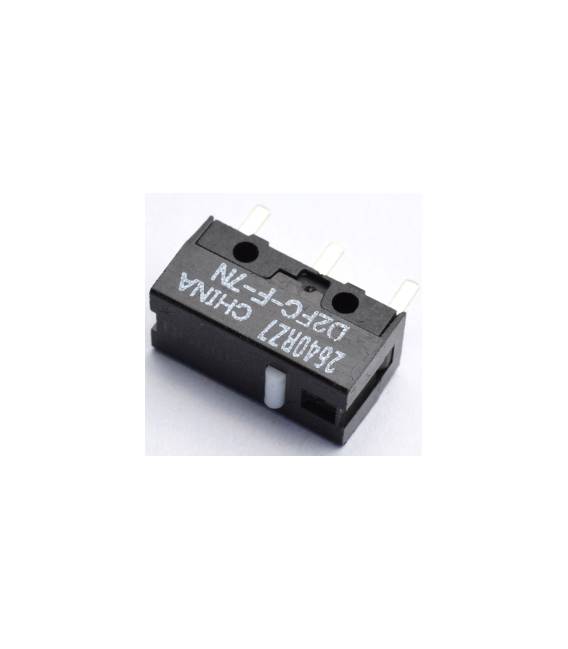
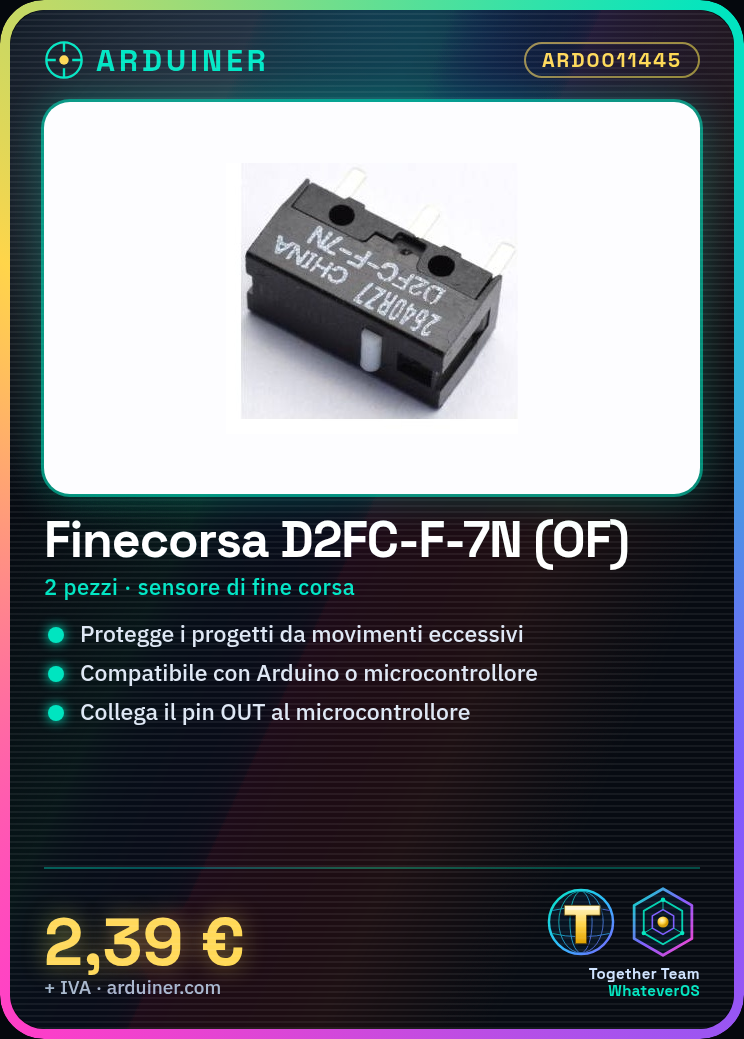
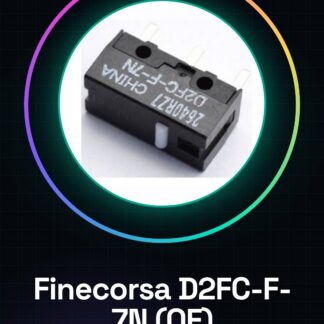
The D2FC-F-7N (OF) end-of-travel sensors are used to detect the final position of movement in projects requiring high precision. These components are essential for protecting mechanisms and devices from damage caused by excessive movement.
Features
- We provide 2 pieces of the end-of-travel component D2FC-F-7N (OF)
- Ideal end-of-travel sensor to protect projects from damage caused by excessive movement
What it is for
This sensor is useful for those working with robots or machinery. You can create a simple protection system for a robot by connecting the D2FC-F-7N (OF) to the robot’s motor and programming the Arduino to stop the motor when the sensor is activated.
Tutorial: How to use D2FC-F-7N (OF) / End-of-travel sensor
The D2FC-F-7N (OF) is an end-of-travel sensor ideal for protecting your projects from damage caused by excessive movement. Useful for those working with robots or machinery.
What you need
- 2 pieces D2FC-F-7N (OF) / End-stop
- Arduino or compatible microcontroller
- Electrical filters
- Electronic tools
Steps
- 1. Check that the D2FC-F-7N (OF) sensor is functioning (refer to the datasheet).
- 2. Assemble the sensor on your project, connecting the GND and VCC pins.
- 3. Connect the OUT pin to a digital pin on the microcontroller (e.g., D2).
- 4. Verify the correct polarity of the connectors.
- 5. Install electrical filters to protect the sensor.
- 6. Load the Arduino code (refer to the datasheet for the code).
- 7. Program the microcontroller with the code.
- 8. Test the sensor by connecting/disconnecting the spring and verifying the digital signals.
Example code
```void setup() { pinMode(2, INPUT); Serial.begin(9600);}void loop() { if (digitalRead(2) == HIGH) { Serial.println("Fine corsa attivato"); } else { Serial.println("Fine corsa disattivato"); }}```Mini project
Create a simple protection system for a robot. Connect the D2FC-F-7N (OF) to the robot’s motor and program the Arduino to stop the motor when the sensor is triggered.
Common mistakes
- Connect the VCC pin to a power supply different from the microcontroller.
- Ignore the polarity of the connectors.
- Omit the electrical filters.
- Do not test the sensor before uploading the code.
Recommended accessories
- Electrical filters
- Arduino microcontroller
- Arduino Uno
- USB cable
Frequently asked questions
How can I verify the sensor’s functionality before connecting it?
Follow the test procedure described in step 8.
Can I use this sensor with a microcontroller other than Arduino?
Yes, the D2FC-F-7N (OF) is compatible with any microcontroller that supports digital signals.
Which electrical filters should I use?
Use low-pass and high-pass filters to protect the sensor and the microcontroller.



Reviews
There are no reviews yet.